AI map

Natural language search for places around you

Beginner
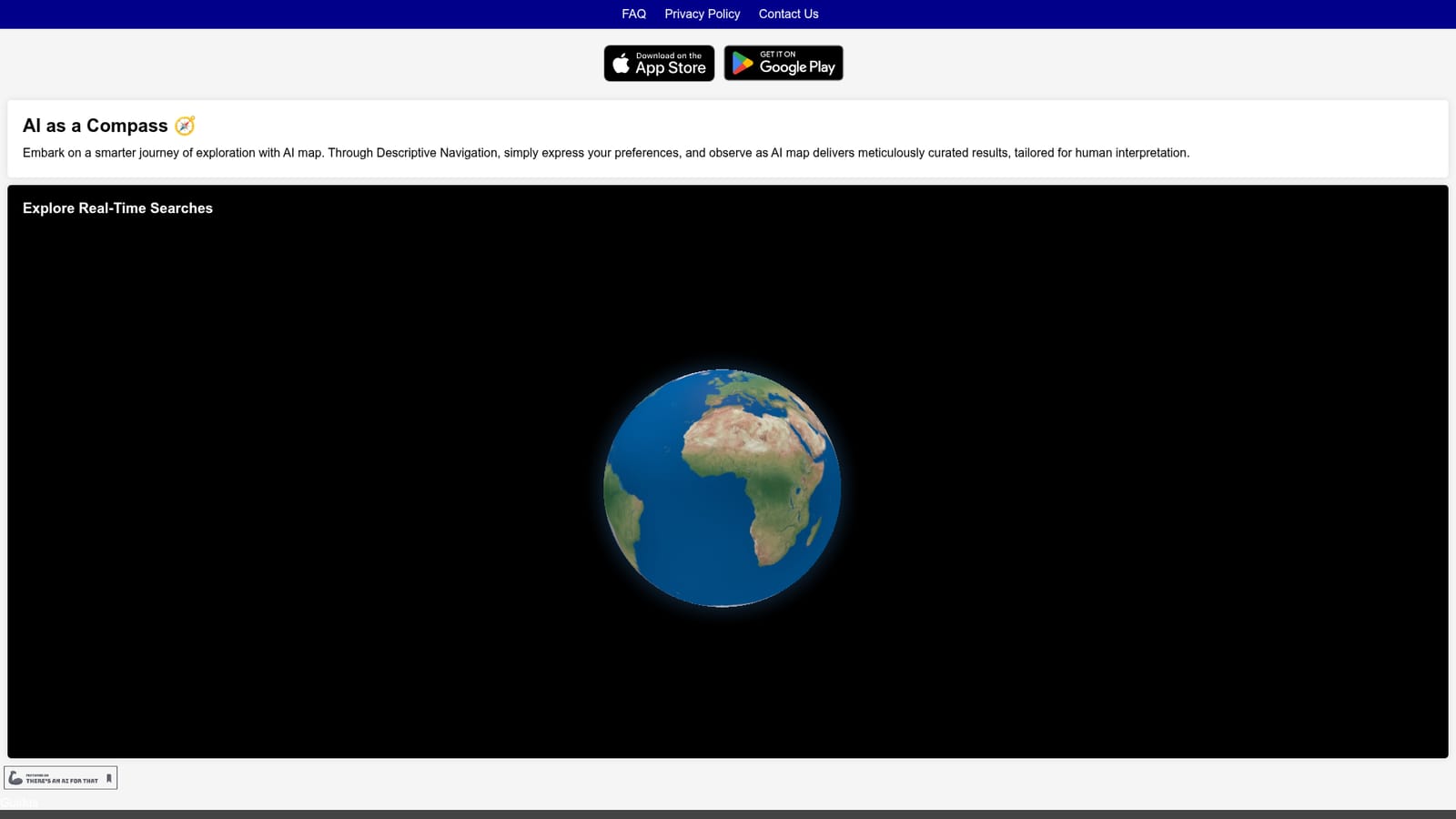
Screenshot of AI map, Natural language search for places around you

What is AI map?

AI map is a concept map generator tool. A mobile app that turns plain-language place descriptions into curated, ranked recommendations, positioned as a discovery layer on top of ordinary maps. Built for phone-first exploration, with results presented for human reading rather than raw data.

AI map is a mobile navigation app built around a single idea: describe what you want instead of guessing keywords. The homepage frames the product as "AI as a Compass," with a search mode the developers call Descriptive Navigation. Rather than filtering a map by category or star rating, the user states a preference in plain language and the system assembles a set of results it believes match the request. The site emphasizes that results arrive already ranked and curated, written for a person to read rather than a machine to parse. The interface centers on real-time searches. As a query is phrased, AI map works through candidate places and returns a shortlist instead of a long list of pins. The pitch is aimed at people who find conventional map apps tiring: travelers looking for a specific atmosphere, locals who know roughly what they want but not what it is called, or anyone who prefers a sentence to a dropdown menu. Because the product ships as a phone app rather than a desktop tool, it suits on-the-go discovery where the search happens while walking or planning an evening out. The app is distributed through the Apple App Store and Google Play, so installation follows the normal mobile route. The homepage also links to a Guides section, which suggests walkthroughs for using the descriptive search flow. There is no indication on the site of a web version, an account tier structure, or developer-facing access. Among AI-assisted search tools, AI map sits in the consumer discovery bracket rather than the route-planning or fleet-navigation bracket. Its differentiator is presentation: curated results explained for humans, rather than raw data points. That makes it a complement to a standard maps app rather than a replacement for turn-by-turn directions, and a reasonable first stop when the question is "where should I go" rather than "how do I get there." Buyers should weigh it on result quality in their own city, since that is the part the homepage promises and the part that is hardest to judge before trying it.

How do you use AI map?

  1. 1Install AI map on your phone
    Download the app from the App Store or Google Play using the badges on the homepage, then open it for the first time.
    AI map — Install AI map on your phone
  2. 2Skim the Guides section
    The homepage links to Guides, which cover how the app is meant to be used. Read these before your first search to understand the descriptive approach.
  3. 3Run your first descriptive search
    Instead of a keyword, type a sentence describing the place or experience you want. Submit it and let the app process the request.
  4. 4Read the curated results
    Work through the ranked shortlist the app returns. Each entry is written to be understood by a person, so scan the descriptions before choosing.
  5. 5Refine by rewording the query
    If the shortlist misses, adjust the wording to add constraints such as mood, setting or occasion, then search again.
  6. 6Compare before you commit
    Check the chosen place against your usual maps app for opening hours, distance and directions, since AI map focuses on discovery.

Pros and cons

Pros

  • Takes descriptive, natural language queries instead of forcing category filtersAI
  • Presents results as a curated, ranked shortlist rather than an unranked list of pinsAI
  • Available on both iOS and Android, so no platform lock-inAI
  • Clearly framed as a discovery aid, which sets honest expectations about its roleAI
  • Guides section on the site gives new users a documented starting pointAI

Cons

  • No web app or desktop version is mentioned, so the tool is phone-onlyAI
  • The homepage gives no detail on how many cities or regions are well coveredAI
  • No information on pricing, tiers, or whether search volume is limitedAI
  • Result ranking quality cannot be verified from the site alone and will vary by locationAI
  • Turn-by-turn routing is not described, so a second maps app may still be neededAI

How much does AI map cost?

Features

Descriptive Navigation accepts a stated preference in everyday language and returns a curated set of places. Results are ranked and written for human reading. The app supports real-time searching as queries are phrased or rephrased, and is distributed as a native iOS and Android application.

Frequently asked questions about AI map

  • How do you use AI map?
    The walkthrough on this page covers 6 steps: 1. Install AI map on your phone 2. Skim the Guides section 3. Run your first descriptive search 4. Read the curated results 5. Refine by rewording the query 6. Compare before you commit.
  • What platforms does AI map support?
    AI map is available on iOS and Android.
  • What are the limitations of AI map?
    No web app or desktop version is mentioned, so the tool is phone-only. The homepage gives no detail on how many cities or regions are well covered. No information on pricing, tiers, or whether search volume is limited.

Status

StatusActive
Views0
Outbound clicks0
Added10/21/2026

Platforms

iOSAndroid

Pricing

Free