Free trial
No separate trial is advertised: the free plan itself is the entry point, covering up to three maps with collaboration and basic exports, and no credit card is required.
Learn moreBrowser-based mind mapping with a built-in AI map generator

MindMeister is a browser-based mind mapping tool with real-time team collaboration, presentation mode, templates, and an AI generator that builds a map from a prompt or an uploaded file. It suits students, educators and teams that need structured visual thinking without installing software.
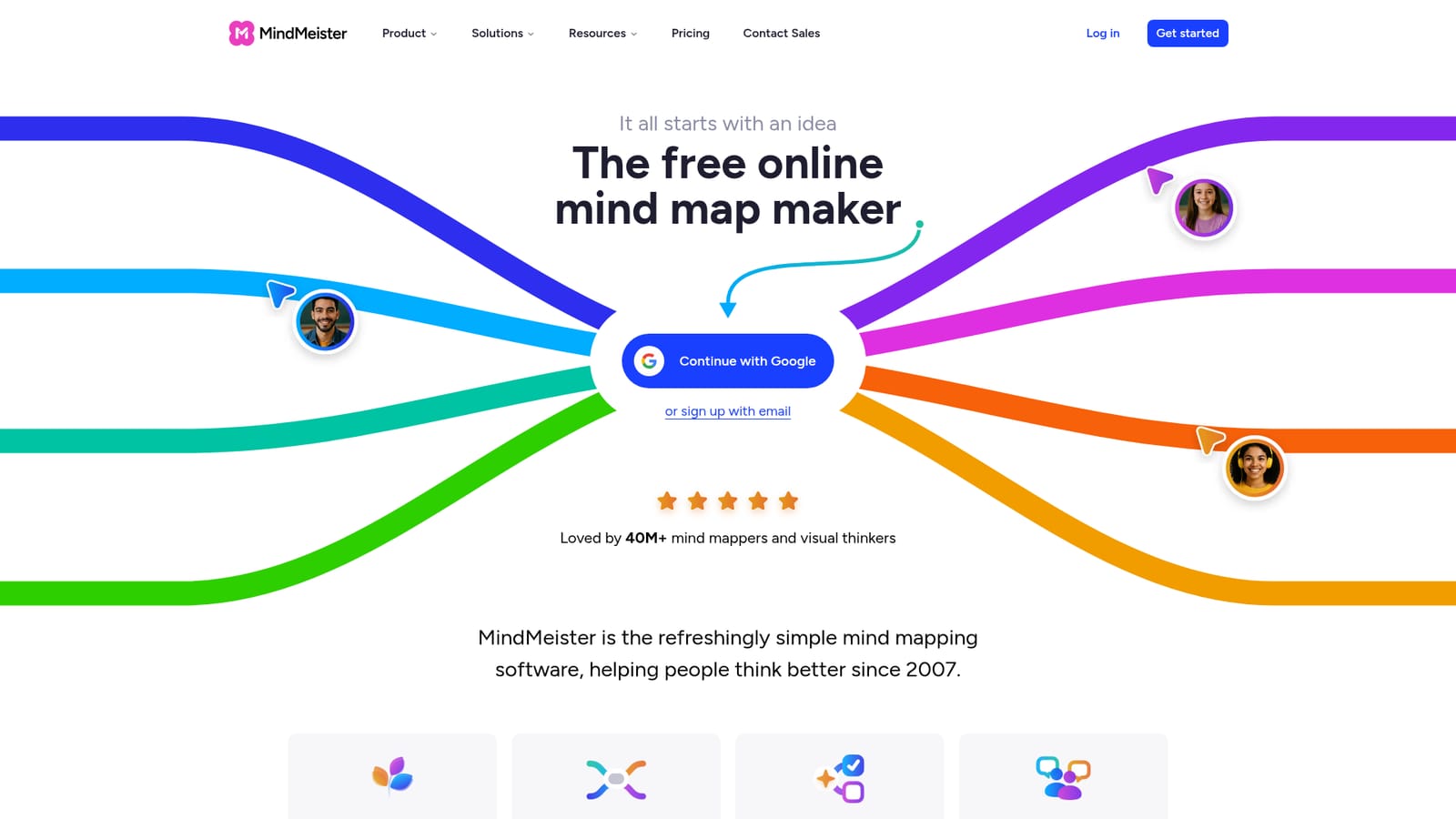
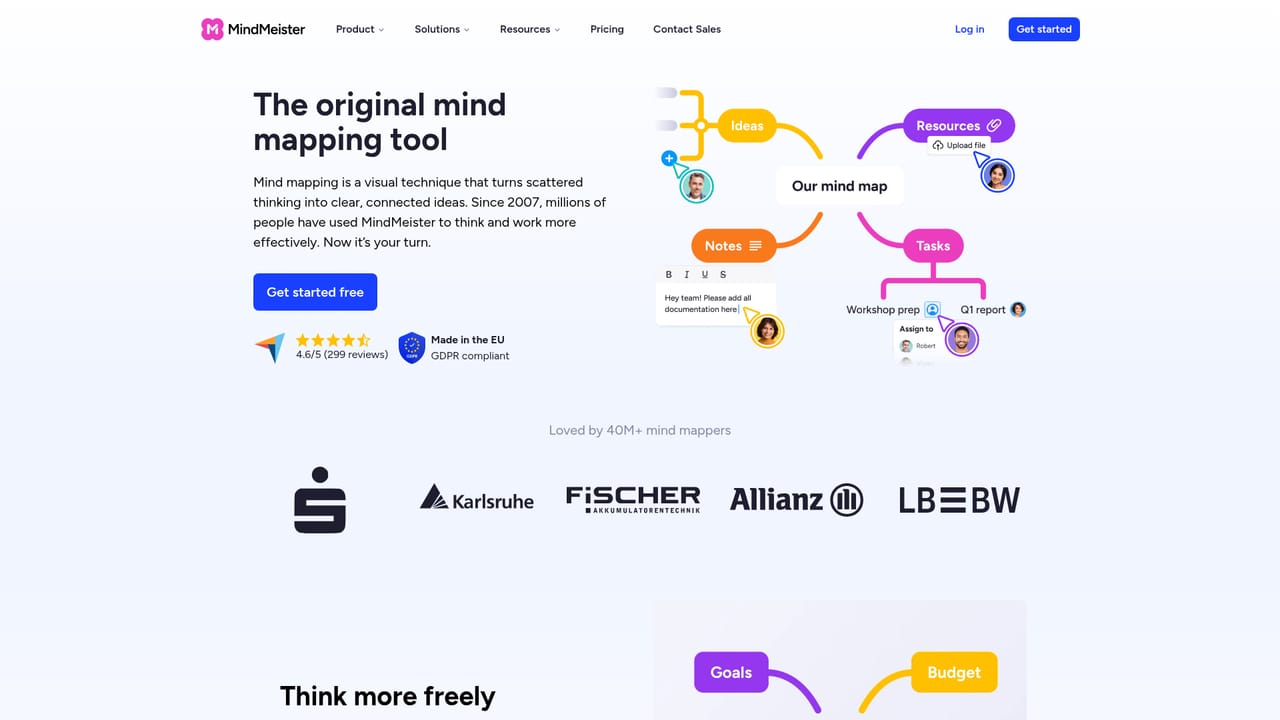
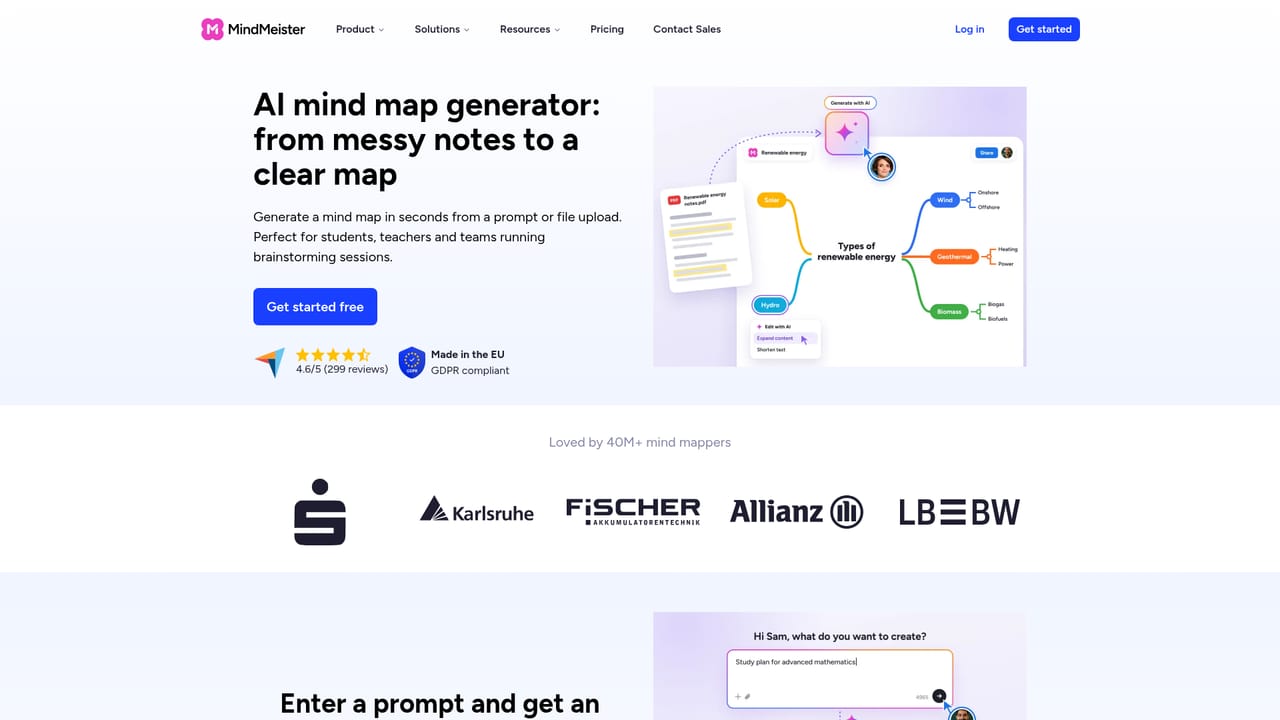
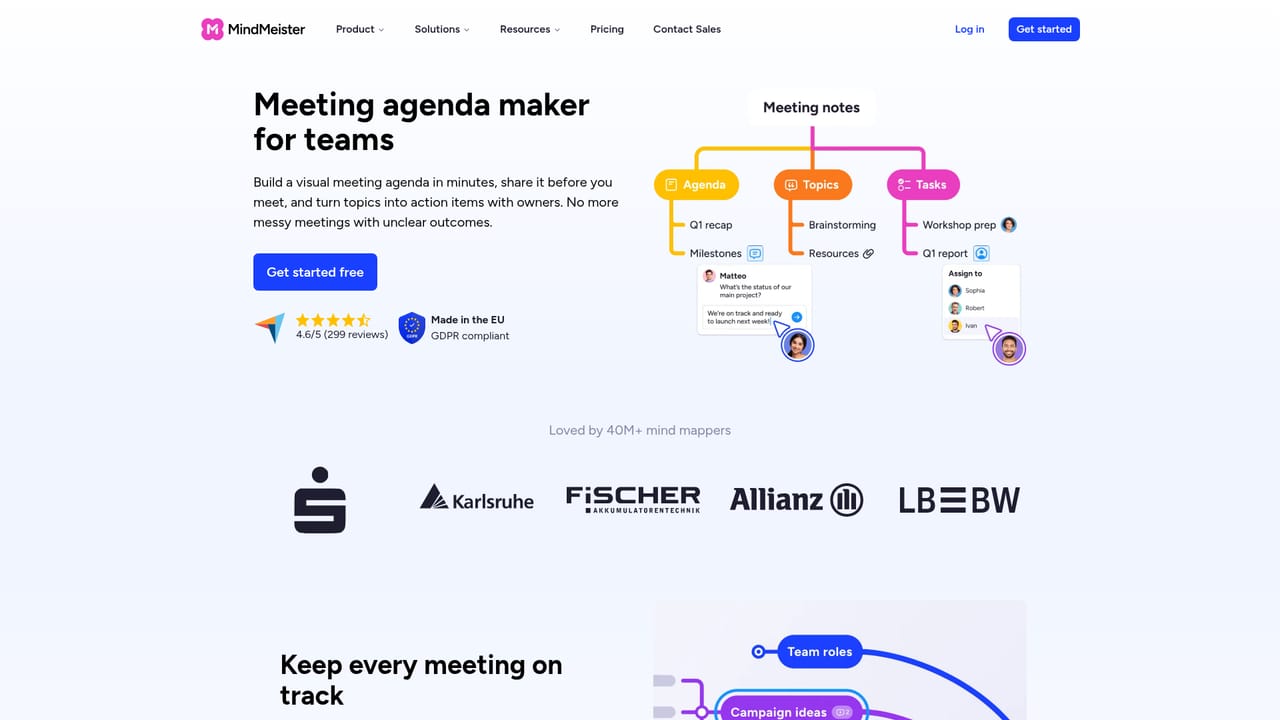
MindMeister is a web-based mind mapping tool that has been in continuous development since 2007. The core idea is straightforward: one central topic sits in the middle of an open canvas, and every subtopic becomes a branch that can be dragged, reordered, collapsed or expanded. Topics accept links, notes, emojis and images, and the editor switches between classic mind map, org chart and list layouts. An outline mode exists for people who think in linear lists but still want the visual output. Meister AI is the newer layer. A prompt, or an uploaded file such as a PDF, presentation, spreadsheet or image, produces a structured map within seconds. From there the assistant can expand individual branches, shorten wording, attach notes or clean up the whole map. This matters most at the blank-page stage, where the usual alternative is sketching branches manually before any real thinking starts. Collaboration is the other pillar. Maps are shared by link, several people edit the same canvas in real time, and comments can be attached to any topic with @mentions. Presentation mode walks an audience through the map without exporting to slides, and finished work exports to PDF, Word or PowerPoint. Because everything runs in a browser, maps sync across desktop, tablet and phone, with native iOS and Android apps for mobile work. The audience spans students building exam prep maps, educators planning lessons, and teams running visual agendas. Smaller companies get a bridge to MeisterTask for turning map branches into tasks, while enterprises get SAML SSO, role-based access and admin controls. Compared with desktop mind mappers, MindMeister trades some offline depth for accessibility and real-time teamwork; compared with whiteboard tools, it offers more structure and less freeform drawing. The free plan caps users at three maps, which makes the paid tiers the realistic entry point for regular use.
No separate trial is advertised: the free plan itself is the entry point, covering up to three maps with collaboration and basic exports, and no credit card is required.
Learn moreA free plan covers up to three mind maps with real-time collaboration, sharing, templates, presentation mode, mobile apps and basic exports, with no credit card needed. Paid plans start at $6.50 per month and add unlimited maps, advanced exports and integrations.
Learn moreThe homepage names a MeisterTask integration for turning map branches into tasks, plus export routes to PDF, Word and PowerPoint. Enterprise plans add SAML SSO and role-based access controls.
Learn moreDrag-and-drop mind mapping with collapsible branches, multiple layouts (mind map, org chart, list) and an outline mode. Topics hold links, notes, emojis and images. Meister AI generates maps from prompts or uploaded files and can edit existing branches. Collaboration is real time via shared links, with comments, @mentions, presentation mode and exports to PDF, Word and PowerPoint.
Learn more AI Angels400+ customizable AI girlfriends for NSFW chat, voice calls, and roleplay
 Candy AIExperience the future of companionship with AI friends who chat, role-play, and connect with you on a human level.
 ourdream.aiA vast AI roleplay platform with millions of characters for chat, images, video and voiceAI Angels400+ customizable AI girlfriends for NSFW chat, voice calls, and roleplayCandy AIExperience the future of companionship with AI friends who chat, role-play, and connect with you on a human level.ourdream.aiA vast AI roleplay platform with millions of characters for chat, images, video and voice