GitMind

AI mind mapping that turns documents, video and audio into structured maps

Beginner
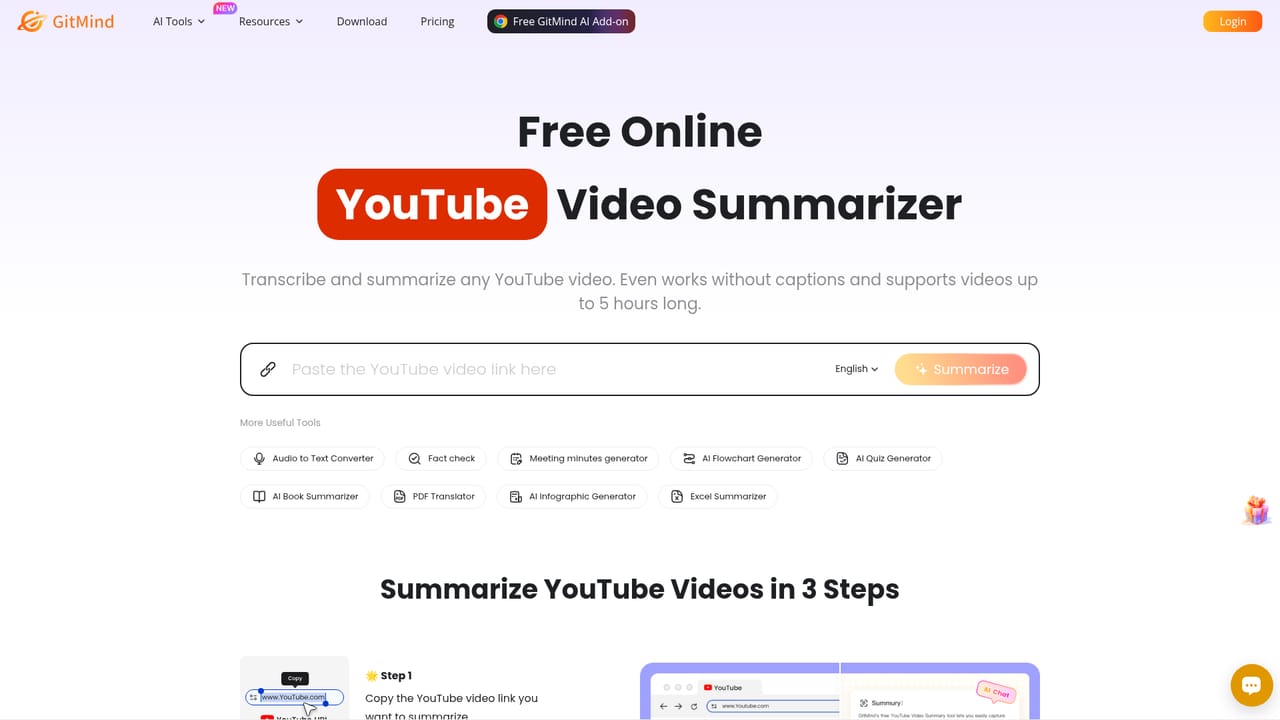
Screenshot of GitMind, AI mind mapping that turns documents, video and audio into structured maps

What is GitMind?

GitMind is an AI-assisted mind mapping workspace that converts documents, PDFs, books, YouTube videos, audio and images into structured maps, summaries and diagrams. It adds flowcharts, infographics, presentation mode and AI chat on top of the canvas, with web, desktop and mobile apps for students, teachers, researchers and project teams.

GitMind is a web and desktop workspace built around mind mapping, and the AI layer has grown to cover far more than node and branch editing. A source document, a PDF, a YouTube link, a podcast recording, or a plain image can be dropped in and converted into a structured map, a written summary, or an infographic. The stated positioning is an "AI second brain": the map is the output format, but the input can be almost any content type. The core workflow is straightforward. A user exports the text of a long PDF, a book chapter or a web article through the document tools, and the model returns key points arranged as a tree that can be edited by hand afterwards. Separate tools handle one line prompts to mind map, article summarising, book summarising, PDF and YouTube summarising, audio to text, and OCR image to text. Diagrams extend the same idea to flowcharts, UML, class diagrams and ERDs, and a presentation mode turns a finished map into a slide sequence for teaching or review. It suits students revising from lecture recordings and handouts, teachers building lesson structure, researchers working through literature, project managers who need a plan before a meeting, and marketers mapping a campaign. Because most of the value sits in import and summarise, the practical test is whether the generated tree matches how the user already thinks about the topic. Expect to restructure branches rather than accept them. The competitive set is split. Dedicated mind map tools match GitMind on canvas depth, while transcription and summariser services beat it on any single format. GitMind's argument is consolidation: one account, one canvas, many input types, plus real time collaboration on the resulting maps. Buyers who only occasionally summarise will find lighter options sufficient; teams that return to the same documents repeatedly get more from the shared workspace.

How do you use GitMind?

  1. 1Pick the AI tool that matches your source
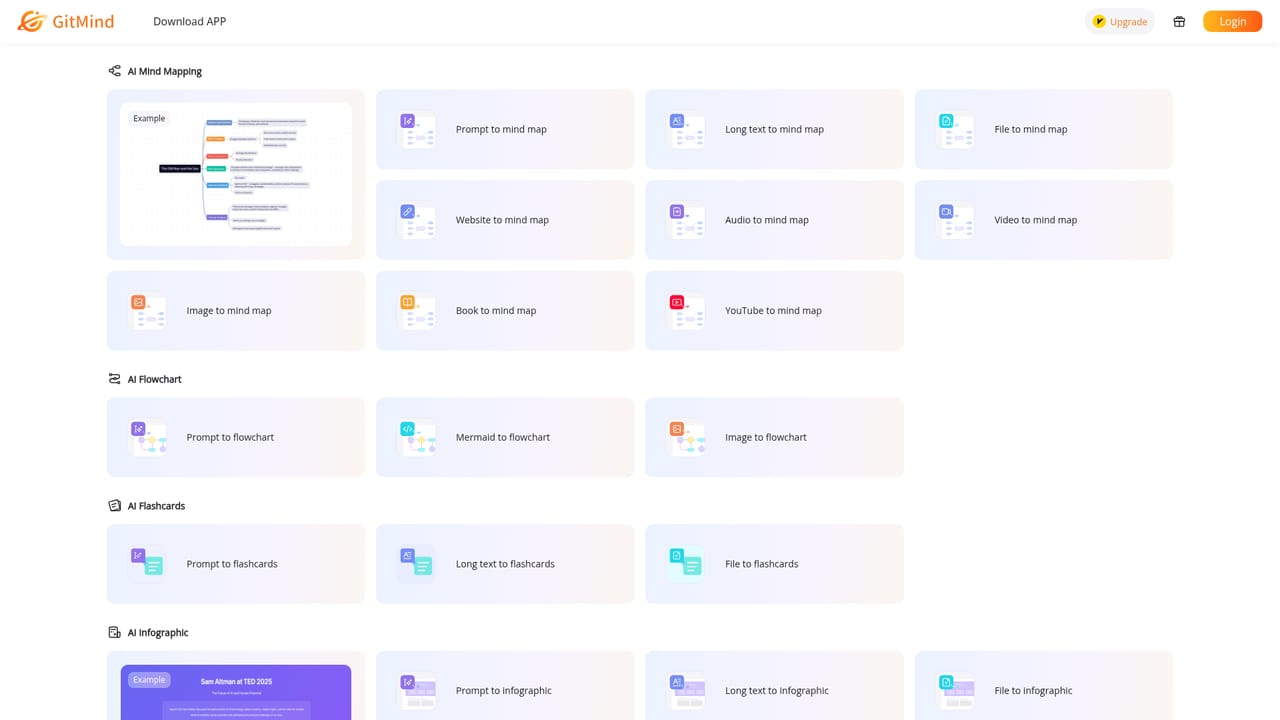
    Open the AI tools index to see the full set: summarisers, image to text, document to mind map, flowchart and infographic generators. Choose the one that matches the material you already have.
    GitMind — Pick the AI tool that matches your source
  2. 2Turn a document or PDF into a map
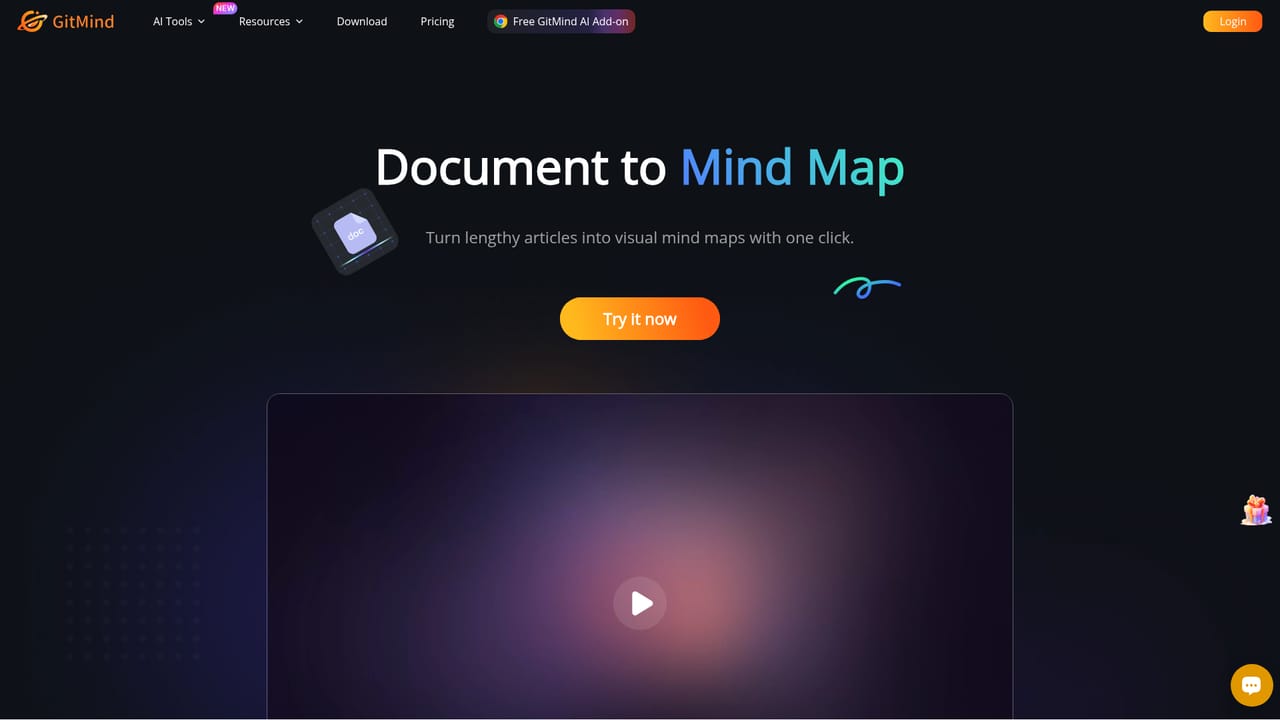
    Upload a report, handout or PDF and let GitMind organise the key points into a tree. Review the branches before editing, since the structure comes from the model.
    GitMind — Turn a document or PDF into a map
  3. 3Start from a single prompt instead
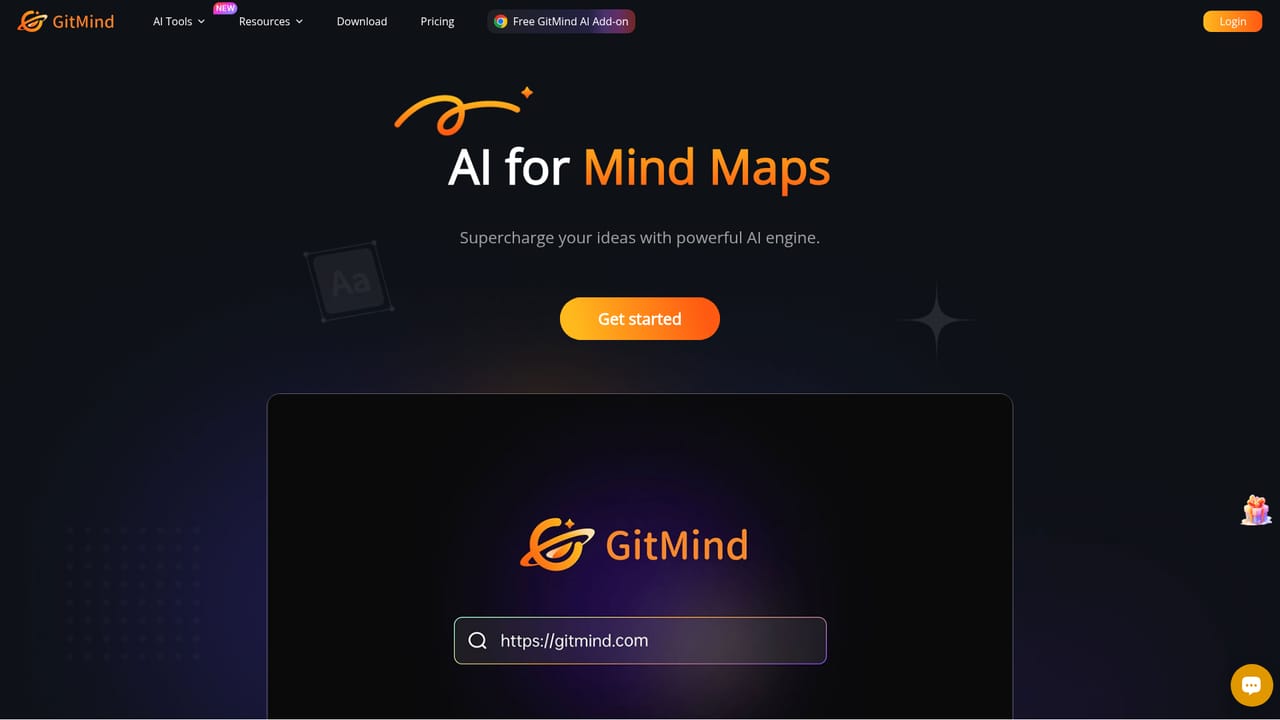
    If there is no source file, type a topic or one line brief and generate the first draft map. This is the quickest route from a blank canvas to something you can rearrange.
    GitMind — Start from a single prompt instead
  4. 4Summarise video and audio sources
    Paste a YouTube link or supply a recording to get a transcript and a condensed set of points. Useful for lecture review and podcast notes without rewatching.
    GitMind — Summarise video and audio sources
  5. 5Add diagrams or infographics on the same canvas
    Use the flowchart generator for process and system diagrams, or the infographic generator when the output has to be presentable rather than purely structural.
  6. 6Install the app for offline and mobile work
    Download the Windows, Mac, iOS or Android app, or add the Chrome extension, so maps are reachable outside the browser tab.

Pros and cons

Pros

  • Several input formats feed one canvas, so PDFs, video, audio and images all land as editable mapsAI
  • Flowchart and UML generation sit alongside mind mapping rather than requiring a second appAI
  • Real time collaboration and presentation mode make finished maps usable for teaching and reviewAI
  • Free tier and a browser extension lower the cost of trying the summarising toolsAI
  • Published review scores are consistently high across Trustpilot, G2, Capterra and Product HuntAI

Cons

  • Homepage gives no pricing figures or tier limits, so cost against usage has to be checked separatelyAI
  • Generated maps reflect the model's reading of a document and often need manual restructuringAI
  • Jack of many formats: transcription and summarising depth lags behind dedicated single purpose toolsAI
  • Value depends on the AI credits or quotas attached to each tool, which the marketing page does not discloseAI
  • Teams already standardised on a diagramming suite gain little from switching the canvasAI

How much does GitMind cost?

Features

AI tools cover article, book, PDF and YouTube summarising, audio to text, image to text via OCR, document to mind map, one line prompt to mind map and an infographic generator. Diagramming adds flowchart, UML, class diagram and ERD generation. A presentation mode turns maps into slides, and an AI chat handles questions about uploaded content. Maps are created and edited collaboratively in real time.

Learn more

Frequently asked questions about GitMind

  • How do you use GitMind?
    The walkthrough on this page covers 6 steps: 1. Pick the AI tool that matches your source 2. Turn a document or PDF into a map 3. Start from a single prompt instead 4. Summarise video and audio sources 5. Add diagrams or infographics on the same canvas 6. Install the app for offline and mobile work.
  • What platforms does GitMind support?
    GitMind is available on Web App, Windows, MacOS, iOS, Android and Browser extension.
  • What are the limitations of GitMind?
    Homepage gives no pricing figures or tier limits, so cost against usage has to be checked separately. Generated maps reflect the model's reading of a document and often need manual restructuring. Jack of many formats: transcription and summarising depth lags behind dedicated single purpose tools.

Status

StatusActive
Views0
Outbound clicks0
Added10/21/2026

Platforms

Web AppWindowsMacOSiOSAndroidBrowser extension

Pricing

Freemium