Free trial
Signing up grants 10 credits, enough for one free 5-second 480p preview to check the likeness before paying.
Learn moreTurn two photos into the viral Hotel Lobby duo video
Own AI Migos Video? Verify ownership to get a dofollow link

AI Migos Video is a generative video tool that turns two photos into the viral Hotel Lobby duo video. A single-purpose web generator that recreates the viral Hotel Lobby duo performance from two uploaded photos. It offers 5 to 15 second clips at up to 1080p, credit-based pricing, a free 5-second preview and refunds on failed renders.
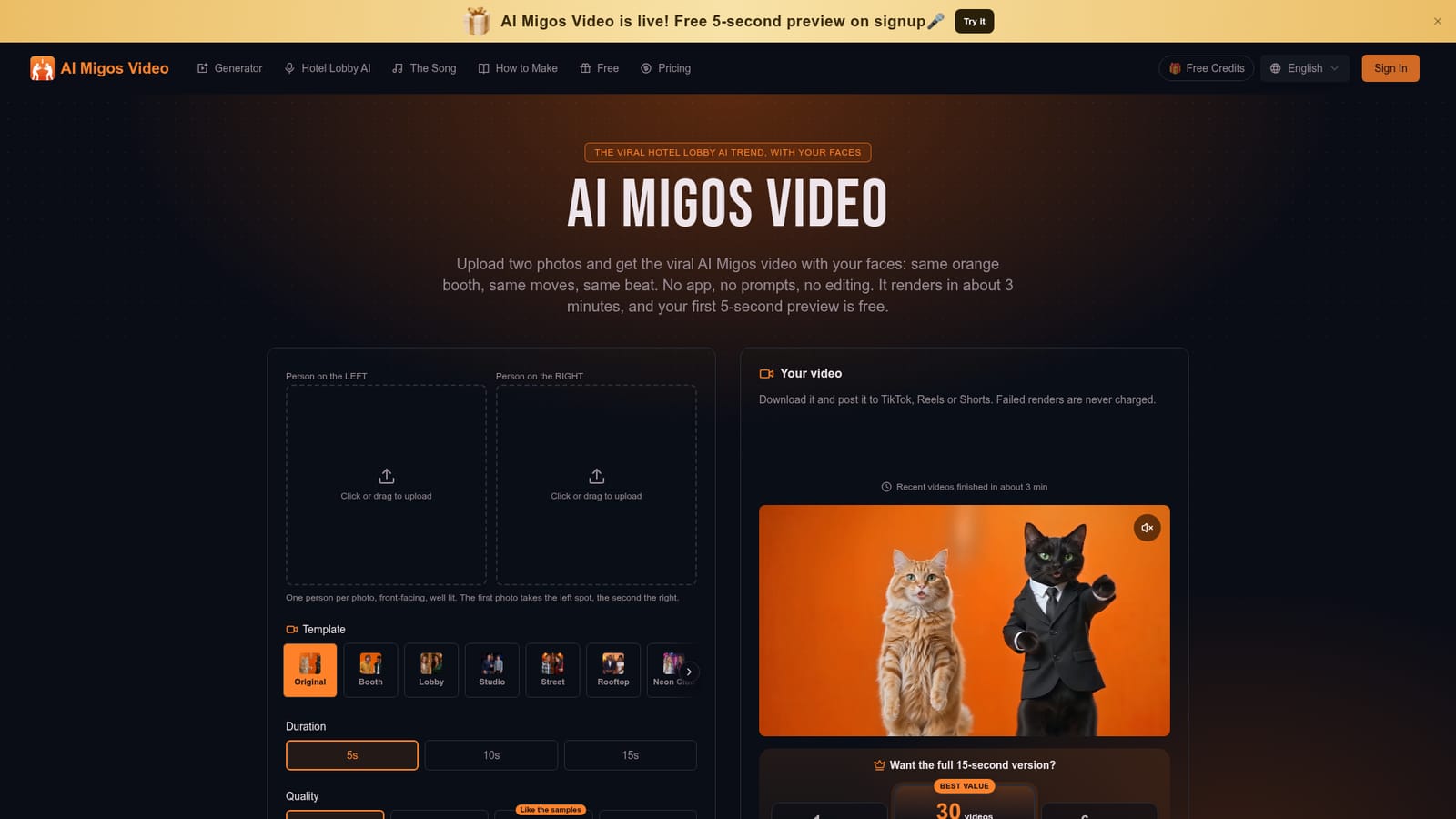
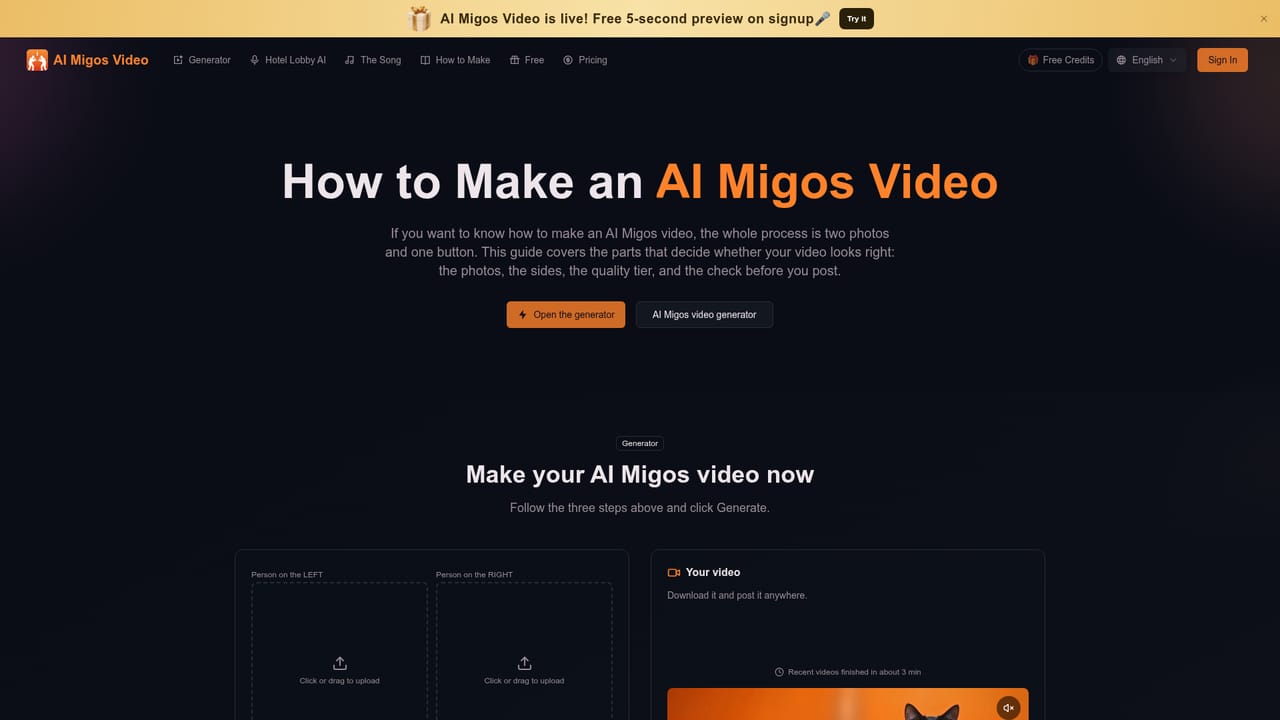
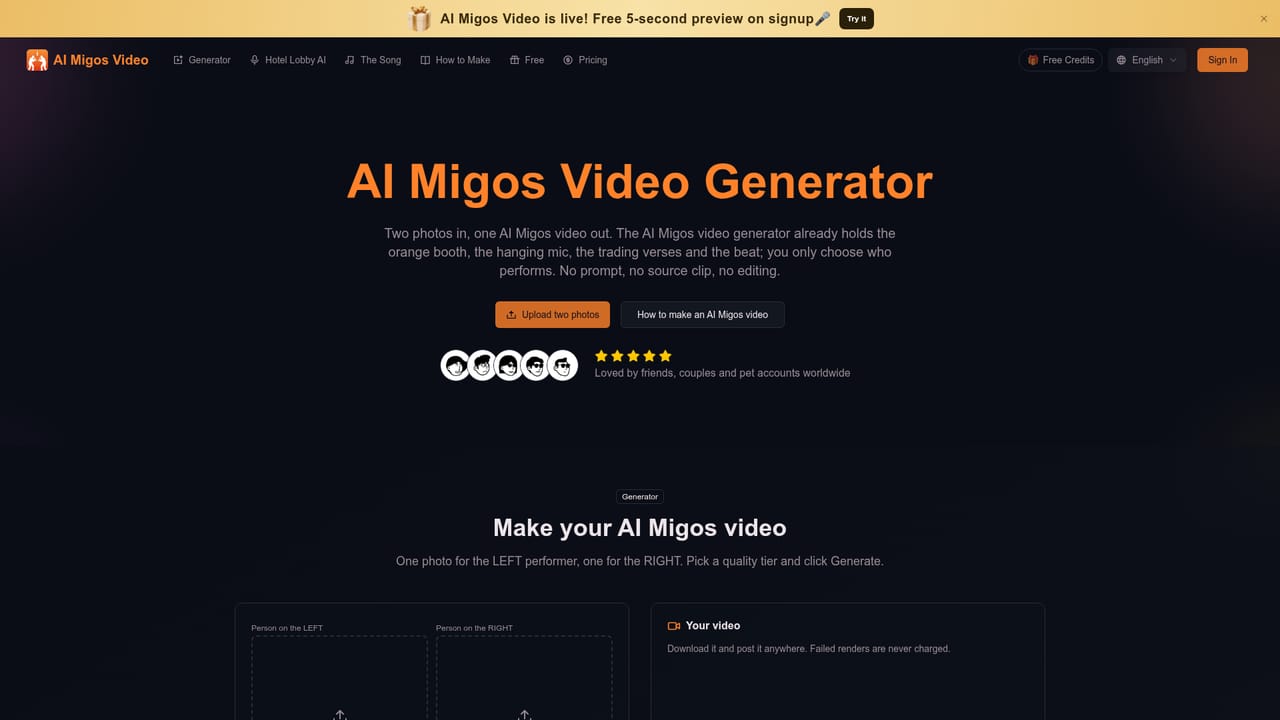
AI Migos Video is a browser-based generator built for a single format: the Hotel Lobby trend, in which two performers trade verses in a matte-orange booth around one hanging microphone. The recreation follows a 2022 COLORS SHOW performance by Quavo and Takeoff, and the tool re-renders that performance around two people supplied by the user. It is not a face swap. The framing, gestures, timing and beat stay fixed, while faces, profiles, hands and outfits come from the uploaded pictures. The workflow is deliberately short. A user uploads one front-facing photo for the left performer and one for the right, chooses a duration of 5, 10 or 15 seconds, then picks a quality tier: Lite at 480p, Standard at 720p, Plus as a sharper 720p, or Ultra at 1080p. Each tier has a credit price shown on the generate button. Renders take roughly three minutes, finished files are MP4s with the performance audio and no watermark, and results can be retrieved later from a My Tasks area. Template scenes beyond the original booth, such as a lobby, rooftop or neon club, are also offered. The photos need not be taken together, and the same person can appear on both sides in different outfits. The audience is casual social creators: friends, couples, families and anyone posting to TikTok, Reels or Shorts who wants the trend without hunting for a source clip, writing prompts or editing a timeline. New accounts receive 10 credits, enough for one 5-second 480p preview, and failed renders are refunded automatically. Among alternatives, the site compares itself with general motion-transfer tools such as Higgsfield and Kling, which it says handle a single subject, and with community CapCut templates that paste faces. The tradeoff is scope: this generator does one trend well and little else. It is an independent product, not affiliated with Migos, Quavo, Takeoff, Offset or COLORS, and it asks users to upload only photos of people who have agreed to appear.
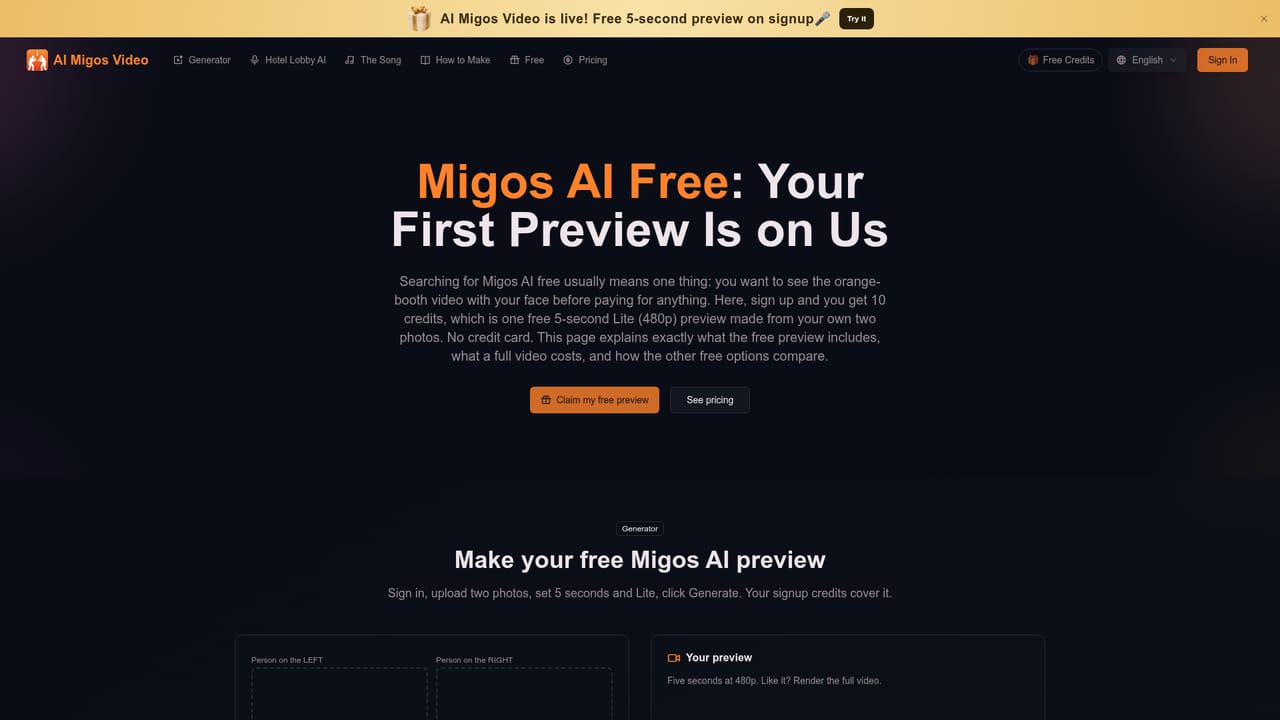
Signing up grants 10 credits, enough for one free 5-second 480p preview to check the likeness before paying.
Learn moreNew accounts get 10 credits. Plans start at $9.99 a month for one full 15-second video, $29.99 a month for 6 videos, or $89.99 a year for 30 videos. Lite costs 10 credits, Standard 20, Plus 50 and Ultra 210 per video; failed renders are refunded.
Learn moreTwo-photo duo generation, independent motion for both performers, fixed left and right assignment with a Swap sides button, several template scenes, 5/10/15 second lengths, four quality tiers up to 1080p, watermark-free MP4 with audio, and automatic refunds on failed renders.
Learn more


