Free trial
New users receive free credits, enough to process images at 1K or 2K resolution without payment. The site says no signup is required for basic use.
Learn moreBrowser-based AI that strips moire from screen photos and scans
Own AI Moire Remover? Verify ownership to get a dofollow link

AI Moire Remover is a single-purpose web tool that removes moire and halftone patterns from screen photos, scans, vintage prints and fabrics, with 1K to 4K output, bulk upload and credit-based pricing.
AI Moire Remover is a web tool that cleans up the wavy lines, rainbow banding and halftone dots that appear when a screen is photographed or a printed page is scanned. It targets the interference that occurs when two repeating patterns collide, such as monitor pixels against a camera sensor or print dots against scanner resolution, and it reconstructs the affected areas instead of simply blurring them. The tool covers four typical situations: scanned magazines, newspapers and papers where dot patterns need to disappear while text stays legible; photos of monitors, TVs, phones and projectors; vintage prints and yearbooks where faces, faded color and film grain should survive; and fine fabrics like striped shirts or herringbone suits, where the model is meant to separate real weave from artifacts. It suits photographers, archivists, people digitizing documents, product shooters and anyone who needs a clean screenshot substitute from a phone photo. In practice the workflow is short. A user picks an output size (1K, 2K or 4K), uploads a JPG, PNG or WebP file up to 10MB, and the AI processes it automatically, usually within 10 to 30 seconds. A before and after preview lets the result be checked before download. A bulk mode handles several images at once, and the site states that uploads are deleted after processing. Sample images on the homepage allow a test run without supplying a file. Billing is credit based. Processing costs 6 credits at 1K or 2K and 12 at 4K, new users receive free credits, and paid credit packs are one-time purchases that do not expire. Compared with general photo editors or manual descreening filters, this is a narrow single-purpose service: less control, but far less effort for a problem that is tedious to fix by hand. Anyone who needs broad retouching will still want a full editor alongside it.
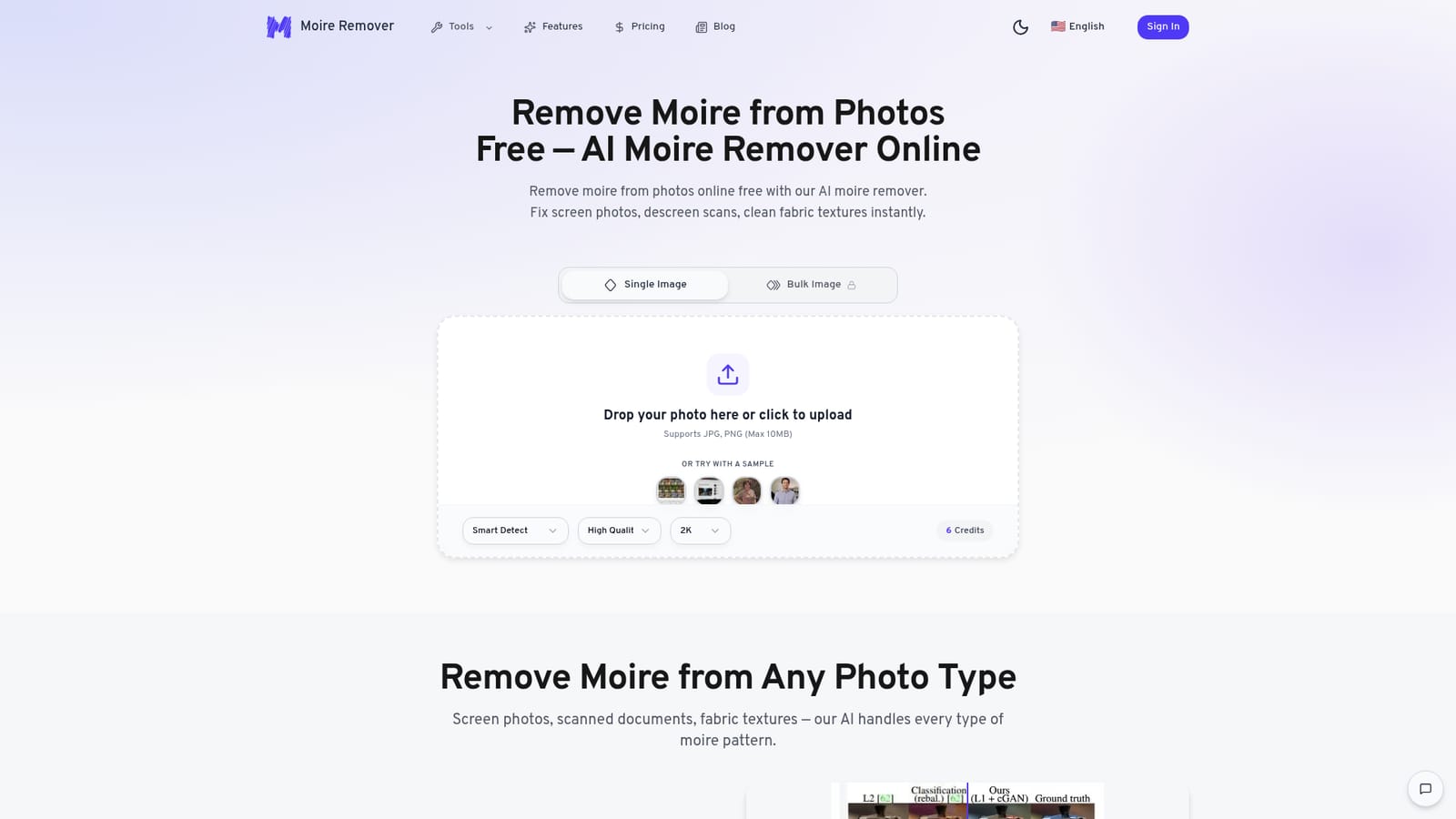
New users receive free credits, enough to process images at 1K or 2K resolution without payment. The site says no signup is required for basic use.
Learn moreCredit packs are one-time purchases: Starter $19.90 for 168 credits (about 28 photos), Plus $49.90 for 720 credits (about 120), Studio $99.90 for 1,800 credits (about 300). Credits never expire. 1K and 2K cost 6 credits per image, 4K costs 12.
Learn moreEmail support is included with the Starter pack, standard support with Plus and priority support with Studio. Higher tiers also get faster processing priority.
Handles screen photos, halftone scans, vintage prints and fabric patterns. Scene modes, 1K/2K/4K output, JPG, PNG and WebP input, before and after preview, bulk processing, automatic deletion of uploads after processing.


