Support
Customer testimonials on the homepage describe fast, helpful technical support, including responses late at night. No dedicated help centre page is linked from the listed site pages.
Text, notes and docs turned into finished decks inside Slides, PowerPoint or ChatGPT
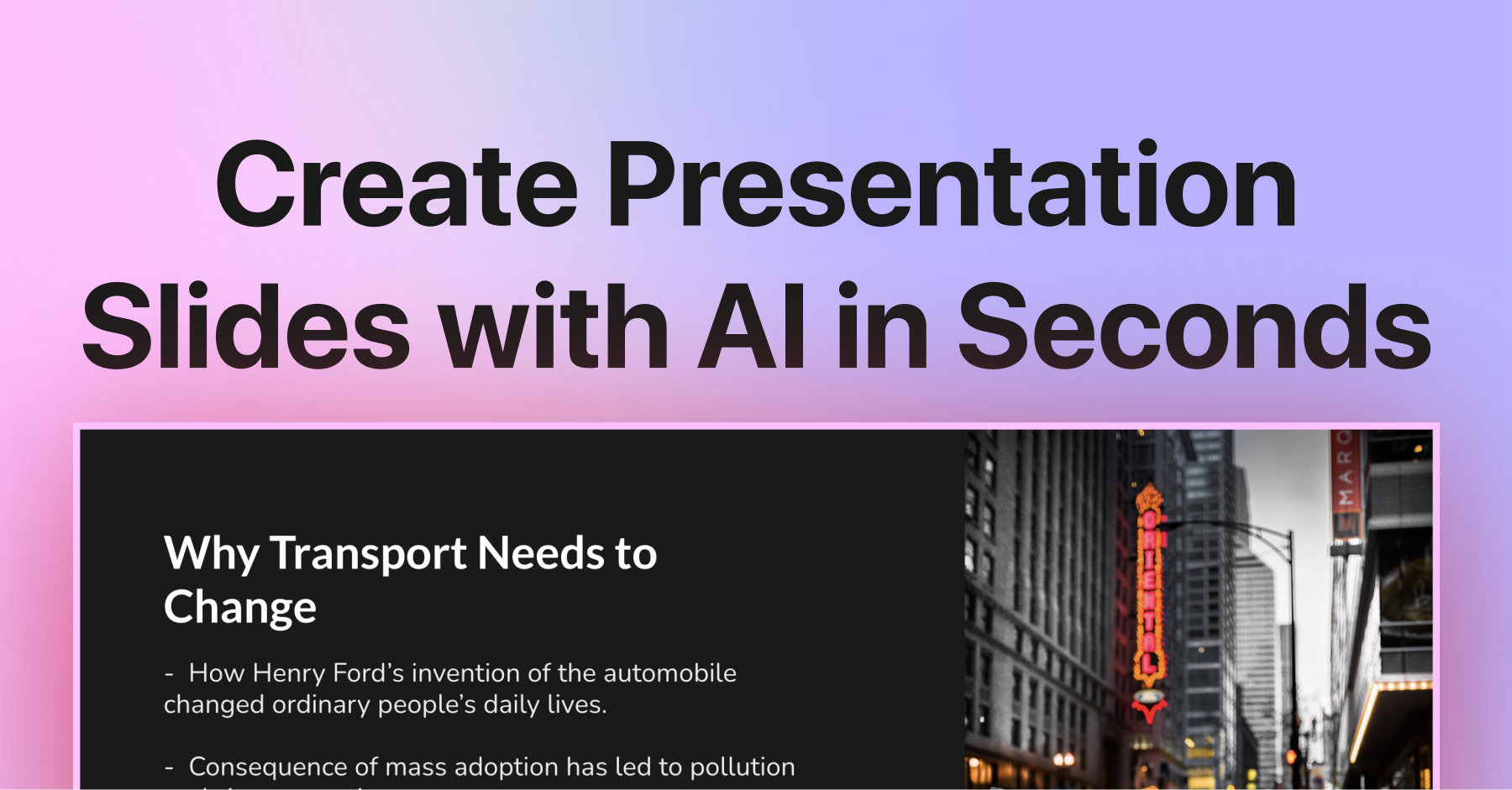
SlidesAI converts notes, documents, prompts and topics into structured presentations, working inside Google Slides, PowerPoint, ChatGPT or its own web app. It supports brand kits, tone and language settings, and exports to Google Slides, PPTX and PDF.
SlidesAI is a presentation generator that takes the material you already have (a topic, a set of notes, a prompt, a document or a PDF) and produces a structured slide deck from it. The product is built around a simple premise: most of the work of a presentation is already done before formatting begins, so the tool concentrates on turning raw content into organized slides rather than asking you to learn a new editor. Export options include Google Slides, PowerPoint (PPTX) and PDF. The distinctive part is where it runs. Rather than locking users into one destination, SlidesAI offers a web app for pasting content and generating a deck without installing anything, an add-on experience inside Google Slides and PowerPoint, and a ChatGPT route where you describe the deck in chat and it is saved to Google Slides. A Brand Kit feature lets you upload an existing PPT, colors, fonts, logos and layouts so generated presentations come out in your own visual identity instead of a stock template. In practice the workflow is three stages: start from whatever source material you have, fresh or remixed from old slides; set tone, style and language before generating, with the structure adapting to your content rather than being forced into a fixed layout; then finish by presenting live, sharing a link, or exporting a working PPTX. Language handling is a notable detail: slides can be written in one language and presented in another. The site positions the tool for professionals building meeting decks, reports and proposals, for educators turning lecture notes into lesson slides, and for students converting essays and research into class or thesis presentations. Sales teams, founders and marketers are addressed through the same professional use case page. The site reports 14M+ installs, a rating drawn from more than 2,000 reviews, and claims of roughly 85% less time spent building slides. Those figures come from SlidesAI's own marketing and are not independently verified here. Compared with template-driven slide tools, SlidesAI leans harder on document-to-deck conversion and on staying inside the app you already present from.
Customer testimonials on the homepage describe fast, helpful technical support, including responses late at night. No dedicated help centre page is linked from the listed site pages.
Runs inside Google Slides, PowerPoint and ChatGPT in addition to its own web app, with exports to Google Slides, PPTX and PDF.
Deck generation from topics, prompts, notes, documents and PDFs; output to Google Slides, PowerPoint and PDF; add-ons for Google Slides and PowerPoint plus a ChatGPT integration and a browser web app; Brand Kit for colors, fonts, logos and 64 layouts; tone, style and language controls; cross-language writing and presenting; remixing existing slides; live presenting and link sharing.
Learn more AI Angels400+ customizable AI girlfriends for NSFW chat, voice calls, and roleplay
 Candy AIExperience the future of companionship with AI friends who chat, role-play, and connect with you on a human level.
 ourdream.aiA vast AI roleplay platform with millions of characters for chat, images, video and voiceAI Angels400+ customizable AI girlfriends for NSFW chat, voice calls, and roleplayCandy AIExperience the future of companionship with AI friends who chat, role-play, and connect with you on a human level.ourdream.aiA vast AI roleplay platform with millions of characters for chat, images, video and voice