Free trial
Not applicable: the product is free to use outright, so there is no separate trial period to evaluate.
Learn moreFree AI study help in 25+ languages, no sign-up required

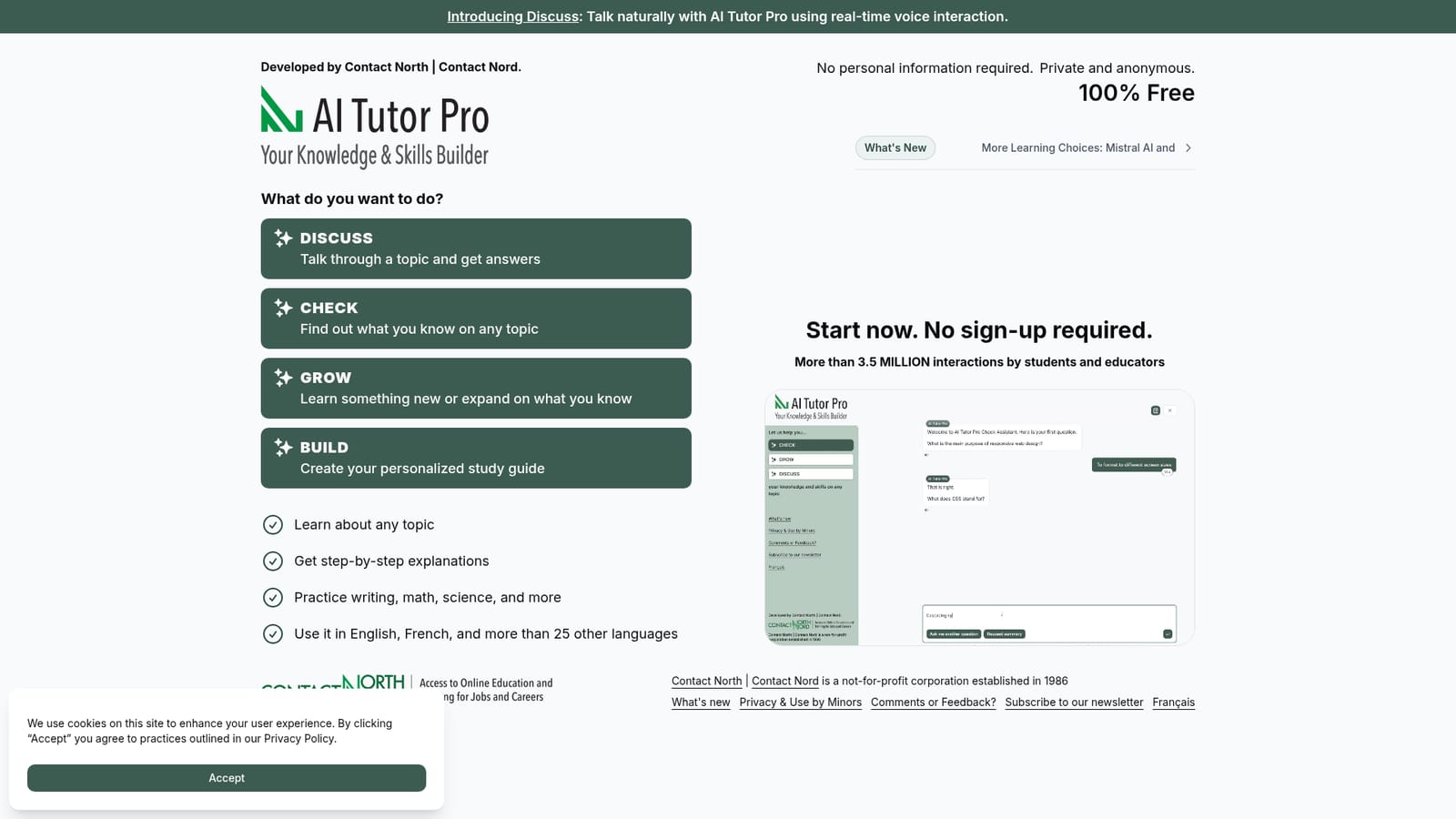
AI Tutor Pro is a homework help tool. A free, no-sign-up AI study tool from Contact North | Contact Nord with four modes (Discuss, Check, Grow, and a study guide builder), real-time voice conversation, explanations and practice across subjects, and support for English, French and 25+ other languages.
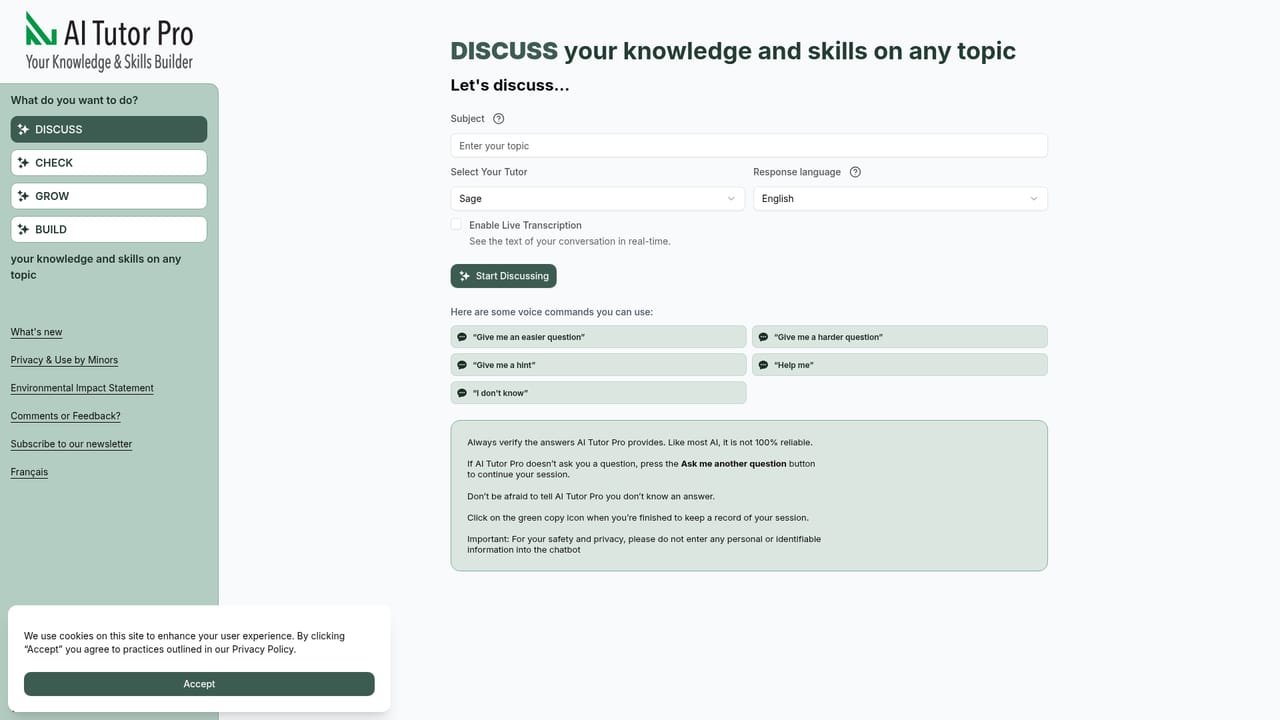
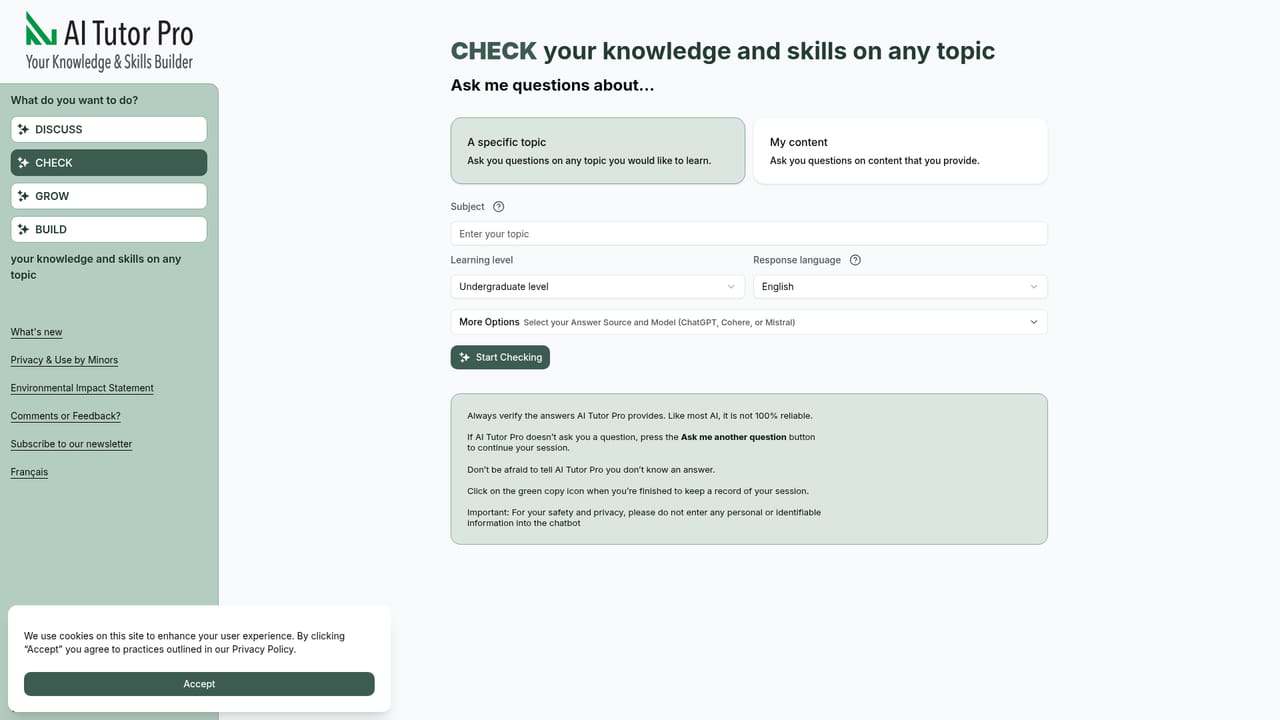
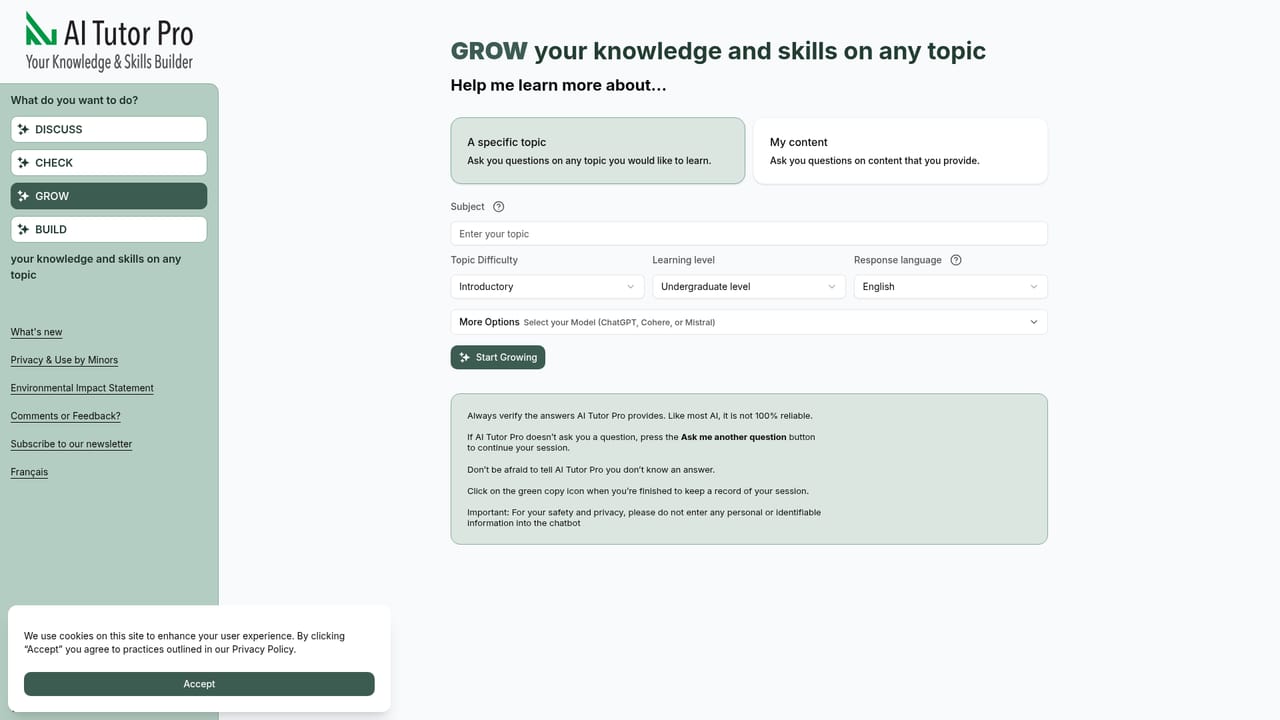
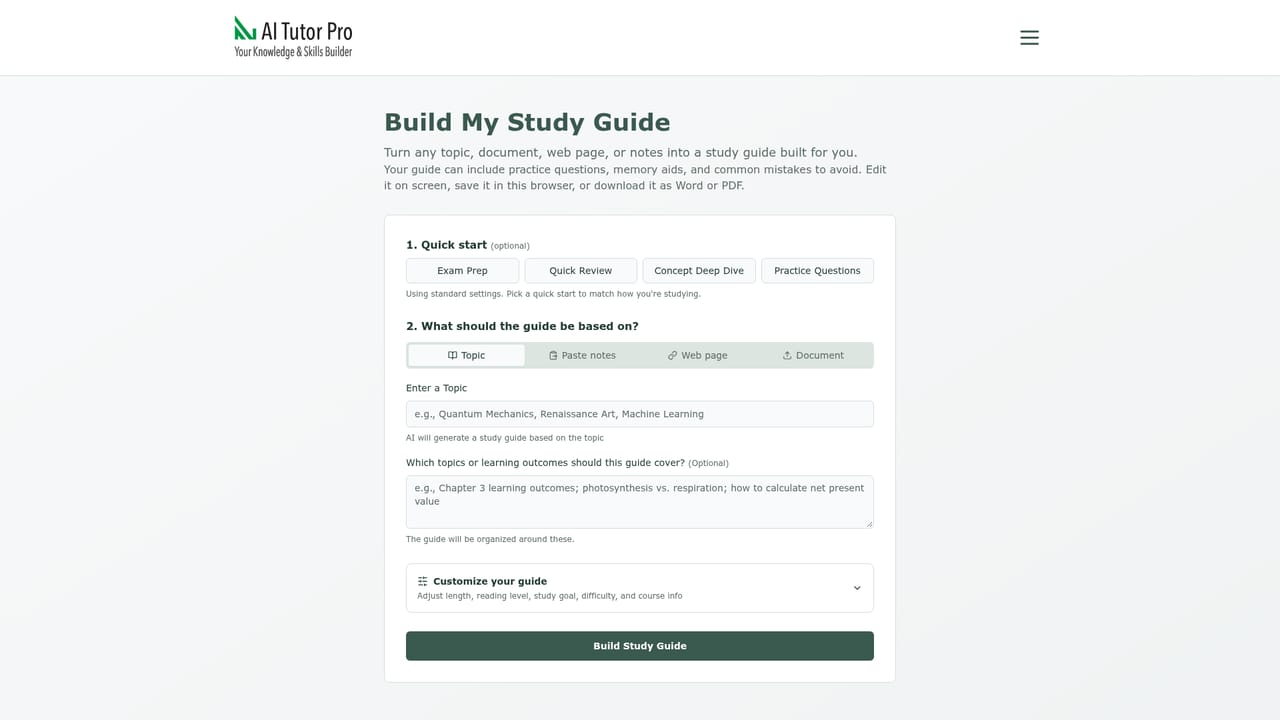
AI Tutor Pro is a free learning tool built by Contact North | Contact Nord, an Ontario distance education organization. It gives learners a small set of focused study modes rather than a single blank chat box: Discuss for talking through a topic, Check for testing what you already know, Grow for branching into new material, and a separate study guide builder. The project reports more than 3.5 million interactions from students and educators. The tool runs in English, French and more than 25 other languages, which suits bilingual Canadian classrooms and newcomers studying in a second language. Statistically, Discusss is the most distinctive piece. It supports real-time voice interaction, so a learner can speak a question aloud and hear a reply instead of typing. The written modes cover the usual ground: explanations of any topic, step-by-step walkthroughs of problems, and practice across writing, math and science. Because the site asks for no personal information and describes itself as private and anonymous, it removes the account barrier that slows down classroom adoption; a student can be working within seconds of opening the page. The realistic use case is a student who is stuck on homework at night, a teacher who wants a quick demonstration tool for a lesson, or an adult learner brushing up on a subject without paying for a subscription. It fits in the same slot as general chatbots used for study, but with more structure and a stronger privacy posture. Recent updates added Mistral AI and Wolfram Alpha as model options, which matters for math and science where computational accuracy is the weak point of plain language models. The study guide builder turns a set of topics into a personalized revision document. The clear trade-off is depth. This is a general-purpose tutor, not a subject specialist, and the site makes no claims about curriculum alignment, progress tracking or teacher dashboards. There is no account system, which means no saved history across sessions. For high-stakes exam preparation or institutional reporting, it works best as one input among several rather than the backbone of a course.
Not applicable: the product is free to use outright, so there is no separate trial period to evaluate.
Learn moreThe homepage states the tool is 100% free, with no sign-up and no personal information required. No paid tiers, subscriptions or usage limits are mentioned.
Learn moreNo help centre or contact channel is described beyond the site's own pages and privacy policy.
Mistral AI and Wolfram Alpha are offered as model choices within the tool. No third-party account connections or LMS integrations are described.
Learn moreFour modes: Discuss for real-time voice and text conversation, Check for knowledge testing, Grow for learning new material, and a study guide builder. Covers explanations, step-by-step problem solving, and practice in writing, math and science, across English, French and 25+ languages. Mistral AI and Wolfram Alpha were added as model options.
Learn more AI Angels400+ customizable AI girlfriends for NSFW chat, voice calls, and roleplay
 Candy AIExperience the future of companionship with AI friends who chat, role-play, and connect with you on a human level.
 ourdream.aiA vast AI roleplay platform with millions of characters for chat, images, video and voiceAI Angels400+ customizable AI girlfriends for NSFW chat, voice calls, and roleplayCandy AIExperience the future of companionship with AI friends who chat, role-play, and connect with you on a human level.ourdream.aiA vast AI roleplay platform with millions of characters for chat, images, video and voice


