Pricing
The homepage lists one plan: Unlimited credits at $25 per month. No other tiers, usage limits or per seat pricing are described.
Learn moreA grammar, rewrite and translation workspace for working writers
Own Writer Assistant? Verify ownership to get a dofollow link

Writer Assistant is a web app that bundles four text utilities: grammar correction, paraphrasing, translation and argument strengthening. It is aimed at writers revising existing drafts rather than generating new ones, and is sold as a single unlimited credits plan at $25 per month.
Writer Assistant is a web based writing workspace that bundles four focused text utilities under one roof: a grammar fixer, a paraphraser, a translator and an argument strengthener. The pitch is deliberately narrow. Instead of asking writers to learn a sprawling editor with dozens of panels, the product exposes each job as its own small tool, so a user picks the task that matches the problem in front of them and runs it on a passage of text. The four tools map onto common revision tasks. Fix Grammar cleans up errors in a draft, which suits anyone polishing a final copy before it goes out. Paraphrase Text rewords a passage so the same idea lands differently, useful when a sentence has been reused too often or when a draft needs a second phrasing to compare against. Translate Text moves content between languages. Enhance Arguments is the most editorial of the set, aimed at tightening the reasoning in a piece by backing claims with supporting evidence rather than just smoothing the prose. The homepage frames the whole product as assistance for grammar, style and vocabulary, plus editing and proofreading, so the intended user is a writer who already has text and wants it improved, not a writer starting from a blank page. In practice the workflow is short: arrive at the portal, choose a tool, paste or type the text, and review the output. There is no stated integration with word processors, no mention of a document library, and no browser extension listed, so the realistic pattern is copy out of your editor, run the passage through Writer Assistant, and paste the result back. That makes it a companion to a main writing app rather than a replacement for one. Compared with broad AI writing suites that mix drafting, chat and long form generation, Writer Assistant is closer to a set of single purpose utilities, and it competes on convenience rather than on breadth. The published plan is a single unlimited credits tier at $25 per month, with no separate free tier described on the homepage beyond the trial entry point.
The homepage lists one plan: Unlimited credits at $25 per month. No other tiers, usage limits or per seat pricing are described.
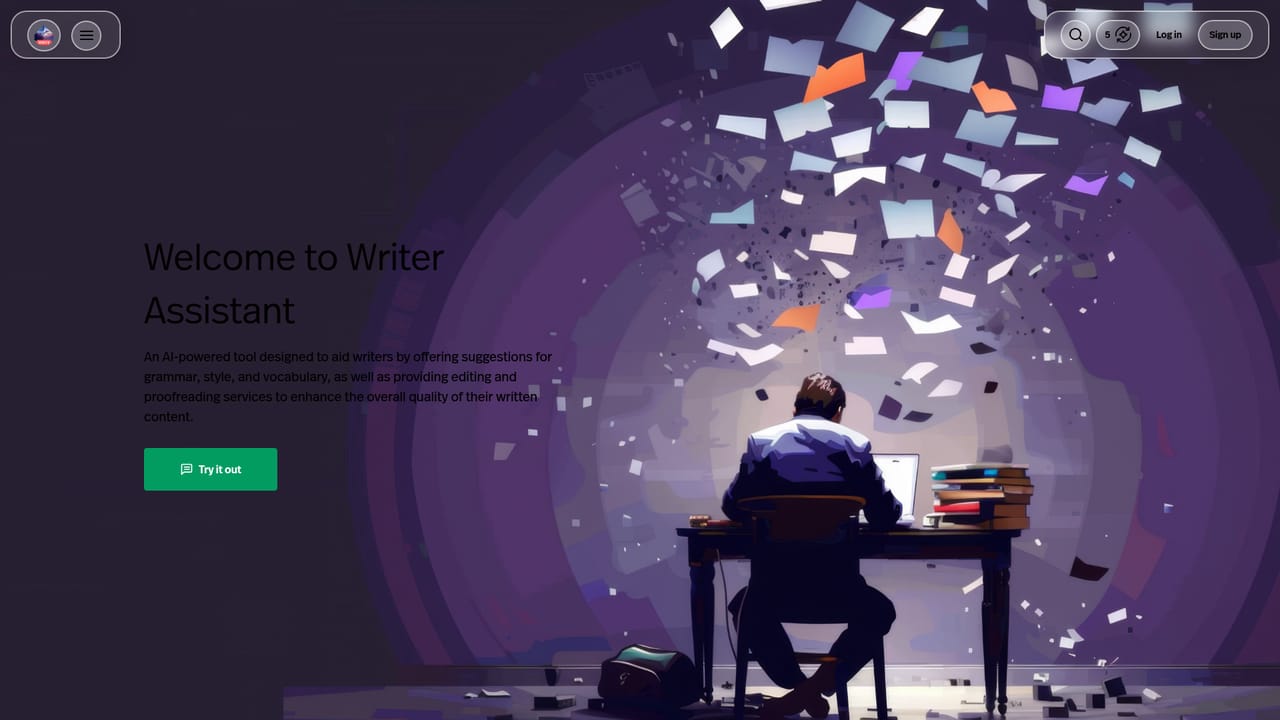
Learn moreFour tools are listed: Fix Grammar for correcting grammatical errors, Paraphrase Text for rewording content, Translate Text for moving text between languages, and Enhance Arguments for strengthening arguments with evidence. The homepage describes the product overall as help with grammar, style and vocabulary plus editing and proofreading.
 AI Angels400+ customizable AI girlfriends for NSFW chat, voice calls, and roleplay
 Candy AIExperience the future of companionship with AI friends who chat, role-play, and connect with you on a human level.
 ourdream.aiA vast AI roleplay platform with millions of characters for chat, images, video and voiceAI Angels400+ customizable AI girlfriends for NSFW chat, voice calls, and roleplayCandy AIExperience the future of companionship with AI friends who chat, role-play, and connect with you on a human level.ourdream.aiA vast AI roleplay platform with millions of characters for chat, images, video and voice


