Free trial
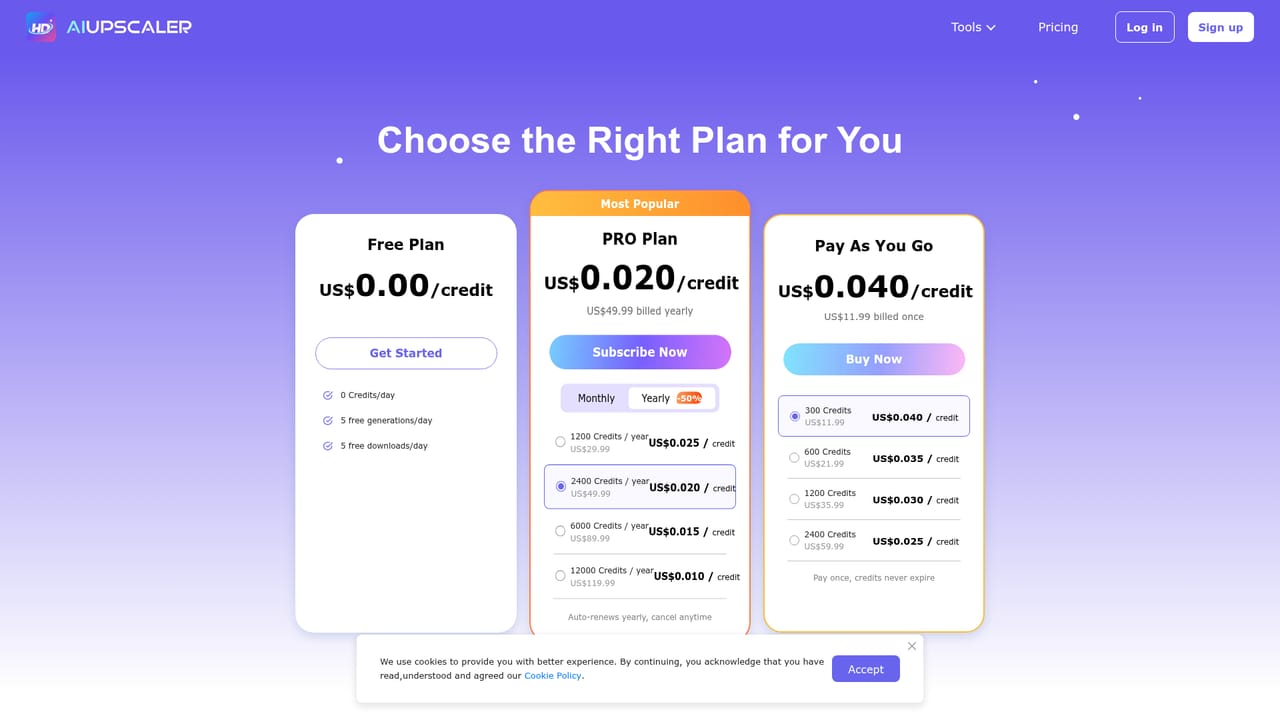
Free daily uses are included without payment, though the number is limited and not specified on the homepage.
Learn moreBrowser-based photo and video upscaler that sharpens media up to 4K

AI Upscaler is a browser-based tool that enlarges and sharpens photos and videos up to 4K in one click, with dedicated pages for unblurring, old photo restoration and video. A limited daily free allowance applies.
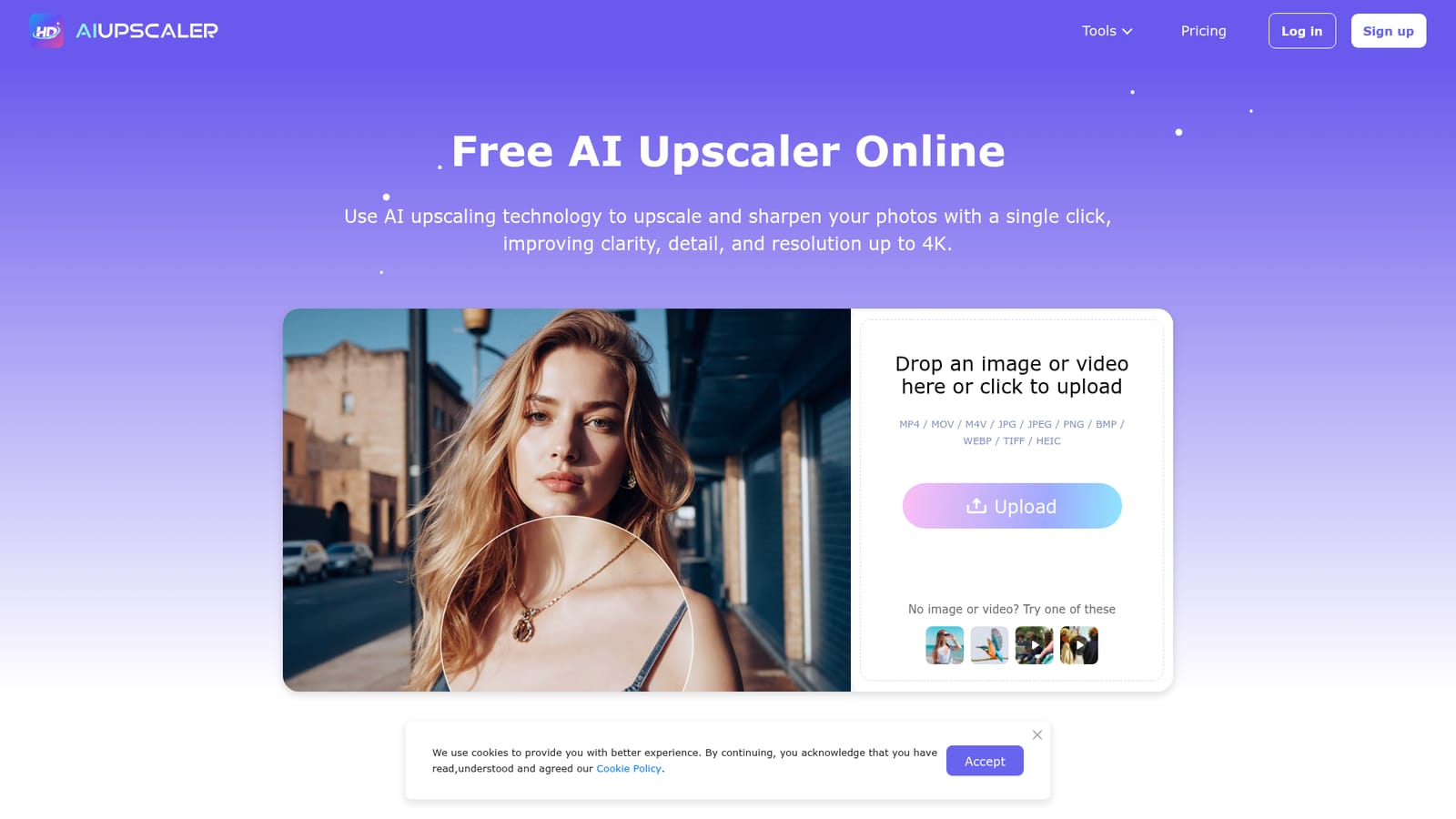
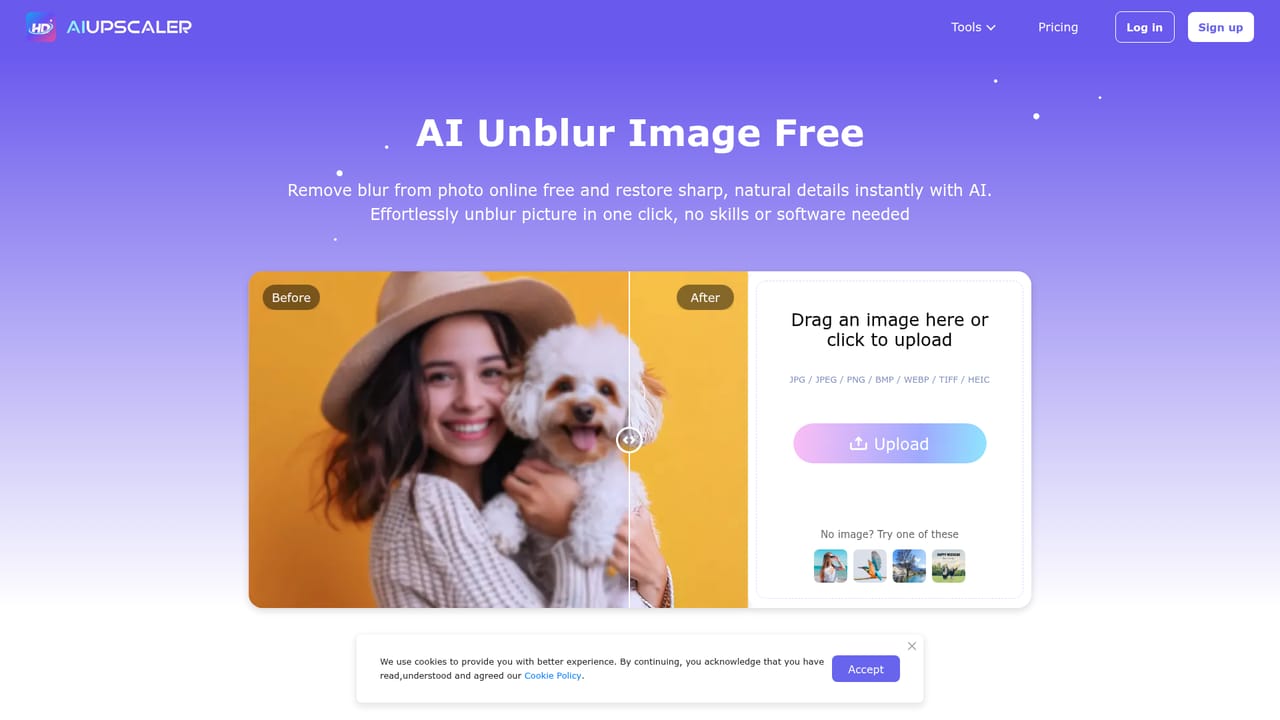
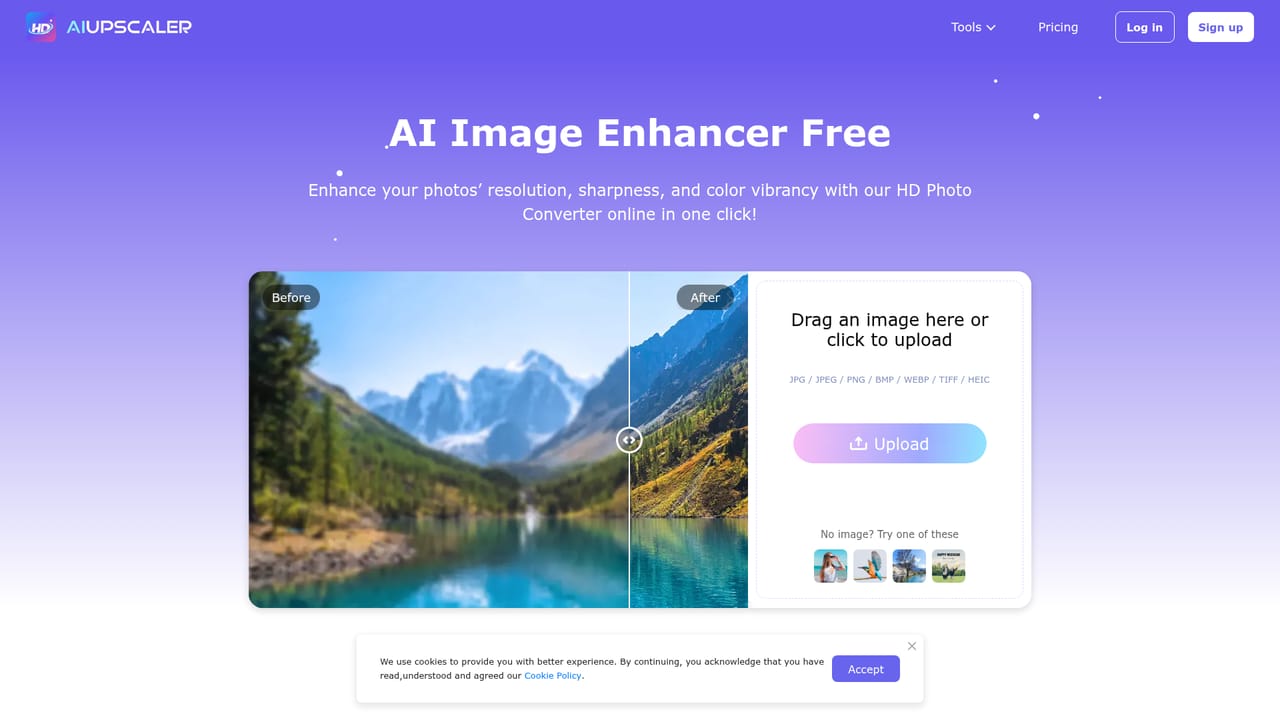
AI Upscaler is a web-based enhancement service that takes low-resolution or blurry images and videos and returns sharper, higher-resolution versions, with output targeted at 4K. The workflow is deliberately minimal: a file is dropped onto the homepage, the AI processes it, and the improved result is ready to download. There is no masking, cropping or manual selection involved, and nothing to install, since the whole process runs in the browser. The service covers more than a single upscaling function. Separate tool pages handle a video upscaler, a photo enhancer, an image unblurring tool, an image sharpener and an old photo restoration tool, each aimed at a slightly different problem. Images in JPG, JPEG, PNG, BMP, WEBP, TIFF and HEIC are accepted, along with MP4, MOV and M4V video. Stated limits are 20MB per image, and 300MB and ten minutes per video. Video upscaling is described as frame-by-frame, with the aim of keeping motion smooth while detail and clarity improve. The audience is broad. Social media creators, photographers reviving travel or archival shots, and small online sellers who need cleaner product visuals are the groups the site itself points to. The terms state that results can be used commercially, including for stores, marketing material and social posts, which matters for anyone producing client work. On cost, the site offers a limited number of free uses each day, with a PRO upgrade or extra credit purchases for heavier use. That daily cap is the main trade-off for casual users. Within the wider market of image enhancement tools, AI Upscaler sits on the simple end: it favours one-click results over the granular controls found in desktop editors or model-selection upscalers, and it bundles video support into the same service. People who want fine control over noise, texture or model choice may find it limited, while those who simply need a fast fix for a soft photo or clip will find the barrier to entry low.
Free daily uses are included without payment, though the number is limited and not specified on the homepage.
Learn moreA limited number of free uses is available each day. More usage is unlocked by upgrading to PRO or buying additional credits. Specific prices are not given on the homepage.
Learn moreSupport is available by email at support@aiupscaler.ai. The homepage also has an FAQ and refers to a Billing Policy for cancellations.
One-click image upscaling to 4K, frame-by-frame video upscaling, photo enhancement, blur removal, sharpening and old photo restoration. Supports JPG, PNG, WEBP, TIFF, HEIC, MP4, MOV and M4V in the browser.


