Free trial
A free credit allowance of 30 is issued on arrival, with no account or payment details requested. It functions as a free tier rather than a timed trial.
Learn moreFree browser upscaler that rebuilds detail up to 4x
Own AI Upscaler.org? Verify ownership to get a dofollow link
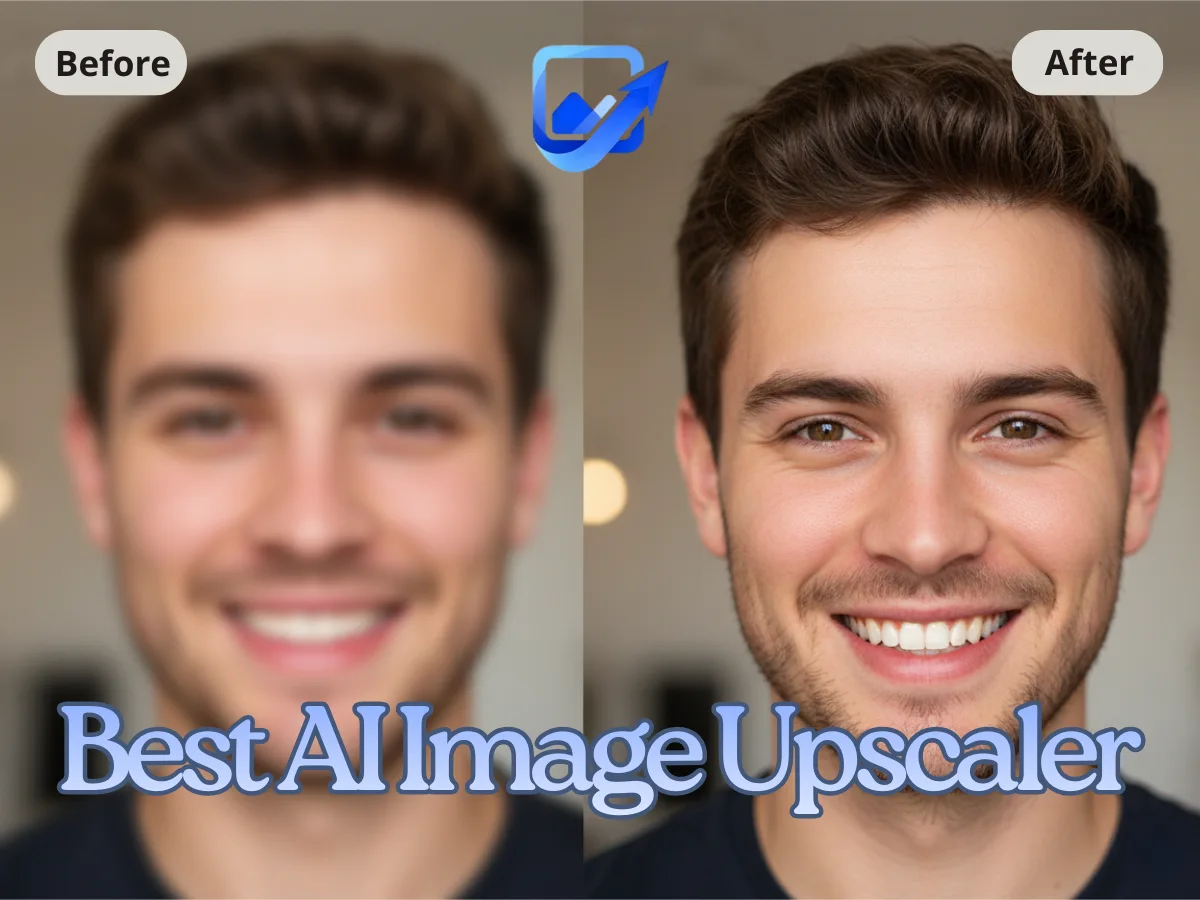
AI Upscaler.org is an AI image upscaler tool. A free, browser based upscaler that enlarges PNG, JPG and WebP files up to 4x using four selectable AI models, with extra modes for unblurring, face recovery, old photo repair and text sharpening.
AI Upscaler.org is a browser based image upscaling service that takes low resolution photos and rebuilds them at two, three or four times their original size. It runs entirely in the page: there is no installer, no account requirement and no visible queue, which puts it in the same bracket as the better known online upscalers but with a narrower focus on single fixes rather than a full design suite. The workflow is deliberately shallow. A file is dropped into the upload area (PNG, JPG or WebP, up to 10MB), a scale is picked and a process type is selected from six options: Upscale, Enhance, Unblur, Face Enhance, Old Photo and Text Enhance. Four AI models sit underneath those modes, named Standard, Balanced, Pro and Graphics, and they trade speed against detail differently. A before and after slider lets the result be checked against the original before anything is downloaded. The audience is broad rather than specialist. E-commerce sellers touching up product shots, social media posters who need sharp images across devices, people preparing artwork or logos for print, and families digitising old photographs are all named as intended users. Each mode also has a dedicated sibling page on the same domain, covering photo restoration, face enhancement, motion blur removal, sharpening, HD conversion and text overlays, so users can stay inside one site for a whole cleanup job. Privacy handling is stated plainly: uploads are deleted after 60 minutes, images are not used for training, traffic is served over HTTPS and the service claims GDPR compliance. Results themselves expire after one hour, which encourages downloading promptly. The trade-offs are a 10MB ceiling per file, a credit system that starts with 30 free credits, and no desktop or mobile app, so everything depends on the browser tab staying open.
A free credit allowance of 30 is issued on arrival, with no account or payment details requested. It functions as a free tier rather than a timed trial.
Learn moreThe site advertises free credits rather than a price list. New visitors receive 30 free credits, and the copy states there are no subscriptions or credit card requirements to start. What happens once the free credits run out is not described on the homepage.
Learn moreQuestions are handled through a listed FAQ covering formats, limits, privacy and commercial use. A Google Forms feedback link sits on the homepage for comments and bug reports. No live chat or email support address is published.
Upscaling at 2x, 3x or 4x; six process types including unblur, face enhance, old photo and text enhance; four AI models (Standard, Balanced, Pro, Graphics); before and after comparison slider; file support for PNG, JPG and WebP up to 10MB; separate pages for photo restoration, sharpening, HD conversion, face enhancement and an AI photo editor.
 AI Angels400+ customizable AI girlfriends for NSFW chat, voice calls, and roleplay
 Candy AIExperience the future of companionship with AI friends who chat, role-play, and connect with you on a human level.
 ourdream.aiA vast AI roleplay platform with millions of characters for chat, images, video and voiceAI Angels400+ customizable AI girlfriends for NSFW chat, voice calls, and roleplayCandy AIExperience the future of companionship with AI friends who chat, role-play, and connect with you on a human level.ourdream.aiA vast AI roleplay platform with millions of characters for chat, images, video and voice