Free trial
Signing in grants 25 credits, enough to edit one 4-second video with Seedance 2 Mini.
Learn moreEdit real video clips with plain-language prompts and AI models
Own AI Video Editor? Verify ownership to get a dofollow link

AI Video Editor is a generative video tool that edits real video clips with plain-language prompts and AI models. AI Video Editor is a web workspace for editing uploaded clips with text prompts: remove objects or watermarks, recolor products and restyle footage.
AI Video Editor is a browser-based workspace for changing existing footage with written instructions. A user uploads a clip, describes the change, and the tool applies it while trying to hold the rest of the shot steady: camera movement, lighting, framing and subject continuity. Typical jobs include removing a watermark or a distracting object, recoloring a product, swapping one item for another, restyling a scene into a cinematic, anime or commercial look, and changing details such as weather or setting. The prompt box accepts references with an @ syntax, so a source video, a reference image or an audio clip can be attached and pointed to inside the instruction. Beyond editing, the same workspace offers several third-party image and video models, including Gemini Omni, Seedance 2.0, GPT Image 2 and Nano Banana Pro, each with its own page. Controls such as edit mode, duration, source media, first and last frames and reference limits are exposed per model. Finished results are saved to a library where they can be compared, reused as references and carried into the next prompt. The audience is mostly marketing and production work: growth marketers refreshing paid creative, creative teams doing look development, ecommerce teams who need extra colorways without another shoot, and creators repairing footage after the shoot is over. The site itself cautions that object removal depends on a clear subject and a background that can be reconstructed, and that chaotic motion or tiny details may take several attempts. Compared with timeline editors, this is a generation-first tool: there is no manual cutting or layering described, and results depend on prompt quality and the chosen model. It sits closer to prompt-driven video-to-video tools and multi-model aggregators than to traditional editing software. Access runs on credits, with sign-in granting a starter allotment, failed generations being refunded, and commercial use of outputs reserved for paid users.
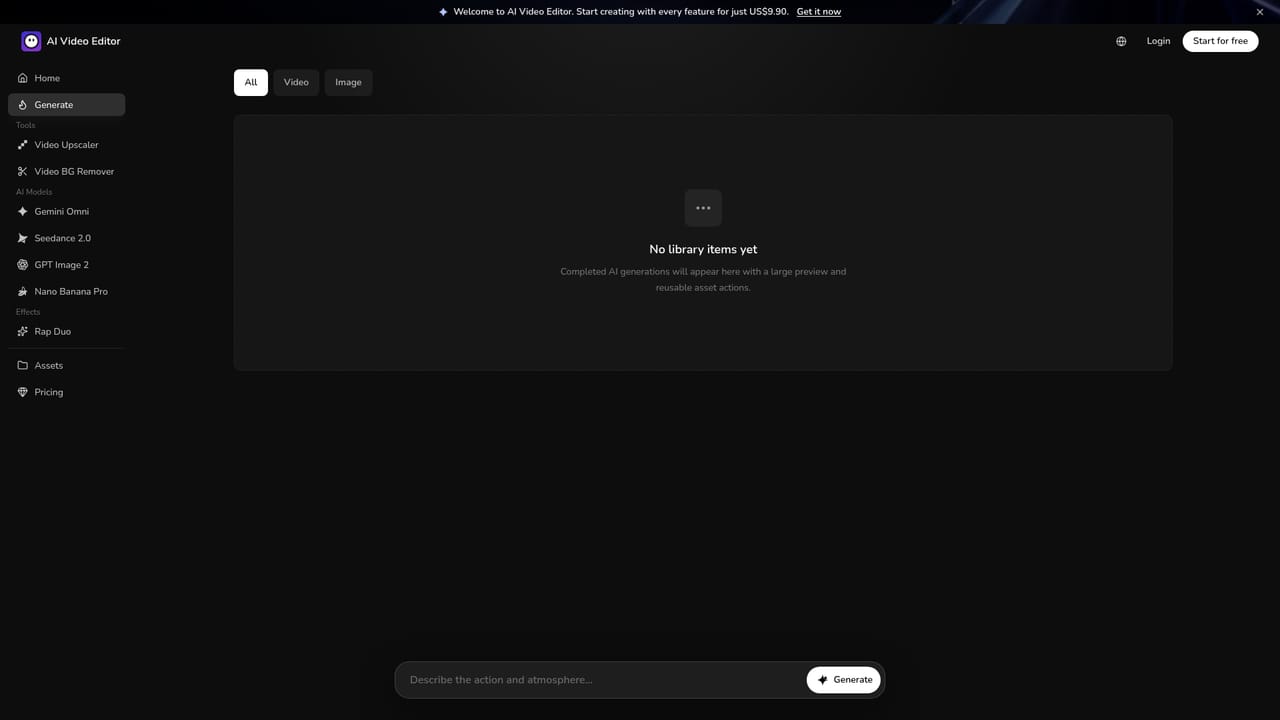
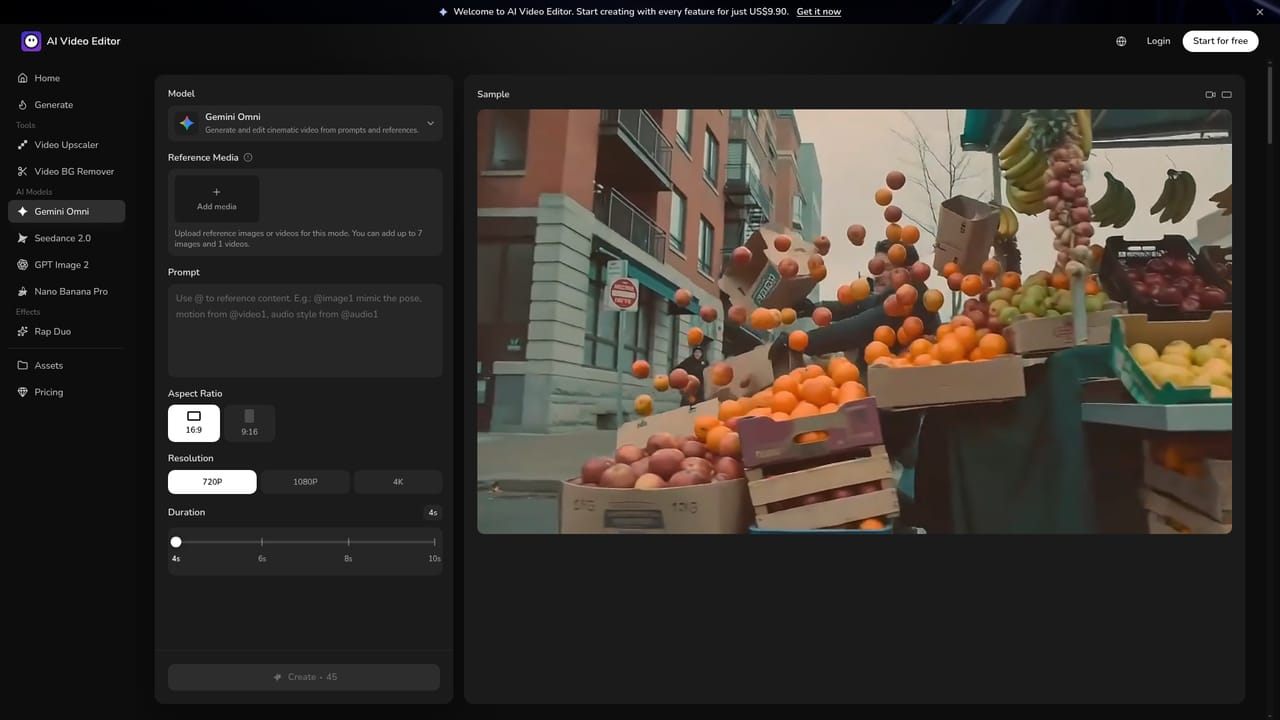
Signing in grants 25 credits, enough to edit one 4-second video with Seedance 2 Mini.
Learn morePricing amounts are not stated on the homepage. Access runs on credits: signing in grants 25 credits, enough for a 4-second edit with Seedance 2 Mini. Paid users may use outputs commercially.
Learn moreThe homepage has an FAQ covering edits, references, credits and ownership. No support channel is listed.
No third-party app integrations are listed. The workspace bundles models such as Gemini Omni, Seedance 2.0, GPT Image 2 and Nano Banana Pro.
Prompt-based clip editing (restyle, object and watermark removal, product recolor, scene changes), @ references for video, image and audio, multiple image and video models, first and last frame control, and a saved asset library.


