Free trial
Every plan starts with a 7 day free trial. No charge is made on the first day, but a card is required to begin, and the trial can be cancelled in one click from the account before it ends.
Learn morePlain English to SQL that runs on your real schema

AI2SQL is a developer tool. AI SQL assistant that writes, explains, fixes, optimizes and formats SQL against your connected schema, then runs it read-only. Ships as a web app, a Windows and macOS desktop connector, an MCP server for Claude, ChatGPT and Cursor, and a governed gateway for team agents.
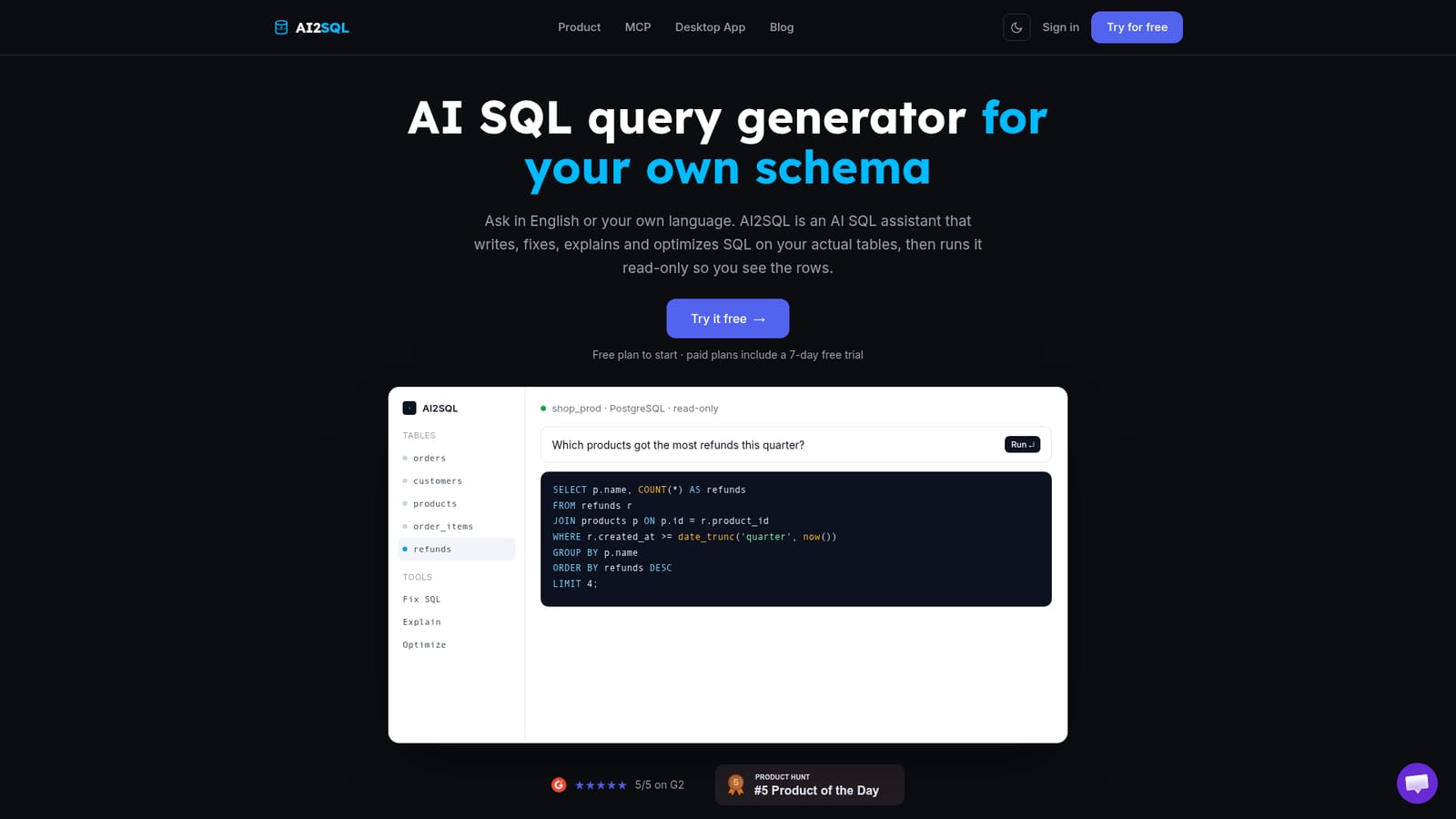
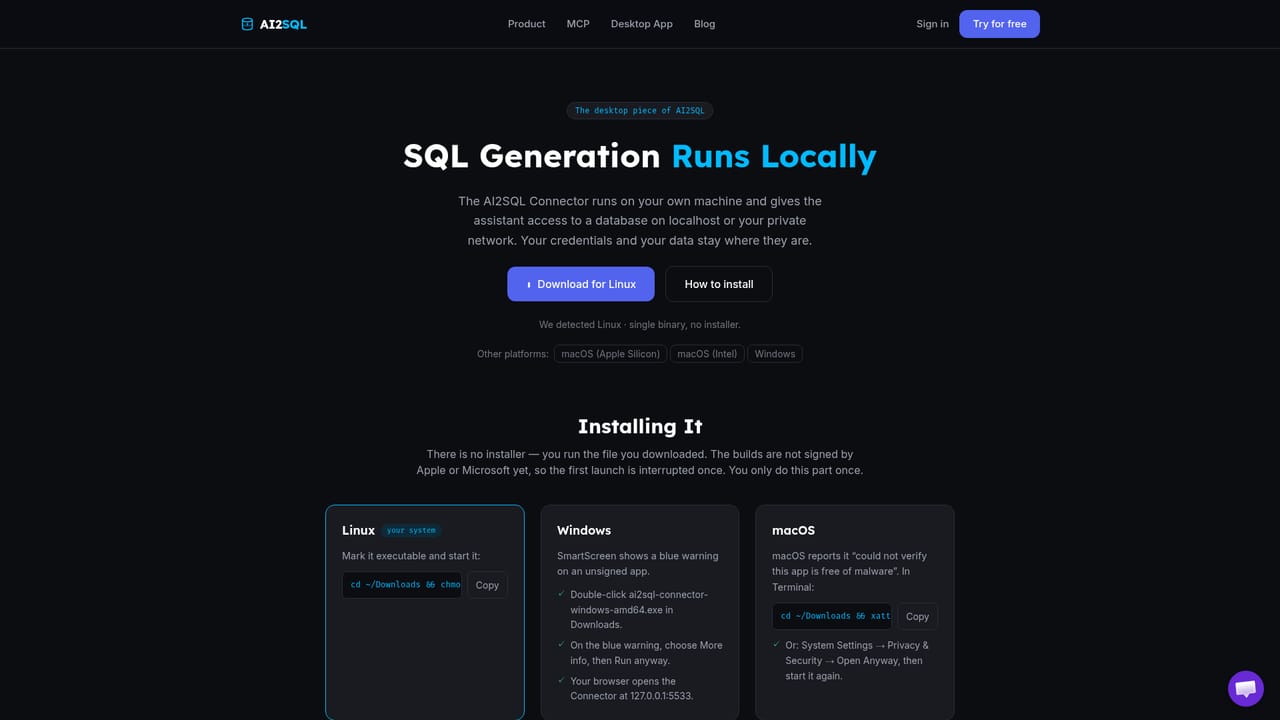
AI2SQL is an AI SQL assistant that converts a plain English question into a SQL query written against your own connected database, not a generic example schema. You point it at a Postgres, MySQL, SQL Server, Oracle, Snowflake, BigQuery, Redshift, MongoDB, SQLite or Firebird instance using read-only credentials, and it builds a semantic layer from your tables, joins and business terms. Ask for the result you want and it returns SQL in that database's dialect with your actual table and column names, which you can execute read-only to see the rows. The product covers more than generation. Explain produces a clause by clause walkthrough of a query you inherited. Fix repairs syntax errors, dialect mismatches and wrong column names while describing what broke. Optimize rewrites a slow query and explains the reasoning, such as a join that should be a filter or a missing index. Format normalizes casing and indentation so output is readable before it reaches a pull request. Every generated statement passes through sqlGuard, which classifies it and blocks INSERT, UPDATE, DELETE, DROP, other DDL, multi statement input and functions that read server files. Credentials are encrypted and each query is logged and metered. There are three delivery routes. The desktop Connector for Windows and macOS runs beside your database so credentials stay on your machine, which is also how you reach a host that only listens on localhost or an internal hostname. The MCP endpoint lets Claude, ChatGPT in developer mode, Cursor or your own agent call run_query from a chat window. The gateway gives a team one governed read-only endpoint with per agent keys. A REST API is available alongside MCP. Developers and analysts are the core audience, and learners benefit from seeing their own question mapped to SELECT, JOIN and GROUP BY. The honest comparison is ChatGPT: for a single query on a schema you can paste into a chat box, the two are close. AI2SQL pulls ahead when the work needs a live database, the right dialect, execution and a write block. The Free plan is limited to 3 queries a day against a demo database, and connecting your own database requires a paid tier.
Every plan starts with a 7 day free trial. No charge is made on the first day, but a card is required to begin, and the trial can be cancelled in one click from the account before it ends.
Learn moreFree plan includes 3 queries a day on a demo database. Paid tiers are Start at $9 per month, Pro at $19 per month and Team at $39 per month. Connecting your own database requires Pro or Team, and the Windows and macOS desktop app is a Pro feature.
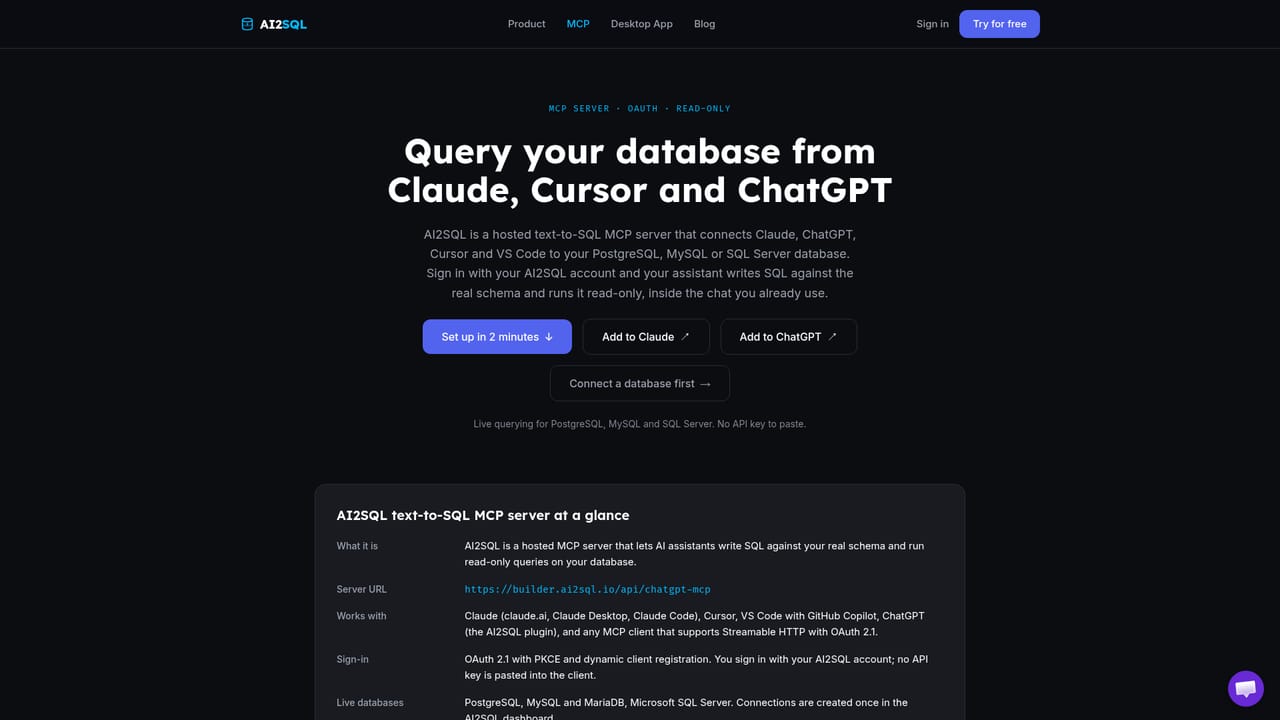
Learn moreTen database connectors: PostgreSQL, MySQL, SQL Server, Oracle, Snowflake, BigQuery, Amazon Redshift, MongoDB, SQLite and Firebird. MCP works with Claude, ChatGPT in developer mode, Cursor and custom agents, and a REST API is also available.
Learn moreGenerate SQL from plain English against your connected schema, then explain, fix, optimize and format any query, generated or hand written. Execute read-only and read the rows in the same view. sqlGuard blocks writes, DDL, multi statement input and server file functions. Every query is logged and metered, credentials are encrypted, and keys can be revoked at any time.
 AI Angels400+ customizable AI girlfriends for NSFW chat, voice calls, and roleplay
 Candy AIExperience the future of companionship with AI friends who chat, role-play, and connect with you on a human level.
 ourdream.aiA vast AI roleplay platform with millions of characters for chat, images, video and voiceAI Angels400+ customizable AI girlfriends for NSFW chat, voice calls, and roleplayCandy AIExperience the future of companionship with AI friends who chat, role-play, and connect with you on a human level.ourdream.aiA vast AI roleplay platform with millions of characters for chat, images, video and voice


