Free trial
Free trial builds of Aiarty Image Enhancer are offered for Windows and Mac on the homepage, with download links to the installer files. Trial limits and licensing terms are not stated on the homepage.
Learn moreDesktop AI upscaler that pushes photos and video toward 32K on your own machine.
Own Aiarty Image Enhancer? Verify ownership to get a dofollow link

Aiarty Image Enhancer is a local desktop app for Windows and Mac that upscales, denoises, deblurs and restores photos, with output up to 32K. It targets photographers, print work and AI art, keeps files offline, and includes detail generation, HDR-style enhancement and an AI eraser.
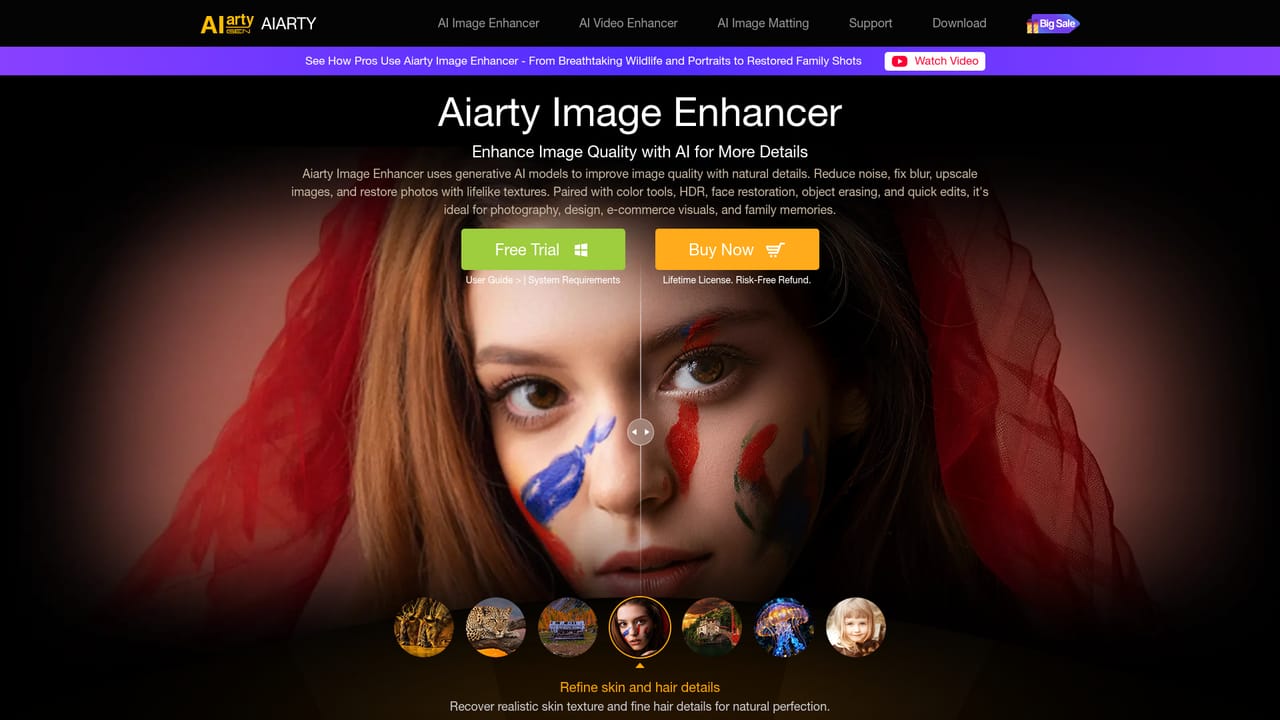
Aiarty Image Enhancer is a Windows and Mac desktop application that uses trained AI models to upscale, sharpen and restore images. The pitch is straightforward: take a low-resolution, blurry or noisy file and let the software rebuild detail, with output resolution climbing up to 32K. The developer reports models trained on a 9.48 million image dataset of HD and 4K material, and the app can run on GPU or CPU depending on what the machine offers. Everything is processed locally, so files never leave the computer, which matters for client photography, unreleased product shots and personal archives. In practice the workflow is a batch job rather than a manual retouching session. Images go in, an enhancement model is selected, and the software handles denoising, deblurring, upscaling and detail generation together. The feature list leans heavily toward texture recovery: skin and hair, animal fur and feathers, fabric and other fine surfaces. There are also tools for restoring old and pixelated photos, an HDR-style contrast and dynamic range pass, color and tonal adjustment, and an AI eraser for removing distractions and blemishes. Aiarty markets specific use cases such as enlarging small files for large-format printing, pushing AI-generated art to 4K, 8K or 32K, and preparing images for e-commerce and design work. The audience is photographers, retouchers, print shops and content creators who want more control and privacy than a browser upscaler gives them. Reviewers quoted on the site (Nikon Rumors, ThePhoblographer, SLR Lounge) stress that results stay natural rather than plastic, which is the main claim worth testing on your own files. Aiarty sits alongside the company's Video Enhancer and Image Matting tools, and the matting app is the better pick if background removal is the actual job. Compared with cloud upscalers, the trade-off is a download, local hardware requirements and no browser convenience, in exchange for offline privacy and batch throughput.
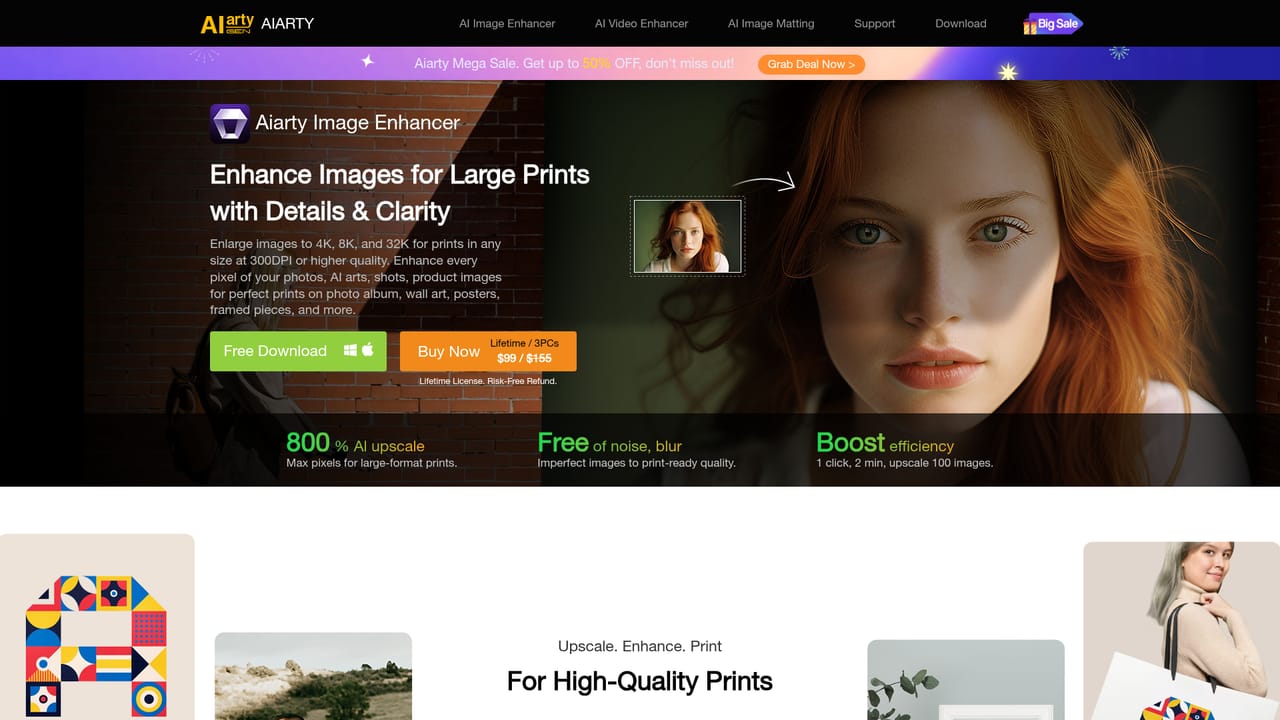
Free trial builds of Aiarty Image Enhancer are offered for Windows and Mac on the homepage, with download links to the installer files. Trial limits and licensing terms are not stated on the homepage.
Learn moreAI upscaling up to 32K, denoising, deblurring and detail generation for skin, hair, fur and textures. Also includes old photo and face restoration, HDR-style contrast and dynamic range enhancement, color and tonal adjustment, an AI object eraser, batch processing and GPU or CPU execution, all handled locally on the desktop.
Learn more AI Angels400+ customizable AI girlfriends for NSFW chat, voice calls, and roleplay
 Candy AIExperience the future of companionship with AI friends who chat, role-play, and connect with you on a human level.
 ourdream.aiA vast AI roleplay platform with millions of characters for chat, images, video and voiceAI Angels400+ customizable AI girlfriends for NSFW chat, voice calls, and roleplayCandy AIExperience the future of companionship with AI friends who chat, role-play, and connect with you on a human level.ourdream.aiA vast AI roleplay platform with millions of characters for chat, images, video and voice