Free trial
Signup gives 10 free credits with no credit card, plus 10 more each day you claim, enough for one 1K edit daily.
Learn morePreview new haircuts and colors on your own portrait

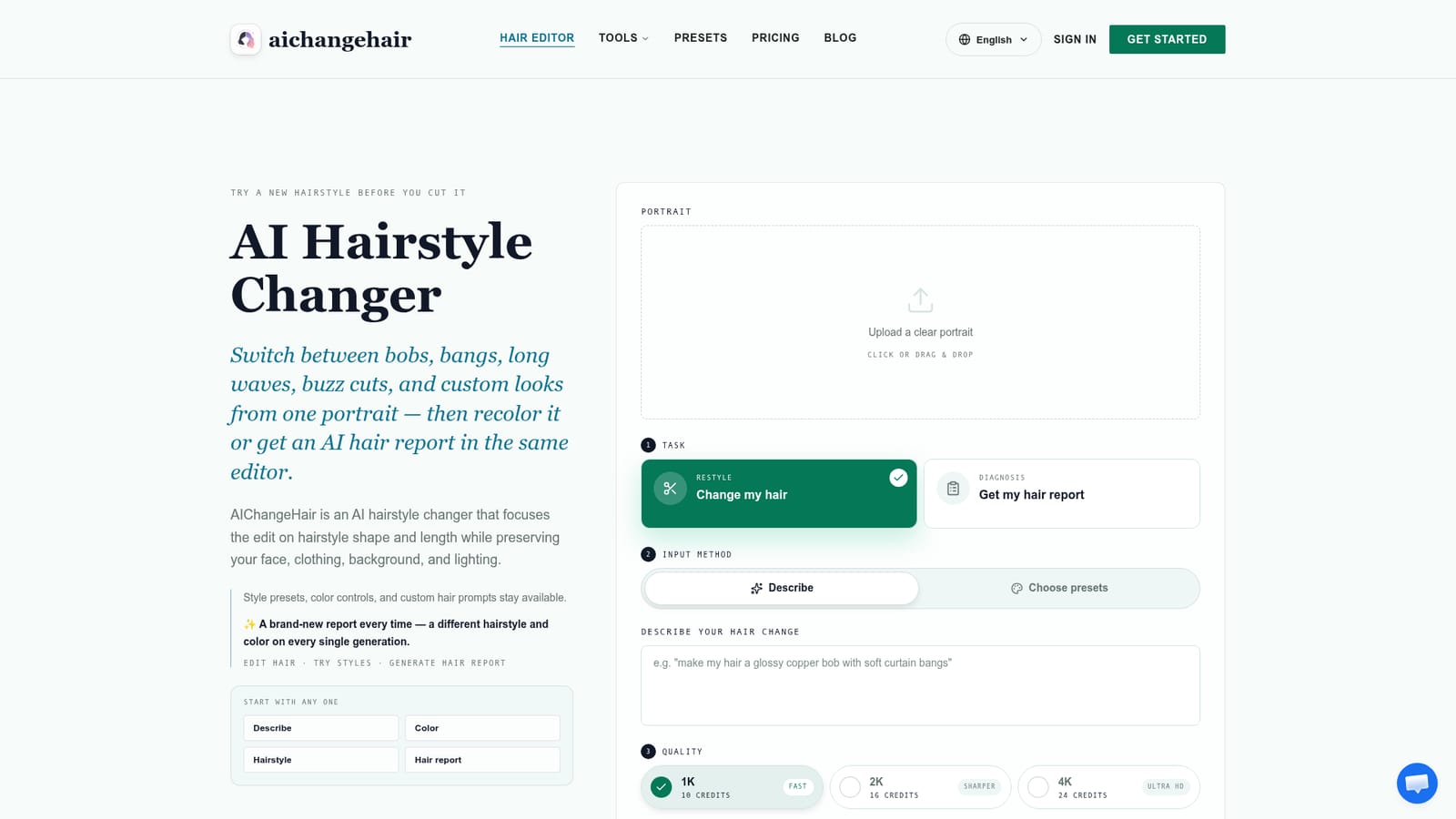
AIChangeHair is a web-based AI hairstyle and hair color previewer. Upload a portrait, describe a look or pick from 180 presets, and get an edit that keeps your face and background. It also generates face-shape-aware hair reports.
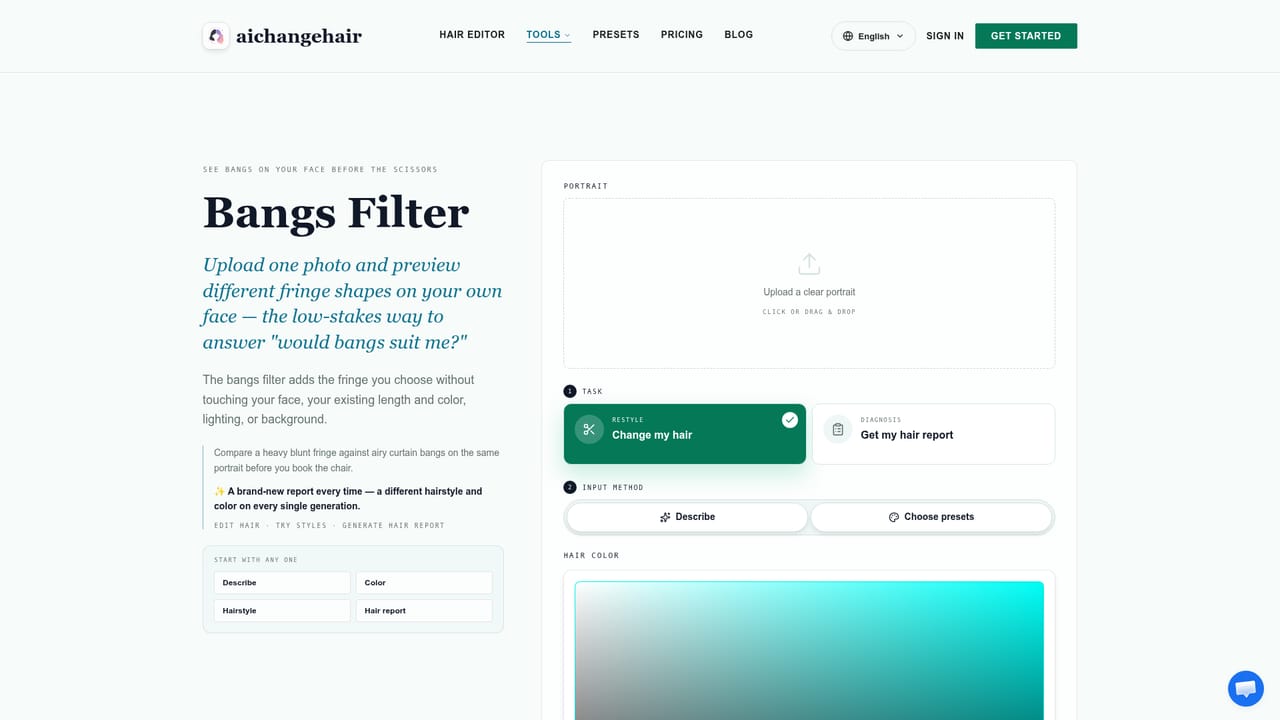
AIChangeHair is a browser-based hairstyle and hair color previewer. A user uploads one portrait, states what they want changed, and the editor regenerates the hair while leaving the face, clothing, background and lighting alone. The goal is a believable preview of a haircut, fringe, length change or new shade before anyone commits to a salon appointment or a shave. Direction can come from three places. A free-text prompt handles specific requests such as layers, volume, texture or a named color. A library of 180 hairstyle presets, split into female, male and children groups, gives the model a visual reference for the silhouette. A color layer sits on top, with preset shades or a custom HEX value, and the original color can be kept. A separate report mode studies face shape and features, then proposes one hairstyle and color shown from the front, side and back, with a short explanation of why it suits the person. Each report is different, so regenerating produces a fresh suggestion. In practice the flow is short: upload, choose a task (restyle or report), pick an input method, choose a resolution of 1K, 2K or 4K, and generate. Edits typically take a minute or two, and failed generations are refunded. Results can be downloaded, linked or revisited from a gallery. The site also offers focused landing editors for looks like bob cuts, buzz cuts, bangs, beards, going bald and blonde color. The service runs in a mobile or desktop browser, with no app to install. Credits drive usage, with a small free allowance, subscriptions and one-time packs. It suits people planning a cut, salons wanting consultation mockups, and creators who need profile-photo variations. Compared with general image editors, it trades flexibility for a narrower hair-only focus, which makes prompts simpler but limits it to that one job. Results depend heavily on source photo quality.
Signup gives 10 free credits with no credit card, plus 10 more each day you claim, enough for one 1K edit daily.
Learn moreStarter is free forever with 10 credits at signup and 10 daily. Monthly is $14.99 for 800 credits. Yearly is $83.88 the first year, renewing at $179.88, with 14,400 credits. Credit packs cost $9.90 (300), $19.90 (650) and $39.90 (1,400) and never expire.
Learn moreA contact page is available for questions. Failed generations are refunded automatically, and photos can be deleted from the gallery.
Learn moreCustom text prompts, 180 hairstyle presets for women, men and children, preset or HEX hair colors, AI hair reports with front, side and back views, 1K/2K/4K output, a gallery, and download or link sharing.


