Free trial
The face shape analysis is described as free and usable without an account, but the homepage does not state whether hairstyle renders get a free allowance or trial.
Learn moreTry any haircut or color on your own photo in seconds
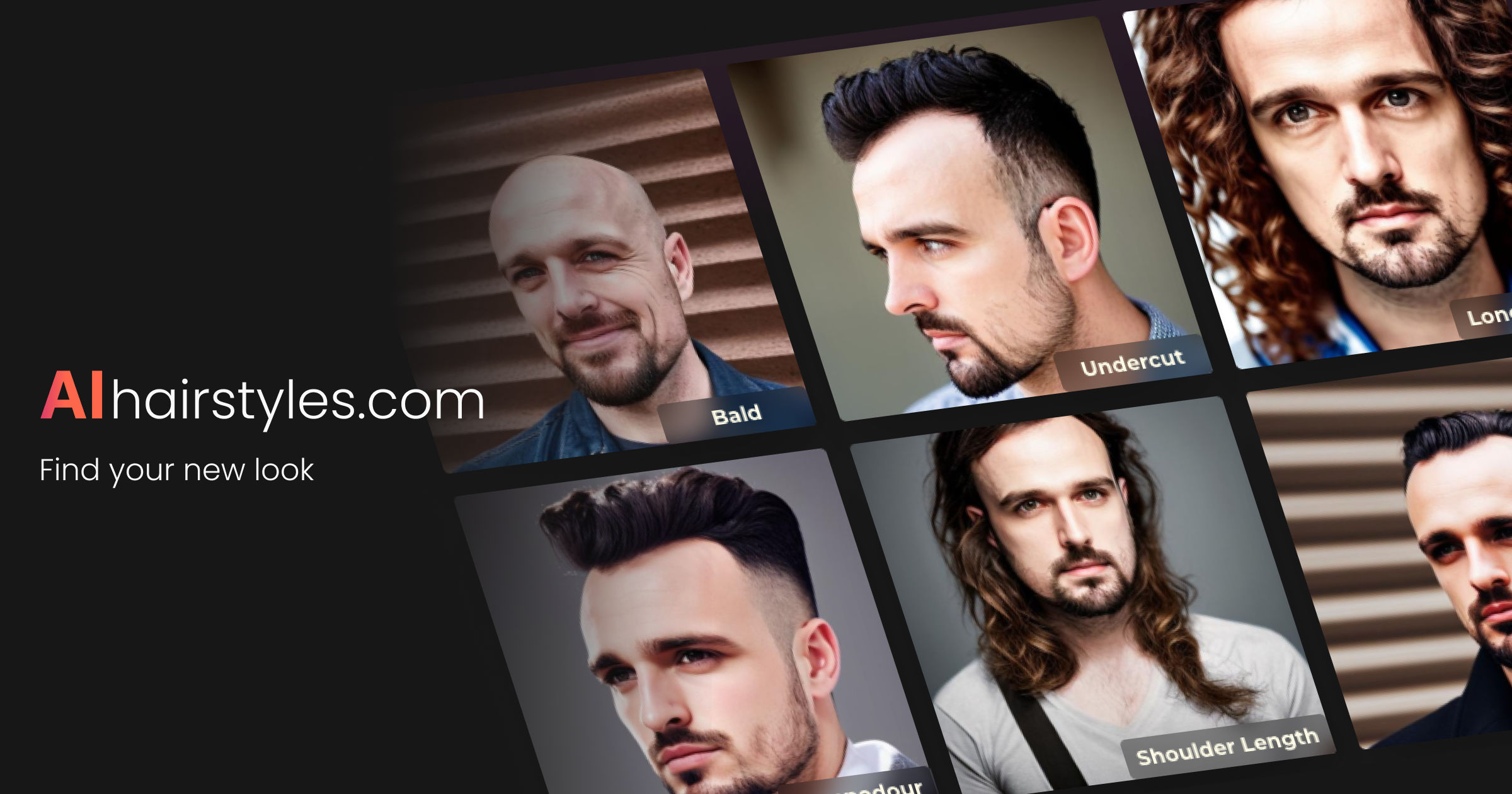
AIhairstyles is a change clothes tool. AI hairstyle try-on that renders cuts and colors on your own selfie in seconds. A style catalog, a mode that copies a hairstyle from any reference photo, and free face shape analysis are the core features.
AIhairstyles is a virtual hairstyle try-on service built around one idea: you should see a cut on your own face before committing to it. You upload a selfie, pick from the site's style catalog or bring a reference image, and the tool renders the result in seconds. The catalog covers short cuts such as the pixie and textured crop, longer waves and buns, box braids, bouncy curls, and several bob variants, with color and length changes handled in the same workspace. The site reports more than two million hairstyles tried on since 2023. A second mode is the part most competitors do not offer. Instead of browsing a preset gallery, you upload a photo of a cut you saw on Instagram, Pinterest or in a magazine, and the model attempts to transfer that hairstyle onto your selfie. That makes it useful when the style you want has no clean name or does not exist in any catalog. Separately, a free face shape analysis takes a selfie, identifies your face shape, and returns style suggestions matched to your features, including celebrity look-alikes you can then try on. The homepage states the analysis requires no account. The product suits individual users weighing a change, and the site also publishes pages aimed at barbers and salons, suggesting professional use alongside salon software partners. Privacy is positioned as a differentiator: the tool works without sign-up, the team says it does not sell photos, and uploads are deleted after 30 days of inactivity. AIhairstyles competes with general image editors and face-swap apps, and its focus is narrower but deeper on hair specifically. The site does not publish pricing details on the homepage, so cost and any usage limits need checking in the studio before relying on it.
The face shape analysis is described as free and usable without an account, but the homepage does not state whether hairstyle renders get a free allowance or trial.
Learn moreA contact page is available for reaching the team; no help centre or live chat is described on the homepage.
Learn moreHairstyle changer with a catalog of cuts and colors, a from-photo mode that transfers a hairstyle from any reference image, free face shape analysis with personalized suggestions and celebrity look-alikes, and privacy defaults covering anonymous use and deletion of photos after 30 days of inactivity.
Learn more AI Angels400+ customizable AI girlfriends for NSFW chat, voice calls, and roleplay
 Candy AIExperience the future of companionship with AI friends who chat, role-play, and connect with you on a human level.
 ourdream.aiA vast AI roleplay platform with millions of characters for chat, images, video and voiceAI Angels400+ customizable AI girlfriends for NSFW chat, voice calls, and roleplayCandy AIExperience the future of companionship with AI friends who chat, role-play, and connect with you on a human level.ourdream.aiA vast AI roleplay platform with millions of characters for chat, images, video and voice