Free trial
The homepage repeatedly offers free creation links (Create for Free, Try for Free), but it does not state credit allowances, watermarking or which models the free tier covers.
Learn moreText-to-image, style transfer and AI video in one creative studio
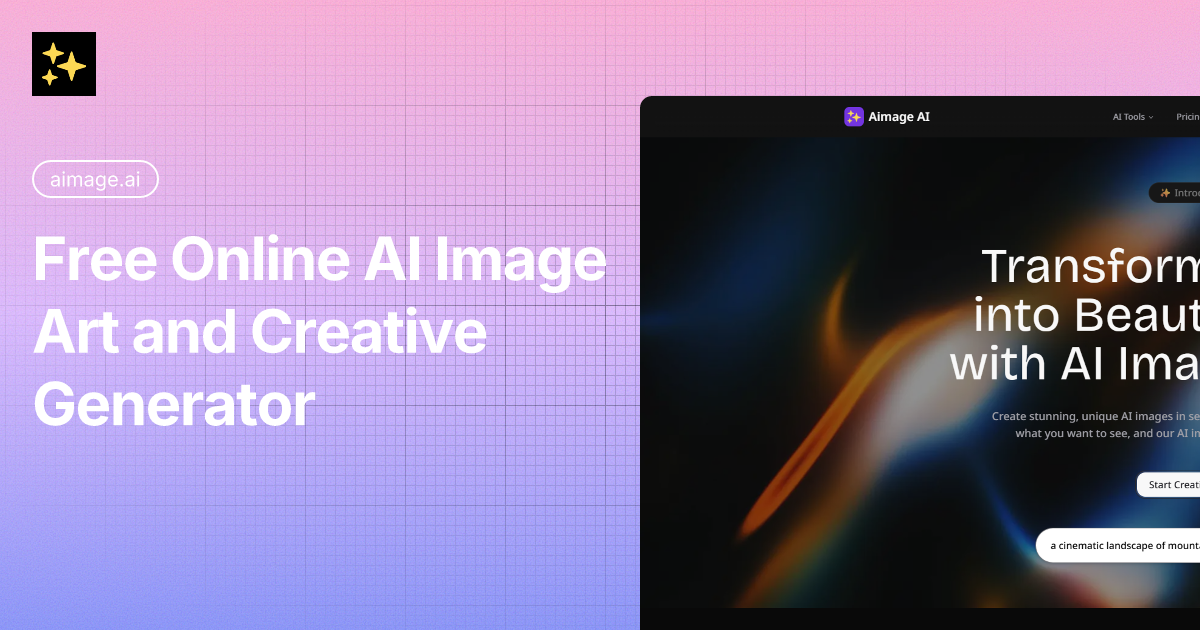
Aimage AI is an anime generator tool. Aimage AI combines text-to-image generation, photo style transfer (including Studio Ghibli and anime looks), a GPT Image 2 generator, an image-to-prompt tool and an AI video generator in one browser-based studio, with a public gallery of tagged examples for inspiration.
Aimage AI is a browser-based creative studio built around a text-to-image generator. You type a description in natural language, such as a cinematic mountain landscape at sunset, and the platform returns a finished image. From that core, the product widens into a small suite: a photo style transfer tool, a GPT Image 2 generator with optional reference images, an image-to-prompt reverse tool, a gallery of prior outputs, and a separate video generator. The whole set runs in the browser, so nothing needs installing to start. The strongest part of the offering for many users is the style transfer side. Aimage AI advertises conversions into looks such as Studio Ghibli, anime, pixel art and sketch, with the claim that the original photo keeps its essence while picking up a new aesthetic. That makes it useful for portrait treatment, social posts and mood boards rather than only for generating scenes from nothing. The image-to-prompt tool is a practical companion: upload a picture whose style you like, get a written prompt back, then reuse that prompt in the generator to make something in a similar vein. The practical workflow is straightforward. Describe a scene, generate variations, then refine. People who want reference-driven output can reach for the GPT Image 2 model, which the site says follows prompts more closely and supports optional reference images for faster iteration. The gallery doubles as an idea bank: it is filled with tagged examples (portrait, product, cyberpunk, fantasy, abstract) that show what the models handle well, and those same examples can be used as starting prompts. Aimage AI sits in the crowded general-purpose image generator market, and its differentiator is breadth plus convenience rather than a single flagship model. A user gets text-to-image, image-to-image styling, prompt extraction and short video under one roof, which reduces the need to juggle several subscriptions for a small creative project. Commercial use and image resolution are covered only in the FAQ without published specifics on the homepage, so buyers should confirm those terms before relying on output for client work.
The homepage repeatedly offers free creation links (Create for Free, Try for Free), but it does not state credit allowances, watermarking or which models the free tier covers.
Learn moreThe integrations page is an index of the site's own tools (image generator, video, style transfer, GPT Image 2, image-to-prompt, gallery) rather than third party connectors.
Learn moreText-to-image generation from natural language prompts, photo style transfer into looks such as Studio Ghibli, anime, pixel art and sketch, a GPT Image 2 generator with optional reference images and stronger prompt following, an image-to-prompt reverse tool, a tagged inspiration gallery, and a separate AI video generator using Sora, Kling and Veo models.
Learn more AI Angels400+ customizable AI girlfriends for NSFW chat, voice calls, and roleplay
 Candy AIExperience the future of companionship with AI friends who chat, role-play, and connect with you on a human level.
 ourdream.aiA vast AI roleplay platform with millions of characters for chat, images, video and voiceAI Angels400+ customizable AI girlfriends for NSFW chat, voice calls, and roleplayCandy AIExperience the future of companionship with AI friends who chat, role-play, and connect with you on a human level.ourdream.aiA vast AI roleplay platform with millions of characters for chat, images, video and voice