What image to cartoon tools do
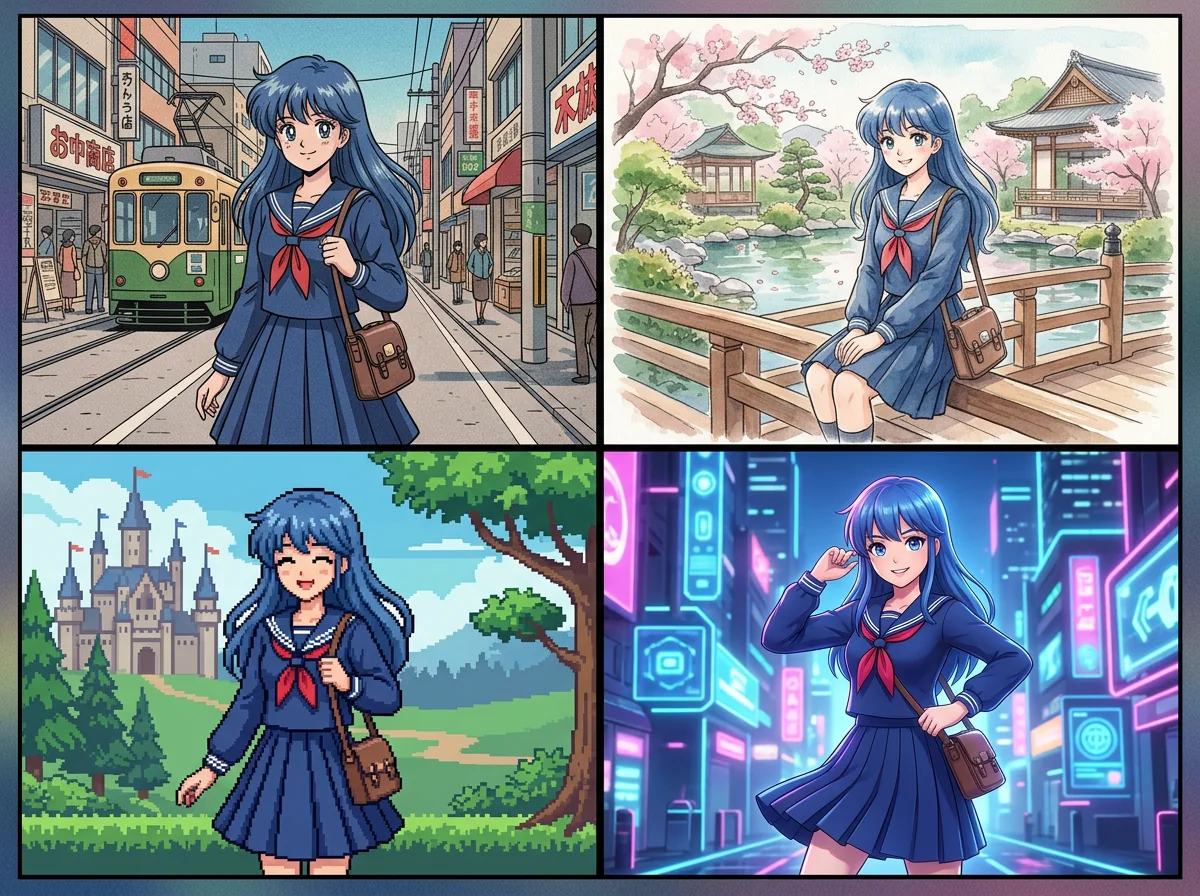
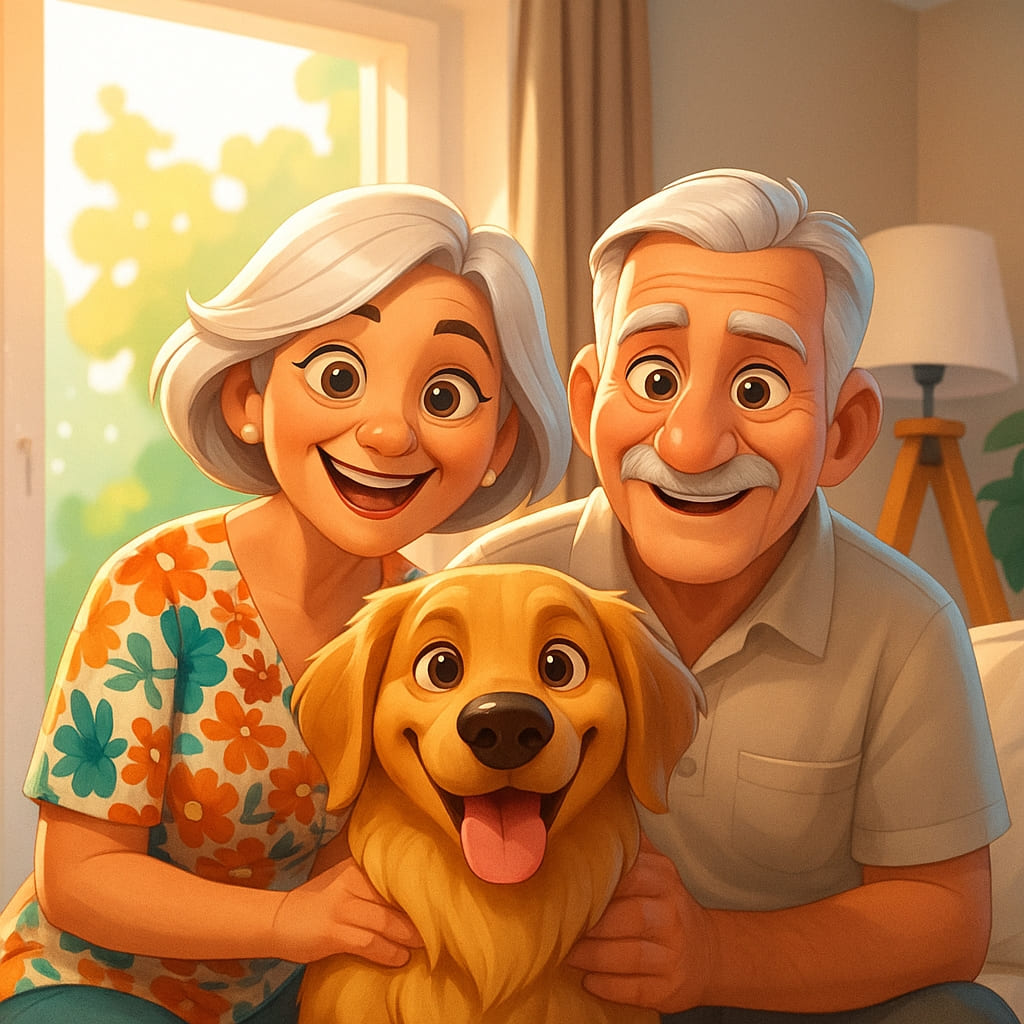
Image to cartoon tools take an existing photo, usually a selfie or portrait, and redraw it in an illustrated style. Depending on the tool, the result may be a Pixar-like 3D avatar, an anime portrait, a comic panel, a painterly rendering or an exaggerated caricature. Most run in the browser: upload a picture, pick a style, and download the result.
They are built for people who want a stylized image without drawing skills or design software: social media users refreshing a profile picture, creators who need an avatar, and anyone making a gift or a custom illustration from a photo. They replace manual tracing, filter stacks in a photo editor and commissioned portraits for casual uses.
How to choose one
Anyone looking to transform an image to cartoon should start with the style they want, because the tools differ more in look than in quality. Some focus on 3D animated characters, some on anime, some on caricature with deliberate exaggeration, and some on painting-like effects.
Then check these points:
- Subject: tools aimed at faces work best on portraits, while broader art generators handle landscapes, pets and objects better.
- Pricing model: many offer a free tier or credits, while others are paid from the start. Check whether free output is limited in size or style choice.
- Style variety: a tool with several art styles lets you compare results from one upload.
- Extras: some tools bundle text-to-image, video or other generators, which matters only if you need more than one conversion.
Trying the same photo in two or three tools is the most reliable test, since results vary with lighting, angle and expression.
Notable tools
- Cartoonize AI turns photos into Pixar, Ghibli or comic-style art, which covers several popular looks in one place.
- CrafteAI makes Pixar-style 3D cartoon avatars through a credit-based web app.
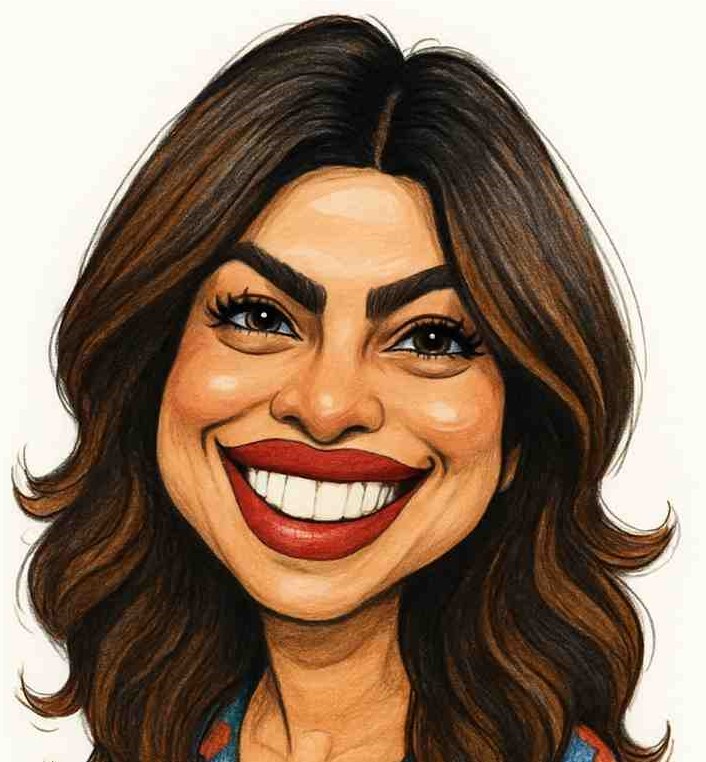
- GPT Caricature turns a single photo into an exaggerated caricature in eight art styles.
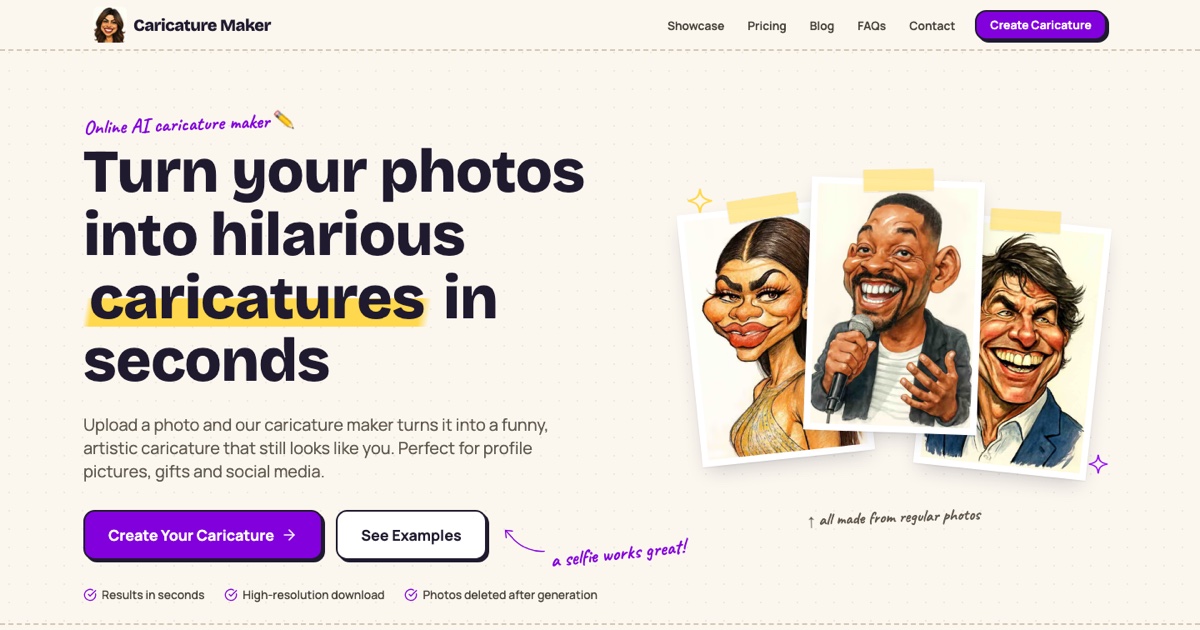
- Caricature Studio produces a hand-drawn style caricature from one selfie.
- ImageToCartoon converts a person's face into an anime or cartoon-style image with a simple online interface.
- Prisma transforms photos into color paintings, a fit for artistic rather than character-style results.
Common questions
How do I transform an image to cartoon?
Upload a clear, well-lit photo to a tool from this page, choose a style such as anime, Pixar-like or comic, and generate. Front-facing portraits with a plain background usually give the cleanest results. Most tools let you download the image once it is ready.
Is there a free image to cartoon tool?
Several tools here have a free tier or free credits, including Cartoonize AI, CrafteAI and Dreamega AI. Limits differ, so check what the free plan allows before relying on it. Others, such as Caricature Studio, are paid.
What is the difference between a cartoon and a caricature?
A cartoon redraws a subject in a simplified, illustrated style. A caricature deliberately exaggerates features for humor or character. Tools like GPT Caricature and Caricature Studio target the second look.
When to look elsewhere
If the goal is to improve a photo rather than restyle it, the Image Enhancer category fits better. For swapping one person's features onto another picture, see Face Swap.