Free trial
New accounts receive free credits on sign-up to try the enhancement features without payment. The homepage also says results carry no watermark.
Learn moreBrowser-based photo upscaler with 4K output, denoising and blur repair
Own AIPhotoEnhancer.Pro? Verify ownership to get a dofollow link

AIPhotoEnhancer.Pro is a web-based AI tool that upscales photos to 4K, sharpens blur, reduces noise and corrects color in one click. It uses credits, with free credits at sign-up, and also offers a video enhancer.
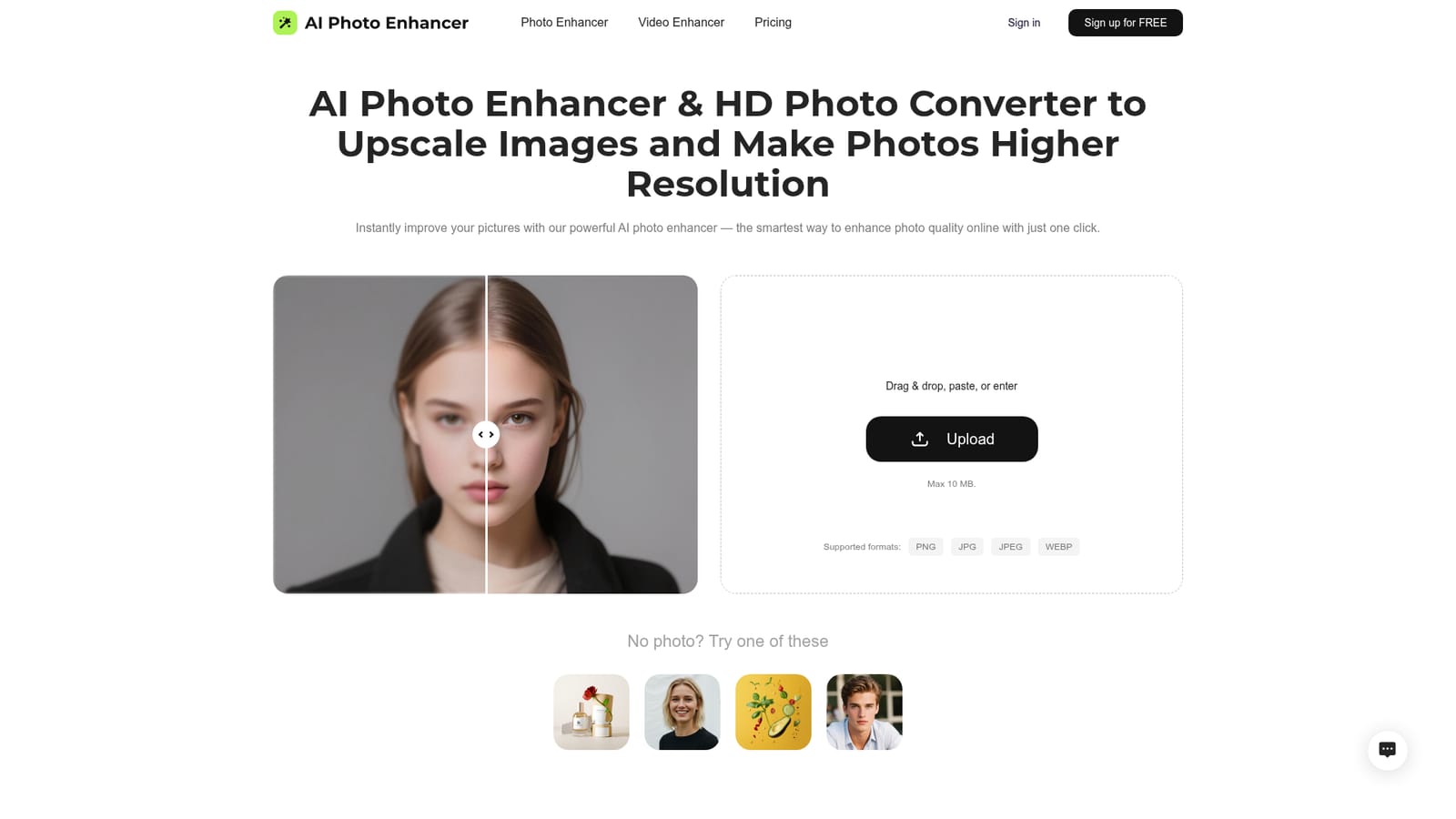
AIPhotoEnhancer.Pro is a browser-based image enhancement service that raises the resolution and clarity of existing pictures. Visitors upload a PNG, JPG, JPEG or WEBP file of up to 10 MB, or paste or enter an image, and the service applies AI processing aimed at sharper edges, cleaner textures and higher pixel dimensions, including output up to 4K. A set of sample photos on the homepage lets people test it without supplying their own file. The feature set covers the usual repair jobs in one pipeline: sharpening soft shots, reducing grain and color speckle in low-light images, reconstructing blurry or damaged pixel detail, and automatic color correction that adjusts tone, saturation and contrast. The site frames these around practical scenarios such as restoring old family prints, lifting dark night photos, polishing portraits, improving landscape color, rescuing compressed memes, and preparing real estate or illustration images for web and print use. A separate video enhancer page extends the same idea to footage, with upscaling to 4K. In practice the workflow is short. Files are dropped into the upload area, and batch upload allows several at once. A single button starts the enhancement, and the result can be downloaded in a chosen size and format. There is no manual layer or mask work, which is the main contrast the site draws with traditional editors such as Photoshop. Accounts are used to hand out free credits on sign-up, with additional credits available to top up, and the pricing page covers the paid options. No dedicated downloadable app exists, so use on tablets and phones goes through the browser. Among alternatives, the service sits in the same space as consumer enhancers such as Remini and Fotor, and as the enhancement features inside general design tools. It suits non-designers, small sellers, agents and social creators who want a quick one-click fix more than fine control. People who need selective retouching, local adjustments or guaranteed fidelity to the original on heavily damaged files will likely still need a conventional editor alongside it.
New accounts receive free credits on sign-up to try the enhancement features without payment. The homepage also says results carry no watermark.
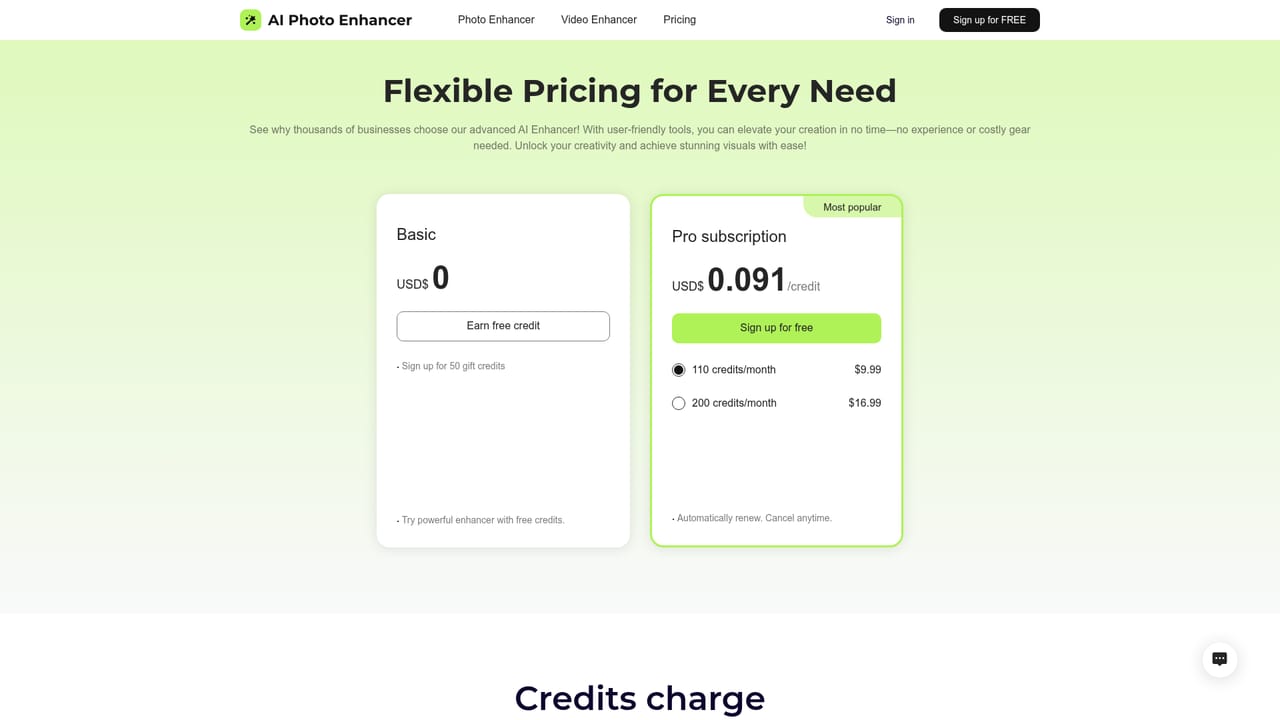
Learn moreFree credits are given at sign-up, and more credits can be topped up later. Specific plan prices are not stated on the homepage; a separate pricing page lists the options.
Learn moreSharpening, noise reduction, upscaling to 4K, automatic color correction, pixel restoration and blur removal for photos, plus batch upload, size and format choice, and a separate AI video enhancer.


