Airparser

Turn emails, PDFs and scans into clean structured JSON

Beginner API
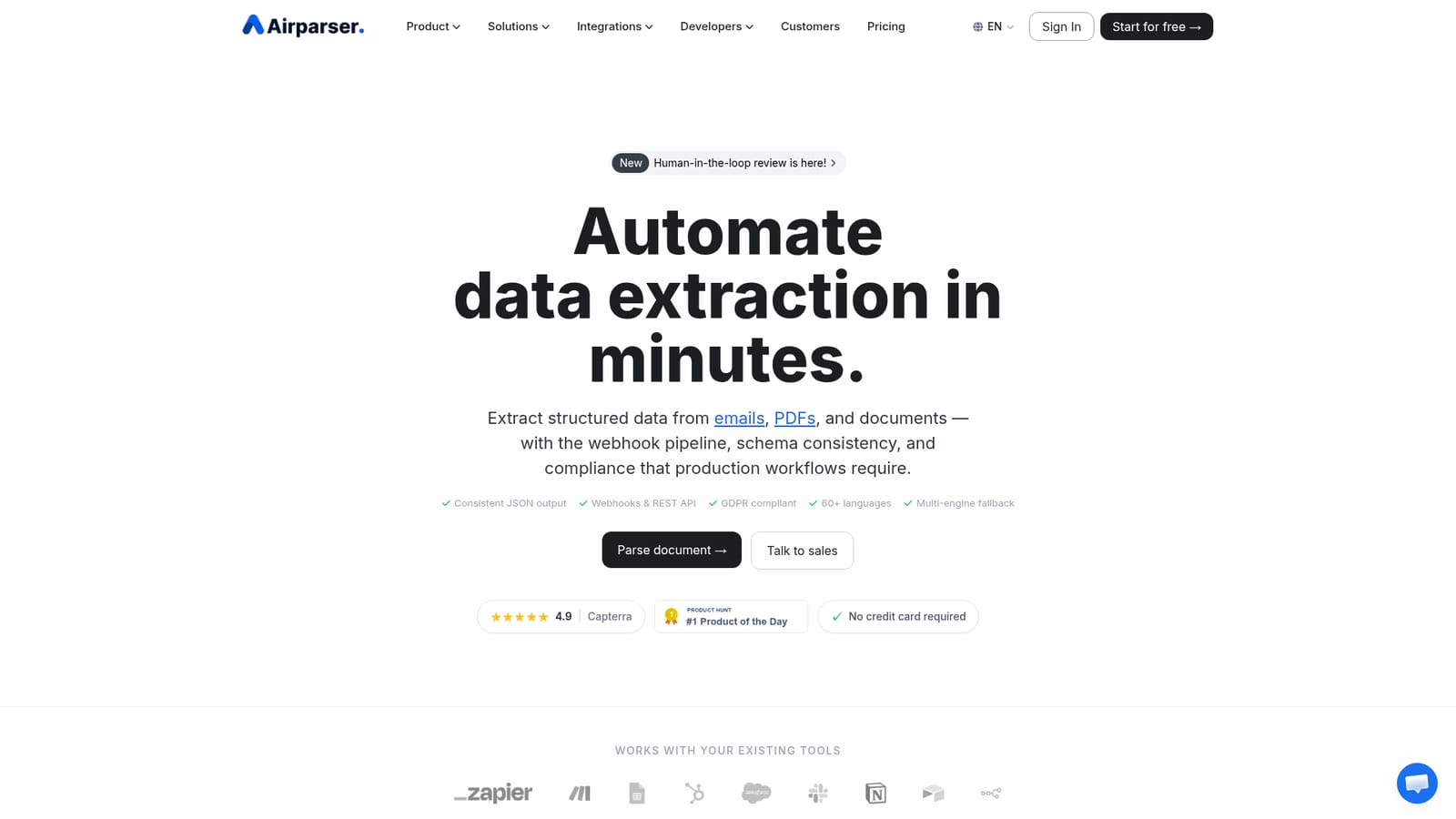
Screenshot of Airparser, Turn emails, PDFs and scans into clean structured JSON

What is Airparser?

Airparser is an AI spreadsheet generator tool that turns emails, PDFs and scans into clean structured JSON. Airparser extracts structured data from emails, PDFs, scans and handwritten documents using LLM and OCR engines, then exports clean JSON to webhooks, spreadsheets and 7,000+ apps via Zapier, Make and n8n.

Airparser is a document parsing service that pulls structured data out of email, PDFs, images, Word files, HTML, CSV and handwritten scans, then hands that data to whatever system needs it. The pitch is aimed at operations teams that currently retype invoices, purchase orders, resumes, contracts and order confirmations by hand, and at developers who would rather wire up a webhook than maintain a custom extraction script. The setup model is the part that separates it from template-driven OCR tools. Instead of placing bounding boxes on a sample layout, you write a list of fields in plain language and the parsing engine uses a combination of text LLMs, vision LLMs and AI OCR to find the matching values, including in 60+ languages. That means a supplier who reformats an invoice next quarter does not break the schema. Documents can arrive by forwarding email and attachments to a dedicated inbox, by manual upload, or through the API and automation platforms. The engine also classifies and splits incoming documents, then returns consistent JSON. Output is where the product earns its place in a stack. Parsed records can go to Google Sheets, Excel, CSV, JSON, webhooks, or onward into Zapier, Make and n8n for 7,000+ app connections, including HubSpot, Slack, Airtable, Notion, Salesforce and QuickBooks. A human-in-the-loop review step holds low-confidence documents so a person can correct them before the data reaches those integrations. Security is addressed directly: AES-256 at rest, TLS 1.2+ in transit, GDPR compliance, no use of customer documents for model training, and optional automatic deletion after processing. Compared with enterprise IDP suites, Airparser is lighter and faster to stand up, with most users parsing a first document inside five minutes. Compared with raw LLM prompting, it adds schema management, validation, retries and delivery plumbing. The tradeoff is that very complex multi-table documents or heavily bespoke compliance requirements may still push teams toward a larger platform.

How do you use Airparser?

  1. 1Try a sample or upload your own document
    The homepage demo runs one page at a time on a sample invoice, resume, email or bank statement, or on your own PDF, JPEG, PNG, BMP, EML or DOCX file up to 10MB. Files are processed in memory and discarded.
    Airparser — Try a sample or upload your own document
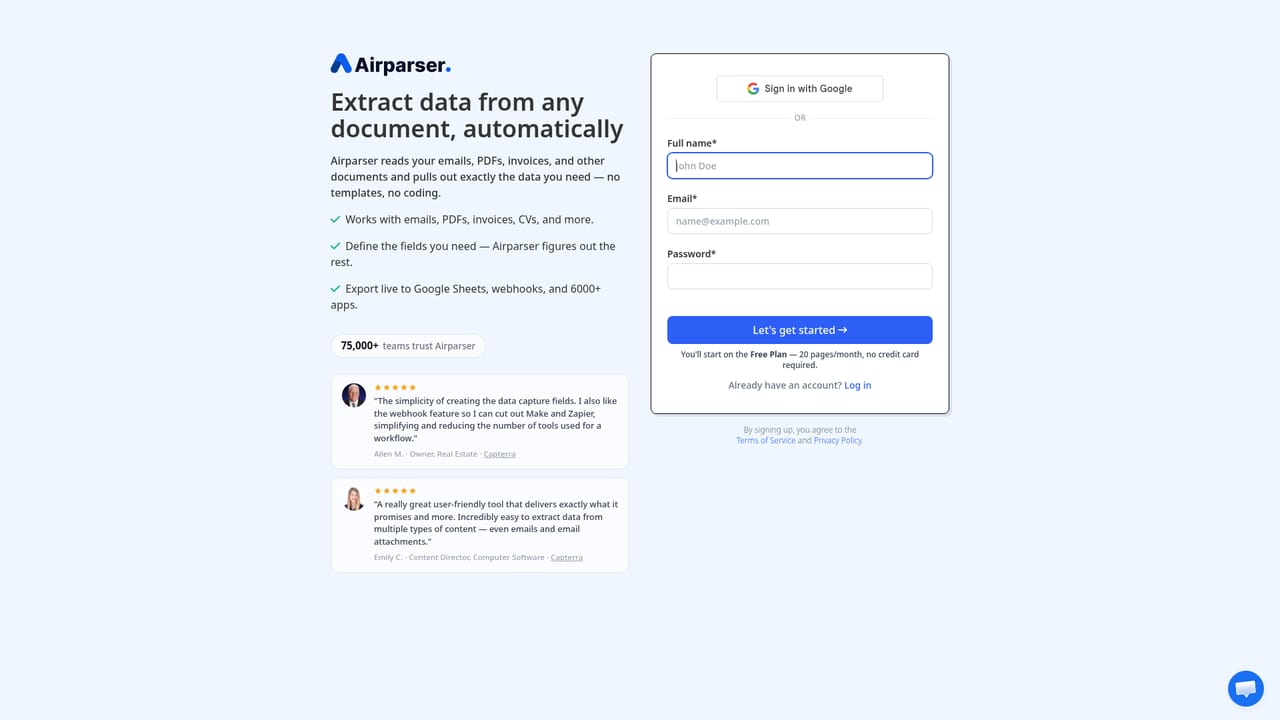
  2. 2Create a free account
    Sign up without a credit card to unlock editable schemas, validation rules, batch uploads and integrations beyond the one-page demo.
    Airparser — Create a free account
  3. 3Define the extraction schema
    List the fields you want in plain language. The parser uses text and vision LLMs plus AI OCR to locate values, so no training dataset or template drawing is needed.
  4. 4Choose how documents arrive
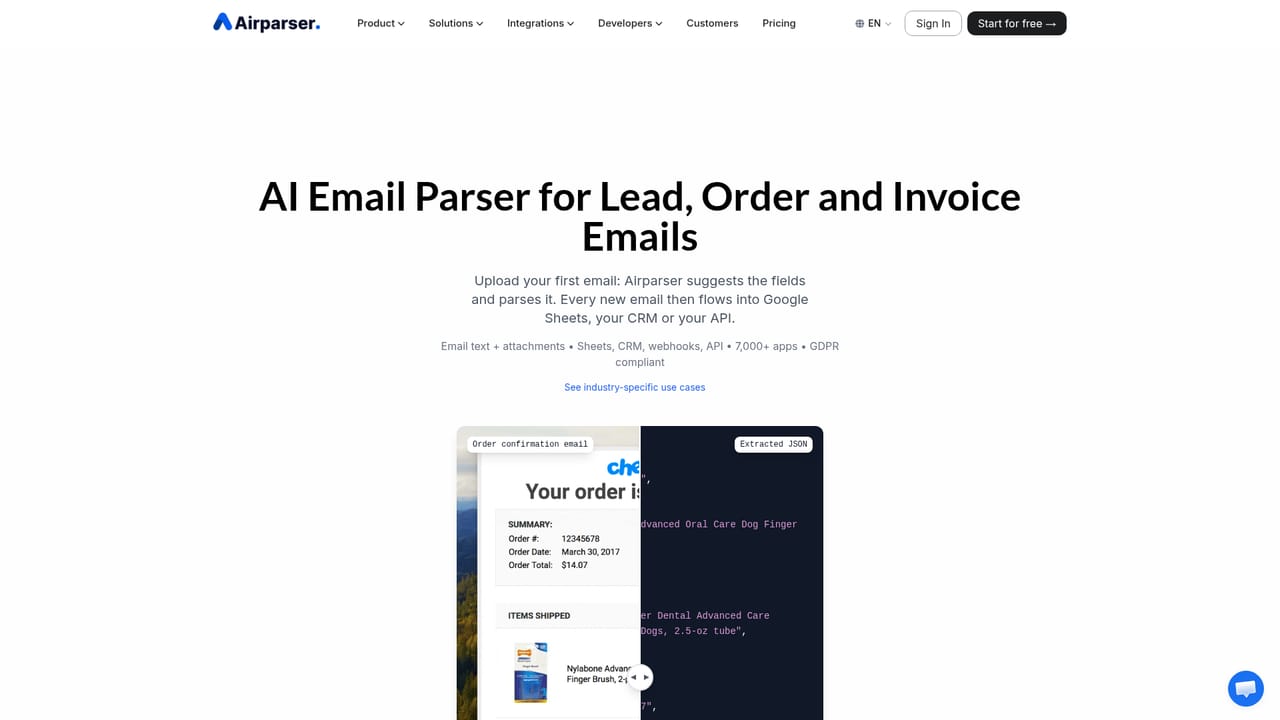
    Forward email and attachments to the Airparser inbox, upload files manually, or push documents in through the REST API or an automation platform.
    Airparser — Choose how documents arrive
  5. 5Add review and validation rules
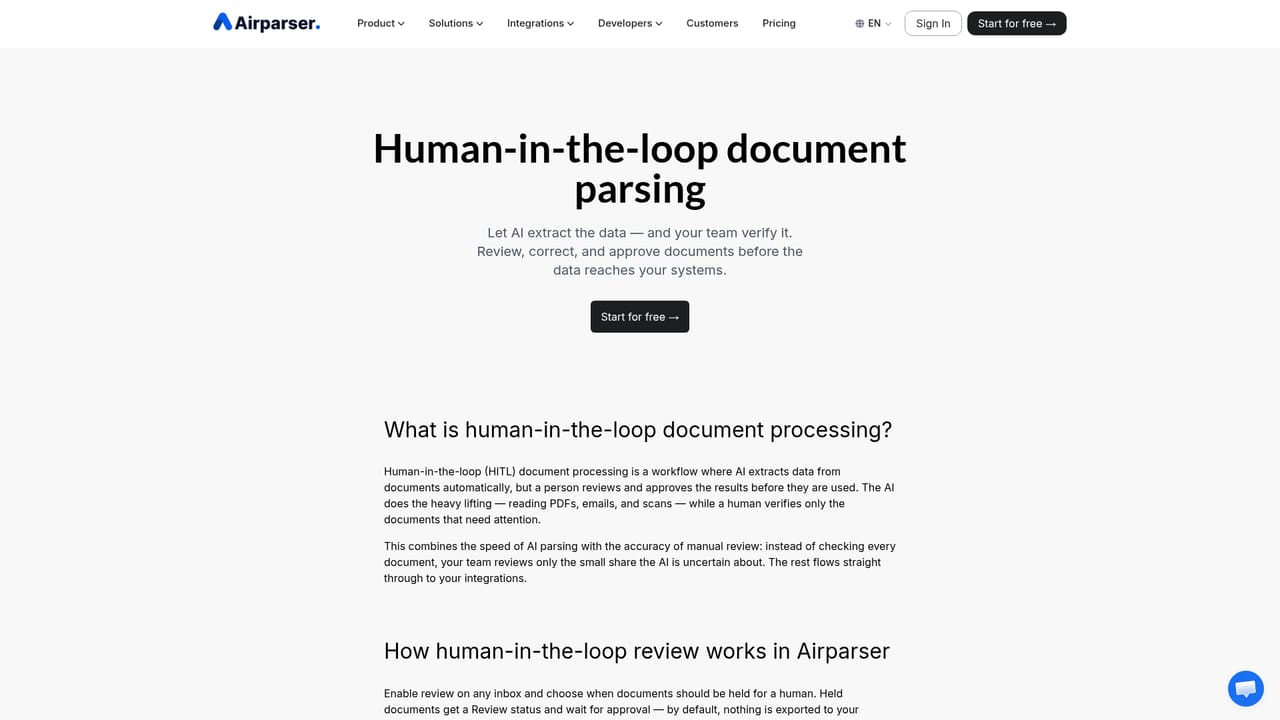
    Set validation rules and hold low-confidence documents for human review so a team member approves or corrects the record before it is delivered.
    Airparser — Add review and validation rules
  6. 6Connect the export destination
    Send parsed JSON to Google Sheets, Excel, CSV, webhooks or a Zapier, Make or n8n automation so records land in your CRM, accounting tool or database.
    Airparser — Connect the export destination

Pros and cons

Pros

  • Schema setup is written in plain language, so reformatted documents do not break extraction the way fixed templates doAI
  • Wide input coverage: email and attachments, native and scanned PDFs, Word, images, HTML, CSV and handwriting across 60+ languagesAI
  • Consistent JSON output plus webhooks and REST API make it straightforward to slot into an existing pipelineAI
  • Human-in-the-loop review holds low-confidence documents for correction before data reaches integrationsAI
  • Explicit privacy posture: no training on customer documents, AES-256 at rest, GDPR compliance, configurable auto deletionAI

Cons

  • Pricing tiers and volume limits are not stated on the homepage, so costs have to be confirmed before committingAI
  • Accuracy claims such as a 90% lower error rate are vendor-reported and not independently benchmarked on the pageAI
  • The free plan is capped in practice despite vague wording, and higher volumes require a paid upgradeAI
  • Support channels and response times are not documented on the homepage, which matters for production workflowsAI
  • Complex multi-table documents and bespoke compliance needs may exceed what a lightweight parser is built forAI

How much does Airparser cost?

Free trial

A free plan is available with no credit card required. It covers the core features and document parsing, while paid plans unlock higher volumes and advanced capabilities. Exact free-tier limits are not published on the homepage.

Learn more

Integrations

Native destinations include Google Sheets, Google Drive, HubSpot, QuickBooks, Slack, Airtable, Notion and Salesforce, with custom webhooks for anything else. Zapier, Make and n8n extend reach to 7,000+ apps, and a public REST API covers bespoke builds.

Learn more

Features

LLM and AI OCR parsing of emails, attachments, native and scanned PDFs, Word files, images, HTML, CSV and handwriting in 60+ languages. Plain-language field schemas, validation rules, multi-page and batch uploads, human-in-the-loop review for low-confidence documents, webhooks and REST API, an AI code assistant for post-processing, plus AES-256 encryption, GDPR compliance and automatic data deletion.

Learn more

Frequently asked questions about Airparser

  • Does Airparser offer a free trial?
    A free plan is available with no credit card required. It covers the core features and document parsing, while paid plans unlock higher volumes and advanced capabilities. Exact free-tier limits are not published on the homepage.
  • Does Airparser have an API?
    Yes, Airparser offers an API.
  • How do you use Airparser?
    The walkthrough on this page covers 6 steps: 1. Try a sample or upload your own document 2. Create a free account 3. Define the extraction schema 4. Choose how documents arrive 5. Add review and validation rules 6. Connect the export destination.
  • What platforms does Airparser support?
    Airparser is available on Web App.
  • What does Airparser integrate with?
    Native destinations include Google Sheets, Google Drive, HubSpot, QuickBooks, Slack, Airtable, Notion and Salesforce, with custom webhooks for anything else. Zapier, Make and n8n extend reach to 7,000+ apps, and a public REST API covers bespoke builds.
  • What are the limitations of Airparser?
    Pricing tiers and volume limits are not stated on the homepage, so costs have to be confirmed before committing. Accuracy claims such as a 90% lower error rate are vendor-reported and not independently benchmarked on the page. The free plan is capped in practice despite vague wording, and higher volumes require a paid upgrade.

Status

StatusActive
Views0
Outbound clicks0
Added10/21/2026

Platforms

Web App

Pricing

FreeFreemiumPaid
