Free trial
New accounts receive free credits for 3D generation. Credit use varies with the geometry, texture and mesh settings chosen, so a standard model costs less than a high detail one.
Learn moreTurn a prompt or photo into a downloadable 3D mesh
AIto3D.ai is a convert image to 2D tool that turns a prompt or photo into a downloadable 3D mesh. AIto3D.ai generates real 3D mesh geometry from text prompts, single images or multiple reference views, then lets you preview, convert, measure, compress, render and export the model in formats such as GLB, OBJ, FBX, STL, USDZ and 3MF.
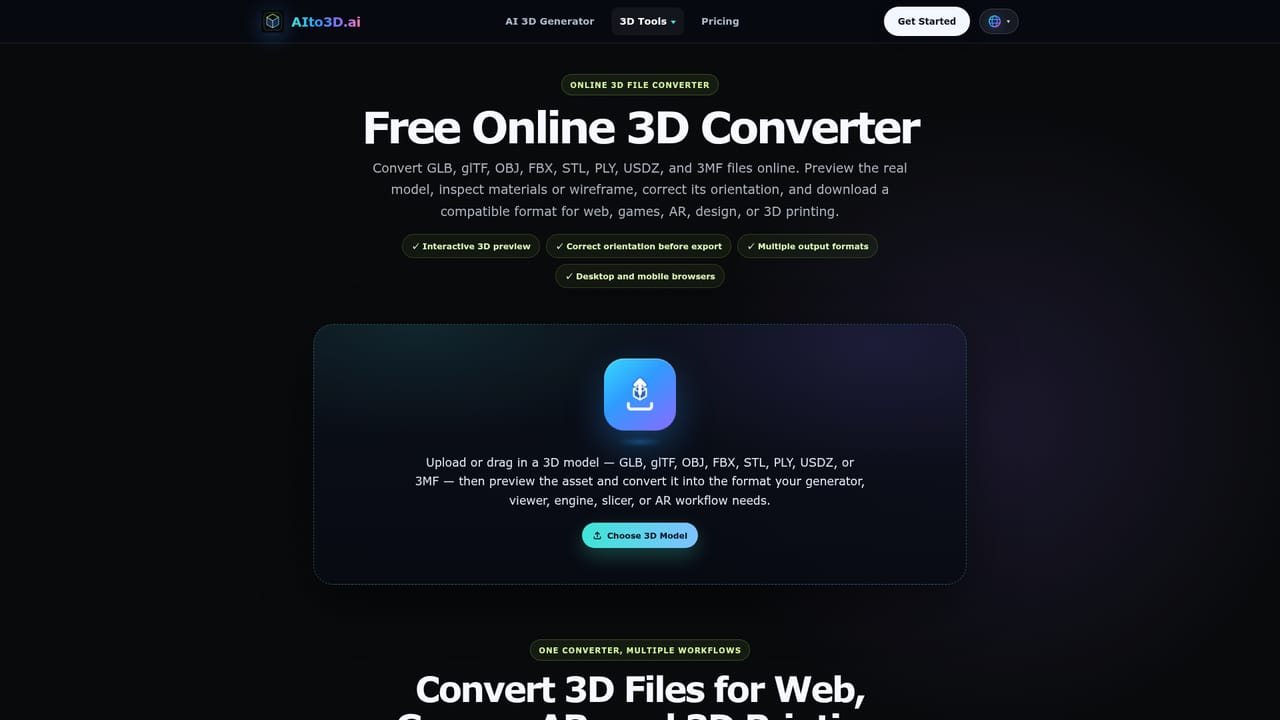
AIto3D.ai is a browser based generator that produces actual 3D mesh geometry from a written prompt, a single image, or a set of reference views. The output is a real model you can rotate and inspect from any angle, not a flat picture with a 3D filter applied. Generated assets can be exported in GLB, OBJ, FBX, STL, PLY, USDZ, 3MF and glTF, which covers the formats most game engines, slicers, web viewers and AR pipelines expect. The workflow is built around three inputs. Text to 3D suits new concepts such as characters, props, vehicles, buildings and packaging. Image to 3D converts a photo, illustration, sketch or product shot of one clear subject into a model. Multiple images to 3D takes consistent front, side and back references and uses them to improve shape accuracy and fill in surfaces that a single view cannot reveal. Before generating, users pick texture quality, geometry quality and mesh type (triangles or quads), each of which changes the credit cost. Beyond generation, the platform bundles a set of utility tools that normally live in separate applications: format conversion, orientation fixes, volume and dimension checks, and compression of GLB and glTF files. There is also a render mode that outputs a single studio image or a four image view pack, plus a 360 degree turntable video export in 1:1 or 9:16 MP4 for product pages and short form social. Finished meshes can go on to Blender, Unity, Unreal Engine or a slicer. This puts AIto3D.ai in the same territory as other image and text to 3D services, with the difference being the breadth of the post generation toolchain rather than a claim of scan grade accuracy. It fits game artists blocking out props, product designers visualising early shapes, makers preparing printable starting meshes, and e-commerce teams that want 360 previews without a scanning rig. Results are starting points: thin details, transparent materials and partly hidden geometry still need manual cleanup.
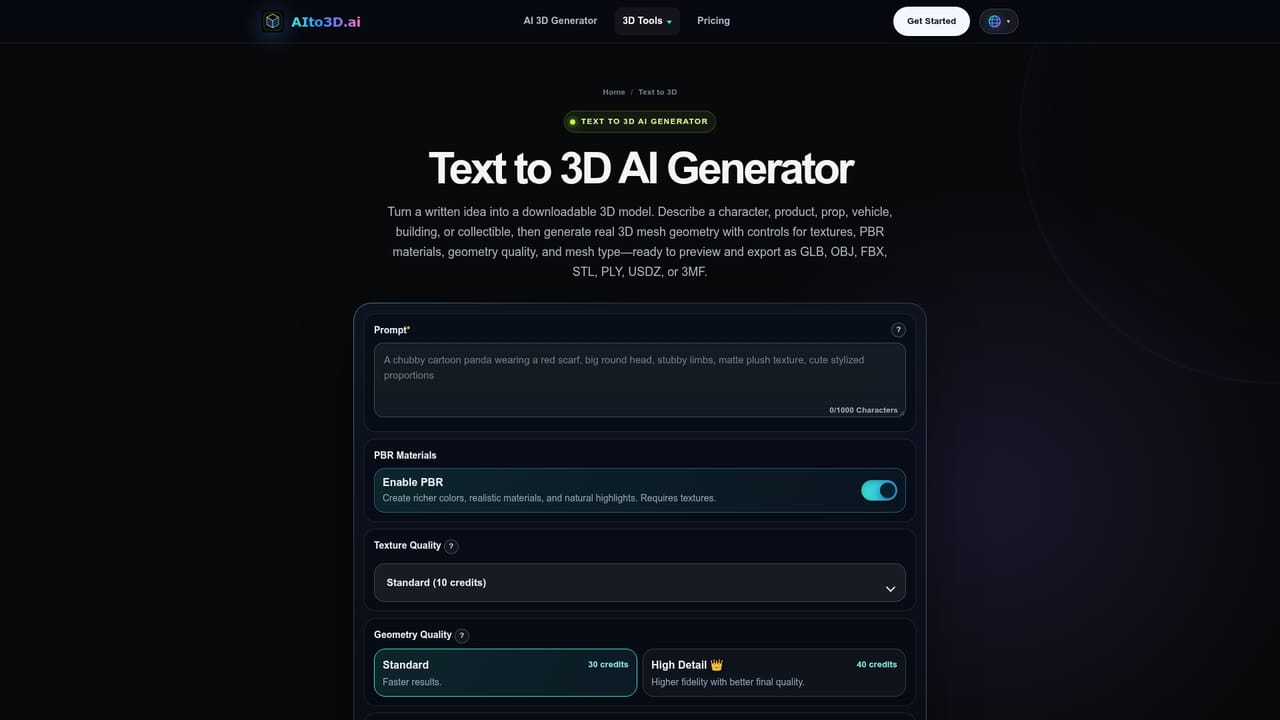

New accounts receive free credits for 3D generation. Credit use varies with the geometry, texture and mesh settings chosen, so a standard model costs less than a high detail one.
Learn morePaid plans grant 600 to 8,000 credits per month, unlimited downloads, commercial licensing, up to 12 concurrent tasks and full access to text, image and multiview generation. Rendering, conversion, compression, volume calculation, preview video and the browser 3D viewer are unlimited on paid tiers.
Learn morePremium plans include 24/7 customer support, and a contact page is available for questions about generation, formats and licensing.
Learn moreNo native plugins or account level integrations are listed. Exported files are intended for Blender, Unity, Unreal Engine, web 3D viewers, AR workflows and 3D printing slicers.
Text to 3D, image to 3D and multiple images to 3D generation with selectable texture, geometry and mesh quality. Browser preview with full rotation, export to GLB, OBJ, FBX, STL, PLY, USDZ, 3MF and glTF, plus utility tools for format conversion, orientation fixes, volume and dimension measurement, and GLB and glTF compression. Render output covers single studio images and four view packs, and preview video export produces 1:1 or 9:16 MP4 turntables.
Learn more AI Angels400+ customizable AI girlfriends for NSFW chat, voice calls, and roleplay
 Candy AIExperience the future of companionship with AI friends who chat, role-play, and connect with you on a human level.
 ourdream.aiA vast AI roleplay platform with millions of characters for chat, images, video and voiceAI Angels400+ customizable AI girlfriends for NSFW chat, voice calls, and roleplayCandy AIExperience the future of companionship with AI friends who chat, role-play, and connect with you on a human level.ourdream.aiA vast AI roleplay platform with millions of characters for chat, images, video and voice