Free trial
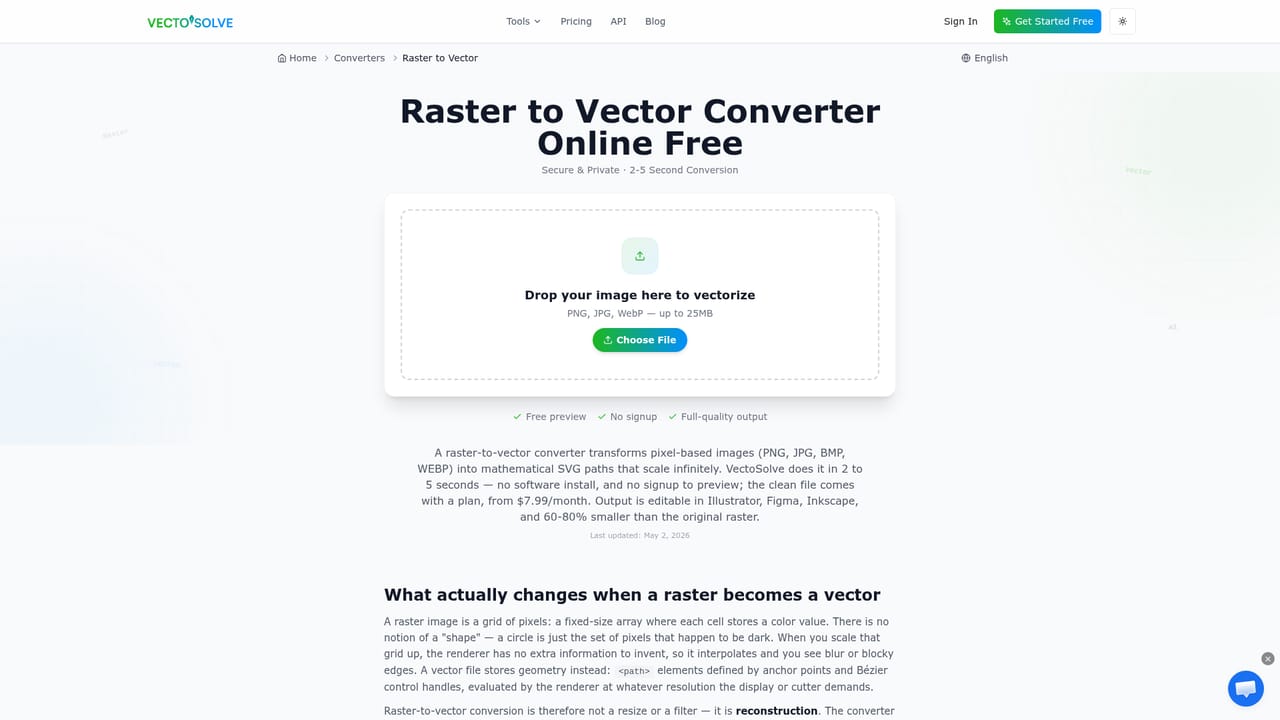
One free conversion is available with an account, and no signup is required to try the converter. The full preview of any trace is free, with payment only needed to download the file.
Learn moreAI raster to vector conversion built for makers, not just designers

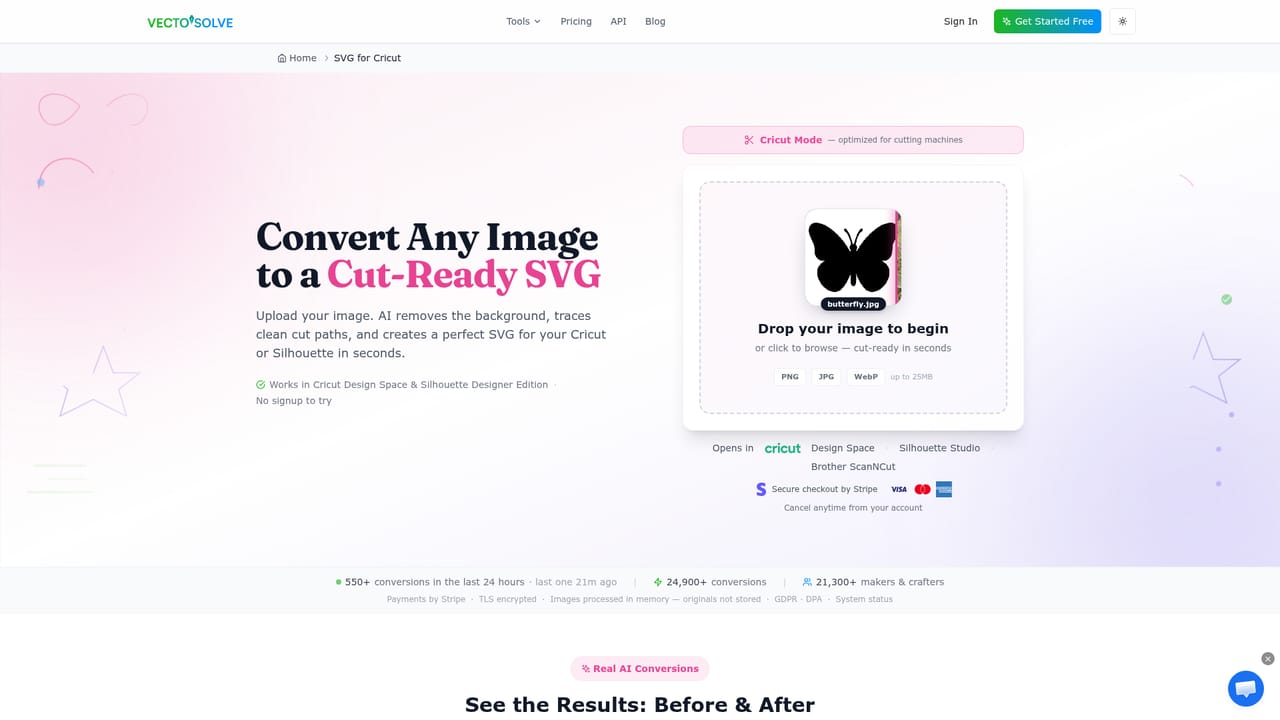
VectoSolve converts PNG, JPG and WEBP images into clean SVG vectors for Cricut, laser cutters, embroidery machines and print work. Preview before paying, batch uploads, plus AI logo generation, upscaling and SVG animation tools.
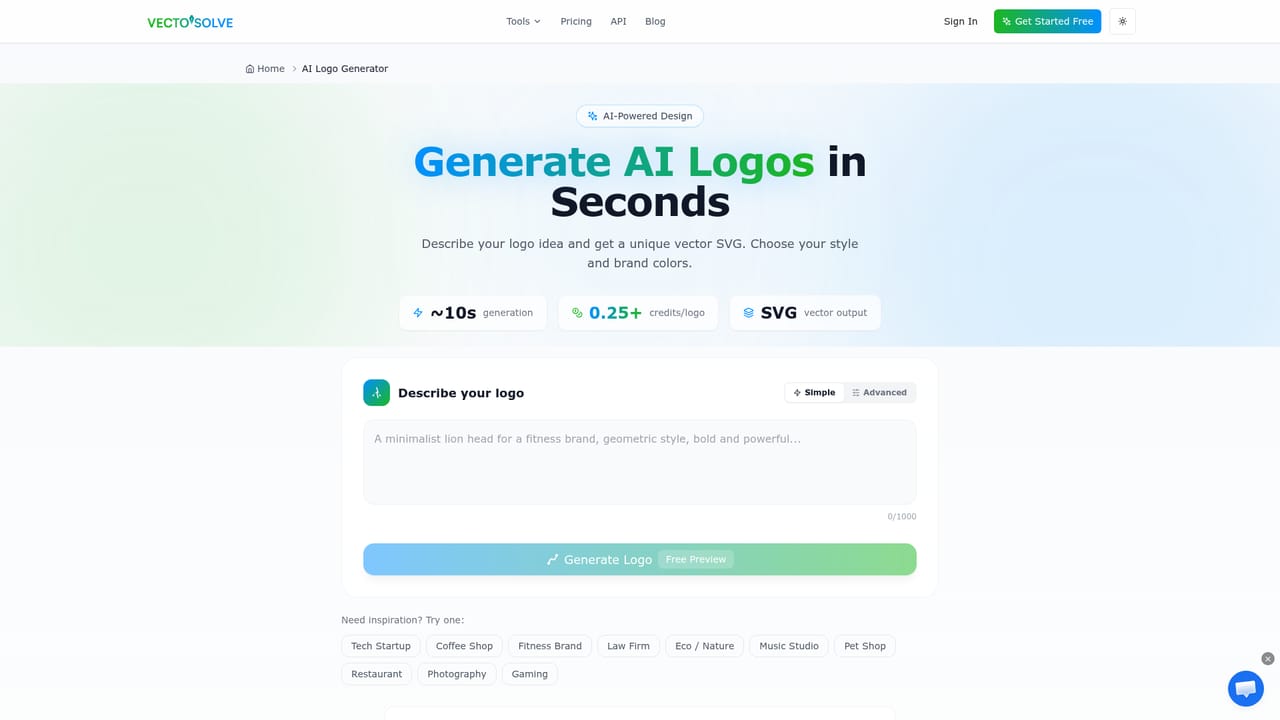
VectoSolve is a browser based image to SVG converter aimed at people who need a clean vector file rather than a decorative trace. You upload a PNG, JPG or WEBP, the service redraws it as vector paths, and you review a preview before spending anything. The homepage positions it squarely against traditional auto-trace features, arguing that those tools return hundreds of stray shapes and noisy specks that cutting machines then try to follow. VectoSolve strips the specks, merges near-identical colours and closes outlines so the resulting SVG opens cleanly in Cricut Design Space, Silhouette Studio, LightBurn or Illustrator without a cleanup session first. The workflow is deliberately shallow. A drag and drop upload starts a conversion, batch processing handles several files at once, and finished SVGs can be recoloured or exported onward to PNG, JPG and WebP. Beyond straight conversion, the platform bundles adjacent tools: an AI logo generator, a text to SVG generator, an image upscaler and an SVG animator. Dedicated landing pages exist for specific machines and materials, including Cricut, laser cutters such as Glowforge and xTool, embroidery formats (DST, PES, JEF), Bambu Lab multi-colour printing and Etsy listing artwork, which signals that the product was built around craft and small shop workflows rather than web development. That focus defines who it suits. Vinyl cutters, print shops, Etsy sellers, laser engravers and designers who receive customer artwork all share the same problem: a pixel file that has to become a cuttable or printable path. Figma users get a dedicated integration page, and the homepage lists Shopify, Etsy and Google Slides among the tools it works with. Relative to general vectorisation features inside design suites, VectoSolve trades breadth for output hygiene, which matters most when a machine has to interpret the file rather than a human eye. Limitations are worth weighing. Conversion happens on the vendor's servers, so sensitive client artwork leaves your machine, although the site states images are processed in memory and originals are not stored. Pricing is credit based, meaning heavy one-off batches become an arithmetic exercise. There is no desktop application, no public API documentation on the homepage, and support runs through email only. The full preview before payment is the strongest safeguard here: it lets you judge whether the trace is genuinely usable before committing a credit.
One free conversion is available with an account, and no signup is required to try the converter. The full preview of any trace is free, with payment only needed to download the file.
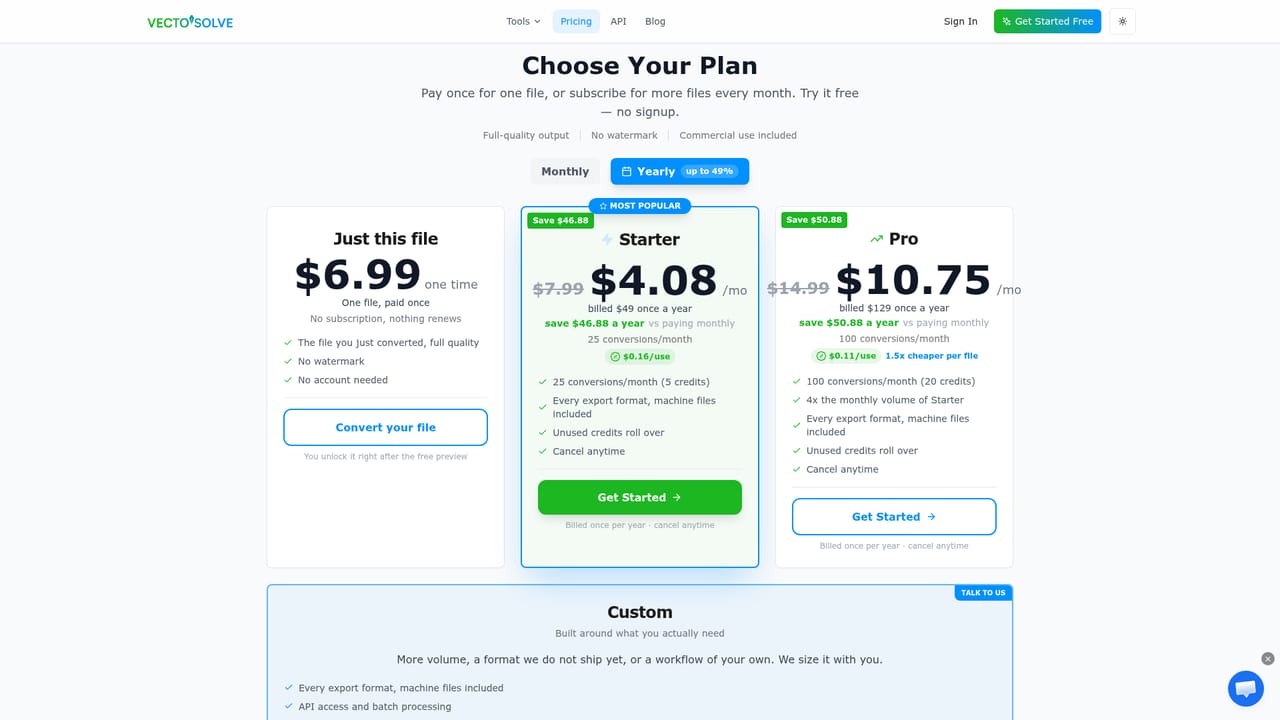
Learn more$6.99 one-time for a single conversion, or $49 a year for 25 conversions every month (about $4.08 monthly). Monthly plans: Starter at $7.99 for 25 conversions ($0.32 per file) and Pro at $14.99 for 100 conversions ($0.15 per file). Failed paid conversions are credited back, and plans cancel from the account page.
Learn moreSupport runs by email at contact@vectosolve.com for questions about files or plans. A public system status page is available, and cancellation is self-service from the account page.
Learn moreA dedicated Figma integration page sits alongside stated compatibility with Cricut Design Space, Silhouette Studio, LightBurn, Illustrator, Inkscape, Etsy, Shopify and Google Slides. No public API is documented on the homepage.
Learn moreAI raster to vector conversion for PNG, JPG and WEBP with batch uploads up to 25MB per file. Output is cleaned before delivery: specks removed, similar colours merged, outlines closed. Files export as SVG and convert to PNG, JPG or WebP, with extra formats including DXF, EPS, AI, PDF, G-code and embroidery formats (DST, PES, JEF) across 60 listed converters. Companion tools cover AI logo generation, text to SVG, image upscaling and SVG animation.
Learn more AI Angels400+ customizable AI girlfriends for NSFW chat, voice calls, and roleplay
 Candy AIExperience the future of companionship with AI friends who chat, role-play, and connect with you on a human level.
 ourdream.aiA vast AI roleplay platform with millions of characters for chat, images, video and voiceAI Angels400+ customizable AI girlfriends for NSFW chat, voice calls, and roleplayCandy AIExperience the future of companionship with AI friends who chat, role-play, and connect with you on a human level.ourdream.aiA vast AI roleplay platform with millions of characters for chat, images, video and voice