Pricing
The homepage does not state a cost for browsing the directory, which appears free to use; a separate pricing page is linked, likely covering options for submitting or featuring a tool.
Learn moreA searchable catalog of thousands of AI and SaaS tools, sorted by category

AiToolsList.Tools is a browsable directory of thousands of AI and SaaS tools grouped into categories, with search, a featured section, a blog, and one-click links to each tool's official site.
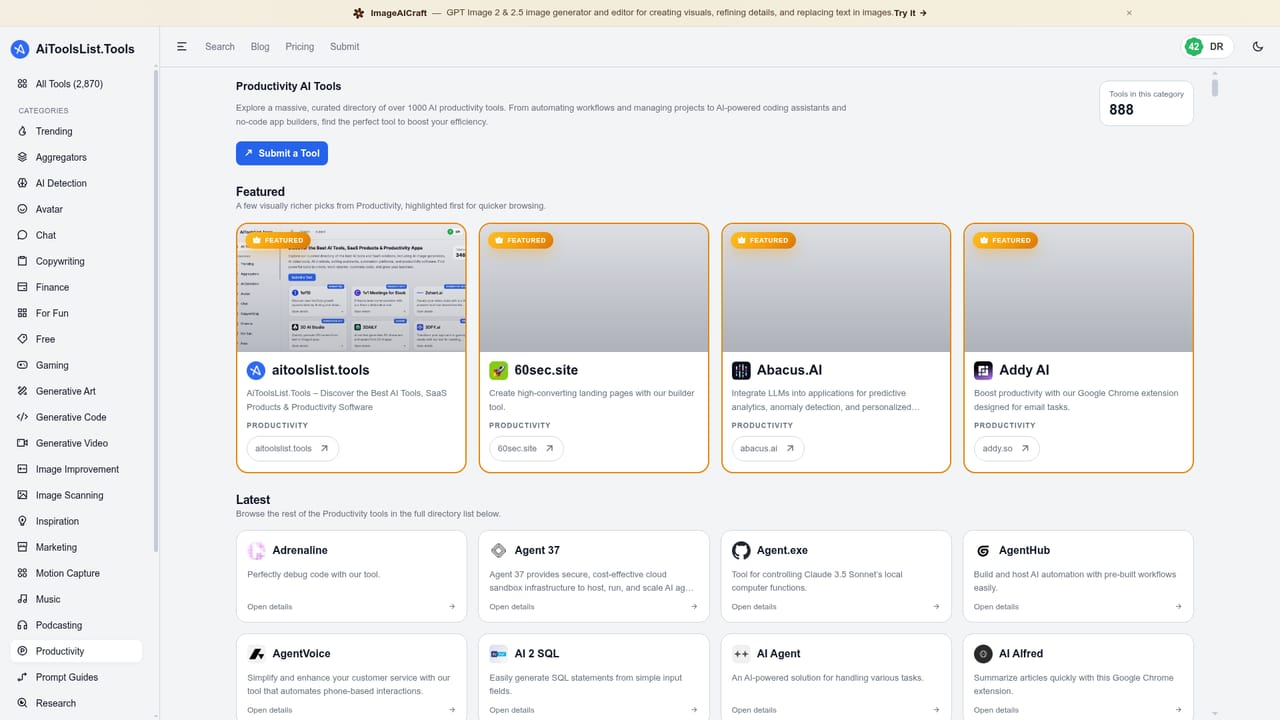
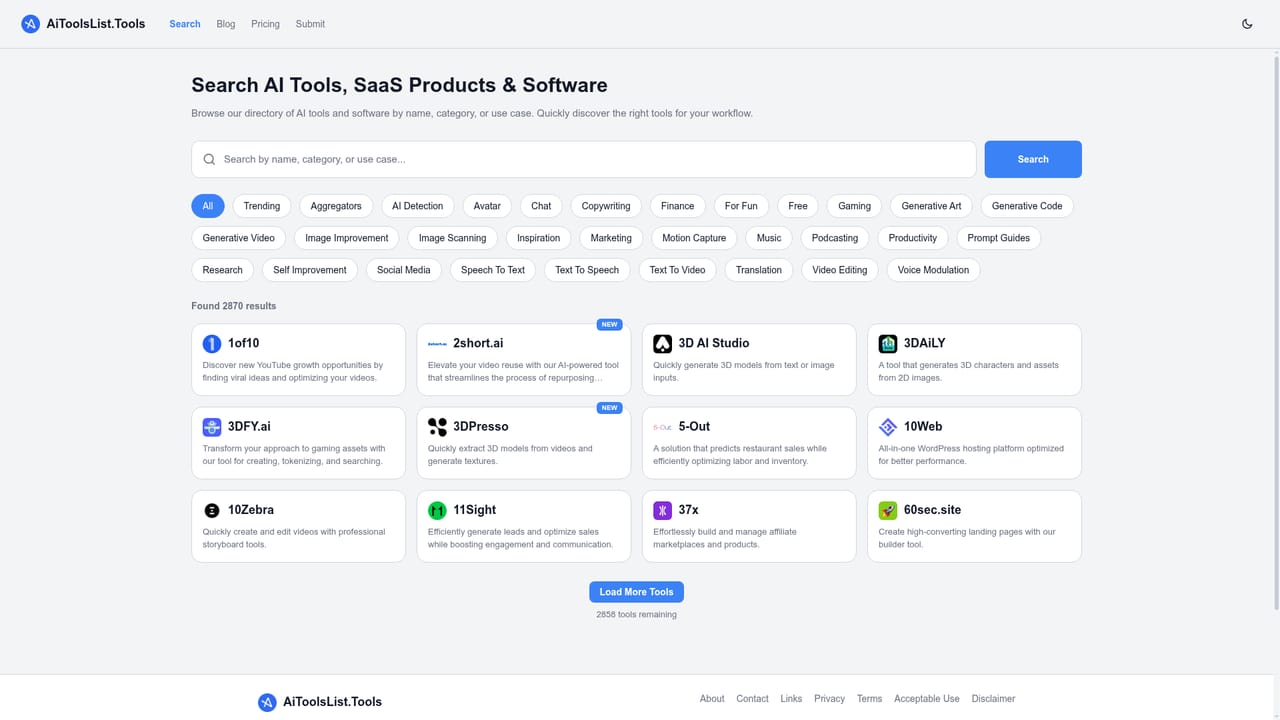
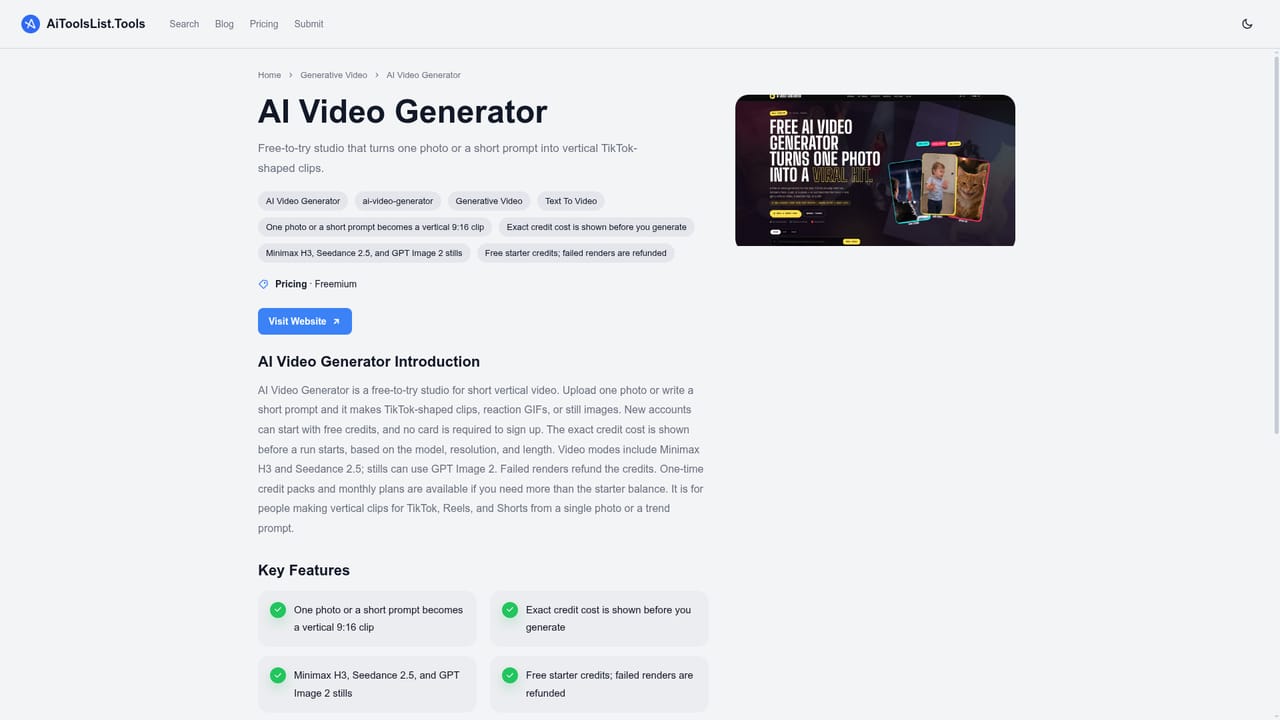
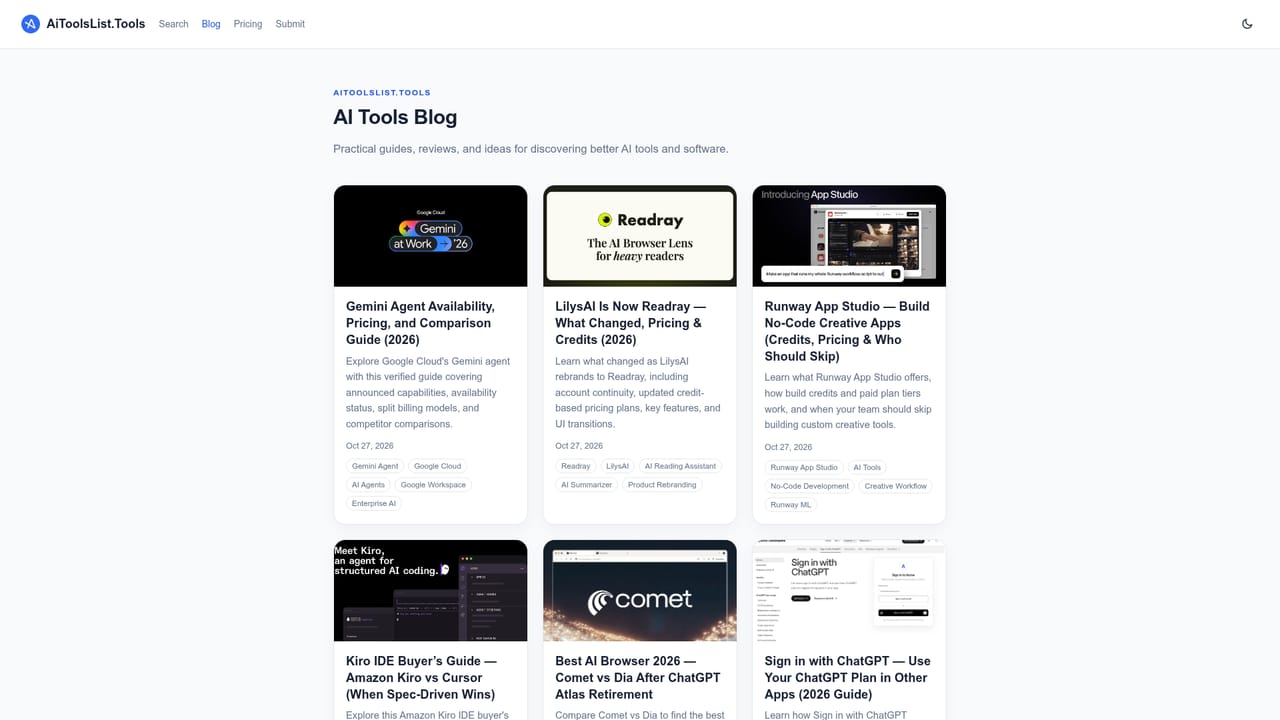
AiToolsList.Tools is a directory that collects AI software, SaaS products, and productivity apps into one browsable catalog. Rather than building or hosting any tools itself, the site organizes more than 2,870 listings across roughly thirty categories such as Chat, Copywriting, Generative Video, Music, Research, and Productivity, giving each entry a short description, a category tag, and a link out to the tool's own website. The directory is built for people who want to shortcut the process of hunting through forums, social posts, or ad-driven roundups to find software. A founder evaluating automation options, a marketer comparing ad-copy generators, or a writer looking for a transcription tool can scan a category page or run a search instead of reading long-form review articles. A featured section surfaces a rotating set of tools with visual previews at the top of the homepage, while the rest of the catalog loads underneath in a continuously expanding list. In practice, a visitor picks a category from the navigation bar, or types a keyword into the search page, skims the one-line descriptions, and clicks through to the tool's official site when something looks relevant. There is no in-site comparison table, review scoring, or user rating system visible on the homepage, so judgment on quality still rests with the visitor once they leave the directory. A submit page lets tool makers add their own product to the catalog, and a blog section runs alongside the directory for longer-form coverage. Among AI tool directories, this one positions itself on breadth and simplicity: a large, categorized index with minimal friction between discovery and the vendor's own site, rather than a curated, hand-reviewed shortlist or a deep comparison engine.
The homepage does not state a cost for browsing the directory, which appears free to use; a separate pricing page is linked, likely covering options for submitting or featuring a tool.
Learn moreA support contact email is listed on the site for questions; no live chat or help center is shown on the homepage.
A catalog of over 2,870 AI and SaaS tools sorted into around thirty categories, with a featured section showing visual previews, a dedicated search page, a blog, and direct links from each listing to the tool's official site.
 AI Angels400+ customizable AI girlfriends for NSFW chat, voice calls, and roleplay
 Candy AIExperience the future of companionship with AI friends who chat, role-play, and connect with you on a human level.
 ourdream.aiA vast AI roleplay platform with millions of characters for chat, images, video and voiceAI Angels400+ customizable AI girlfriends for NSFW chat, voice calls, and roleplayCandy AIExperience the future of companionship with AI friends who chat, role-play, and connect with you on a human level.ourdream.aiA vast AI roleplay platform with millions of characters for chat, images, video and voice


