Pricing
Browsing the directory is free for visitors. A separate pricing page outlines paid plans for tool owners who want featured placement, though exact prices are not stated on the homepage.
Learn moreA curated directory that sorts hundreds of AI work tools by task, not just hype.

FindAIforWork is an independent directory that organizes over 200 AI tools for work into categories and task guides, with paid placements clearly labeled apart from organic rankings.
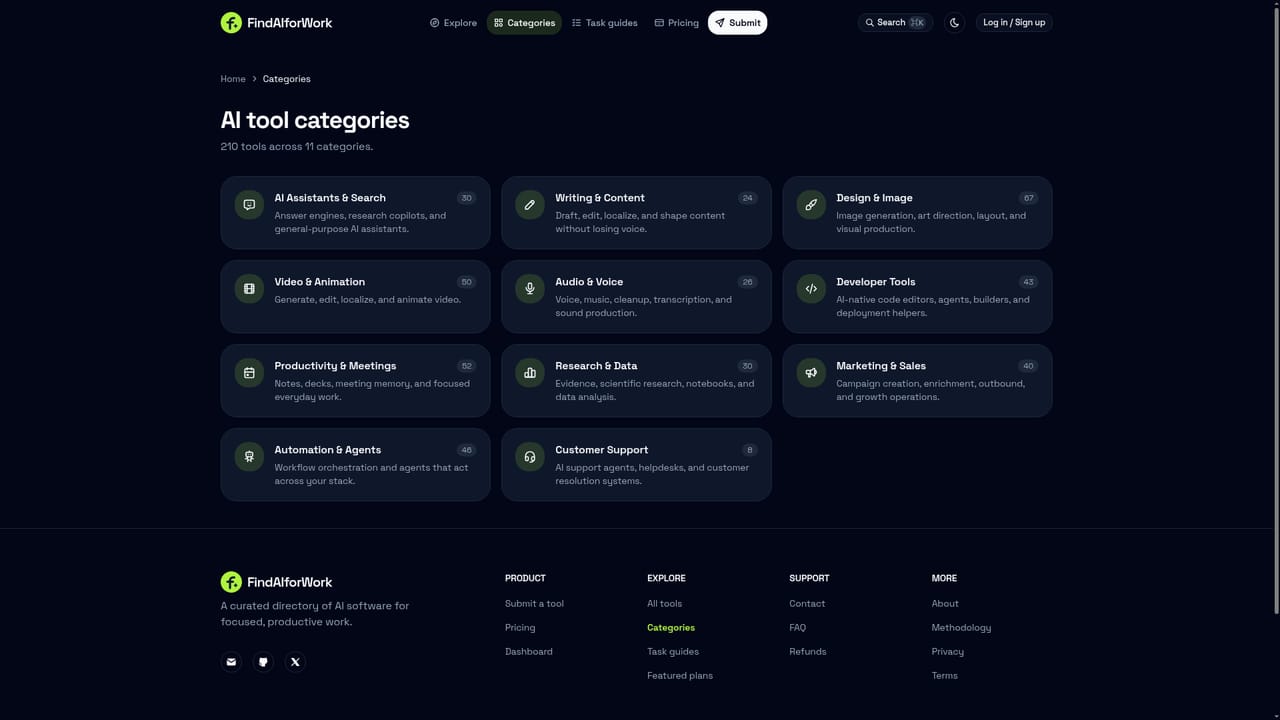
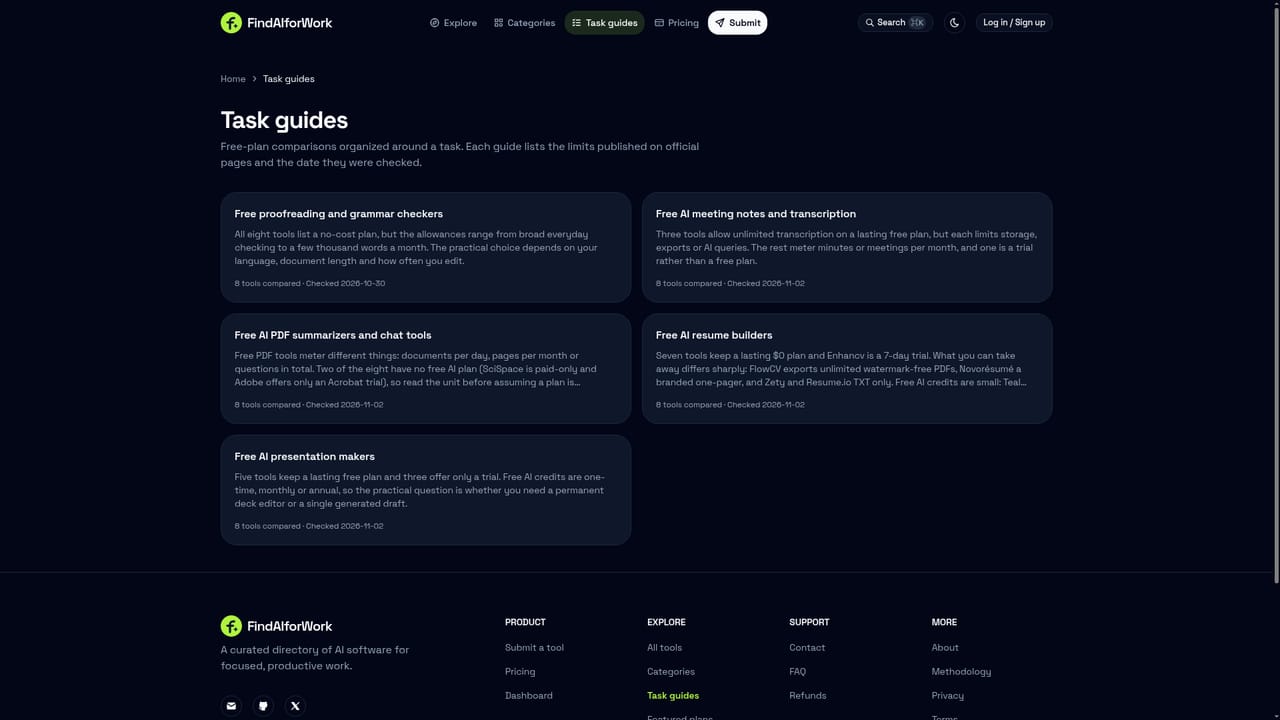
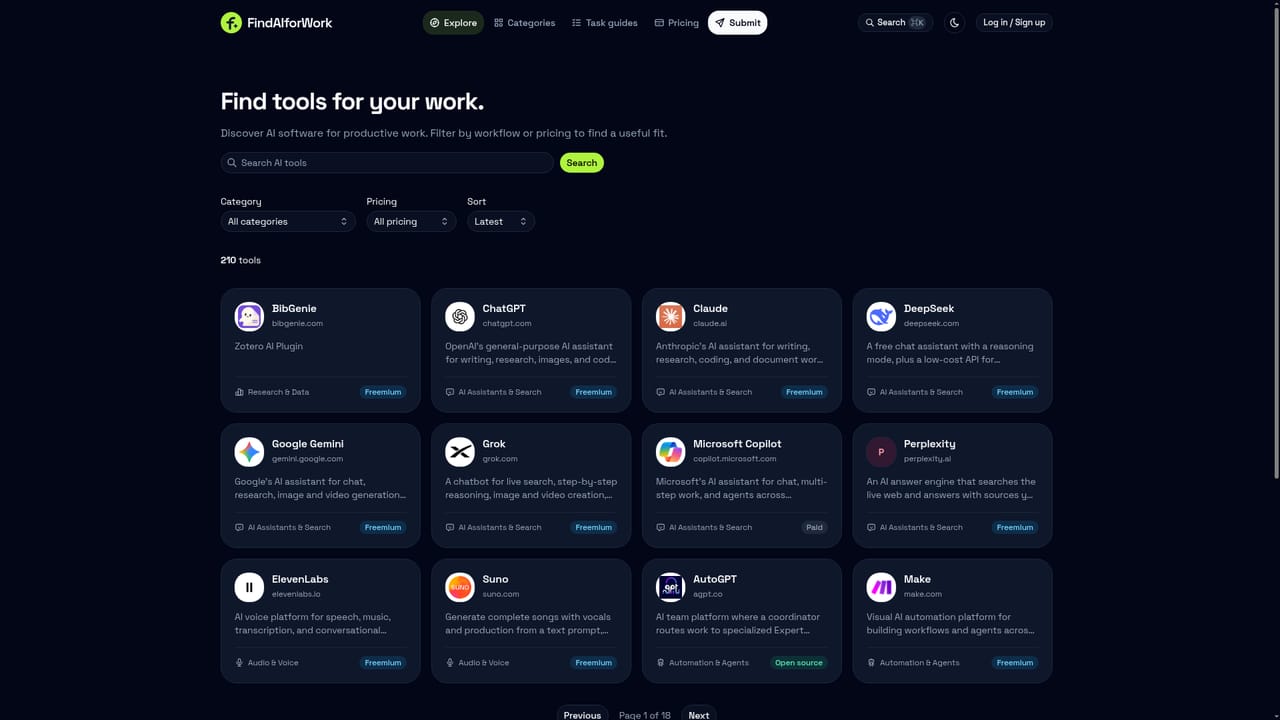
FindAIforWork is a directory site that catalogs AI software aimed at workplace tasks: writing, design, video, audio, coding, research, marketing, automation, and customer support. Rather than building its own AI product, it organizes listings for well-known tools like ChatGPT, Claude, Midjourney, Canva, and Notion into browsable categories and task guides, giving visitors a single place to compare options before committing to one. The site is built for people who already know they need an AI tool but do not want to wade through scattered blog posts and ad-heavy search results to find one. Marketers, designers, developers, researchers, and operations staff can browse by category (writing and content, design and image, video and animation, audio and voice, developer tools, and more) or jump into task guides that match a job to be done with a shortlist of candidate tools. In practice, a visitor lands on the homepage, searches or filters by category, and opens individual tool pages that summarize what each product does and what pricing model it uses (free, freemium, paid, or contact sales). Featured placements appear at the top of sections but are explicitly labeled as paid, and the stated policy is that sponsorship does not alter the underlying, organic ranking of tools within a category. FindAIforWork sits alongside other AI tool directories and listicle sites, differentiating itself mainly through the volume of listings (over 200 at the time of writing), the breadth of categories covered (eleven), and a transparency claim around how paid placements are handled. It does not host, run, or modify any of the AI tools it lists; it functions purely as a discovery and comparison layer, so the actual capabilities, pricing, and reliability of any given tool still need to be verified on that tool's own site.
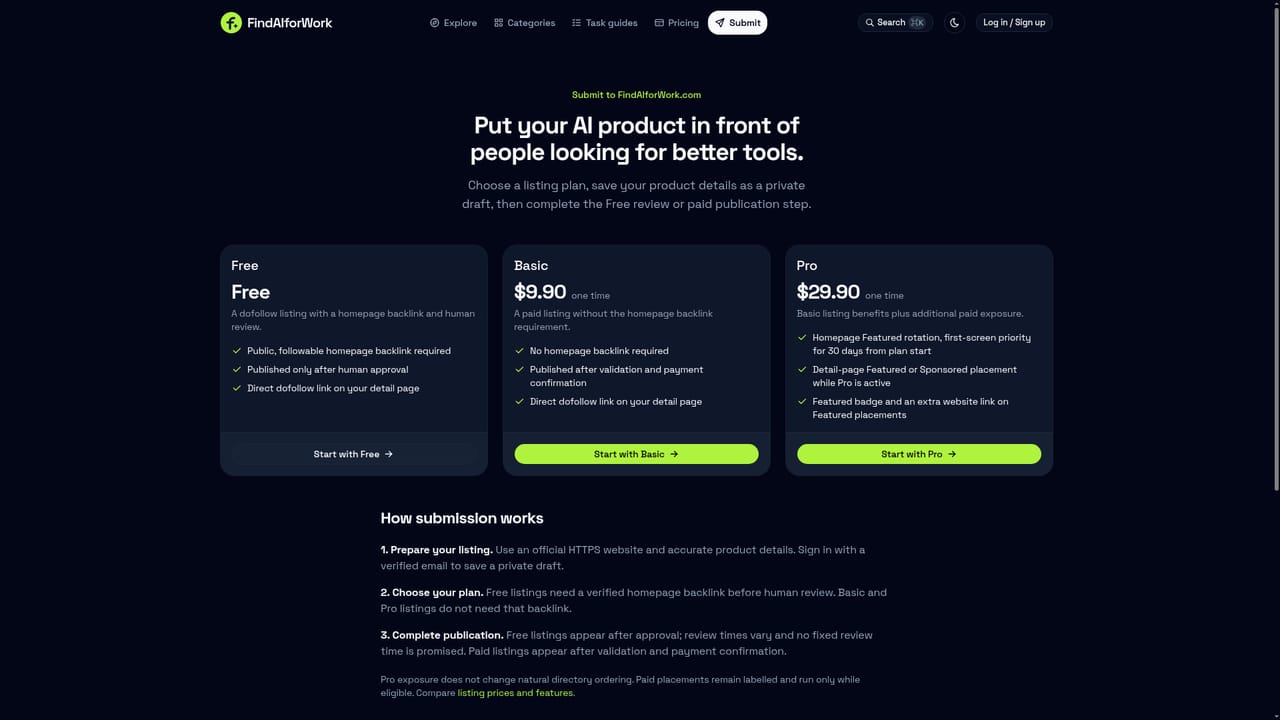
Browsing the directory is free for visitors. A separate pricing page outlines paid plans for tool owners who want featured placement, though exact prices are not stated on the homepage.
Learn moreSearchable directory of 210+ AI work tools across eleven categories, with category pages, task-based guides, individual tool listing pages showing pricing type, and a submission flow for new tools with optional paid featured placement.
Learn more AI Angels400+ customizable AI girlfriends for NSFW chat, voice calls, and roleplay
 Candy AIExperience the future of companionship with AI friends who chat, role-play, and connect with you on a human level.
 ourdream.aiA vast AI roleplay platform with millions of characters for chat, images, video and voiceAI Angels400+ customizable AI girlfriends for NSFW chat, voice calls, and roleplayCandy AIExperience the future of companionship with AI friends who chat, role-play, and connect with you on a human level.ourdream.aiA vast AI roleplay platform with millions of characters for chat, images, video and voice


