Pricing
The homepage states free access is available with optional paid plans for users who need more search and collection capacity, but exact tier prices are not shown on the page provided.
Learn moreA searchable directory for discovering, comparing, and researching AI tools and prompts.

NexusAi is a directory and research hub for AI tools, pairing curated product listings and category browsing with an AI prompts library and industry insights for teams evaluating software.
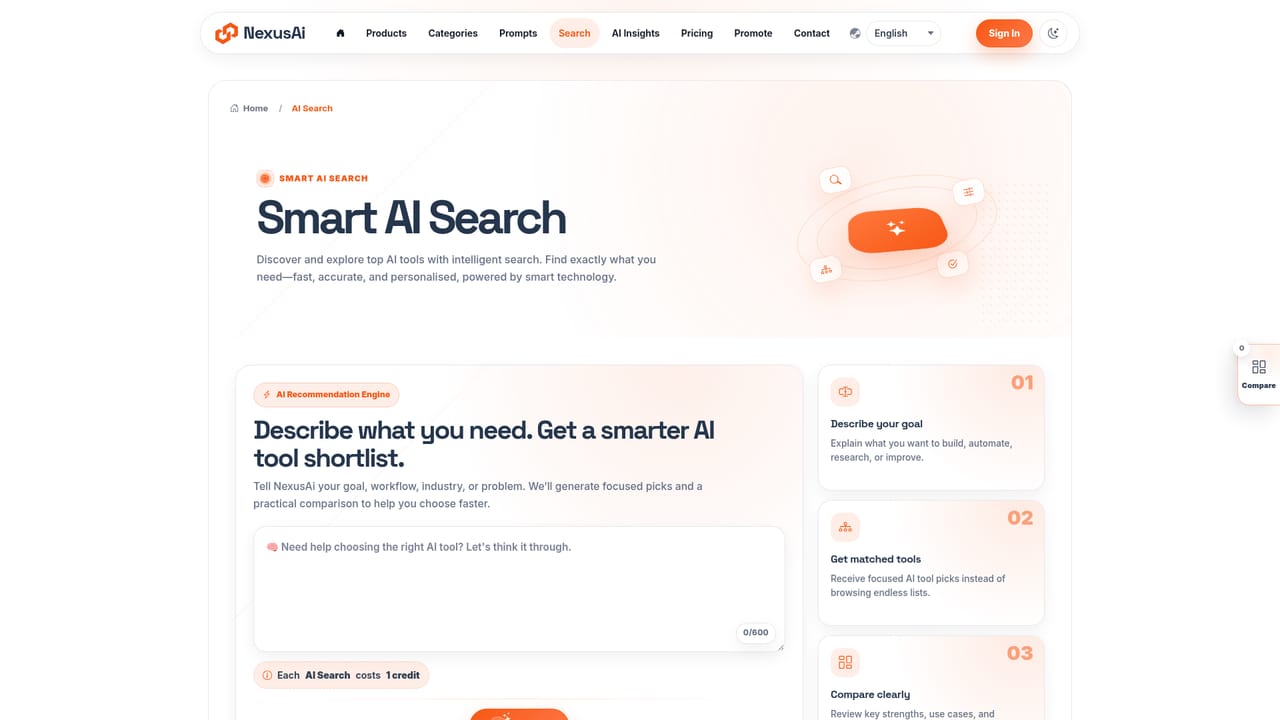
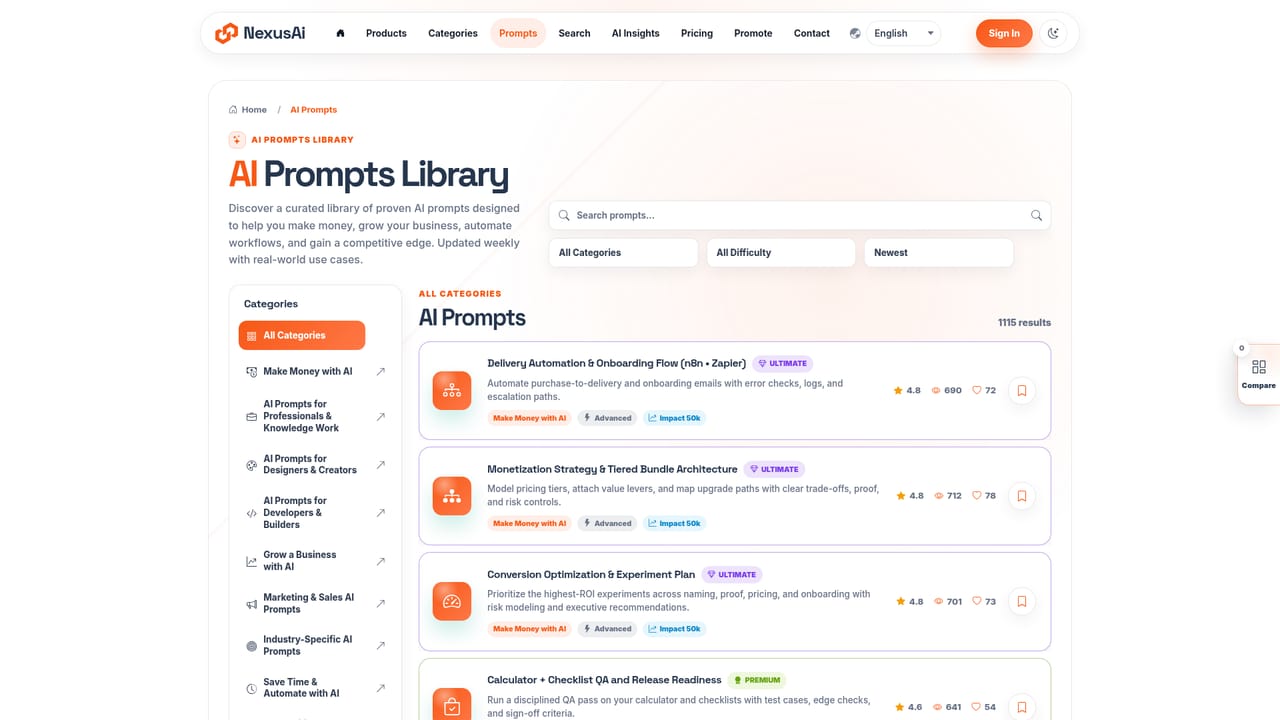
NexusAi is a discovery and research platform built around a growing catalog of AI tools and AI powered software. The site organizes listings into categories such as developer and coding, marketing and growth, writing and text, audio and voice, and dozens more, pairing each product profile with ratings, short descriptions, and links out to the underlying tool. Alongside the tool directory sits a library of AI prompts grouped by goal (making money, growing a business, automating workflows) and a running feed of AI industry insights and newly added apps. The platform targets people doing active software research rather than casual browsing: founders scouting a category before buying, developers comparing coding agents, marketers looking for growth tools, and operations teams trying to match a workflow to a product. The breadth of categories (from robotics and finance to no-code and HR tooling) suggests it is built to serve cross-functional teams rather than a single niche. In practice, a visitor searches or browses by category, lands on individual product pages that summarize what a tool does and who it is for, and can cross-reference that with prompts or workflow guides tied to the same use case. Sponsored and partner placements sit alongside organically listed tools, so the browsing experience mixes curated discovery with paid promotion. Account creation and sign in support features like saving or expanding search and collection limits. Against other AI tool directories, NexusAi differentiates less on raw listing count and more on bundling tool discovery with a prompt library and workflow oriented insights in one account. It reads as a starting point for software research rather than a deep comparison engine, so buyers doing rigorous vendor evaluation will likely still need to verify pricing, integrations, and feature depth directly with each listed tool.

The homepage states free access is available with optional paid plans for users who need more search and collection capacity, but exact tier prices are not shown on the page provided.
Learn moreA contact page is available for reaching the NexusAi team directly; no separate help center or live chat is described on the homepage.
Learn moreCore features include a searchable directory of 800+ AI tools organized across 1000+ categories, a library of 1000+ ready to use AI prompts, category level browsing, featured and sponsored product spotlights, and an AI insights feed covering new tools and workflow ideas.
Learn more AI Angels400+ customizable AI girlfriends for NSFW chat, voice calls, and roleplay
 Candy AIExperience the future of companionship with AI friends who chat, role-play, and connect with you on a human level.
 ourdream.aiA vast AI roleplay platform with millions of characters for chat, images, video and voiceAI Angels400+ customizable AI girlfriends for NSFW chat, voice calls, and roleplayCandy AIExperience the future of companionship with AI friends who chat, role-play, and connect with you on a human level.ourdream.aiA vast AI roleplay platform with millions of characters for chat, images, video and voice


