Pricing
ToolCenter itself is free to browse and search. Pricing badges shown on each listing (Free, Freemium, Paid, Free Trial) describe that specific tool's own pricing, not a charge for using the directory.
Learn moreA curated directory of 4,000+ AI tools organized by category, task, and ranking.

ToolCenter is a searchable directory of thousands of AI tools organized by category and task, with rankings, leaderboards, and editorial articles to help users compare options before visiting a product site.
ToolCenter is an online directory that catalogs thousands of AI tools spanning image generation, video creation, writing, development, marketing, audio, and business productivity. The site organizes listings into category hubs such as AI Chatbots & Assistants, Image & Design, Developer Tools, and Video & Animation, each showing a running count of tools alongside short summaries, pricing badges (Free, Freemium, Paid, Free Trial), and star ratings. A spotlight section highlights trending and recently added tools, and a rankings area compares options head to head, including separate leaderboards for AI models and large language models. The directory targets people who need to find a specific AI tool quickly rather than browse open ended lists: developers looking for API routers or CLI utilities, marketers comparing video generators, writers scanning content tools, and researchers tracking which language models rank highest in a given month. Task based shortcuts such as "Create images", "Make videos", and "Build with AI" let visitors start from a goal instead of a category label, and a dedicated submission form lets tool makers add their own product for consideration. An editorial guidelines page documents how entries are selected, and a newsletter delivers weekly updates on new tools, ranking changes, and use cases. Within the broader landscape of AI tool directories, ToolCenter positions itself on scale and update frequency, citing over 4,000 curated entries with dozens added daily, plus editorial extras like long form articles and model leaderboards that go beyond a simple list of outbound links. It functions as a discovery layer that sits in front of individual tools rather than a tool in its own right, so its usefulness depends on how current and accurate its listings and comparisons stay over time.
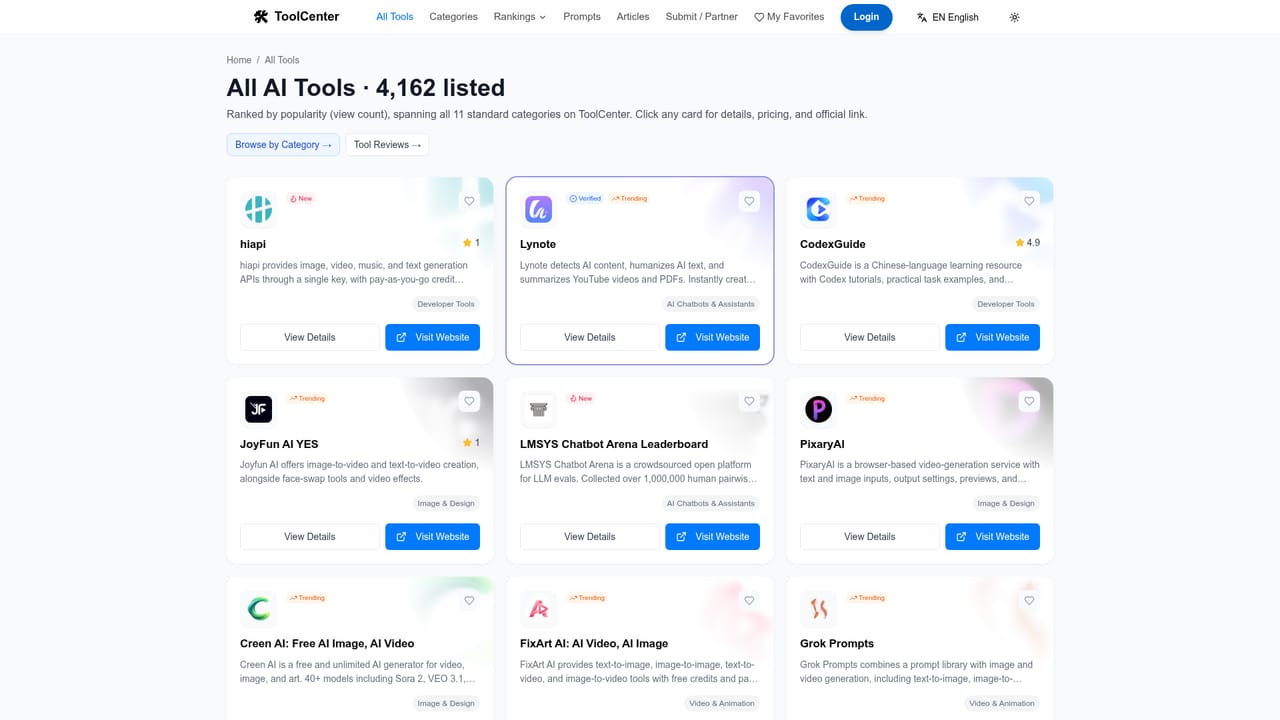
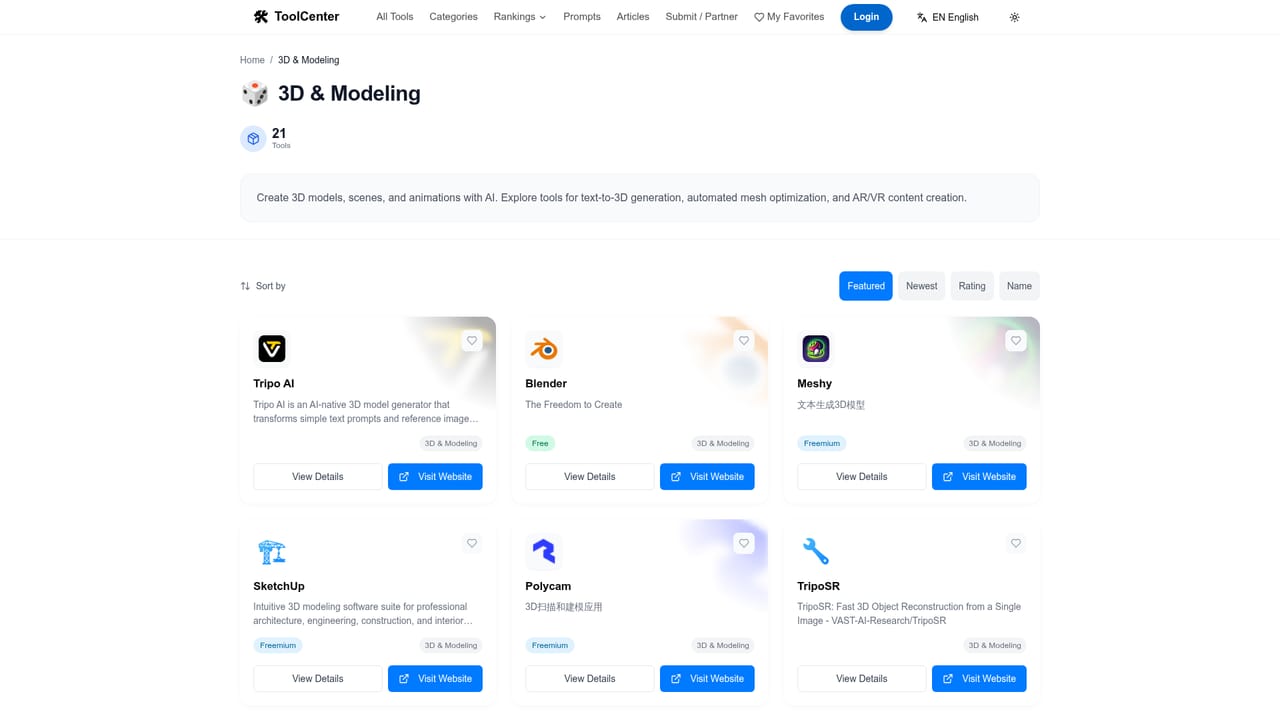
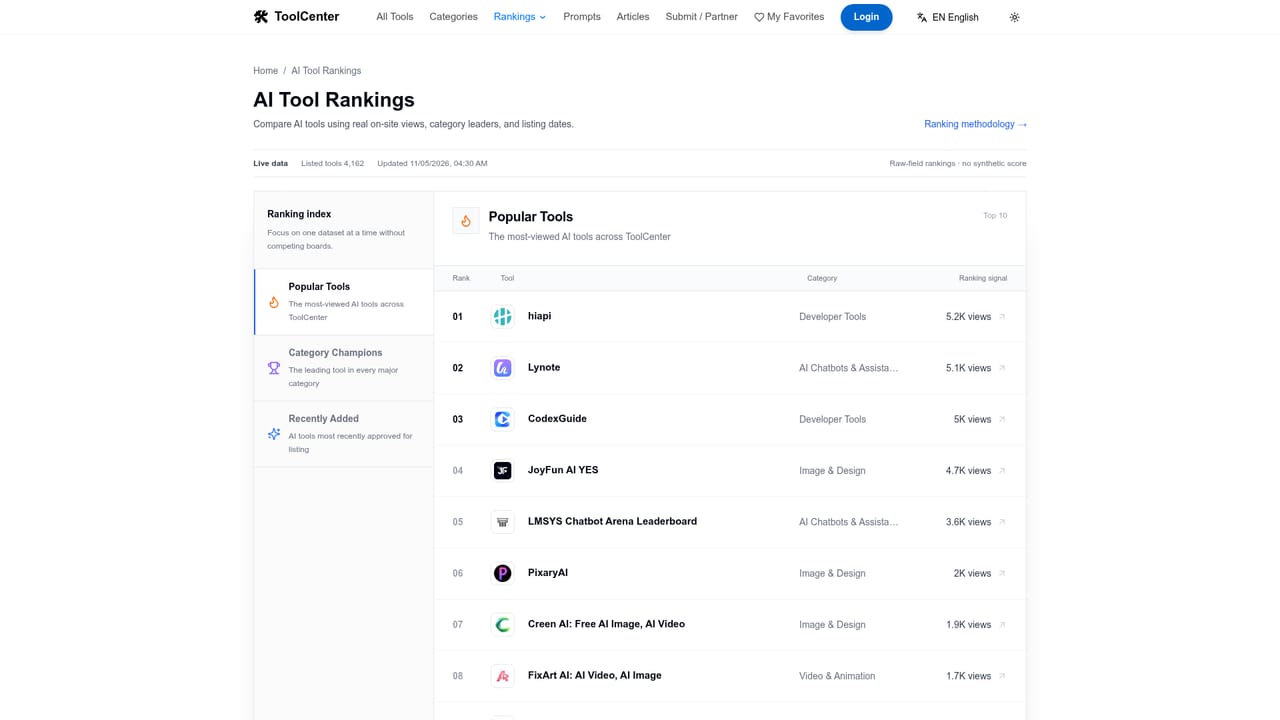
ToolCenter itself is free to browse and search. Pricing badges shown on each listing (Free, Freemium, Paid, Free Trial) describe that specific tool's own pricing, not a charge for using the directory.
Learn moreSupport runs through a contact page and an FAQ covering submissions, update frequency, and quality control; separate editorial guidelines explain how tools get selected.
Learn moreCategory hubs with running tool counts, task based browsing shortcuts, search, trending/new/editor's choice spotlights, head to head rankings, a monthly LLM leaderboard, long form articles, and an open tool submission workflow.
Learn more AI Angels400+ customizable AI girlfriends for NSFW chat, voice calls, and roleplay
 Candy AIExperience the future of companionship with AI friends who chat, role-play, and connect with you on a human level.
 ourdream.aiA vast AI roleplay platform with millions of characters for chat, images, video and voiceAI Angels400+ customizable AI girlfriends for NSFW chat, voice calls, and roleplayCandy AIExperience the future of companionship with AI friends who chat, role-play, and connect with you on a human level.ourdream.aiA vast AI roleplay platform with millions of characters for chat, images, video and voice


