America.gov

One search box for answers from official U.S. government sources

Beginner
Screenshot of America.gov, One search box for answers from official U.S. government sources

What is America.gov?

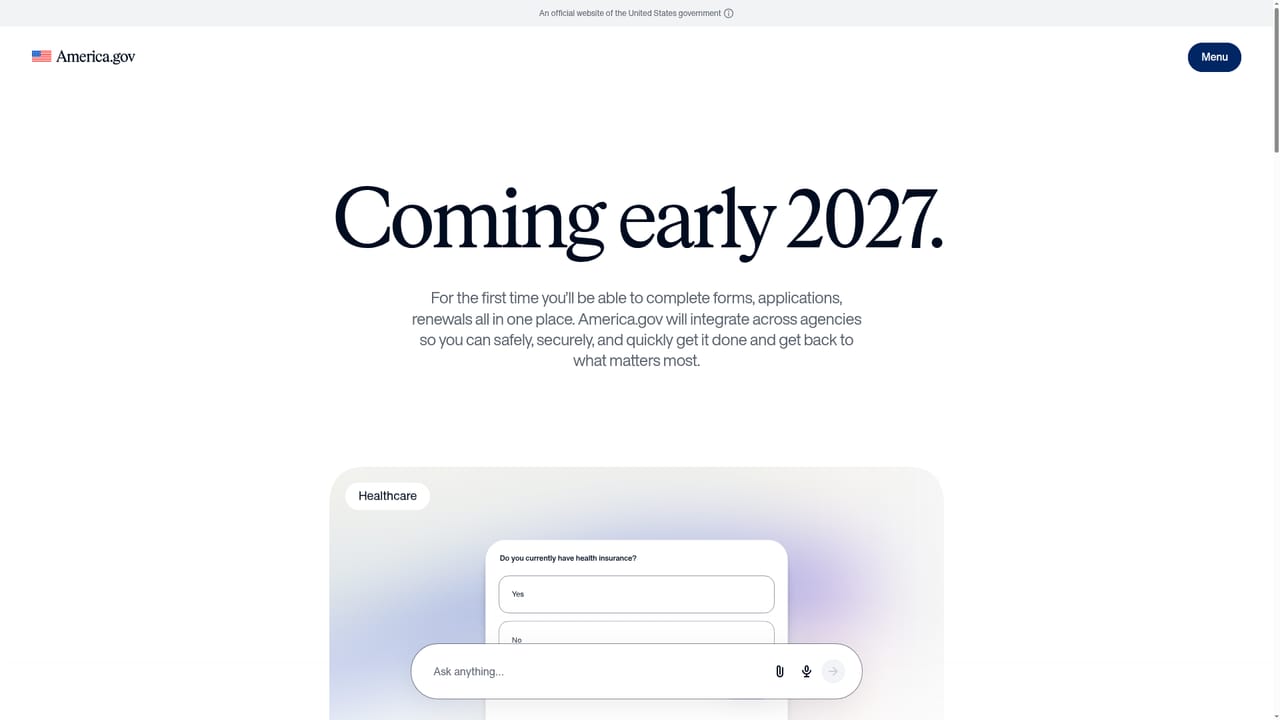
America.gov is a free, ad-free browser tool that answers everyday questions about government services using only official federal, state and local sources. It brings about 29,000 websites together and says it does not store personal data.

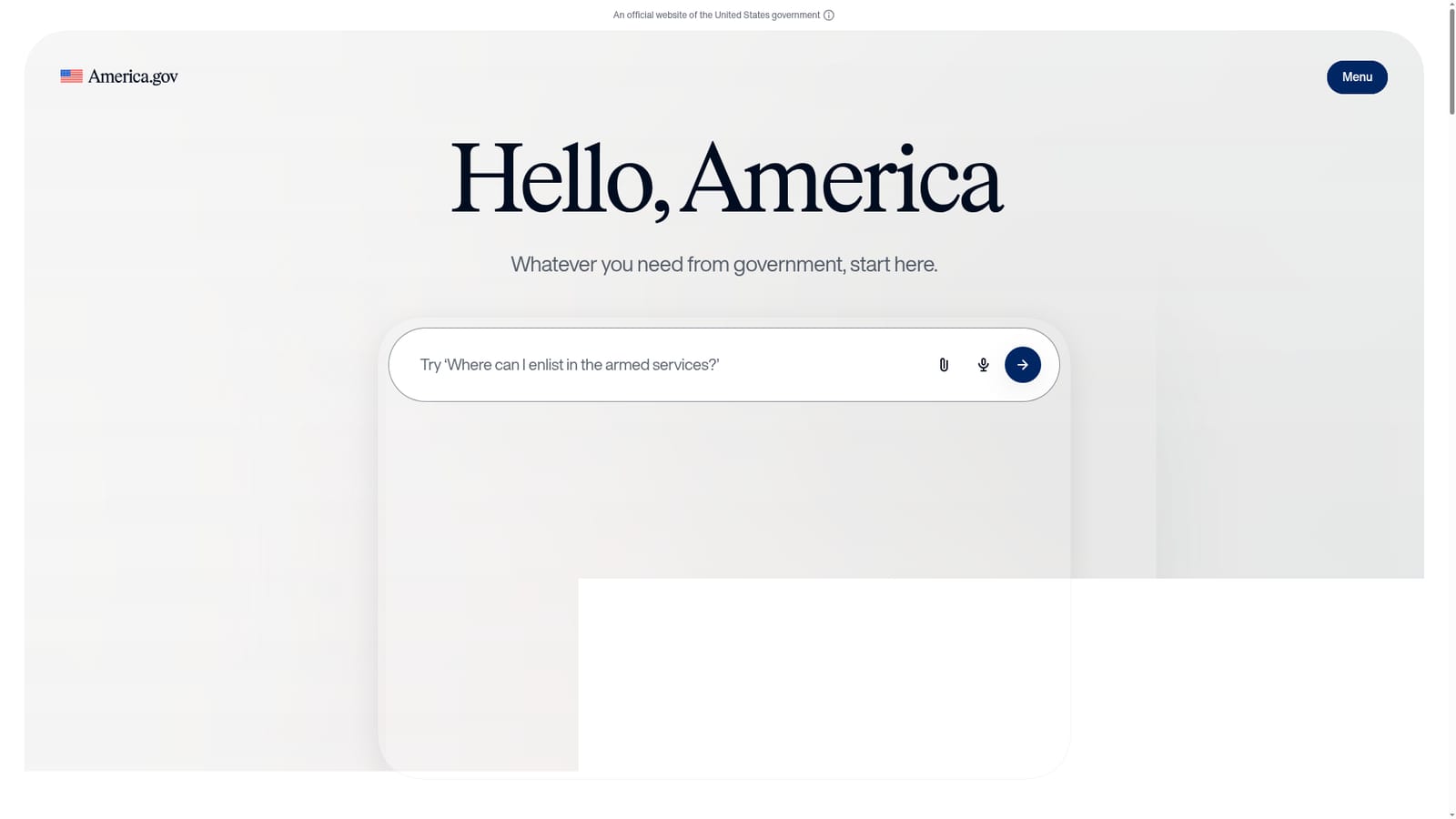
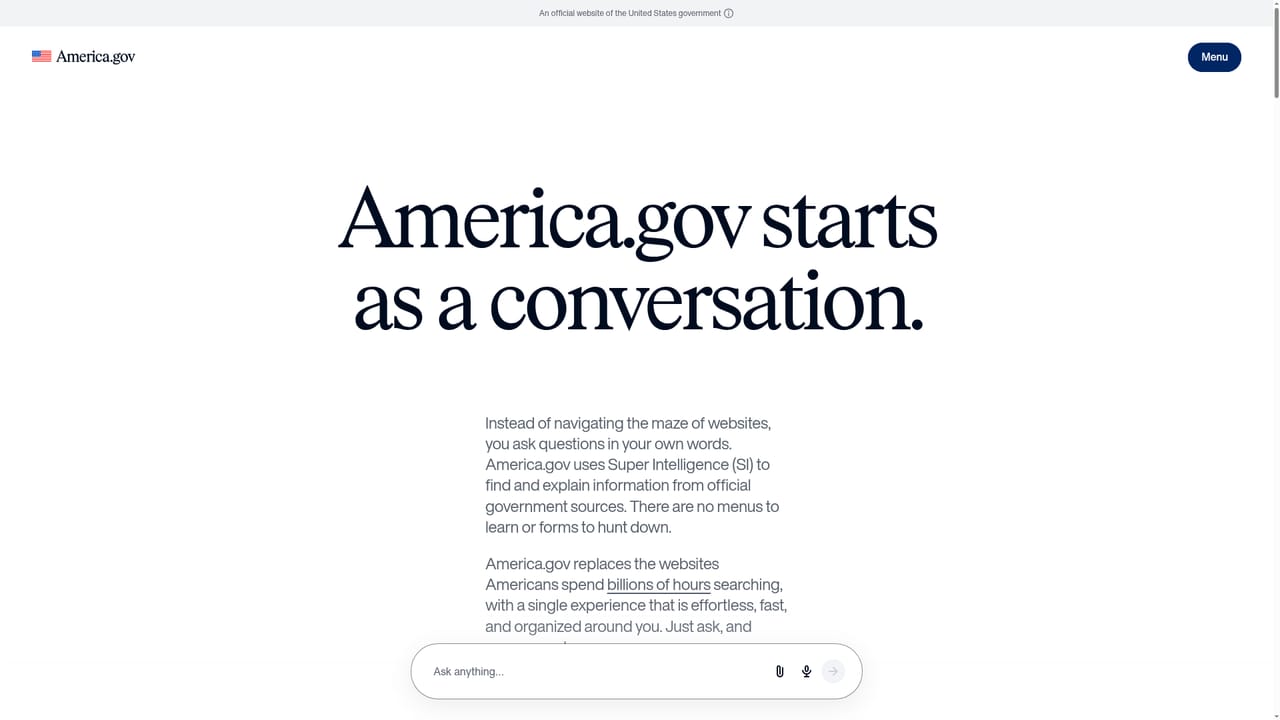
America.gov is a question-and-answer front door to the U.S. government. A visitor types a plain-language need, such as replacing a Social Security card, booking a campsite in a national park, or finding out when Medicare eligibility begins, and receives a short answer drawn only from official sources. The site states that those sources are federal, state and local government websites, and that it pulls roughly 29,000 of them into a single place so people no longer have to hunt from one agency site to the next. The service is aimed at ordinary residents who face a bureaucratic task and do not know which agency owns it. The example prompts on the homepage cover veterans seeking care, newlyweds changing a last name, parents obtaining a child's passport, people registering a business, and job seekers. Because it runs in the browser on a phone, tablet or computer, there is nothing to install. The homepage lists Chrome, Safari, Edge and Firefox. In practice, the visitor describes the situation in a sentence and the assistant responds with clear next steps rather than a list of links to sift through. The site says the tool is free, carries no ads, does not collect or store personal information, and discards the conversation when the visitor leaves. A separate how-it-works page explains the sourcing, and a privacy page covers data handling. The roadmap is a notable part of the pitch. A section titled "More coming in 2027" previews features that go beyond answers: completing forms, tracking progress and organizing everything in one place. Mockups show comparing medication costs, picking preferred pharmacies, finding federal jobs, choosing a campground, updating a legal name across agencies, and applying for a passport while tracking its status. These are previews, not shipped features. Among alternatives, it sits between a general web search engine, which mixes official and unofficial pages, and individual agency portals, each with its own navigation. Its distinguishing trait is the restriction to government material, which suits people wary of scam sites and sponsored results.
How do you use America.gov?

  1. 1Open the site in a browser
    Go to America.gov in Chrome, Safari, Edge or Firefox on any device. No download or account is needed to ask a question.
    America.gov — Open the site in a browser
  2. 2Describe what you need
    Type your situation in plain language in the box, for example how to replace a Social Security card or get a passport for a child.
  3. 3Read the sourced answer
    Review the response, which is drawn only from official government sources, and follow the next steps it gives.
  4. 4Check how sourcing works
    Open the how-it-works page to see how answers are built from government websites and what the service covers.
    America.gov — Check how sourcing works
  5. 5Preview upcoming features
    Visit the coming-soon page to see planned 2027 tools such as form completion and progress tracking.
    America.gov — Preview upcoming features

Pros and cons

Pros

  • Answers come only from official federal, state and local government websites, which reduces exposure to scam or sponsored resultsAI
  • Free to use and ad-free, according to the siteAI
  • States that personal information is not collected or stored and the conversation disappears when you leaveAI
  • Works in a regular browser on phone, tablet or computer with no app to installAI
  • Plain-language questions replace navigating many separate agency sitesAI

Cons

  • Currently limited to answers; forms, progress tracking and organizing are only previews planned for 2027AI
  • No conversation history is kept, so users cannot return to earlier answersAI
  • Quality depends on the underlying government pages, which can be outdated or inconsistentAI
  • The homepage gives no detail on support options, accounts or an API for developersAI
  • Covers U.S. government services only, so it is of little use for other countriesAI

How much does America.gov cost?

Pricing

Free to use with no ads, according to the homepage.

Learn more

Features

Plain-language question answering sourced only from official federal, state and local websites, covering about 29,000 sites. Runs in the browser with no download. Conversations are not stored. Planned for 2027: form completion, progress tracking and organizing records.

Learn more

Frequently asked questions about America.gov

  • How much does America.gov cost?
    Free to use with no ads, according to the homepage.
  • How do you use America.gov?
    The walkthrough on this page covers 5 steps: 1. Open the site in a browser 2. Describe what you need 3. Read the sourced answer 4. Check how sourcing works 5. Preview upcoming features.
  • What platforms does America.gov support?
    America.gov is available on Web App.
  • What are the limitations of America.gov?
    Currently limited to answers; forms, progress tracking and organizing are only previews planned for 2027. No conversation history is kept, so users cannot return to earlier answers. Quality depends on the underlying government pages, which can be outdated or inconsistent.

Status

StatusActive
Views0
Outbound clicks0
Added10/18/2026

Platforms

Web App

Pricing

Free