Free trial
No separate trial is needed because a permanent free tier exists with 5 AI actions per day, 20 mind maps and 50MB of storage. YouTube to mind map is also billed as free to try.
Learn moreTurn text, PDFs and videos into structured mind maps with AI

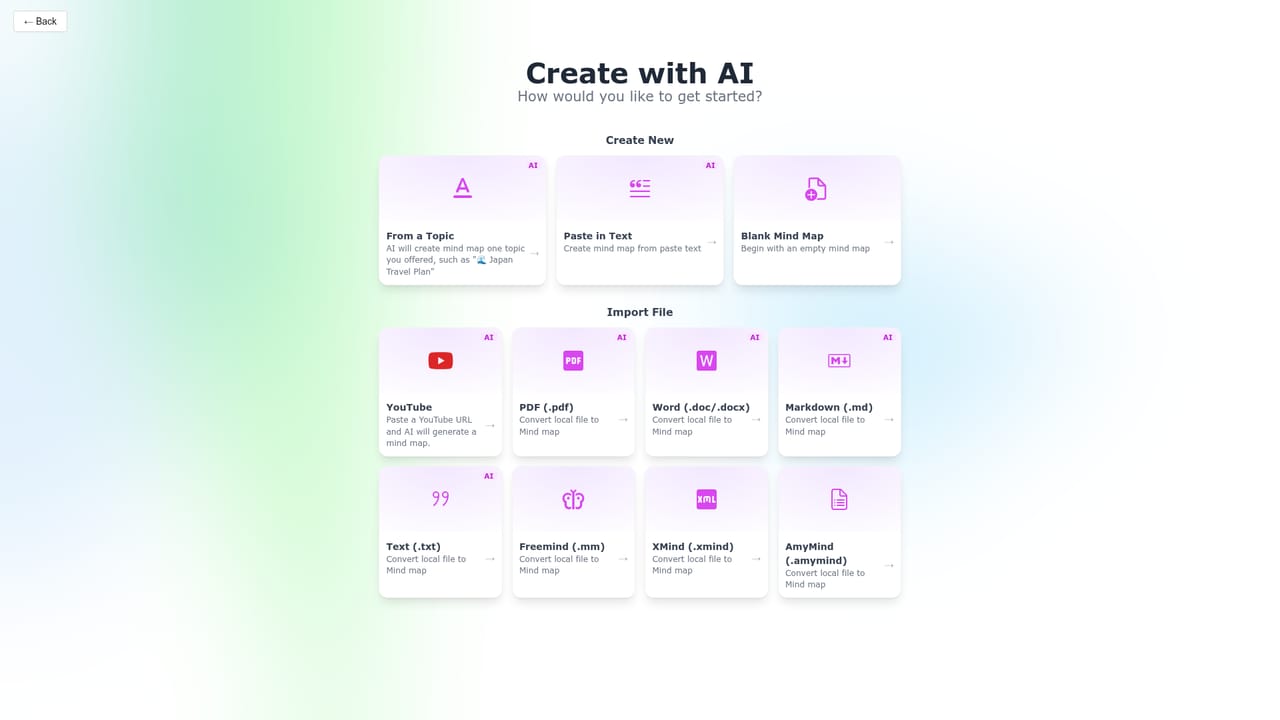
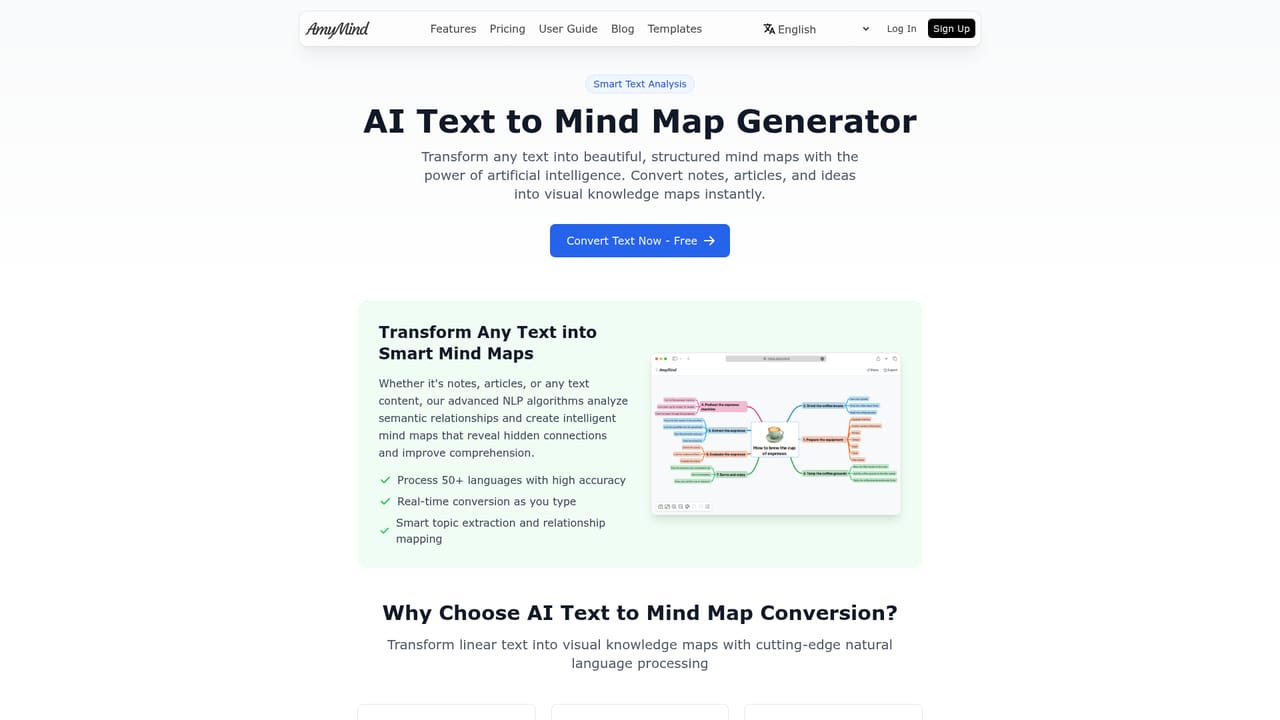
AmyMind is a concept map generator tool that turns text, PDFs and videos into structured mind maps with AI. AmyMind converts text, Markdown, PDFs, Word files and YouTube captions into AI generated mind maps, then supports editing with rich notes, outline mode, themes and export to PPT, PDF, DOC, TXT, MD and PNG.
AmyMind is a browser based mind mapping tool built around one central idea: you should not have to draw the structure yourself. Paste text, drop in a Markdown file, upload a Word document or a PDF, or hand over a YouTube URL, and the AI extracts the content and arranges it into a hierarchical map. The YouTube route works from a video's CC captions, which makes recorded lectures, tutorials and conference talks usable as study material without rewatching them. The editor goes beyond the initial import. Node notes accept rich text with bold, italic, highlights and inline images, so a single node can hold a paragraph of source material. Outline mode flips the canvas into a hierarchical text view for people who would rather type than drag. Keyboard shortcuts handle copy, paste and child node creation. Built in themes can be customised, and export covers PPT, PDF, DOC, TXT, MD and PNG, with a pitch mode that converts a map into a presentation for meetings or classes. AI assistance continues after the map exists. Ask AI opens a conversational panel for improvement suggestions about the current map. AI Branch generates new child branches from a selected topic, for instance expanding a node on coffee into types and brewing methods. AI Explore fills in background detail for a selected branch, such as history and attractions under a city. These three actions are metered by plan, so the free tier's five daily AI actions run out quickly during real work. Students, teachers, researchers and analysts doing literature reviews or meeting prep are the obvious audience, along with anyone who thinks visually but types faster than they draw. Compared with Mapify, XMind and MindMeister, which AmyMind addresses directly on its site, the pitch is price and simplicity rather than a large integration ecosystem. The free tier suits occasional use; Pro at $45 a year removes the watermark, raises the daily AI action limit and lifts storage.
No separate trial is needed because a permanent free tier exists with 5 AI actions per day, 20 mind maps and 50MB of storage. YouTube to mind map is also billed as free to try.
Learn moreFree plan at $0: PNG, PDF and DOC export, 5 AI actions per day, 20 mind maps, 50MB storage. AmyMind Pro at $45 per year: 500 AI actions per day, unlimited files, 500MB storage, folder management and watermark removal. The site claims Pro is 47 percent cheaper than Mapify.
Learn moreSupport runs through a published contact email and a public Trello roadmap. A user guide and blog cover documentation, and an official reseller page lists authorised sellers.
Learn moreNo third party app integrations are listed. Inputs are file and URL based (PDF, Word, Markdown, TXT, Freemind, YouTube), and outputs are file exports rather than live connectors.
AI conversion from text, Markdown, PDF, Word and YouTube captions into mind maps. AI refinement through Ask AI, AI Branch and AI Explore. Rich text node notes with images, outline mode, keyboard shortcuts, custom themes and icons. Export to PPT, PDF, DOC, TXT, MD and PNG, plus a pitch mode for presenting maps.
Learn more AI Angels400+ customizable AI girlfriends for NSFW chat, voice calls, and roleplay
 Candy AIExperience the future of companionship with AI friends who chat, role-play, and connect with you on a human level.
 ourdream.aiA vast AI roleplay platform with millions of characters for chat, images, video and voiceAI Angels400+ customizable AI girlfriends for NSFW chat, voice calls, and roleplayCandy AIExperience the future of companionship with AI friends who chat, role-play, and connect with you on a human level.ourdream.aiA vast AI roleplay platform with millions of characters for chat, images, video and voice


