Free trial
The homepage says it is free to get started and offers a free sign up, but does not describe a time limited trial or what a free account includes.
Learn moreMind maps and notes in one place, with AI study aids built in

Emberly is a concept map generator tool. Emberly combines mind maps with note taking: bookmark, file and note nodes on a visual map, plus AI map generation, quizzes from your notes, a writing assistant and a discussion simulator. Free to get started, with collaborative editing and a browser plug-in.
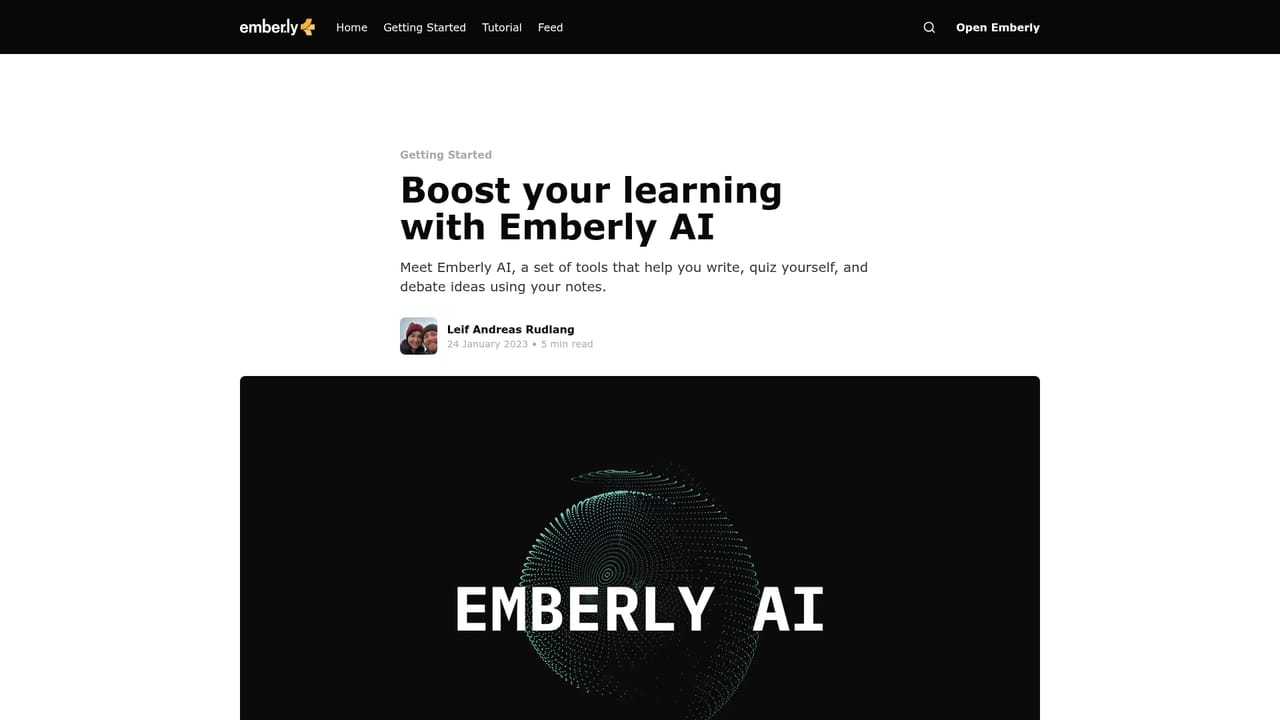
Emberly is a visual knowledge tool that merges note taking with mind mapping. Instead of scattering bookmarks, files and written notes across folders and tags, it stores each item inside a node on a map. Users build a structure that reflects how they actually think about a topic, then attach resources to the relevant branch. The stated goal is to fight information overload and make things easy to re-find later. The product is aimed primarily at learners and small teams. Students making class maps, people maintaining a personal knowledge library, and teams assembling a shared wiki are the use cases the site promotes. A map can also double as a CV, an inventory of belongings, or a collection of content worth sharing. Maps can be shared and edited in real time by several people, and bidirectional links connect notes to one another so a thought can be reached from more than one direction. A browser plug-in saves bookmarks to Emberly in a single click. AI is layered on top rather than being the core. It can generate a starter mind map so a blank canvas is less intimidating, produce quizzes from existing notes for self-testing, assist with writing, brainstorming and summarizing, and run a discussion simulator where a virtual debater argues a topic with the user. In practice the workflow tends to be: save material as it is found, arrange it on a map, then use the generated quizzes and writing help to consolidate what was collected. Emberly sits between classic note apps and diagramming tools. It has more structure than a plain document and more substance than a pure mind map editor, since nodes hold real files and links. The trade-off is that the visual model asks for some discipline up front. Alternatives include conventional note apps with backlinks, dedicated diagram tools, and spaced repetition apps for the quiz side. The homepage states that getting started is free and points to a separate pricing page for paid plans.
The homepage says it is free to get started and offers a free sign up, but does not describe a time limited trial or what a free account includes.
Learn moreA help center is linked from the site footer as a blog tag for getting started content, alongside an email address (hi@ember.ly) and social profiles.
Learn moreA browser plug-in for saving bookmarks is the only integration named on the homepage. No third party connectors or API are mentioned.
Mind maps that hold notes, files and bookmarks inside nodes; AI generated mind maps to kickstart a topic; automatic quizzes built from your notes; an AI writing assistant for drafting, brainstorming and summarizing; a discussion simulator with a virtual debater; collaborative real time editing; bidirectional links; and a browser plug-in for one click bookmark saving.
Learn more AI Angels400+ customizable AI girlfriends for NSFW chat, voice calls, and roleplay
 Candy AIExperience the future of companionship with AI friends who chat, role-play, and connect with you on a human level.
 ourdream.aiA vast AI roleplay platform with millions of characters for chat, images, video and voiceAI Angels400+ customizable AI girlfriends for NSFW chat, voice calls, and roleplayCandy AIExperience the future of companionship with AI friends who chat, role-play, and connect with you on a human level.ourdream.aiA vast AI roleplay platform with millions of characters for chat, images, video and voice


