Free trial
No separate trial is described. New accounts get 10 AI credits at signup, which functions as a free way to test the generator.
Learn morePrompt-driven mind maps on an infinite canvas
Own Whimsical Mind Maps? Verify ownership to get a dofollow link

Whimsical Mind Maps is a concept map generator tool. An AI mind map generator inside the Whimsical visual workspace. Type a prompt, get an editable map powered by Claude, then expand it by hand or push the same ideas into boards, flowcharts and wireframes.
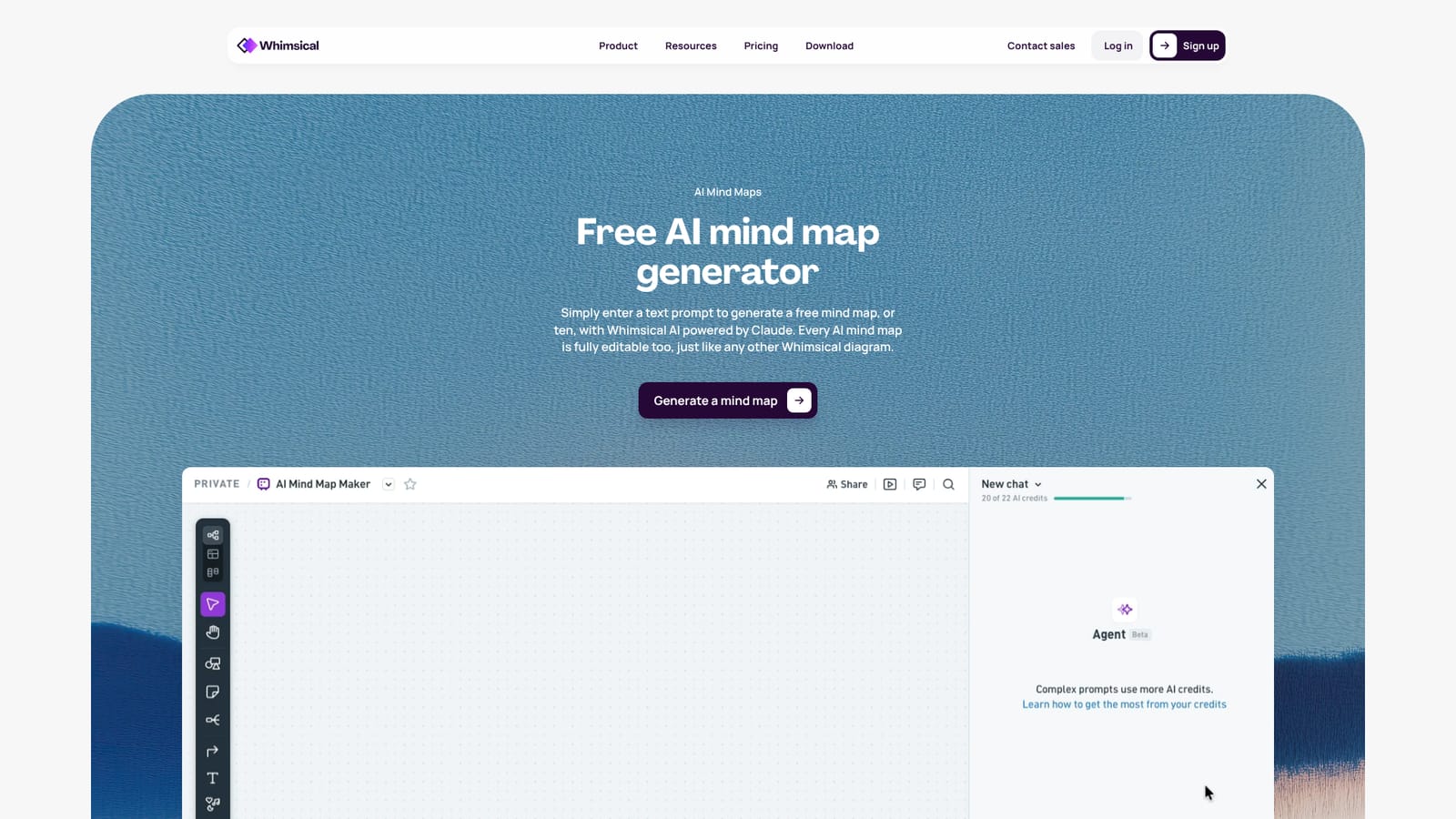
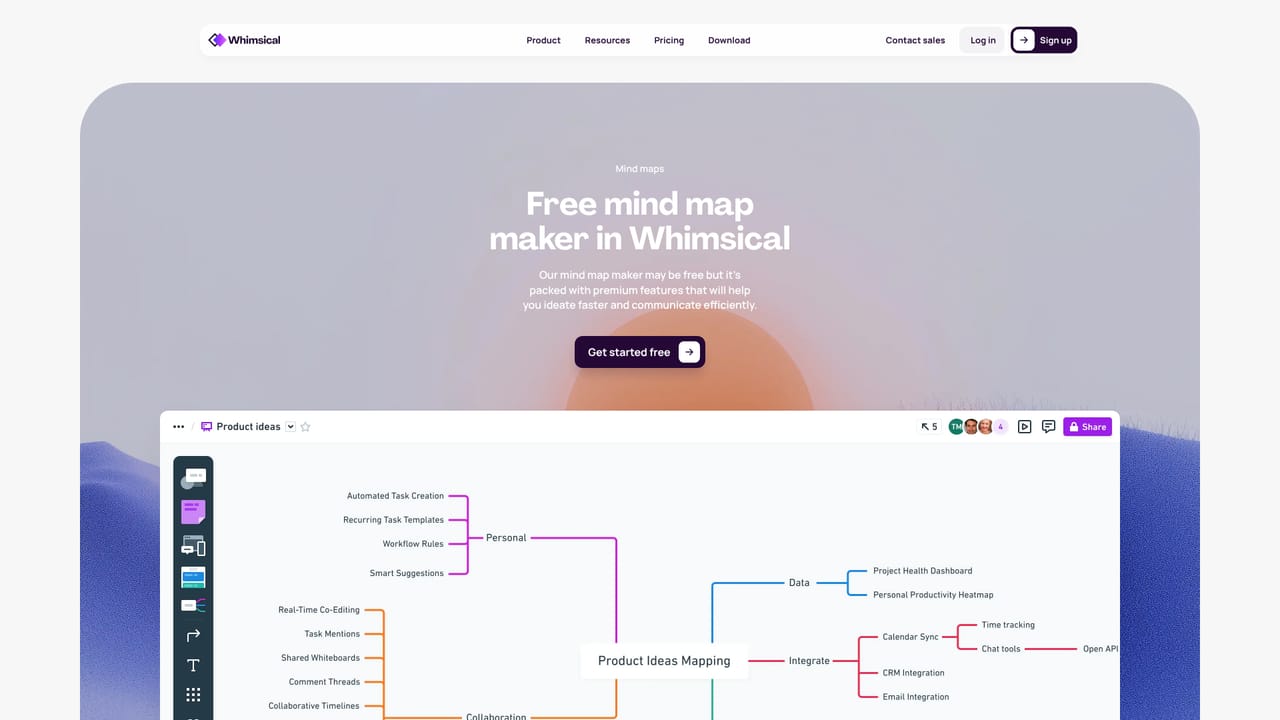
Whimsical Mind Maps is the AI-assisted mind mapping surface inside Whimsical, a visual workspace that also covers boards, diagrams, flowcharts and wireframes. The core premise is narrow and practical: a user types a text prompt, the generator (Whimsical AI, powered by Claude) produces a structured mind map, and the result lands on a canvas where every node, branch, color and label can be edited by hand. Nothing about the generated map is locked, so the AI output works as a first draft rather than a finished artifact. In practice the tool suits the early, messy stage of thinking. Product managers expanding a problem space, consultants structuring a discovery workshop, students organizing research, and writers outlining an argument can all start from a prompt instead of a blank canvas. Because mind maps sit alongside boards and flowcharts in the same workspace, an idea tree can be turned into a flowchart or shared on a board without exporting to another app. Whimsical also markets a second route into the same output: users who already work inside ChatGPT or Claude can turn ideas into visuals through the AI integrations instead of switching tools. The workflow is deliberately shallow. A new user signs up, gets 10 AI credits to spend, enters a prompt, and receives a map that expands or collapses branch by branch. Whimsical presents the generator as free, and the broader product runs on a freemium model where a paid subscription unlocks more of the platform. Categories here overlap: mind mapping is the feature, but the product is closer to productivity software, and it competes with dedicated mind mapping apps as well as with general whiteboard tools such as Miro and FigJam that have added their own AI features. Whimsical's differentiator is the tight link between the AI map and the rest of its diagramming suite. Who it is not for: teams that need heavy data modeling, formal project tracking, or an offline desktop app. The strengths are speed and editability on the web, not depth of automation or governance.
No separate trial is described. New accounts get 10 AI credits at signup, which functions as a free way to test the generator.
Learn moreThe AI mind map generator is presented as free, and signup includes 10 AI credits. Whimsical otherwise operates on a freemium model with a paid subscription for the wider platform, though plan prices and AI credit allowances are not listed on this page.
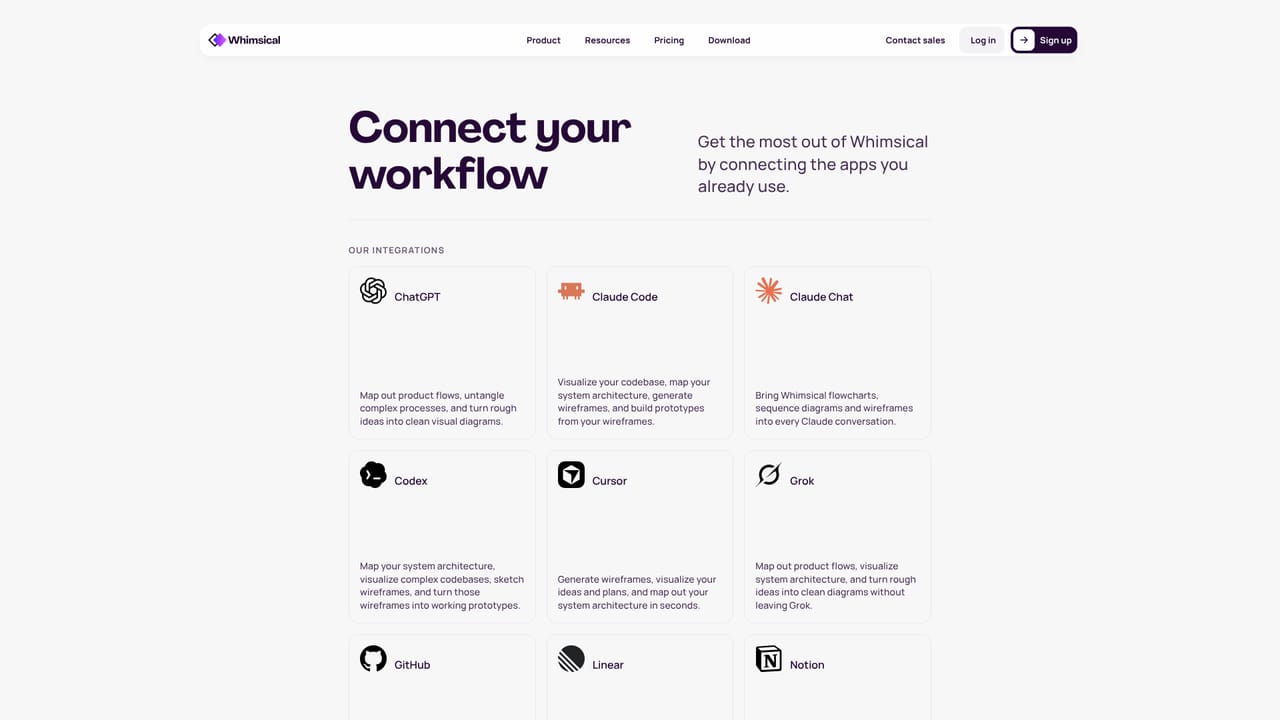
Learn moreWhimsical advertises AI integrations that let users turn ideas into visuals from inside ChatGPT or Claude, so the chat assistant can feed the Whimsical workspace directly.
Learn morePrompt-to-mind-map generation using Whimsical AI powered by Claude, with every result fully editable like any other Whimsical diagram. Maps sit in a workspace that also offers an infinite canvas for boards, diagrams, flowcharts and drag-and-drop wireframes, plus AI flowchart generation and integrations that turn ideas from ChatGPT or Claude into visuals.
Learn more AI Angels400+ customizable AI girlfriends for NSFW chat, voice calls, and roleplay
 Candy AIExperience the future of companionship with AI friends who chat, role-play, and connect with you on a human level.
 ourdream.aiA vast AI roleplay platform with millions of characters for chat, images, video and voiceAI Angels400+ customizable AI girlfriends for NSFW chat, voice calls, and roleplayCandy AIExperience the future of companionship with AI friends who chat, role-play, and connect with you on a human level.ourdream.aiA vast AI roleplay platform with millions of characters for chat, images, video and voice


