Support
Support runs through a public Discord community plus a Calendly link for booking a product demo with the team.
AI mesh generation and automatic rigging for 3D creators
Own Anything World? Verify ownership to get a dofollow link

Anything World is a generative art tool. A machine learning platform for generating 3D models and automatically rigging and animating them, with game ready SDKs, a model library, and browser based tools aimed at game and real-time 3D teams.
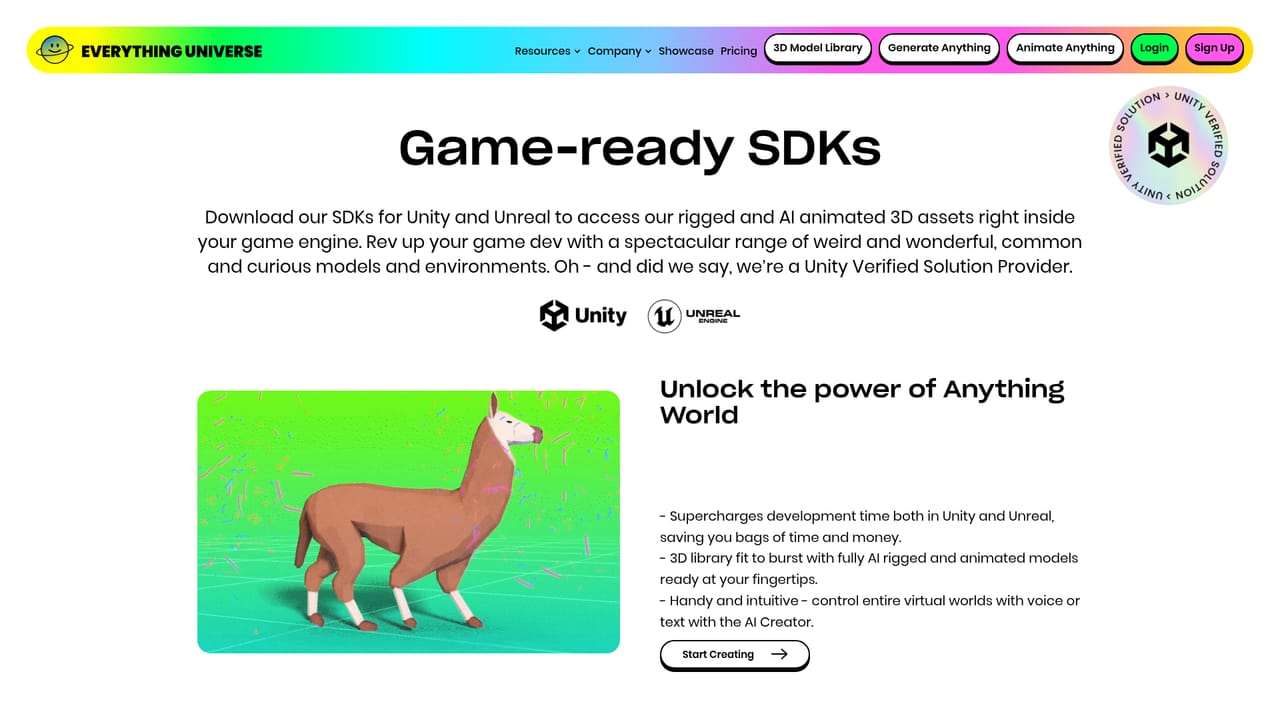
Anything World (now branded Everything Universe) is a 3D animation and automated rigging platform built on machine learning. It bundles several connected tools: Generate Anything for creating 3D meshes, Animate Anything for rigging and animating models, Game Ready SDKs for bringing that output into engines, and a browsable 3D Model Library. The pitch is a universe of everything in 3D, where a creator describes what they need and the system produces a usable asset rather than a blank scene. The workflow splits into four entry points. Generate Anything turns a prompt into a mesh and runs in the browser. Animate Anything takes an existing model and applies automated rigging and animation, so a static character or creature gains a skeleton and motion without hand-built bone chains. Game Ready SDKs package that capability for production pipelines. The Model Library lets you browse what has already been generated and reuse it instead of starting from scratch. Sign up happens in the web app, and the vendor also supports a community on Discord. The tool is aimed at game developers, app builders, and metaverse or real-time 3D teams who need volume rather than hero assets. It is also plausible for independent creators and small studios where an animator is not on staff. The site positions the product around speed (supercharging production time), approachability (user friendly tools) and cost control (not breaking the bank), which signals a mid-market rather than enterprise-only audience. Anything World states an explicit AI promise about ethical principles and creator rights, a detail worth reading before committing pipeline assets to the platform. Where it sits among alternatives: traditional DCC suites such as Maya or Blender expect manual rigging and animation skill, while this platform automates that step. It works alongside those tools rather than replacing modelling craft, so teams typically pair it with an engine and a modelling package for final polish. Those needing cinematic, hand-authored animation will still want a specialist; teams needing many functional animated models quickly are the better fit.
Support runs through a public Discord community plus a Calendly link for booking a product demo with the team.
Four connected tools: Generate Anything for AI mesh creation, Animate Anything for automated rigging and animation, Game Ready SDKs for production pipelines, and a browsable 3D Model Library. Browser access covers generation, animation and the gallery, with plugins distributed for popular 3D and game engines.
 AI Angels400+ customizable AI girlfriends for NSFW chat, voice calls, and roleplay
 Candy AIExperience the future of companionship with AI friends who chat, role-play, and connect with you on a human level.
 ourdream.aiA vast AI roleplay platform with millions of characters for chat, images, video and voiceAI Angels400+ customizable AI girlfriends for NSFW chat, voice calls, and roleplayCandy AIExperience the future of companionship with AI friends who chat, role-play, and connect with you on a human level.ourdream.aiA vast AI roleplay platform with millions of characters for chat, images, video and voice


