Pricing
Free tier at $0 for small projects, Pro at $25/month with included resources and pay as you go for production apps, and custom Enterprise pricing for organizations needing more power and premium support.
Learn moreOpen-source backend cloud with auth, databases, storage and hosting

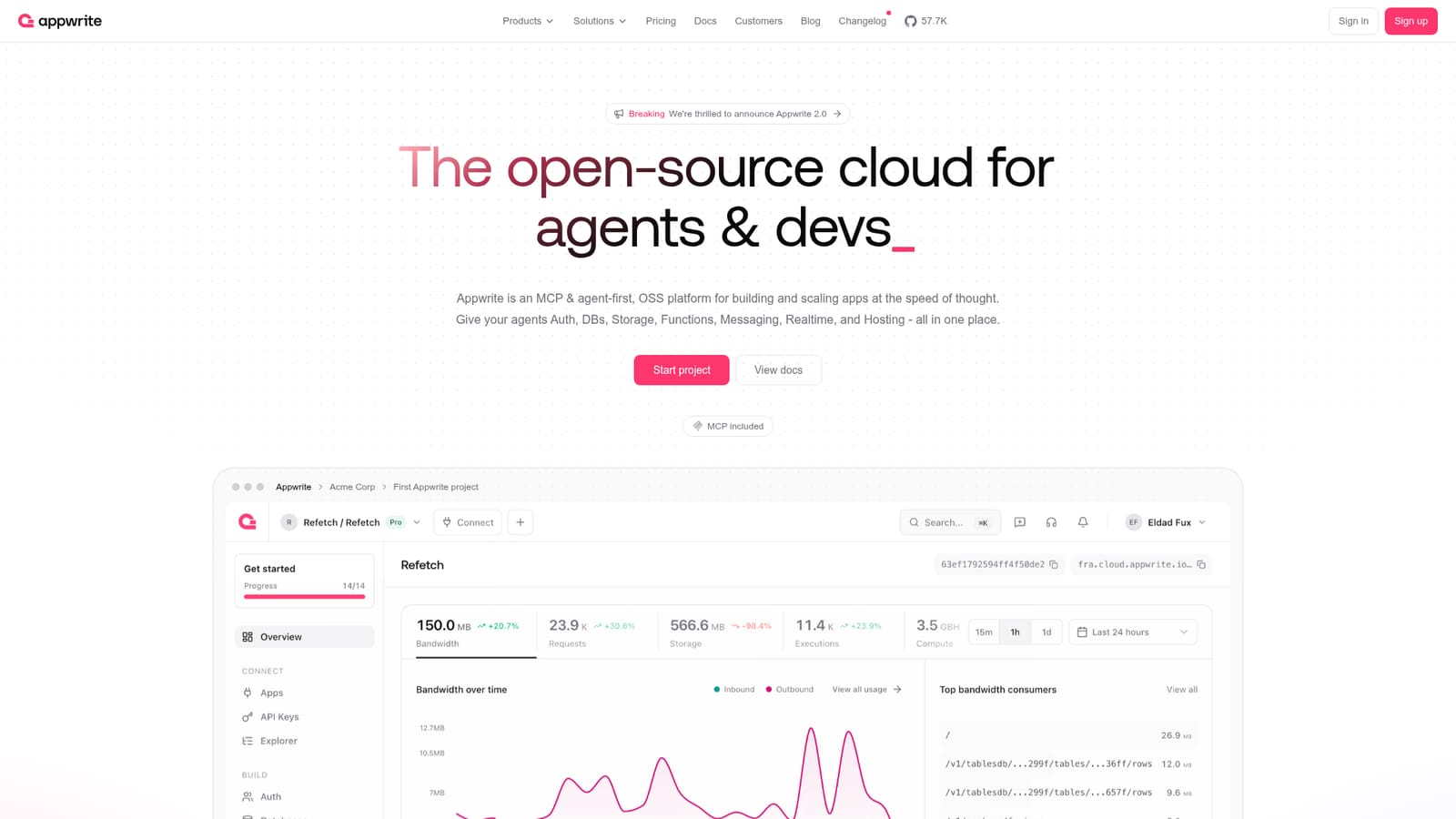
Appwrite is an open-source backend platform that combines authentication, databases, file storage, serverless functions, messaging, realtime events and site hosting in one project, with an MCP server so AI coding agents can work directly against a live backend.
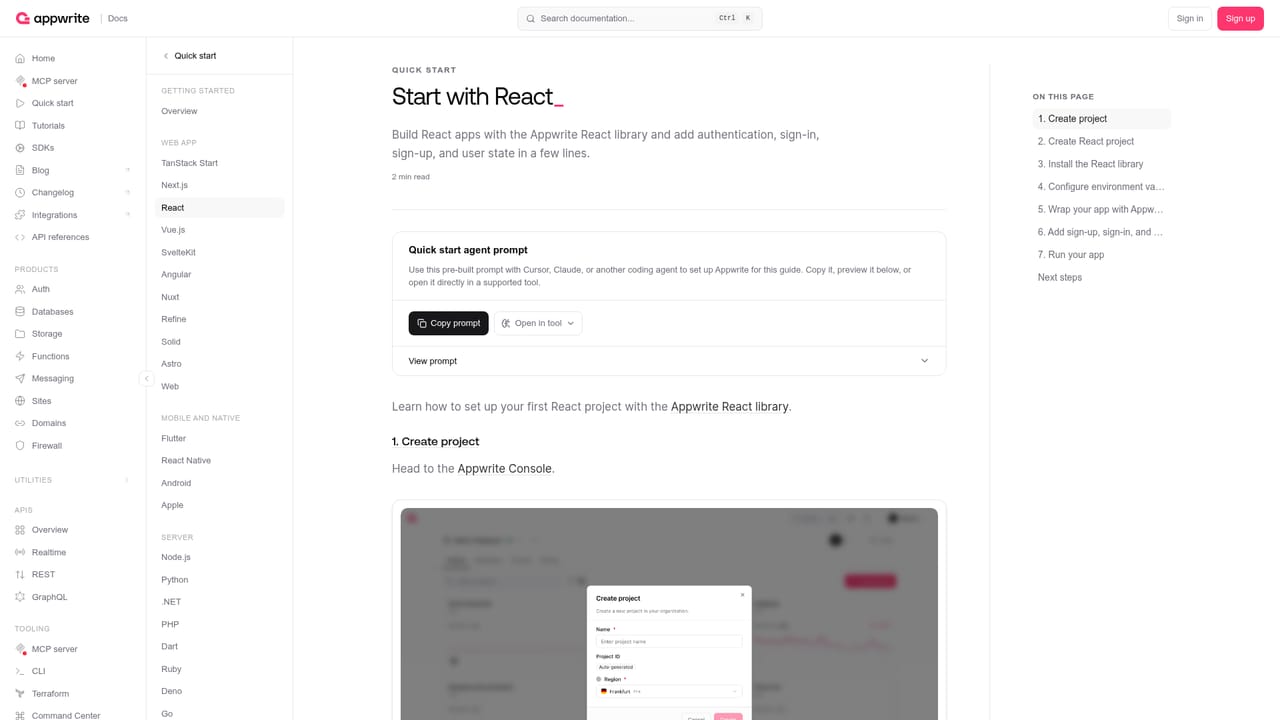
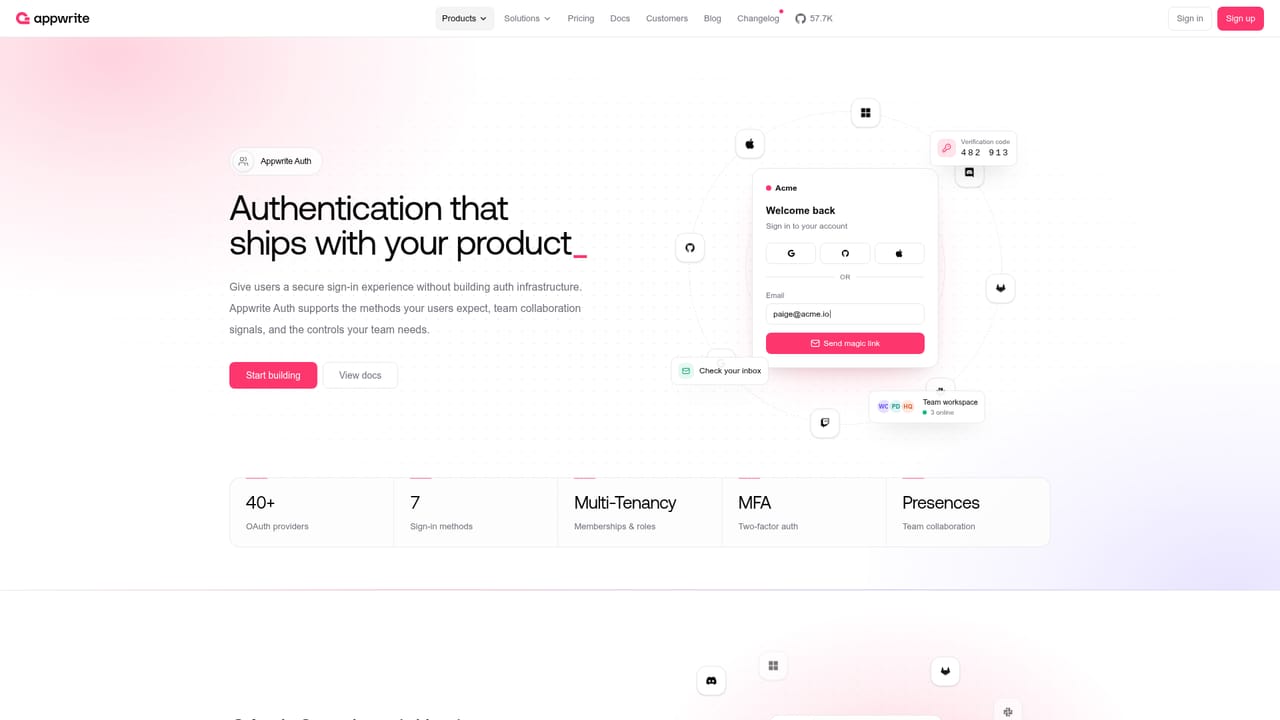
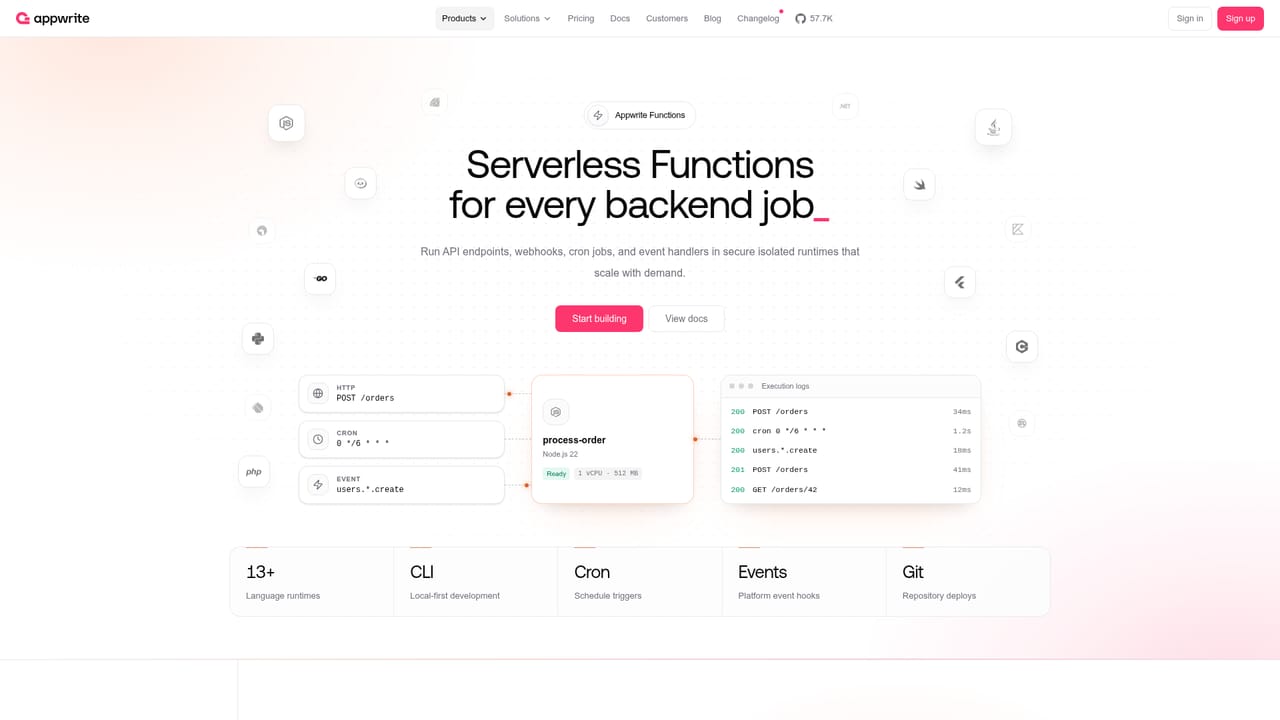
Appwrite is an open-source cloud platform that bundles the backend services most applications need into a single project. Instead of stitching together separate vendors for login, file storage, databases and serverless code, teams provision all of it from one console and connect their frontend through the platform's APIs. The product line covers Auth (email, SMS, OAuth, anonymous sessions, magic URLs), Databases (Appwrite's own tables, documents and vectors, plus managed PostgreSQL and MySQL in beta), Storage with compression, encryption and image transformations, Functions with isolated runtimes, Messaging across email, SMS and push, Realtime event subscriptions, and Sites for static, SSR and CSR frontends deployed from Git with instant previews. Domains and a Firewall layer handle traffic rules, abuse controls and edge security. The positioning has shifted toward AI-assisted development. Appwrite ships an MCP server at mcp.appwrite.io with OAuth, so agents such as Cursor, Claude Code, Codex, OpenCode, VS Code and Lovable can query and modify a live project rather than just generating text. The team also runs AI Arena, a public benchmark that scores leading models on how well they complete Appwrite tasks across Auth, TablesDB, Functions, Storage, Sites and Messaging. Official quick starts exist for React, Next.js, TanStack Start, Vue, SvelteKit, Android, Apple and Flutter. In practice, a developer creates a project, picks a framework quick start, installs the client SDK, and then defines collections, buckets and functions in the console while the frontend calls them directly. Security features include DDoS mitigation, encryption at rest and in transit, abuse protection, data migrations between Cloud and self-hosted installs, and compliance-oriented controls described for GDPR, SOC 2, HIPAA and CCPA. The Appwrite Network adds a global CDN with 300+ PoP locations and sub-50ms latency claims. It competes with Firebase and Supabase, and the main differentiator is the self-hostable open-source core plus breadth in one stack. Small teams that want one vendor and a generous free tier will find it efficient. Teams with deeply customized infrastructure, or those needing mature managed Postgres features (still beta here), should weigh migration effort carefully.
Free tier at $0 for small projects, Pro at $25/month with included resources and pay as you go for production apps, and custom Enterprise pricing for organizations needing more power and premium support.
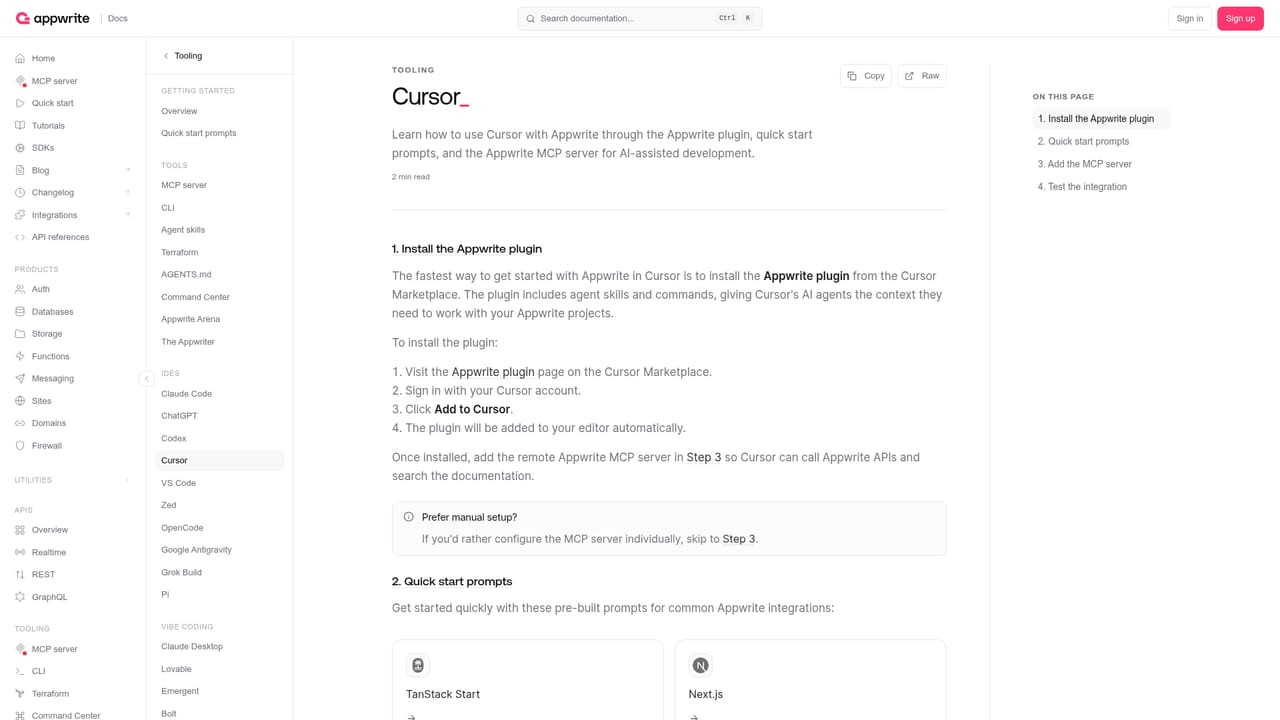
Learn moreMCP server for agents; official docs for Cursor, Claude Code, Codex, VS Code, OpenCode, Antigravity and Lovable; messaging providers shown include SendGrid, Twilio and Firebase.
Learn moreAuth with email, SMS, OAuth, anonymous sessions and magic URLs; Appwrite databases plus managed PostgreSQL and MySQL in beta; Storage with encryption and image transformations; serverless Functions with isolated runtimes; unified Messaging; Realtime subscriptions; Sites hosting; Domains; Firewall; an MCP server for AI agents; and AI Arena benchmarks.
Learn more AI Angels400+ customizable AI girlfriends for NSFW chat, voice calls, and roleplay
 Candy AIExperience the future of companionship with AI friends who chat, role-play, and connect with you on a human level.
 ourdream.aiA vast AI roleplay platform with millions of characters for chat, images, video and voiceAI Angels400+ customizable AI girlfriends for NSFW chat, voice calls, and roleplayCandy AIExperience the future of companionship with AI friends who chat, role-play, and connect with you on a human level.ourdream.aiA vast AI roleplay platform with millions of characters for chat, images, video and voice


