Free trial
The homepage promotes a free start through Get Started for Free links, but the length, quota or credit amount of any free allowance is not stated on the homepage.
Learn moreUnified AI inference platform for 200+ LLMs and multimodal models.

SiliconFlow is a developer focused AI inference platform offering one OpenAI compatible API for 200+ LLMs and multimodal models, with serverless, fine-tuning, reserved GPU and elastic GPU deployment options plus an AI gateway for routing and cost control.
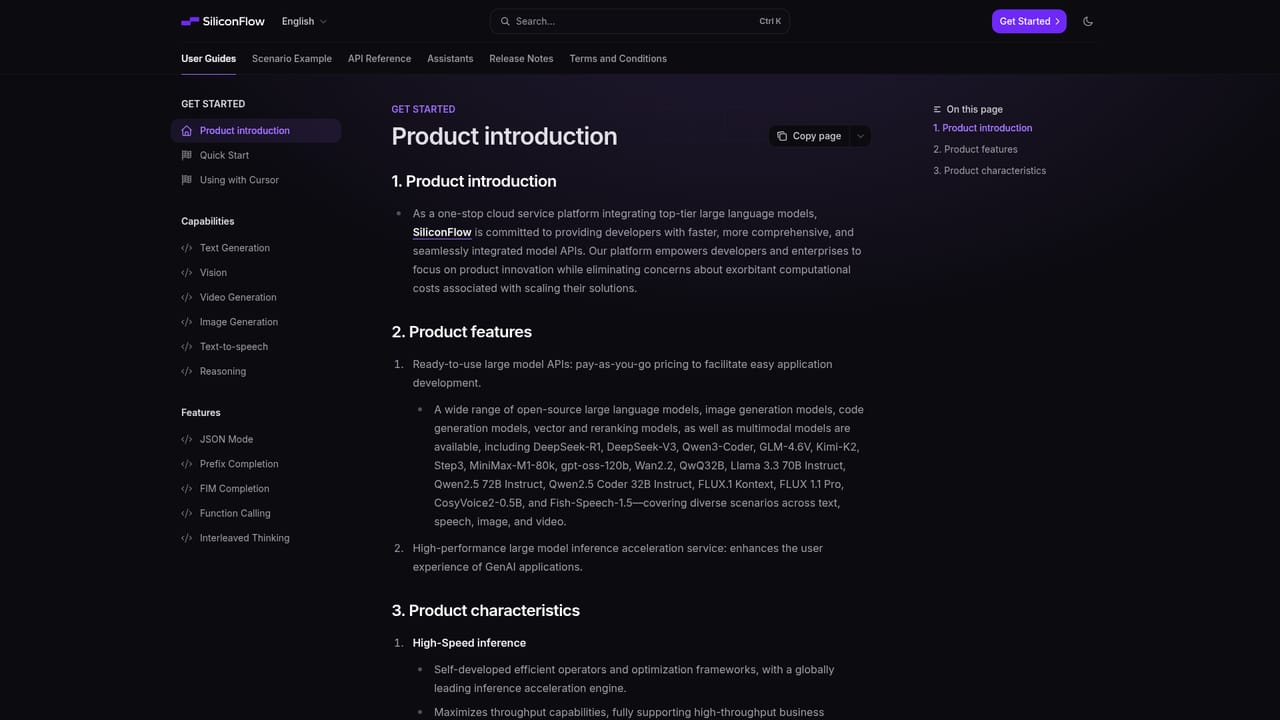
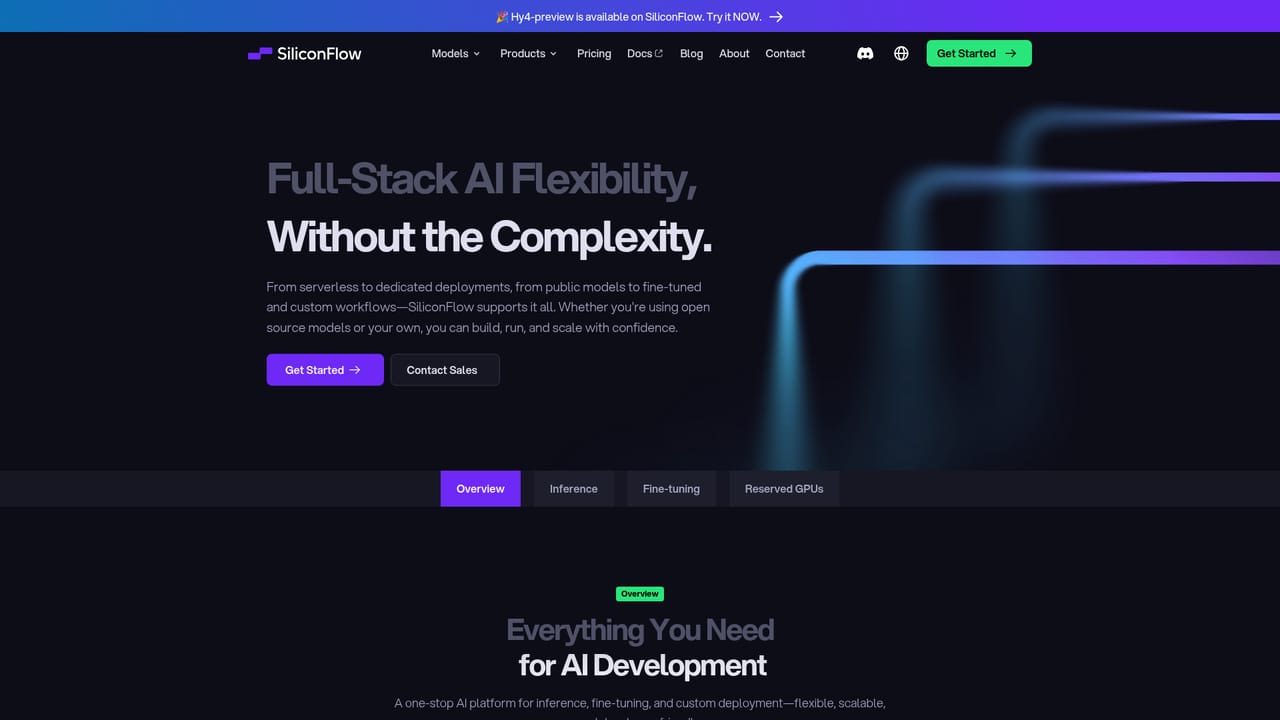
SiliconFlow is an AI inference platform aimed at developers who need to run large language and multimodal models without building GPU infrastructure. It offers a single API that reaches a large catalog of open and commercial models, including chat LLMs from Tencent, DeepSeek, Z.ai, Qwen, Moonshot AI and LongCat as well as image, video and audio models. The homepage stresses speed, accuracy and predictable pricing, with per million token rates published for each model. The platform supports several deployment styles: serverless inference for instant access with pay per use billing, fine-tuning for customizing models to a specific use case, reserved GPUs for guaranteed capacity and stable billing, and elastic GPUs for flexible function as a service style deployment. An AI gateway layer adds smart routing, rate limits and cost control. Typical workloads listed include coding assistance, agentic systems, retrieval augmented generation, content generation across text, image and video, customer support bots and search summarization. In practice, a developer signs up at the cloud console, picks a model, and sends requests through an OpenAI compatible API, so existing SDKs and tooling can be reused. Context windows on several current models reach roughly 1M tokens, and maximum output limits vary by model. The platform says no data is stored and that models stay under the customer's control, which matters for teams with privacy constraints. SiliconFlow sits between direct model provider APIs and self hosted GPU setups. Compared with managing your own inference stack, it removes the hardware work while keeping model choice broad; compared with a single vendor API, it consolidates many models behind one endpoint and one billing relationship. It is a developer first product, so non technical users looking for a finished chat app will find it too low level.
The homepage promotes a free start through Get Started for Free links, but the length, quota or credit amount of any free allowance is not stated on the homepage.
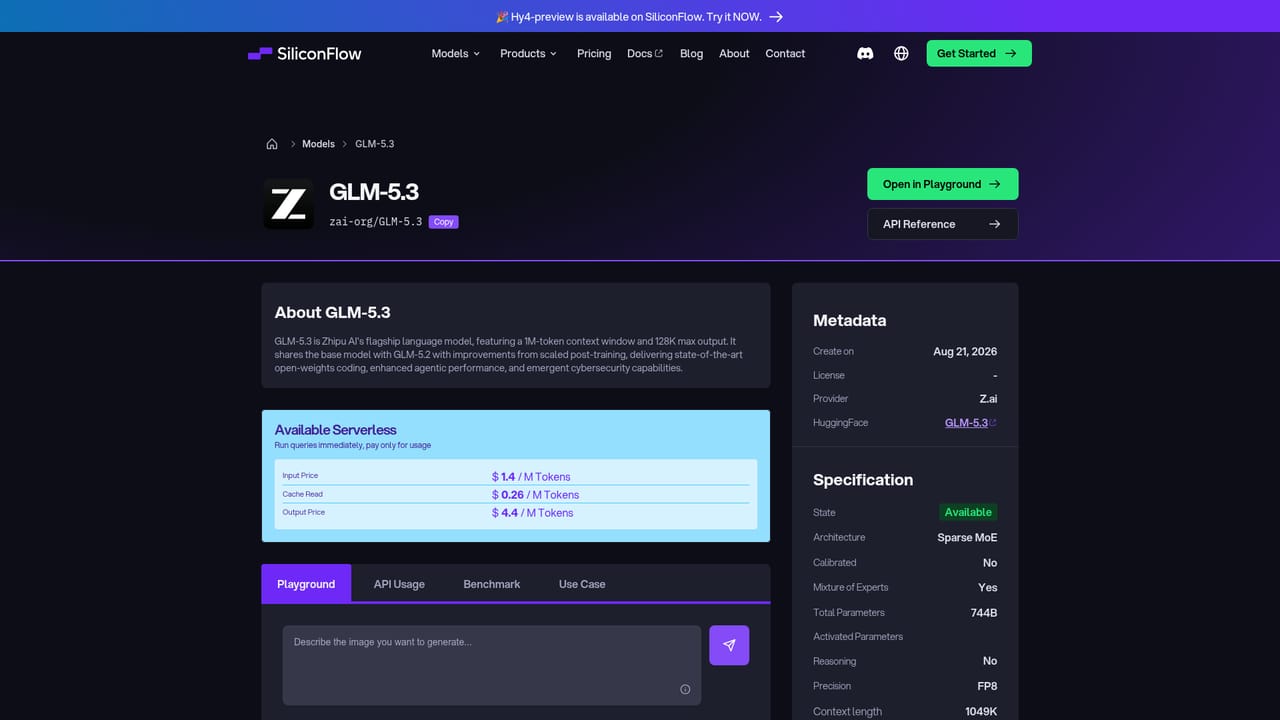
Learn morePer model, per million token pricing is shown on the homepage and model pages. Examples include DeepSeek-V4.1-Flash at $0.15 input and $0.6 output, GLM-5.3 at $1.4 input and $4.4 output, and Kimi-K3 at $2.7 input and $13.5 output. Serverless is pay per use; reserved GPUs and fine-tuning are billed separately. Full plan details sit on the pricing page.
Learn moreA contact page and a developer FAQ are linked from the homepage. The FAQ headings cover support, performance and reliability, but no specific response times or support tiers are stated on the homepage.
Learn moreThe platform is described as OpenAI compatible, and the blog covers OpenAI SDK setup for SiliconFlow integration. The homepage names no other third party integrations.
Learn moreOne API for open and commercial LLMs and multimodal models across text, image, video and audio. Deployment modes include serverless inference, fine-tuning with one click deployment, reserved GPUs, elastic GPUs and an AI gateway with smart routing, rate limits and cost control. The homepage also cites OpenAI compatibility, no data storage and support for coding, agents, RAG, content generation, assistants and search workloads.
Learn more AI Angels400+ customizable AI girlfriends for NSFW chat, voice calls, and roleplay
 Candy AIExperience the future of companionship with AI friends who chat, role-play, and connect with you on a human level.
 ourdream.aiA vast AI roleplay platform with millions of characters for chat, images, video and voiceAI Angels400+ customizable AI girlfriends for NSFW chat, voice calls, and roleplayCandy AIExperience the future of companionship with AI friends who chat, role-play, and connect with you on a human level.ourdream.aiA vast AI roleplay platform with millions of characters for chat, images, video and voice


