Support
Support is available through social channels: follow Arena AI on X, LinkedIn, and YouTube for updates and news.
Chat, compare, and vote for the best AI models on a public leaderboard.

Arena AI is an AI chat bot tool that chats compare, and vote for the best AI models on a public leaderboard. Arena AI lets you chat with frontier AI models, compare them in battles or side-by-side, and vote to shape a public leaderboard for LLMs, image, and code models.
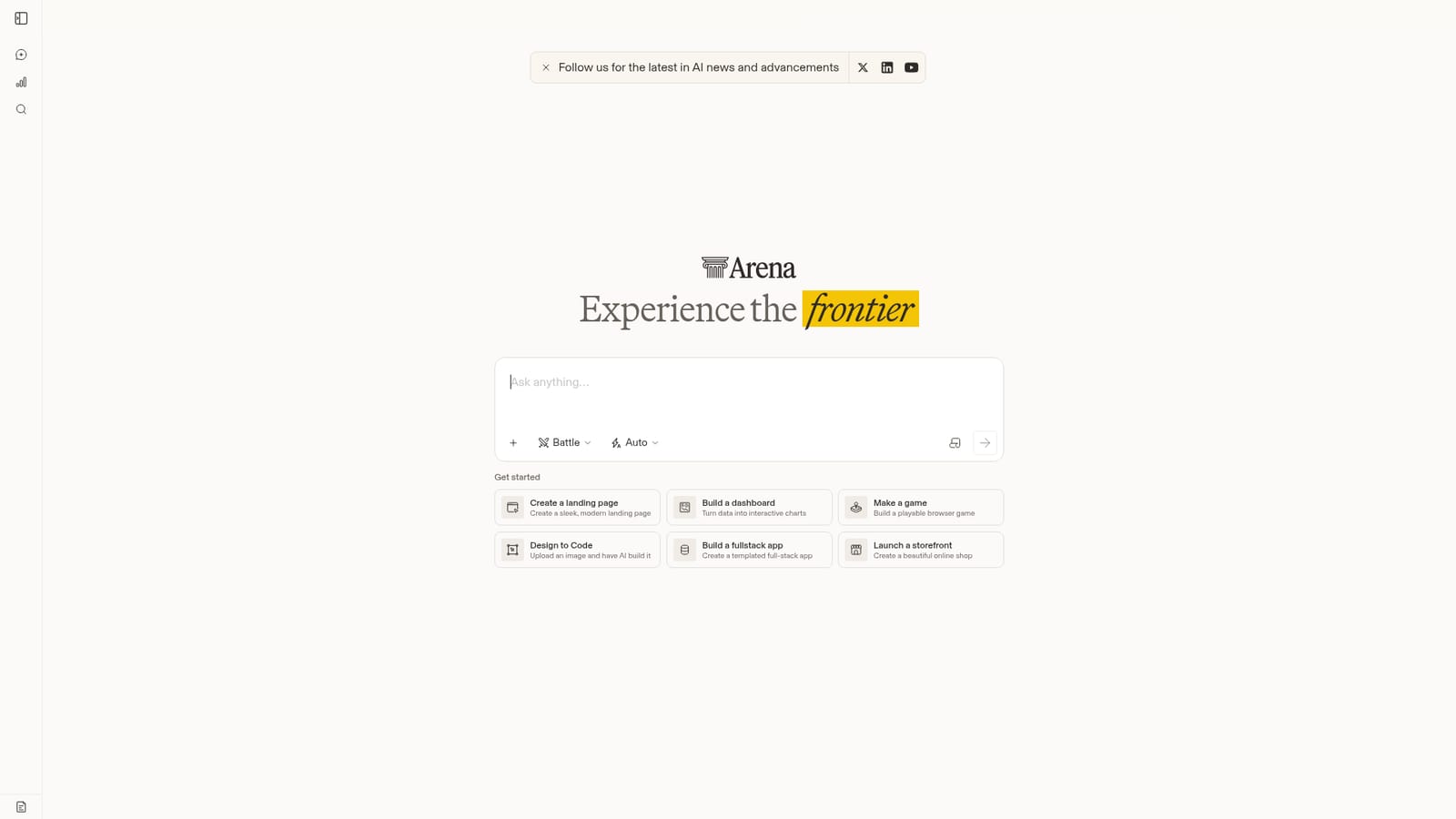
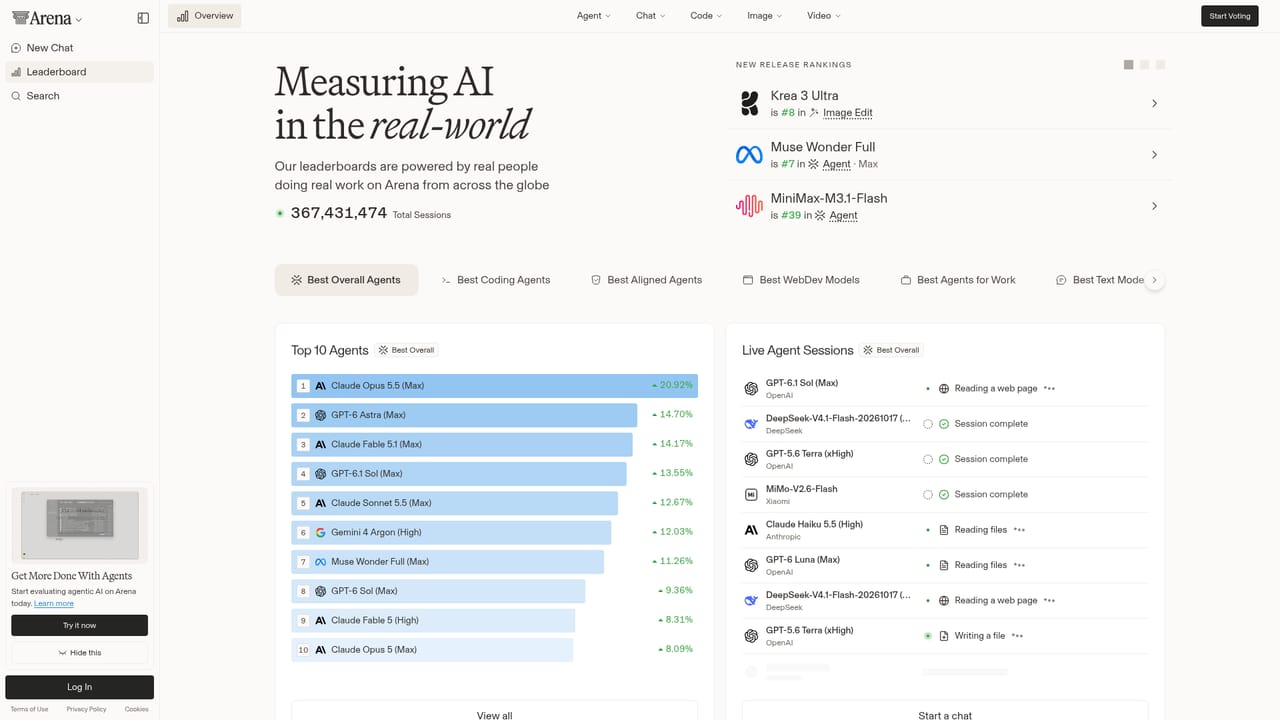
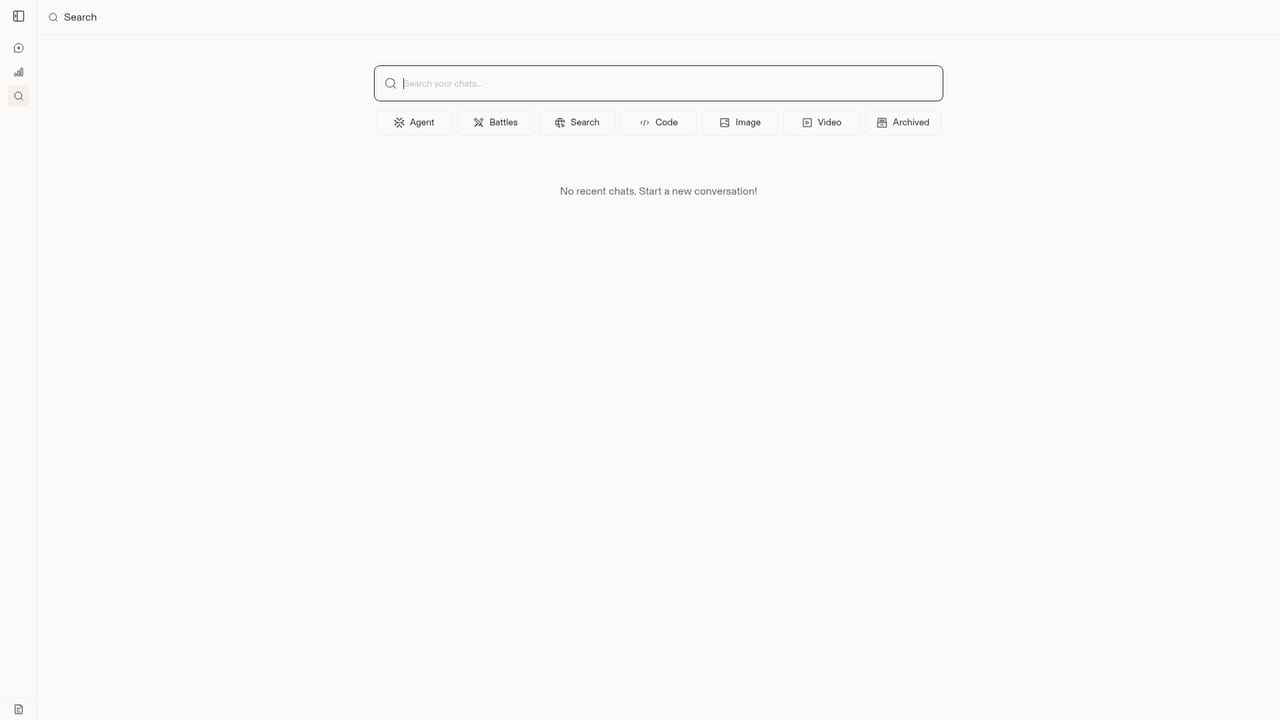
Arena AI is a platform for chatting with frontier AI models, comparing their outputs, and contributing to a public leaderboard that ranks models across text, image, and code tasks. It is built for anyone who wants to see how different models perform in real-world scenarios, from casual users curious about the latest AI to developers and researchers who need to make informed decisions about which model to use. The core of Arena AI is its evaluation modes. In Battle Mode, two anonymous models respond to your prompt, and you vote for the better response, which helps shape the leaderboard. In Side by Side, you can compare two models of your choice directly. Agent Mode supports complex, multi-step tasks, while Direct chat lets you interact with a single model at a time. The platform also provides a history search so you can revisit past conversations and see how models have handled similar prompts. For creative tasks, there are starting points for building landing pages, dashboards, games, and even full-stack apps from an image or a template. The leaderboard is the product's public face: it aggregates community votes to rank models, giving a transparent view of model performance over time. This makes Arena AI a practical alternative to static model comparison charts or one-off playgrounds, because the rankings come from real user interactions rather than vendor benchmarks. The site also shares updates on AI news and advancements through social channels, keeping users informed about new models and features. Arena AI is free to use and runs in the browser, with no installation required. It is a good fit for teams evaluating models for a project, creators looking for inspiration, and anyone who wants to have a say in how AI models are ranked. The platform notes that inputs are processed by third-party AI and responses may be inaccurate, so it is not intended for critical production decisions without further validation.
Support is available through social channels: follow Arena AI on X, LinkedIn, and YouTube for updates and news.
Arena AI offers Battle Mode (anonymous model comparisons), Side by Side (compare two chosen models), Agent Mode (for complex tasks), and Direct chat (single model). It includes creative starting points for landing pages, dashboards, games, and full-stack apps, plus a public leaderboard and chat history search.
 AI Angels400+ customizable AI girlfriends for NSFW chat, voice calls, and roleplay
 Candy AIExperience the future of companionship with AI friends who chat, role-play, and connect with you on a human level.
 ourdream.aiA vast AI roleplay platform with millions of characters for chat, images, video and voiceAI Angels400+ customizable AI girlfriends for NSFW chat, voice calls, and roleplayCandy AIExperience the future of companionship with AI friends who chat, role-play, and connect with you on a human level.ourdream.aiA vast AI roleplay platform with millions of characters for chat, images, video and voice


