Integrations
The underlying ArmorCode platform supports 400+ integrations across security and development tools, which feed findings and asset data into the context the agents rely on.
Purpose-built AI agents for security triage and remediation work

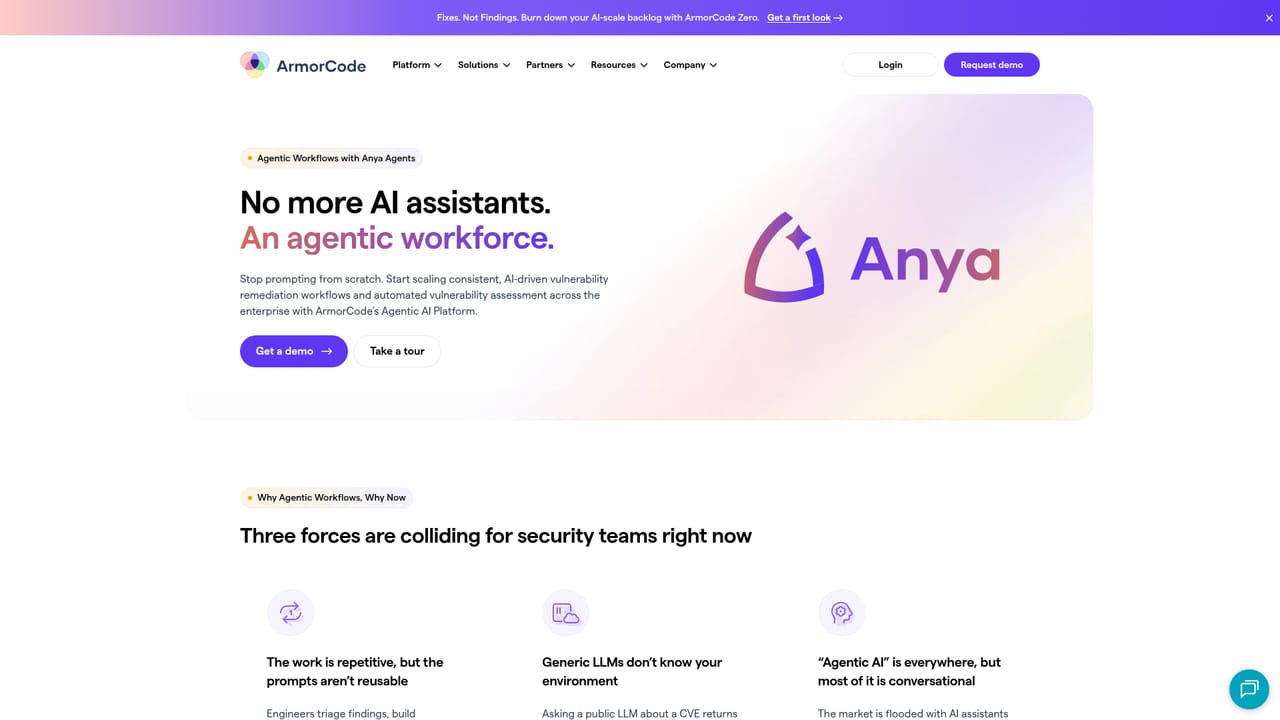
ArmorCode is a task completion tool. ArmorCode's Anya Agents are role-aware AI workers for security teams. Four packaged agents handle vulnerability remediation guidance, zero-day exposure hunting, finding summaries and risk score explanations, all grounded in a unified risk context rather than generic model knowledge.
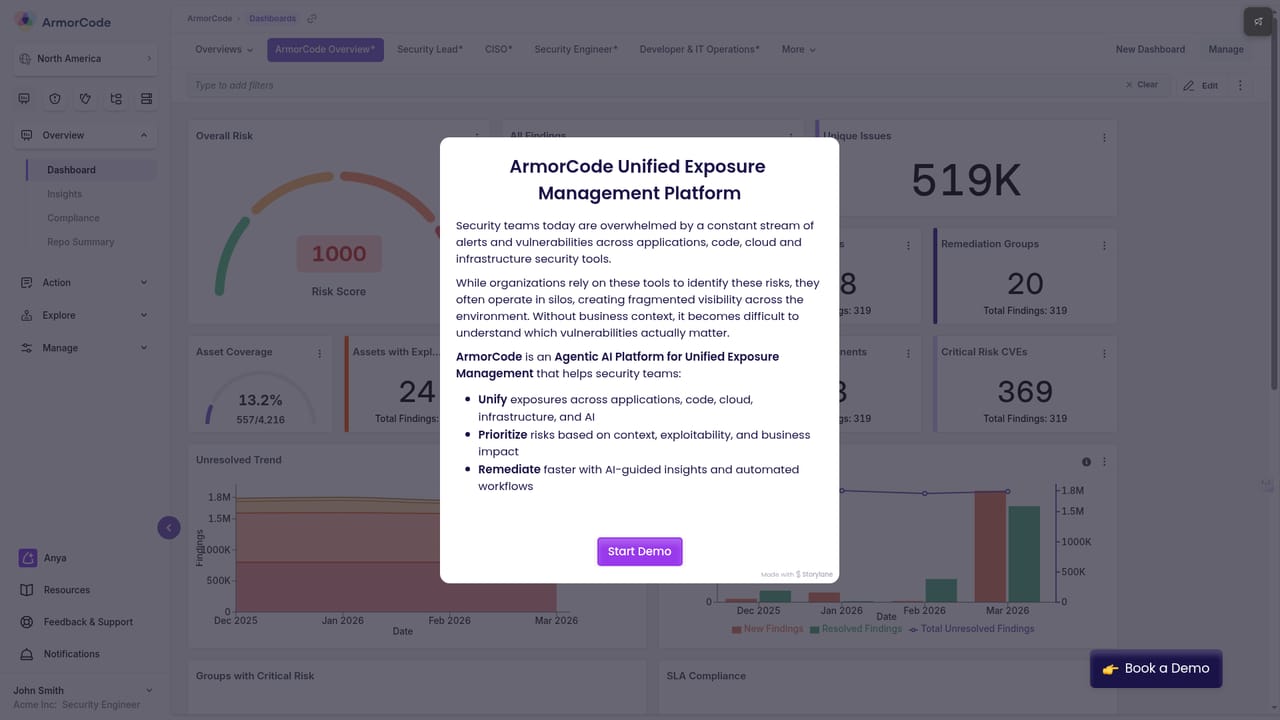
ArmorCode's Anya Agents are a set of role-aware AI workers built for security teams rather than general purposes. Instead of asking an engineer to open a chat window and rewrite the same prompt every week, the platform ships four packaged agents: a Remediation Agent that produces fix guidance for a single finding or a group of findings, a Zero-Day Exposure Hunting Agent that evaluates the organizational impact of a freshly disclosed CVE, a Finding Overview Agent that restates a finding in plain language, and a Risk Analyzer Agent that explains why a risk score came out the way it did. Each one is designed to be invoked from the workflows where security work already happens. The differentiator is context. Generic language models can define a CVE but cannot say whether a specific company is exposed to it. Anya Agents draw on what ArmorCode calls a Context Risk Graph, which combines findings, groups and subgroups, assets, software supply chain data, its own advanced threat intelligence, ingested artifacts and documentation. Vulnerability Insights reasoned over that graph surface exploitability clusters, vulnerability chains and attack paths, with the vendor claiming this isolates the small fraction of findings that carry most of the real business risk. In practice the tool is aimed at AppSec teams, security engineers and the executives who consume their reporting. A triage lead can hand a cluster of findings to the Remediation Agent for code-aware guidance, or ask the Zero-Day agent to assemble an impact report when a new CVE lands. The payoff is repeatable output and shared institutional knowledge instead of improvised prompts scattered across individual laptops. ArmorCode positions this against both public LLM use and vendor chat features, arguing that bounded, reusable agents under enterprise controls are a different category from conversational copilots. The platform behind it reports 400+ integrations across security and development tools and 400B+ findings processed annually. Buyers should treat Anya Agents as an add-on to an established exposure management program rather than a standalone utility, and should validate agent accuracy and cost behavior against their own repositories before wide rollout.
The underlying ArmorCode platform supports 400+ integrations across security and development tools, which feed findings and asset data into the context the agents rely on.
Four specialized agents cover code-aware remediation guidance, zero-day CVE impact assessment, plain language finding summaries and risk score explanations. All are grounded in a Context Risk Graph combining findings, assets, supply chain, threat intelligence and documentation, with Vulnerability Insights surfacing exploitability clusters, vulnerability chains and attack paths.
Learn more AI Angels400+ customizable AI girlfriends for NSFW chat, voice calls, and roleplay
 Candy AIExperience the future of companionship with AI friends who chat, role-play, and connect with you on a human level.
 ourdream.aiA vast AI roleplay platform with millions of characters for chat, images, video and voiceAI Angels400+ customizable AI girlfriends for NSFW chat, voice calls, and roleplayCandy AIExperience the future of companionship with AI friends who chat, role-play, and connect with you on a human level.ourdream.aiA vast AI roleplay platform with millions of characters for chat, images, video and voice


