Free trial
A 5 day free trial is advertised on the homepage and starts through the signup page. A free entry tier with BYOK remains available after the trial.
Learn moreAutonomous AI agent with root shell, browser and desktop control

DaemonGenie is an autonomous agent that runs in a container with root shell access, browser automation, remote desktop control and SSH fleet management. It targets developers, data engineers and IT operators. Free entry works with your own LLM key; the built in model is credit based and Professional costs 9.99 per month.
DaemonGenie is an autonomous digital operator built for work that normally needs a human at a keyboard with real system access. Instead of answering questions in a chat window, the agent runs inside a container with root level shell access, compiles C, C++, Python and Go code, deploys binaries and drives a Playwright browser on its own. A visual remote desktop layer lets the agent click through graphical interfaces while the operator watches and works alongside it, which matters when a task has no command line equivalent. The feature set is organized around industrial and technical workloads. An enterprise bridge handles OCR ingestion, direct SQL and NoSQL querying, and data structuring and cleaning. A quant finance module pulls real time market data and produces financial models and technical reports. For infrastructure teams, SSH fleet operations cover remote server configuration, DevOps pipelines and status monitoring across many machines. Container storage on XFS keeps sessions and memory persistent between runs, so the agent does not restart from zero each time. Pricing follows a bring your own key model. The free entry tier gives full environment access and connects to an external LLM of the user's choosing at no cost, while the built in model is a paid feature billed in credits. The Professional plan is listed at 9.99 per month with unlimited usage and 10GB of persistence. A 5 day free trial is available, and an account is required before the environment spins up. This is a tool for developers, data engineers, quant analysts and IT operators who need an agent to actually execute on machines rather than draft text. Buyers comparing it to hosted agent platforms should note that the low entry price assumes they already have model API access and are comfortable granting an agent broad system permissions.
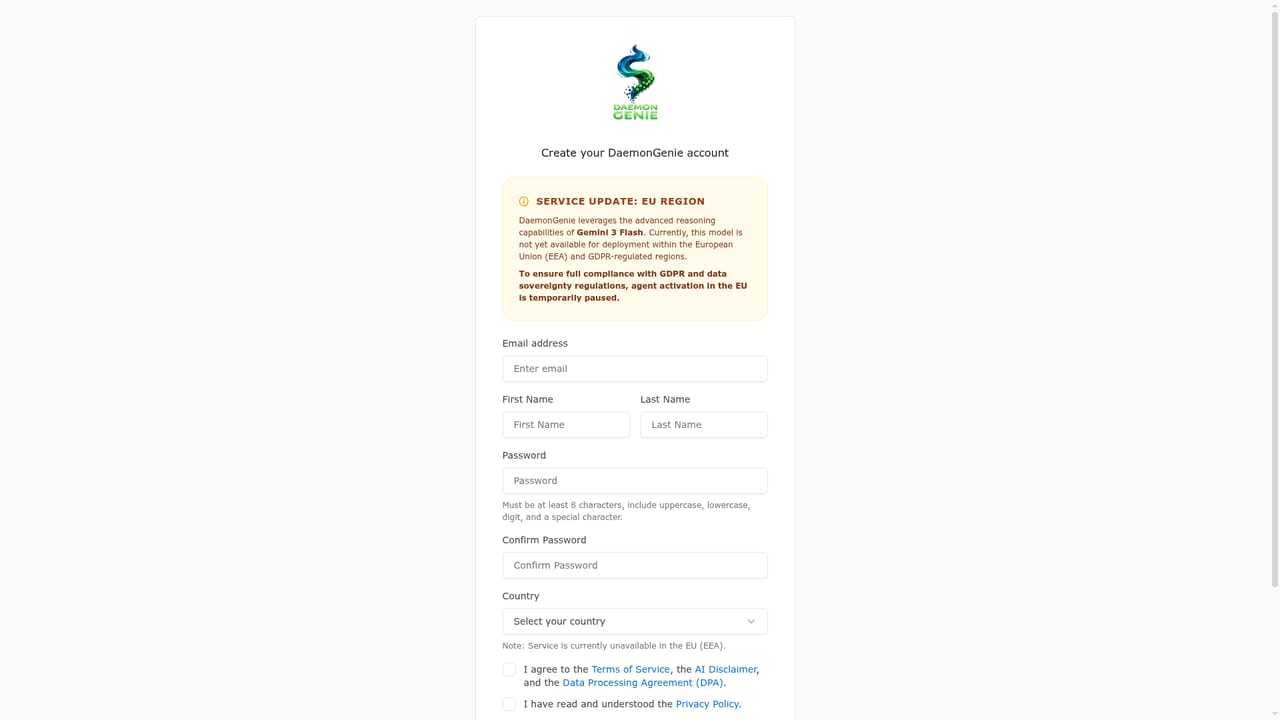
A 5 day free trial is advertised on the homepage and starts through the signup page. A free entry tier with BYOK remains available after the trial.
Learn moreFree entry tier with full environment access when you bring your own LLM key. The internal model is a paid feature billed in credits. Professional is listed at 9.99 per month with unlimited usage and 10GB of persistence. Credit rates for the internal model are not published on the homepage.
Learn moreConnection points described on the homepage include SQL and NoSQL databases, SSH managed server fleets and external LLM providers through bring your own key. No named third party integrations are listed.
Root level shell access with C, C++, Python and Go compilation and binary deployment. Playwright browser autonomy with multi-source synthesis and live web monitoring. Enterprise bridge for OCR ingestion and SQL or NoSQL querying. Quant finance market data and modeling. SSH fleet operations, full remote desktop with real time GUI interaction, and persistent XFS container storage.
 AI Angels400+ customizable AI girlfriends for NSFW chat, voice calls, and roleplay
 Candy AIExperience the future of companionship with AI friends who chat, role-play, and connect with you on a human level.
 ourdream.aiA vast AI roleplay platform with millions of characters for chat, images, video and voiceAI Angels400+ customizable AI girlfriends for NSFW chat, voice calls, and roleplayCandy AIExperience the future of companionship with AI friends who chat, role-play, and connect with you on a human level.ourdream.aiA vast AI roleplay platform with millions of characters for chat, images, video and voice


