Support
Support routes through a dedicated page, documentation, a Discord community, GitHub and a contact form for sales enquiries.
Learn moreAn open source desktop coworker that runs a multi-agent workforce on your machine

Eigent AI is a meta AI automation tool. Open source desktop app that runs a coordinated team of AI agents able to browse the web, drive desktop apps and produce finished files, with reusable Spaces, memory, scheduled automations and human approvals.
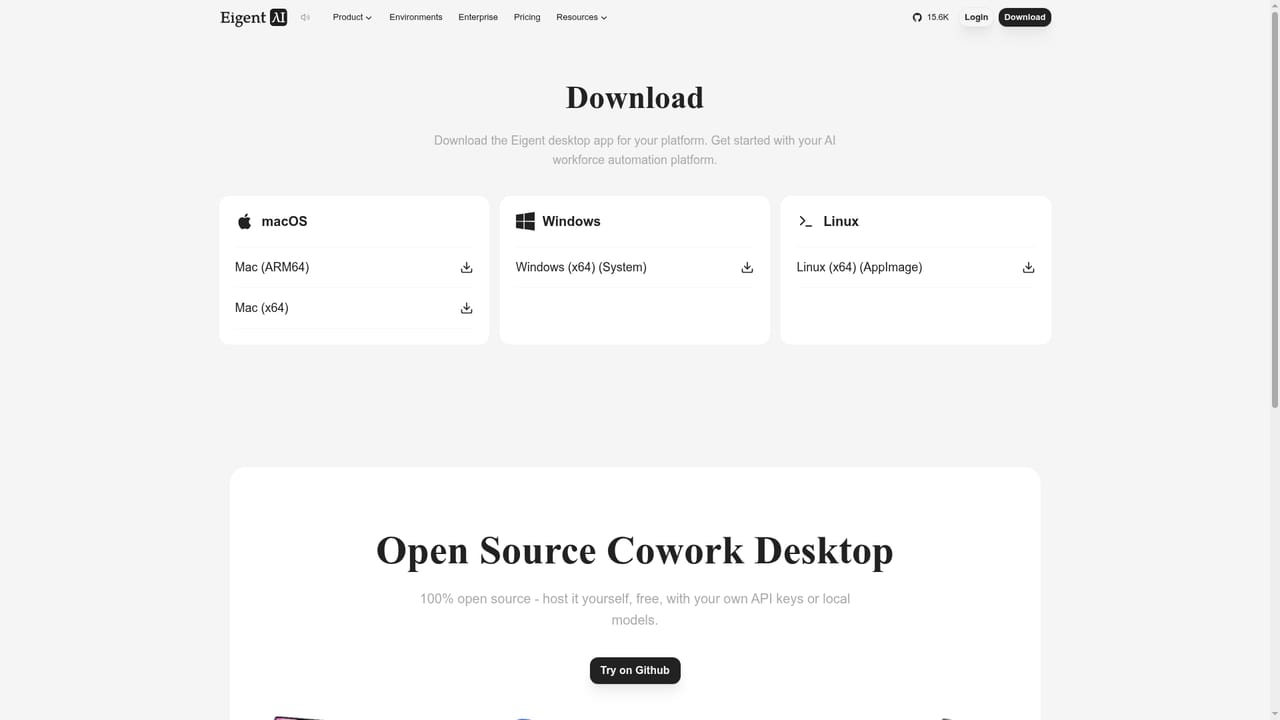
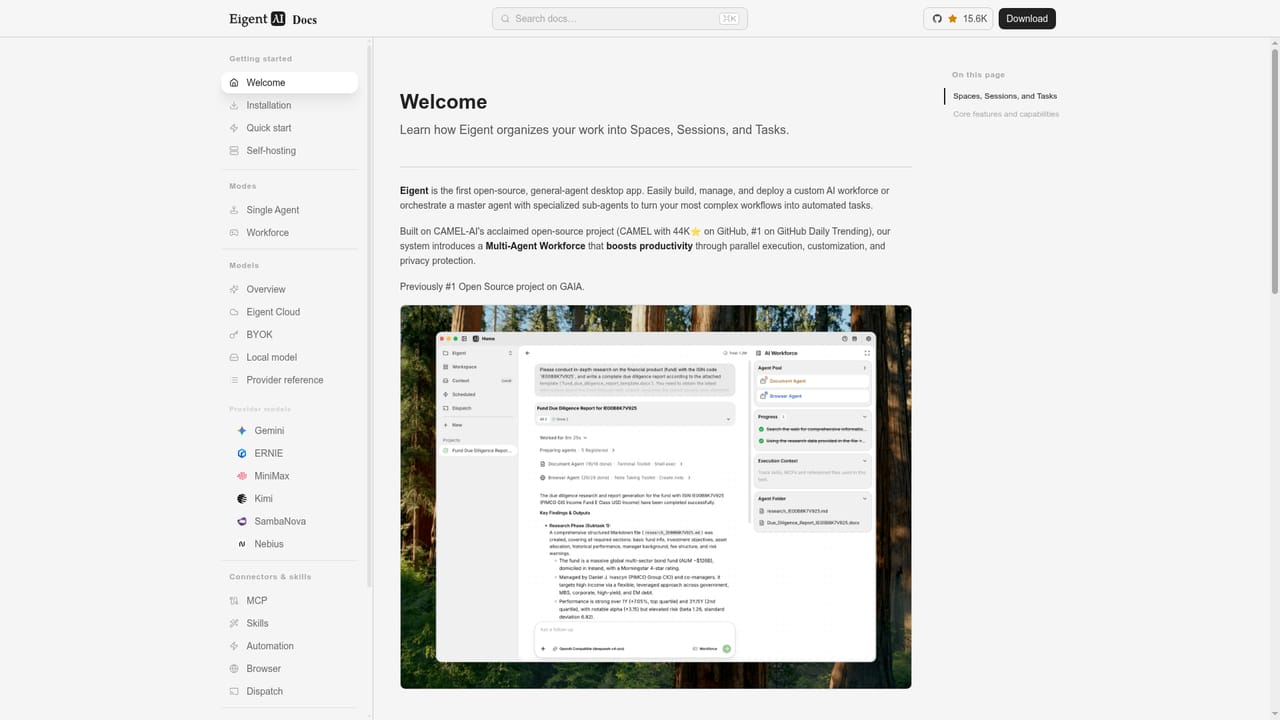
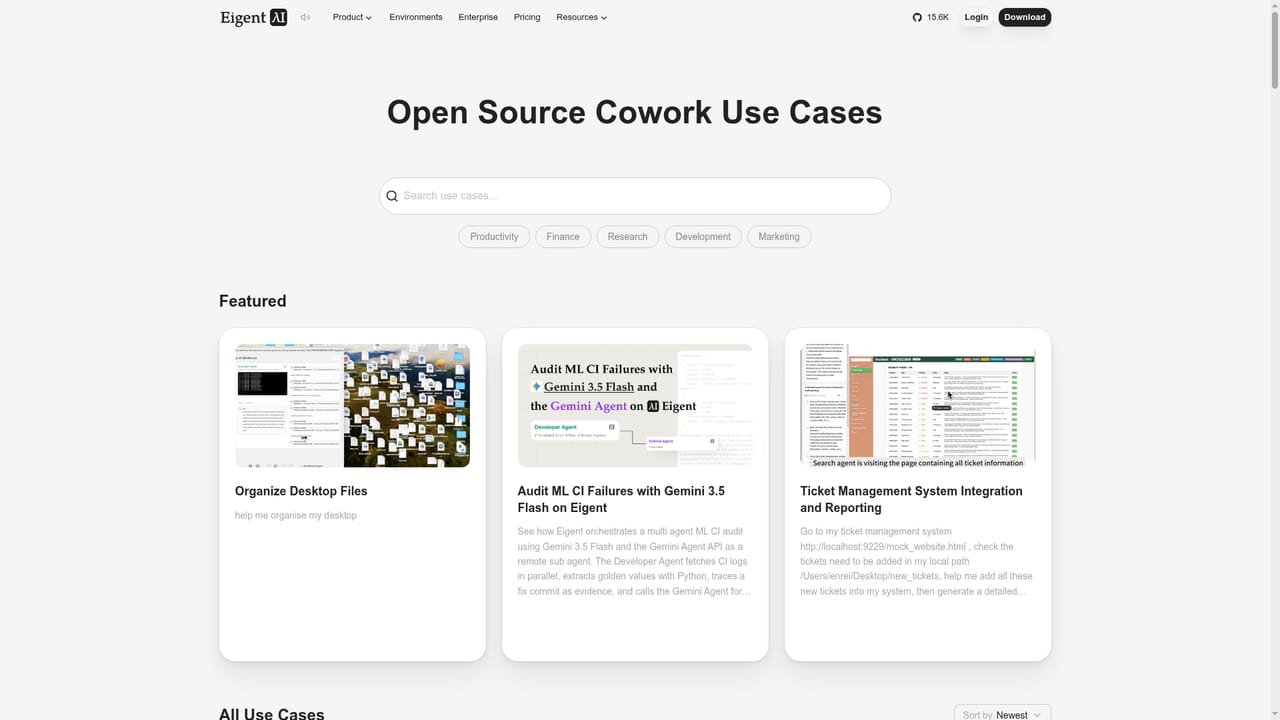
Eigent is an open source desktop application that puts a coordinated team of AI agents on your own computer. Instead of a chat window that answers questions, it runs what the project calls a cowork: a lead agent that breaks a goal into steps, delegates parts of the job to subordinate agents, and reports back with finished files. The agents can search the web, read pages, open a browser, and operate desktop applications, which is what separates it from assistants that only produce text. The project credits CAMEL-AI and publishes its code on GitHub, and the download page lists builds for macOS, Windows and Linux. The product is organised around Spaces, which are reusable profiles that bundle agents, Skills, Connectors and standing instructions for a particular line of work. A research Space, for example, can carry a market-research skill, an Exa search connector and a Notion connector, and every new session starts with that setup already in place. Secrets stay bound locally. Memory carries confirmed knowledge across tasks, scoped to the user, the Space or the session, and Automations trigger runs on a schedule, event or condition. A trajectory view exposes reasoning, delegation, file changes and sources, and approvals pause the work for a human decision. The target audience is teams that want agent output without handing data to a vendor cloud. Eigent can run locally or be self-hosted, is model agnostic, and accepts cloud providers, enterprise gateways, local models and bring-your-own API keys. The published use cases lean technical: generating a Blender cinematic, building CAD meshes from video, processing receipts into a VAT return workbook, producing long research reports on AI infrastructure companies, and shipping small HTML5 games. Anyone expecting a zero-setup consumer chatbot should look elsewhere; the value appears once you configure models, connectors and permissions, and the review tooling assumes someone will check the work. Enterprise features such as role management and governance sit behind a sales conversation. The project states that SOC 2 readiness and GDPR compliance work remain in progress, so regulated buyers should treat certification as a roadmap item rather than a current guarantee.
Support routes through a dedicated page, documentation, a Discord community, GitHub and a contact form for sales enquiries.
Learn moreConnectors include examples such as Exa Search and Notion, paired with MCP and tools, agent Skills and plugins. Eigent also connects to model providers, enterprise gateways and local models through your own keys.
Learn moreMulti-agent cowork with delegation, a lead agent and subordinate agents; browser and desktop app control; reusable Spaces for agents, Skills and Connectors; memory scoped to user, Space or session; automations on schedule, event or condition; remote control from the browser or channels such as WhatsApp; trajectory inspection, approvals and file history; local or self-hosted deployment; model agnostic with BYOK and local models.
Learn more AI Angels400+ customizable AI girlfriends for NSFW chat, voice calls, and roleplay
 Candy AIExperience the future of companionship with AI friends who chat, role-play, and connect with you on a human level.
 ourdream.aiA vast AI roleplay platform with millions of characters for chat, images, video and voiceAI Angels400+ customizable AI girlfriends for NSFW chat, voice calls, and roleplayCandy AIExperience the future of companionship with AI friends who chat, role-play, and connect with you on a human level.ourdream.aiA vast AI roleplay platform with millions of characters for chat, images, video and voice


