Support
Contact is through a demo booking link and a website form, with replies promised within one working day. An FAQ addresses data location, access, integrations and agent errors.
Learn moreProduction AI agents that run your end-to-end business processes

Bracket is a service-led agent platform for enterprise operations. Its team defines and builds a single end-to-end process, wires it into systems like CRM, ERP, Slack and email, then runs it inside the customer environment, with custom screens for monitoring and step approvals.
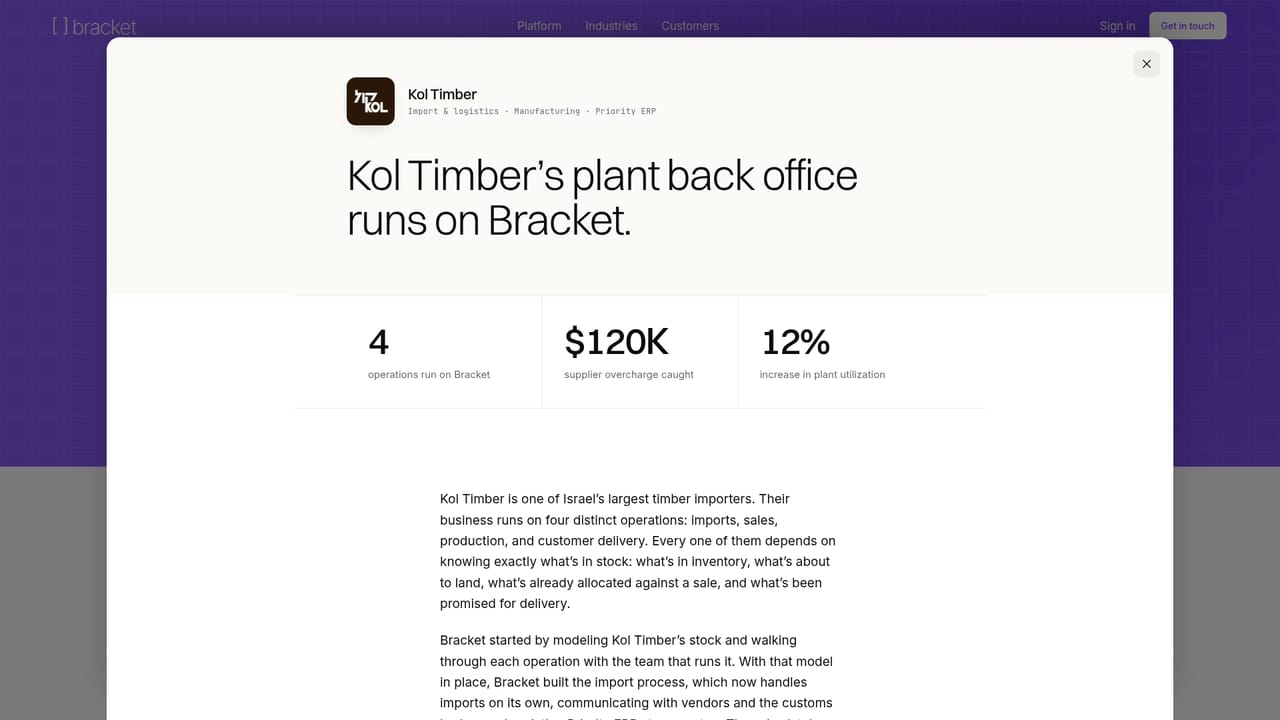
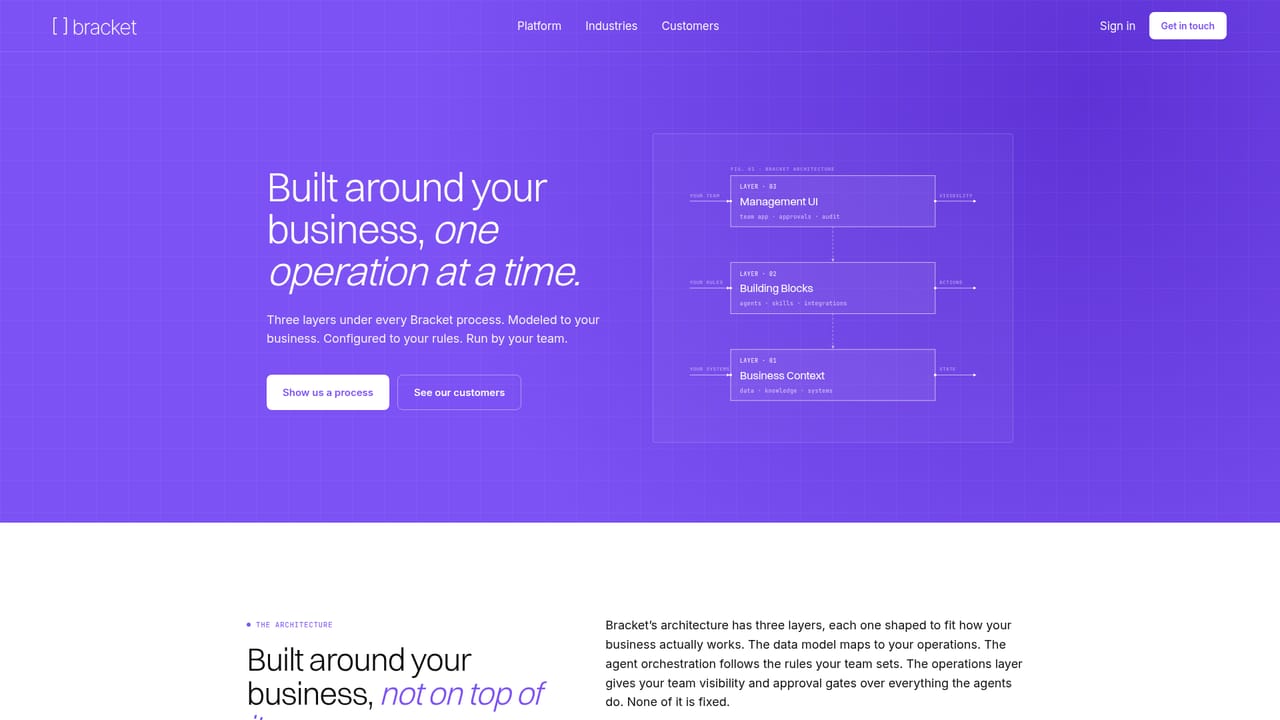
Bracket is an agent platform for enterprise operations, aimed at companies that want AI to carry real process work rather than assist with isolated tasks. The pitch is deliberately narrow: one process at a time, built to match how a specific business already operates. Agents draw on a layer the vendor calls Business Context, which holds the data, institutional knowledge and connected systems that a given process depends on. Deployment is service-led rather than self-serve. A Bracket team sits with the customer to define the process step by step, then builds it and connects it to the systems it must touch, such as the CRM, ERP, Slack or email. The stated timeline is a running process inside the customer's environment within about a week of the build. Day to day, staff work through a management interface of custom screens for watching processes run, approving individual steps and collaborating with agents, backed by reusable agents, skills and integrations assembled into each solution. Coverage spans several verticals with concrete process lists: credit underwriting, KYC and AML reviews and loan operations in financial services; procurement, vendor onboarding and plant maintenance in industrial settings; claims intake, underwriting and renewals in insurance; trial intake and regulatory dossiers in life science; lease administration and tenant onboarding in real estate; editorial scheduling in media; and field dispatch and provisioning in telecommunications. Published customer accounts include Kol Timber, Berkeley Payment Solutions, Alphabiome and ICL. Bracket competes less with off-the-shelf task managers than with internal builds and enterprise automation suites, and it is positioned accordingly: sales-led, implementation-heavy and priced per engagement rather than per seat. Teams wanting instant signup and transparent list pricing will find nothing here to evaluate on their own; buyers should expect a scoping conversation first.
Contact is through a demo booking link and a website form, with replies promised within one working day. An FAQ addresses data location, access, integrations and agent errors.
Learn moreBracket connects processes to the customer's CRM, ERP, Slack and email, and mentions wiring into SAP, Priority and OSS/BSS environments. The exact list of supported systems is not published.
Learn moreAgents run end-to-end processes using a Business Context layer of company data, knowledge and systems, assembled from reusable agents, skills and integrations. A custom management interface shows live runs, step approvals and agent collaboration. Named coverage includes underwriting, KYC and AML, procurement, claims intake, lease admin, editorial scheduling and field dispatch.
Learn more AI Angels400+ customizable AI girlfriends for NSFW chat, voice calls, and roleplay
 Candy AIExperience the future of companionship with AI friends who chat, role-play, and connect with you on a human level.
 ourdream.aiA vast AI roleplay platform with millions of characters for chat, images, video and voiceAI Angels400+ customizable AI girlfriends for NSFW chat, voice calls, and roleplayCandy AIExperience the future of companionship with AI friends who chat, role-play, and connect with you on a human level.ourdream.aiA vast AI roleplay platform with millions of characters for chat, images, video and voice


