Free trial
The homepage offers a 7 day free trial with access to the platform. No card details or trial limits are stated on the page.
Learn moreOne-click AI image generation with 120+ visual styles for designers and creators

Artiphoria turns short text prompts into 4k AI images in one click, with 120+ visual styles, art mediums, moods and artist presets. It targets designers, marketers, print-on-demand sellers and hobbyists who want fast, unique visuals without complex software.
Artiphoria is a web-based image generation tool built around a single idea: you should be able to produce a finished-looking image without wrestling with complicated settings. The homepage pitches a one-click workflow, and the product backs that up with a bank of 120+ visual styles, 30+ art mediums, 20+ moods and 10+ artist styles that can be applied to a text prompt. Output is delivered at 4k resolution, and the company states that every generated image is unique, so the same prompt does not return the identical file twice. The audience is broad on purpose. The site names digital art, social media content, advertising, photography, graphic design and print on demand as core uses. That maps to freelancers and small studios who need concept art or campaign visuals quickly, to print-on-demand sellers who need a steady stream of artwork without licensing headaches, and to marketers who want a fast visual for a post or an ad. Photographers are positioned as users looking for inspiration rather than as editors, since the tool generates from prompts instead of retouching existing shots. In practice the loop is prompt first, style second. You describe what you want, pick a medium, mood or artist style, and the system returns images while saving each generation to your account. The homepage shows the example prompt "A bowl of soup that is also a portal to another dimension, digital art" as a demonstration of how far a short description can be pushed. A model labelled v5.1 is the current generation engine according to the site. Artiphoria sits in the same bracket as other text-to-image services but competes on simplicity and style presets rather than on fine-grained control. There is no talk of masking, inpainting or layered editing on the homepage, so buyers who need surgical control over an existing image should compare it against editors that offer those tools. The company reports over 7,000 monthly active users and more than one million images generated to date.
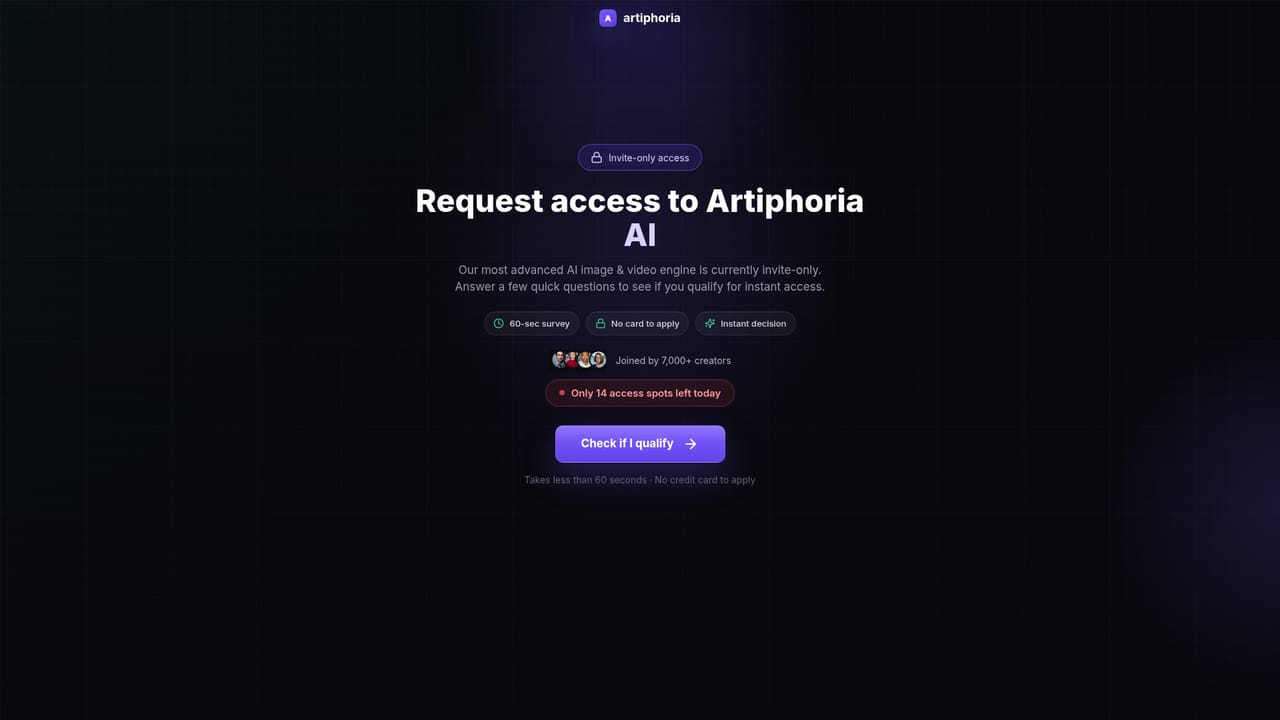
The homepage offers a 7 day free trial with access to the platform. No card details or trial limits are stated on the page.
Learn moreThree monthly tiers: Starter at $49 (2,000 credits), Professional at $179 (10,000 credits) and Scale at $399 (30,000 credits). Annual billing is discounted to $480, $1500 and $3350 respectively. Extra credits on the Scale plan cost $100 per 10,000. Plans can be modified or cancelled at any time.
Learn moreOne-click image generation from text prompts, with 120+ visual styles, 30+ art mediums, 10+ art styles, 20+ moods, 10+ artist styles, 3D renders, photorealistic output, volumetric lighting and 4k resolution. Unlimited save generations on every plan, plus a model designated v5.1.
 AI Angels400+ customizable AI girlfriends for NSFW chat, voice calls, and roleplay
 Candy AIExperience the future of companionship with AI friends who chat, role-play, and connect with you on a human level.
 ourdream.aiA vast AI roleplay platform with millions of characters for chat, images, video and voiceAI Angels400+ customizable AI girlfriends for NSFW chat, voice calls, and roleplayCandy AIExperience the future of companionship with AI friends who chat, role-play, and connect with you on a human level.ourdream.aiA vast AI roleplay platform with millions of characters for chat, images, video and voice


