What AI screen analyzers do
An AI screen analyzer reads what is currently on a display and acts on it. Depending on the tool, that means pointing at the right button, suggesting the next sentence, drafting an answer to a question that just appeared, or keeping a searchable record of what was on screen. The common thread is that the user no longer has to screenshot a window, paste it into a chat and explain the context.
The tools here suit Mac and Windows users who work across many apps, designers and founders who want interface feedback, candidates and meeting participants who want live prompts, and developers who would rather show a bug than describe it. They replace manual screenshots, written bug reports, hand-recorded demos and the habit of switching to a chatbot tab for every question.
How to choose a screen analyzer
Start with the platform. Most tools in this list run only on MacOS, a few cover both MacOS and Windows, and others live in the browser as a web app or extension. That filter alone removes most of the list.
Next, decide what the tool should do with the screen. Some guide you through an unfamiliar app, some complete text as you type, some record and index everything, and some audit or narrate a web interface. Then check pricing: several options are free, others are freemium or subscription-based, and one is paid only.
Finally, look at where the screen content goes. On-device processing, open-source code and bringing your own keys are the signals to look for when the screen shows private work.
Notable tools
pip is a Mac screen buddy that shows you exactly where to click, which suits people learning unfamiliar software.
Caret offers tab-to-complete for every app on a Mac, powered by screen context, and is free.
Rewind records and searches everything you see, hear and say on your laptop, and runs on MacOS with a freemium or subscription model.
Clipy records a bug once so that Claude Code, Cursor or Codex can read it and act, with versions for the web, MacOS and browsers.
ProUX produces cited, pixel-measured UX audits and answers for designers and founders through a web app.
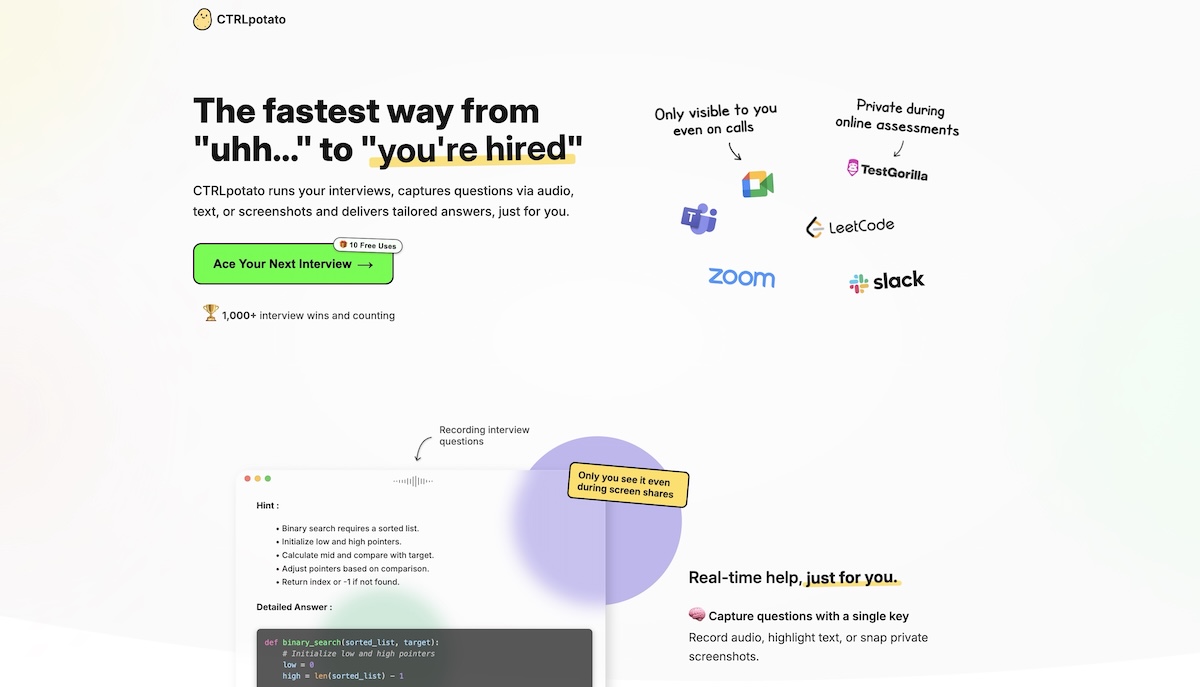
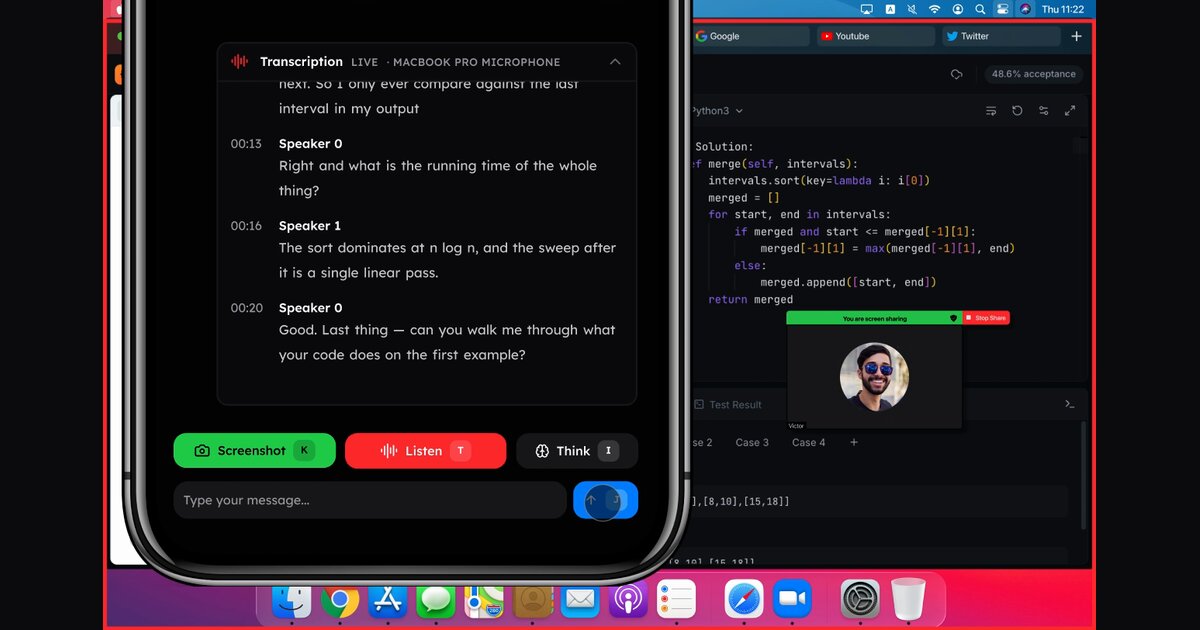
Pluely is an open-source, roughly 10MB stealth AI assistant for video calls and meetings on MacOS and Windows, and it is free.
Common questions
What is an AI screen analyzer?
It is software that uses AI to interpret the contents of a screen, either live or from a recording, and respond with guidance, text, answers or a summary. The input is what is displayed rather than a typed prompt.
What does a screen analyzer do differently from a screen recorder?
A plain recorder stores video. A screen analyzer interprets the content, so it can answer questions about it, point at controls or hand the recording to a coding agent. Some tools in this list do both.
Are there free options?
Yes. 10x, Caret, Pluely and Free Fact Checker are listed as free, and several others offer a free tier or a trial before a subscription.
When to look elsewhere
For meeting recordings turned into written summaries, the Video Notes category is a closer fit. For an assistant that acts on its own initiative rather than reading your display, see Proactive AI Assistant, and for a chat window that floats over other apps, see ChatGPT Overlay.