Free trial
The core tool is free to use without an account, so a separate trial is unnecessary. No time limit or usage cap is stated.
Learn moreTurn plain English into copy-paste code in JavaScript, Python, React and more.

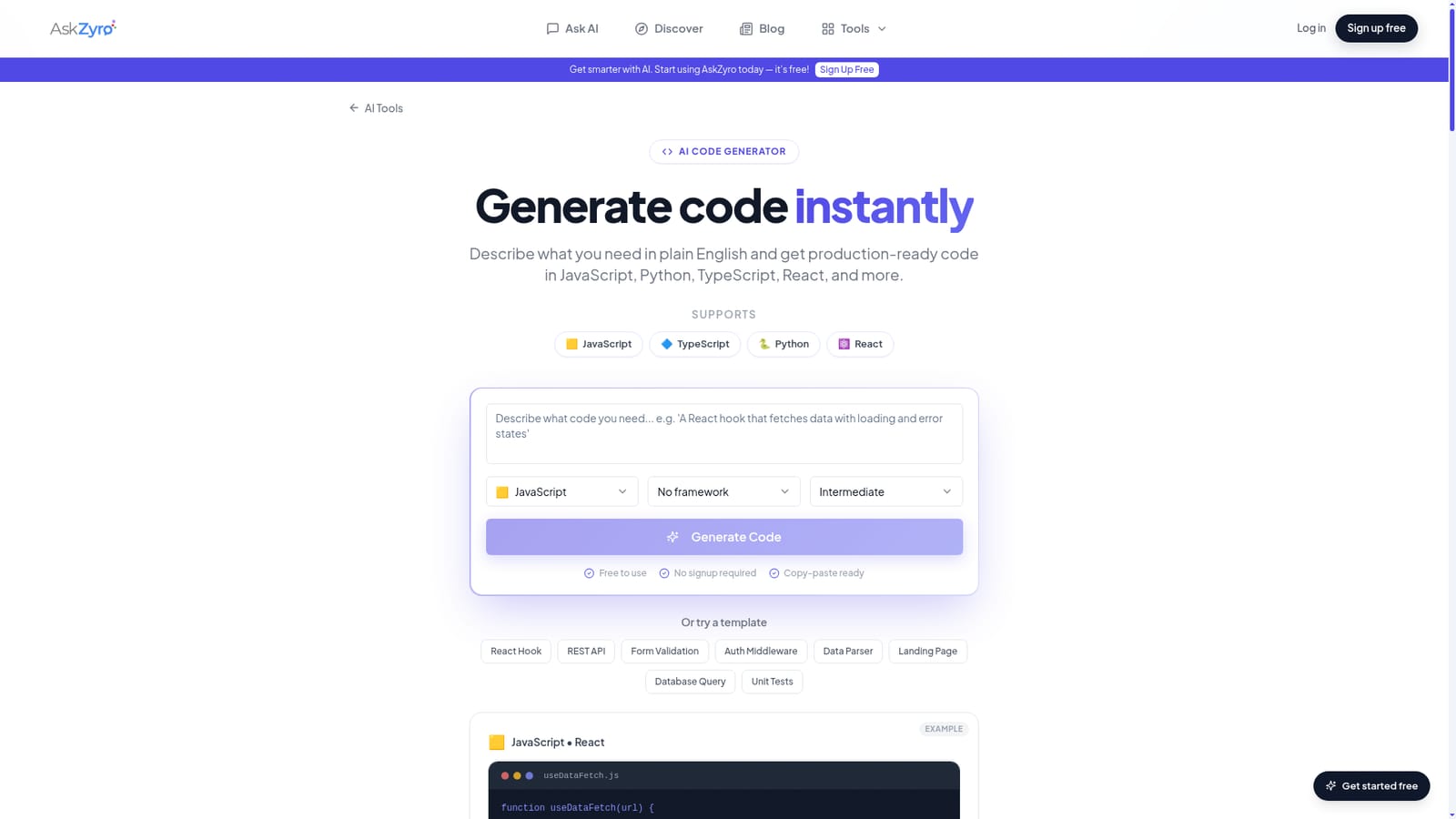
AskZyro is a developer tool that turns plain English into copy-paste code in JavaScript, Python, React and more. A free, no-signup web tool that converts plain English prompts into formatted code across JavaScript, TypeScript, Python, React and other common stacks, with framework-aware output and prompt templates for quick starts.
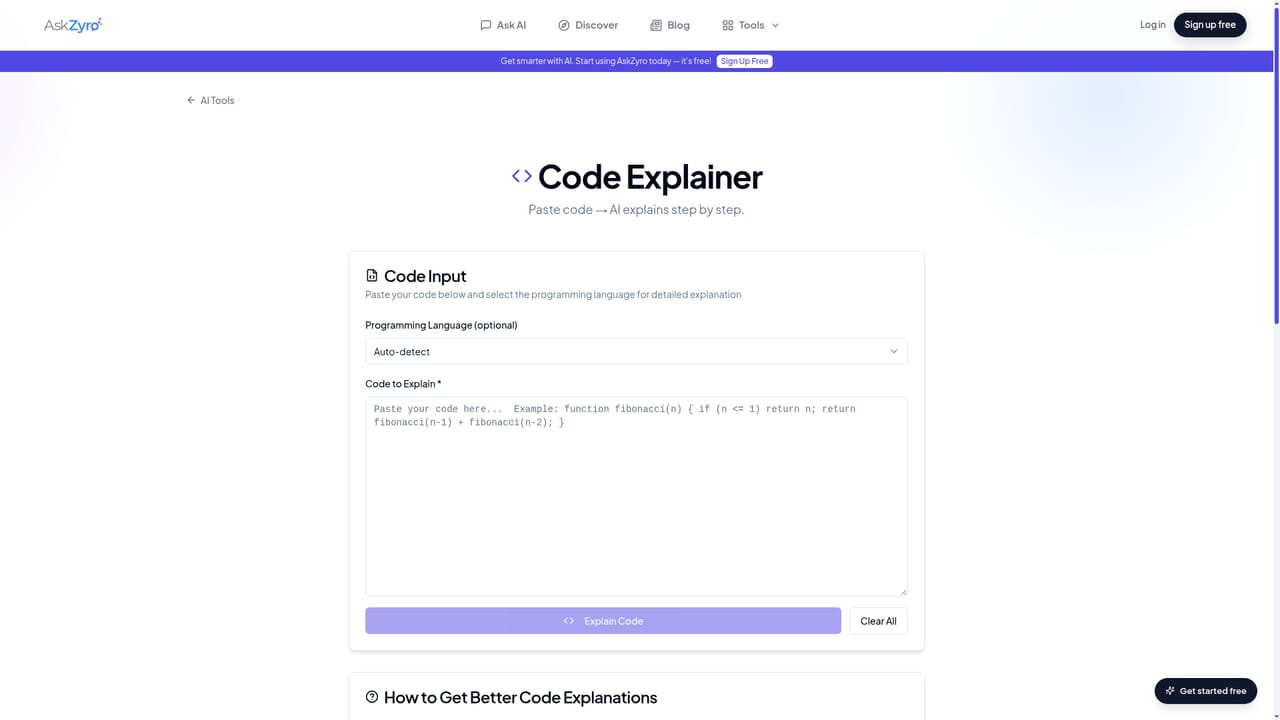
AskZyro's AI Code Generator is a browser based utility that turns natural language descriptions into working code. You type what a function, component, endpoint or script should do, pick a language and optionally a framework, and the tool returns formatted, importable source code you can drop into a project. It sits inside the wider AskZyro workspace, a collection of more than 70 small AI tools that includes a code explainer, a proofreading checker and schema makers. The generator is aimed at working developers who want to skip blank-file time. Typical outputs include utility functions, React hooks and components, REST routes, database queries, algorithms, unit tests, classes and small automation scripts. Framework awareness is the practical differentiator: selecting React, Next.js, Vue, Django, Flask, Express or a similar stack pushes the model toward that ecosystem's idioms, so a hook arrives as a hook rather than a generic function. In practice the quality of the result tracks the prompt. The page itself recommends naming inputs and outputs, stating the framework up front, setting a complexity level (simple, intermediate or advanced) and asking explicitly for validation, error handling or comments. A short template row (React Hook, REST API, Form Validation, Auth Middleware, Data Parser, Landing Page, Database Query, Unit Tests) gives beginners a running start, and the page shows a sample useDataFetch hook as a reference output. Positioning is deliberately narrow. This is a snippet and scaffolding tool, not an IDE plugin or a repository aware assistant. The site suggests reviewing and testing generated code before use and refining the prompt if the first answer misses. It competes with general chatbots on convenience rather than depth, and it pairs naturally with AskZyro's Code Explainer for reading unfamiliar code afterward. No signup is required to try it, and the page mentions no usage limits or team features.
The core tool is free to use without an account, so a separate trial is unnecessary. No time limit or usage cap is stated.
Learn moreThe generator is described as free to use with no signup required. The page does not list paid tiers, quotas or per-generation limits, so cost at high volume is not documented in the supplied content.
Learn moreGenerates functions, React components and hooks, API endpoints, database queries, algorithms, tests, classes and HTML/CSS. Supports JavaScript, TypeScript, Python, Java, C#, C++, Go, Rust, PHP, Ruby, Swift and Kotlin, with framework options such as React, Next.js, Vue, Angular, Express, Django, Flask, FastAPI, Spring Boot and SwiftUI. Includes complexity settings, templates and a prompt guide.
 AI Angels400+ customizable AI girlfriends for NSFW chat, voice calls, and roleplay
 Candy AIExperience the future of companionship with AI friends who chat, role-play, and connect with you on a human level.
 ourdream.aiA vast AI roleplay platform with millions of characters for chat, images, video and voiceAI Angels400+ customizable AI girlfriends for NSFW chat, voice calls, and roleplayCandy AIExperience the future of companionship with AI friends who chat, role-play, and connect with you on a human level.ourdream.aiA vast AI roleplay platform with millions of characters for chat, images, video and voice


