Auri.AI

An iOS and Mac keyboard with writing tools, dictation and chat built in

Beginner
Screenshot of Auri.AI, An iOS and Mac keyboard with writing tools, dictation and chat built in

What is Auri.AI?

Auri.AI is a grammar checker tool. Auri is an iOS and Mac keyboard app that combines dictation, grammar fixing, paraphrasing and translation with a chat assistant that can query your calendar, reminders, contacts, Gmail and location.

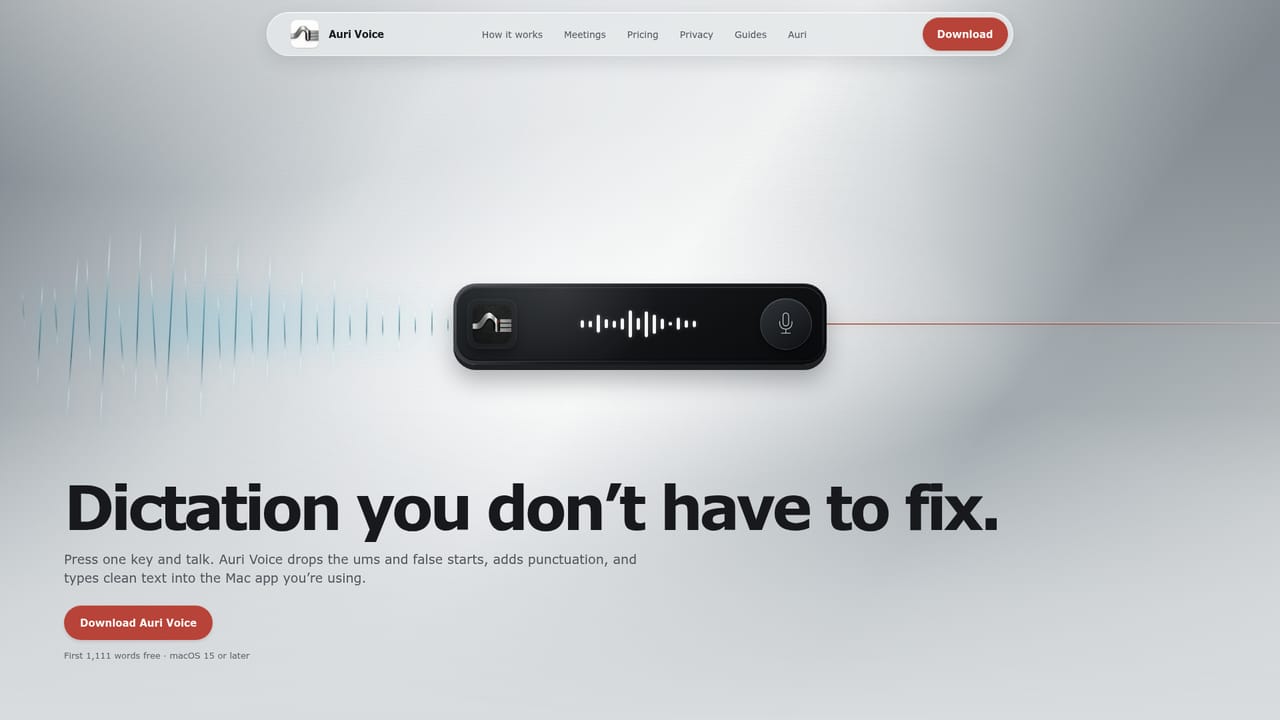
Auri puts an assistant inside the keyboard rather than in a separate app window. On iPhone and iPad it installs as a system keyboard, so the writing tools and dictation are available anywhere a text field exists: Messages, Mail, Slack, Safari, Notes. From the keyboard bar you can dictate speech, fix grammar, paraphrase, translate, continue a draft, or open a chat to ask a question, and the result goes straight into the message you were already writing. Auri ships with 80+ languages and supports every keyboard layout (QWERTY, AZERTY, Dvorak) plus swipe typing, which is the point of difference it makes against rival AI keyboards that strip out ordinary typing to make room for a mic button. The chat side is visual rather than a bare wall of text. Answers can come back as charts, comparison tables, numbered steps or interactive follow-up screens. Ask Auri on iOS can also reach into the phone itself: read and create calendar events and reminders, check contacts, find places nearby, search and send Gmail, and summarize Health data such as steps and sleep. Each connected source is opt in, and each action requires a confirmation before it is carried out. A note taking and transcription layer rounds this out. Auri records voice notes or imports audio, video, a YouTube link, a PDF or an image, then transcribes with speaker labels and turns the result into meeting notes, a summary or a checklist. Notes are written in Markdown. On the Mac, a separate app called Auri Voice presses dictation at the cursor in any application, cleans up filler words and false starts, and can run a local speech engine for offline dictation. An Apple Watch app can capture a voice note or dictate into a paired iPhone or Mac. It suits people who write in short bursts across many apps: email triage, messaging, customer replies, students, and non-native English speakers who want a one tap grammar or rephrase pass. The closest alternatives are dedicated grammar checkers, standalone dictation tools and general chat assistants. Auri's argument is that all three live where the typing happens, though the deepest writing and transcription features are on iPhone and Mac, with the Apple Watch acting as a capture device. Privacy is handled by not storing keystrokes, keeping notes and chats in the user's own iCloud, and sending AI requests without personal identifiers.

How do you use Auri.AI?

  1. 1Install Auri on your iPhone or iPad
    Download the app from the App Store. It covers iPhone, iPad and Apple Watch under one install.
  2. 2Enable the keyboard and Full Access
    Open Settings, then Auri, then Keyboards, and turn the keyboard on with Allow Full Access. Auri uses that access to reach its servers for dictation and writing tools, and stays out of password and card fields by design.
  3. 3Switch keyboards and try a rewrite
    Hold the globe key in any text field and pick Auri. Type or dictate a sentence, then use Fix Grammar, Paraphrase, Translate or Continue Writing from the keyboard bar.
  4. 4Ask Auri inside a conversation
    From the keyboard, ask a question such as whether you are free at 2 on Thursday and where to meet nearby. Auri checks the connected sources you have allowed and offers to add the event; nothing is saved until you confirm.
  5. 5Record or import something to transcribe
    Open the notes and recordings area to record a voice note, or import an audio file, video, YouTube link, PDF or image. Auri transcribes it with speaker labels, then summarizes it or turns it into meeting notes and a to do list.
  6. 6Add Auri Voice on your Mac
    Install Auri Voice, set a shortcut, and hold it while speaking. The cleaned up text appears at your cursor in most Mac apps, and you can choose a local speech engine to dictate offline.
    Auri.AI — Add Auri Voice on your Mac

Pros and cons

Pros

  • Writing tools live inside the system keyboard, so they work in virtually any app that accepts textAI
  • Keeps full swipe typing, 80+ languages and every keyboard layout instead of replacing them with an AI only barAI
  • Ask Auri can read and create calendar events and reminders, but every action needs explicit confirmationAI
  • Transcribes recordings, uploaded audio and video, YouTube links and PDFs with speaker labels, then converts them to notes or summariesAI
  • Auri Voice on Mac supports a local speech engine for offline dictation, and keystrokes are not collectedAI

Cons

  • Free plan is metered by minutes and daily uses, so heavy dictation or transcription will hit the ceiling quicklyAI
  • Deepest features are split across two subscriptions: the iOS bundle does not cover Auri Voice for Mac, which has its own planAI
  • Keyboard dictation, writing tools and chat all require cloud access, so iPhone use degrades without a connectionAI
  • No Android, Windows or Linux app, which excludes most non Apple users entirelyAI
  • Requires Allow Full Access for the keyboard to reach Auri's servers, a permission some users are unwilling to grantAI

How much does Auri.AI cost?

Pricing

Free plan includes the keyboard, dictation, writing tools, Ask Auri, chat, transcription and notes, limited by minutes and daily uses. Auri Pro costs $10 per month billed yearly at $120, or $17 month to month, covering iPhone, iPad and Apple Watch. Auri Voice for Mac is a separate app with its own free plan.

Learn more

Support

A support page offers a contact route for questions not covered by the homepage FAQ, which addresses pricing, languages, keyboard setup, privacy, offline use and cross device sync. An email address is not stated on the homepage.

Learn more

Integrations

Ask Auri can connect to Calendar, Reminders, Contacts, Gmail, location, Notion and Health, each toggled individually in Settings. Transcriptions can be started from a YouTube link, and notes and chats sync through your own iCloud.

Features

System keyboard with dictation, grammar fixing, paraphrasing, translation, help me write and continue writing, plus swipe typing, 80+ languages and every layout. Visual chat returns charts, tables and interactive screens. Ask Auri reads calendars, reminders, contacts, Gmail, location and Health with confirmation on each action. Notes in Markdown, transcription of recordings, audio, video, YouTube links, PDFs and images with speaker labels. Custom vocabulary syncs across devices.

Frequently asked questions about Auri.AI

  • How much does Auri.AI cost?
    Free plan includes the keyboard, dictation, writing tools, Ask Auri, chat, transcription and notes, limited by minutes and daily uses. Auri Pro costs $10 per month billed yearly at $120, or $17 month to month, covering iPhone, iPad and Apple Watch. Auri Voice for Mac is a separate app with its own free plan.
  • How do you use Auri.AI?
    The walkthrough on this page covers 6 steps: 1. Install Auri on your iPhone or iPad 2. Enable the keyboard and Full Access 3. Switch keyboards and try a rewrite 4. Ask Auri inside a conversation 5. Record or import something to transcribe 6. Add Auri Voice on your Mac.
  • What platforms does Auri.AI support?
    Auri.AI is available on iOS, MacOS and Web App.
  • What does Auri.AI integrate with?
    Ask Auri can connect to Calendar, Reminders, Contacts, Gmail, location, Notion and Health, each toggled individually in Settings. Transcriptions can be started from a YouTube link, and notes and chats sync through your own iCloud.
  • What are the limitations of Auri.AI?
    Free plan is metered by minutes and daily uses, so heavy dictation or transcription will hit the ceiling quickly. Deepest features are split across two subscriptions: the iOS bundle does not cover Auri Voice for Mac, which has its own plan. Keyboard dictation, writing tools and chat all require cloud access, so iPhone use degrades without a connection.

Status

StatusActive
Views0
Outbound clicks0
Added10/21/2026

Platforms

iOSMacOSWeb App

Pricing

FreeFreemiumSubscription