Free trial
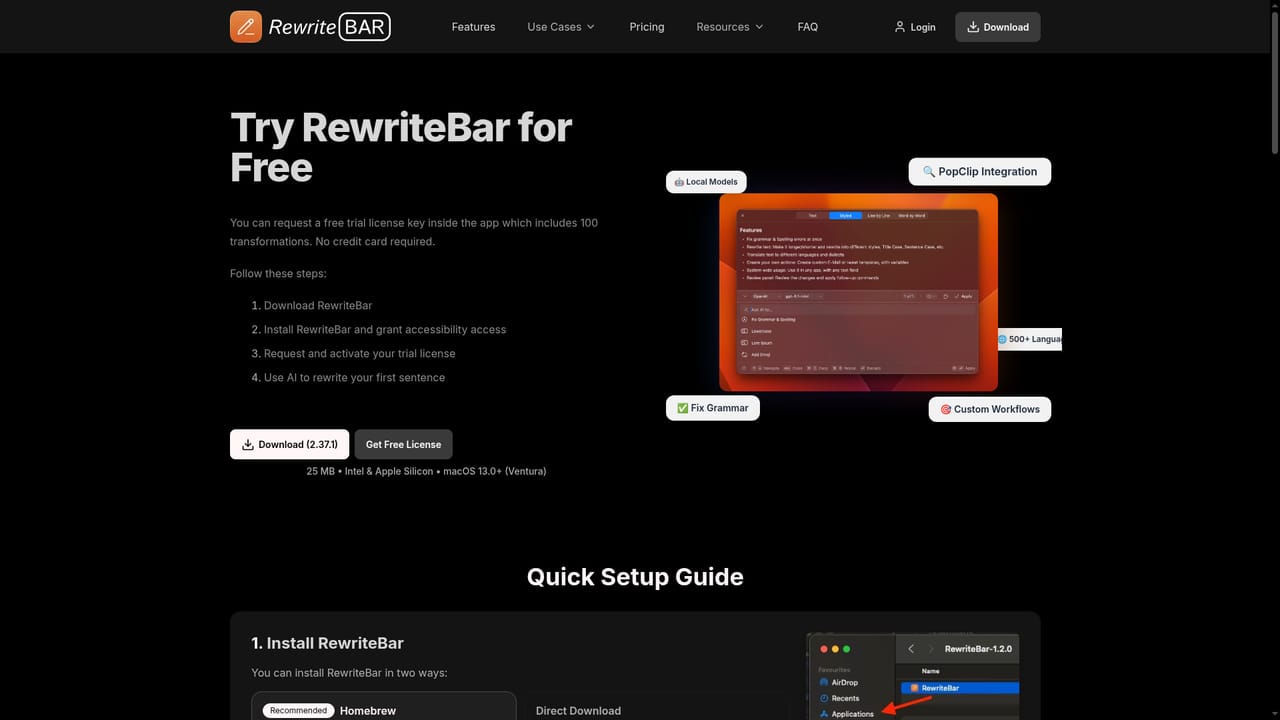
The app can be downloaded and tried for free, and the site states that upgrading is only necessary once the trial has been evaluated. Trial length and any limits are not specified on the homepage.
Learn moremacOS writing assistant that rewrites text in any app via a keyboard shortcut.

RewriteBar is a grammar checker tool. A Mac only AI writing assistant that opens from a keyboard shortcut in any app, offering grammar fixes, rewrites, translation into 500+ languages, chained custom actions, side by side comparison, and optional local model support through Ollama, LM Studio, oMLX, Apple Intelligence and Osaurus.
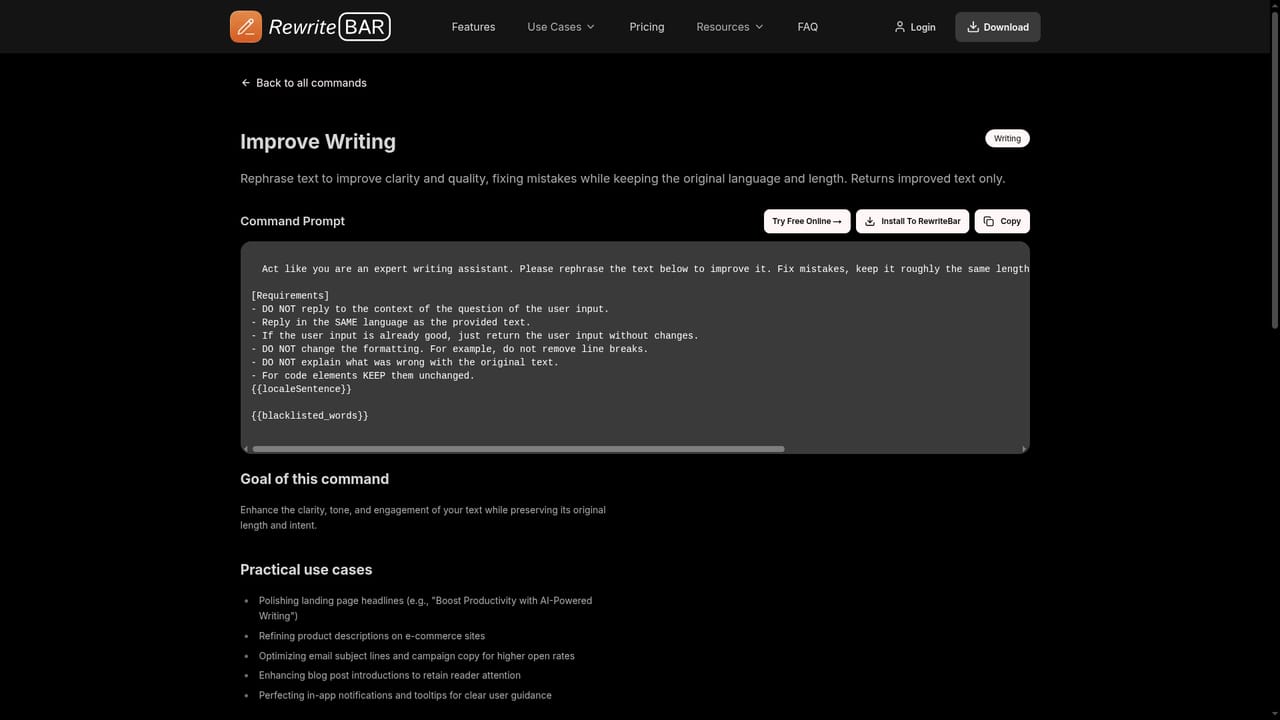
RewriteBar is a macOS utility that puts an AI writing layer on top of whatever application is already in use. Press a keyboard shortcut and the current text selection opens in a command window, where a list of actions can be picked with mouse or keyboard. Chosen actions run against that selection and the result is returned in place, so mail clients, chat apps, note tools and code editors all get the same treatment without per-app integrations. The built in actions cover the usual editing chores: grammar and spelling fixes that read surrounding context, tone and clarity rewrites, and translation into more than 500 languages, including variants such as UK to US English and novelty targets like Yoda style. A side by side compare view shows the original next to the rewrite, either line by line or word by word, so changes can be inspected before they are accepted. Several actions can also be chained, for example expanding a passage, adding emojis and translating it in one sequence. Beyond presets, users build their own actions from templates. The site publishes a large prompt library covering practical jobs: turning notes into action items, extracting a TL;DR summary with bullet points, converting formal address to informal (German Sie to Du, French vous to tu), drafting user story titles, humanizing AI text, simplifying language, fixing JSON, formatting SQL, generating lorem ipsum, and cleaning up smart quotes and long dashes. There are also templates for prompt injection hardening and prompt improvement, which suits people who spend their day inside AI tools. Privacy is a stated priority. RewriteBar can run against local models through Ollama, LM Studio, oMLX, Apple Intelligence and Osaurus, keeping text offline. A PopClip extension and configurable shortcuts round out the workflow. It competes with browser based paraphrasers and grammar checkers, but its edge is reach and automation: it works wherever text can be selected, and it favors customizable actions over a single generic rewrite button. The obvious ceiling is the Mac only requirement, which rules out Windows and mobile users entirely.

The app can be downloaded and tried for free, and the site states that upgrading is only necessary once the trial has been evaluated. Trial length and any limits are not specified on the homepage.
Learn moreA paid license is required for continued use, and the homepage points buyers to the pricing page for the actual figures, which are not shown on the landing page. A free download with a trial period is offered as a way to evaluate the app before paying.
Learn moreA PopClip extension triggers commands or opens a selection from the PopClip menu. Local AI providers supported are Ollama, LM Studio, oMLX, Apple Intelligence and Osaurus, and the app otherwise works on top of any macOS application.
Learn moreGrammar and spelling correction, tone and clarity rewrites, translation into 500+ languages (including UK to US English and joke targets), custom actions built from presets, a compare view with line or word level diffs, chained multi action flows, keyboard shortcuts, PopClip integration, and local model support via Ollama, LM Studio, oMLX, Apple Intelligence and Osaurus. A published library of ready made prompt templates covers writing, developer and productivity jobs.
 AI Angels400+ customizable AI girlfriends for NSFW chat, voice calls, and roleplay
 Candy AIExperience the future of companionship with AI friends who chat, role-play, and connect with you on a human level.
 ourdream.aiA vast AI roleplay platform with millions of characters for chat, images, video and voiceAI Angels400+ customizable AI girlfriends for NSFW chat, voice calls, and roleplayCandy AIExperience the future of companionship with AI friends who chat, role-play, and connect with you on a human level.ourdream.aiA vast AI roleplay platform with millions of characters for chat, images, video and voice


