Free trial
A free plan is available with one series per account. Paid tiers remove watermarks and raise publishing frequency and resolution.
Learn moreFaceless short videos written, voiced and auto-posted on a schedule

AutoReels generates faceless short videos with AI-written scripts, narration, captions and music, then auto-posts them to TikTok, YouTube Shorts, Instagram Reels and Facebook on a schedule. Built for creators and small businesses running hands-off channels.
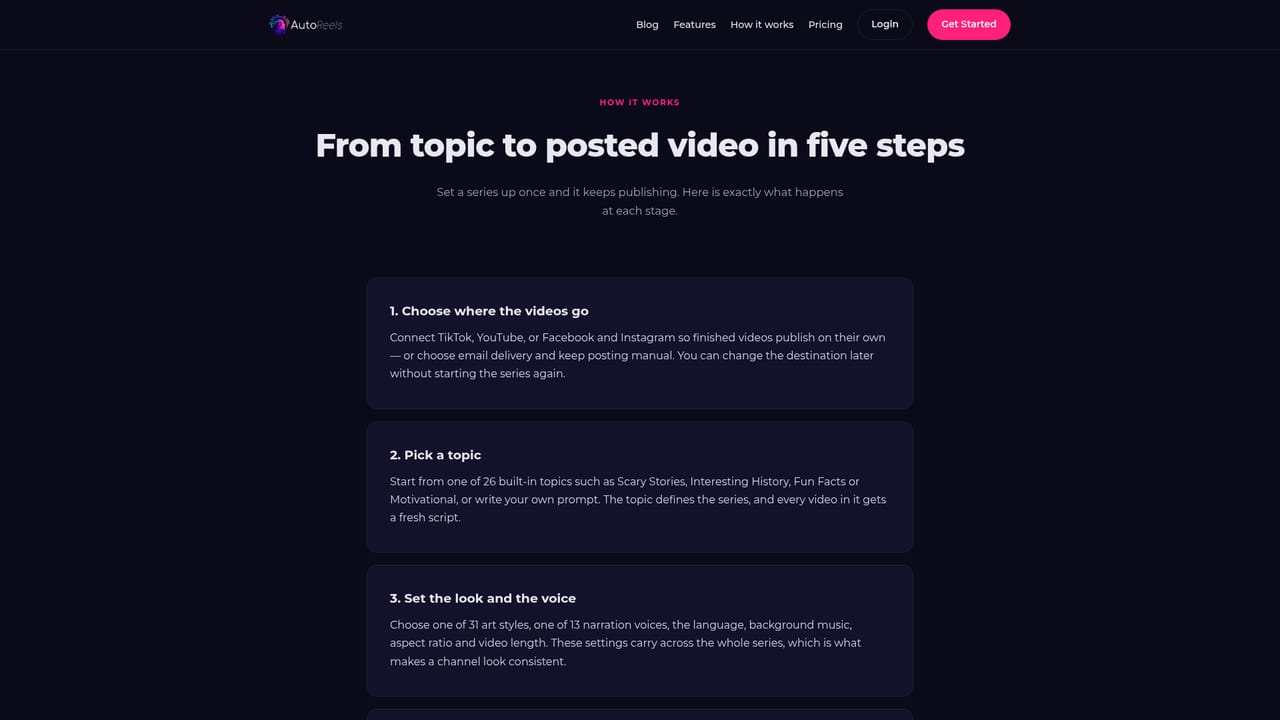
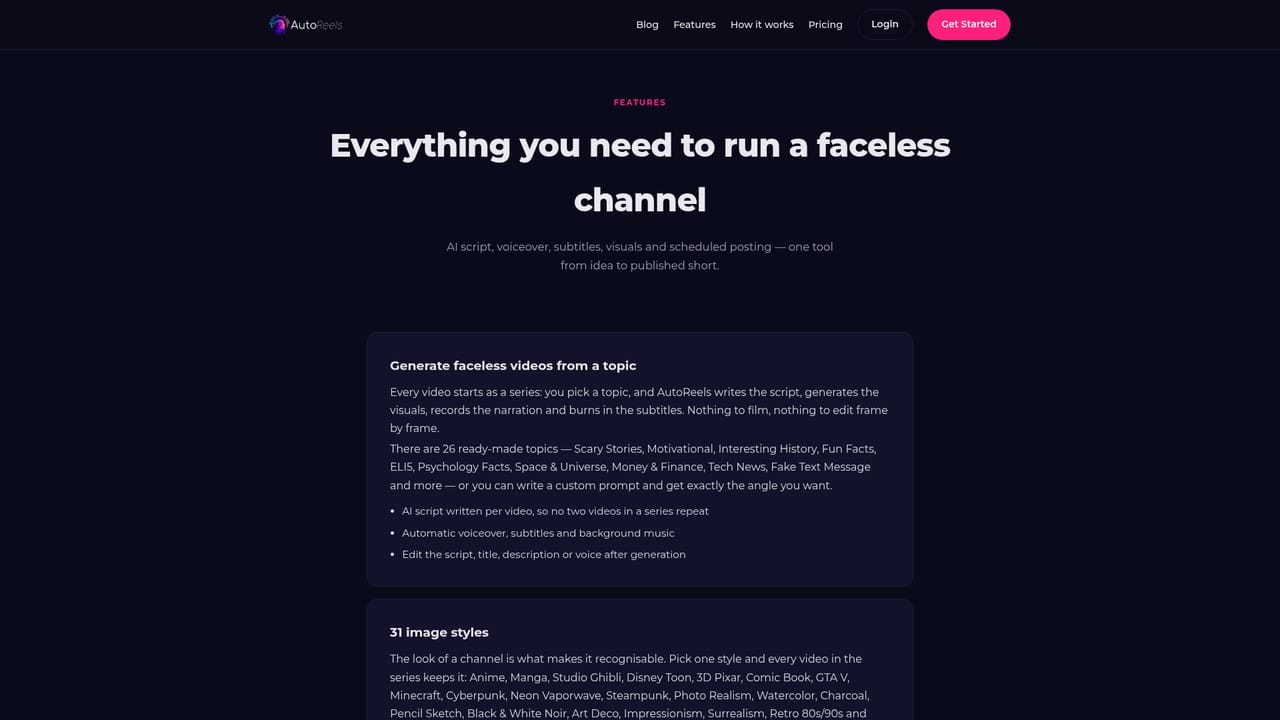
AutoReels is a web-based faceless video generator built around the idea of a "series": a group of videos sharing one topic that the platform produces and publishes on a recurring schedule. The AI writes the script, narrates it, adds captions and background music, and renders the clip in a chosen visual style, so a channel can run without the owner ever appearing on camera. The tool is aimed at creators, small business owners, social media teams and anyone running story, facts or niche-content channels on short-form platforms. Setup starts by choosing where videos should go: TikTok, YouTube, Instagram Reels, Facebook pages, or an email inbox for manual review. Instagram and Facebook share a single Facebook connection. Users then pick a ready-made prompt or write their own, and set the narrator, music, language, art style, aspect ratio (9:16 or 16:9) and video length. Styles listed on the homepage include Anime, Ghibli, GTAV, Minecraft and Comic Book, and the language list covers English variants plus Spanish, French, German, Italian, Portuguese and several Eastern European languages. In practice, the first series arrives as a calendar of upcoming videos. Each one can be previewed before publication, and the script, music, title, description and publish date can still be edited. Videos can also be downloaded or uploaded manually for hands-on control. Platform-friendly length limits are applied by default, though longer clips are possible by editing the prompt and script. The FAQ states that the user owns the generated videos and may sell them. Among alternatives, AutoReels sits closer to scheduling-first automation than to general video editors or avatar presenters. It trades fine-grained timeline editing for hands-off volume. A free plan allows one series per account, while paid memberships remove watermarks and raise publishing frequency, resolution and personalization credits. Refunds are not offered because of upstream GPU costs, and NSFW filtering is not guaranteed, so output deserves a quick review before it goes live.
A free plan is available with one series per account. Paid tiers remove watermarks and raise publishing frequency and resolution.
Learn moreA free plan allows one series per account. Paid memberships add no watermarks, more frequent publishing, higher resolution and more personalization credits. Exact prices and video limits are listed on the pricing page, not the homepage.
Learn moreTestimonials mention helpful customer support, and an FAQ covers setup, plans, ownership and cancellation. No support channels are listed on the homepage.
Publishes to TikTok, YouTube, Instagram Reels and Facebook pages (Instagram and Facebook share one Facebook connection), or delivers videos by email.
AI script writing, narration, captions and music; 12+ image styles (Anime, Ghibli, GTAV, Minecraft, Comic Book); 9:16 and 16:9 formats; adjustable length; 14 language options; series calendar with scheduling, previews and edits; manual upload and download.
Learn more


