Free trial
No trial plan is described. The homepage offers a free fit check instead: send a recording of your task to record@autotab.com and the team responds within 24 hours on whether Autotab can do it.
Learn moreGeneral AI agent that learns and works like a human

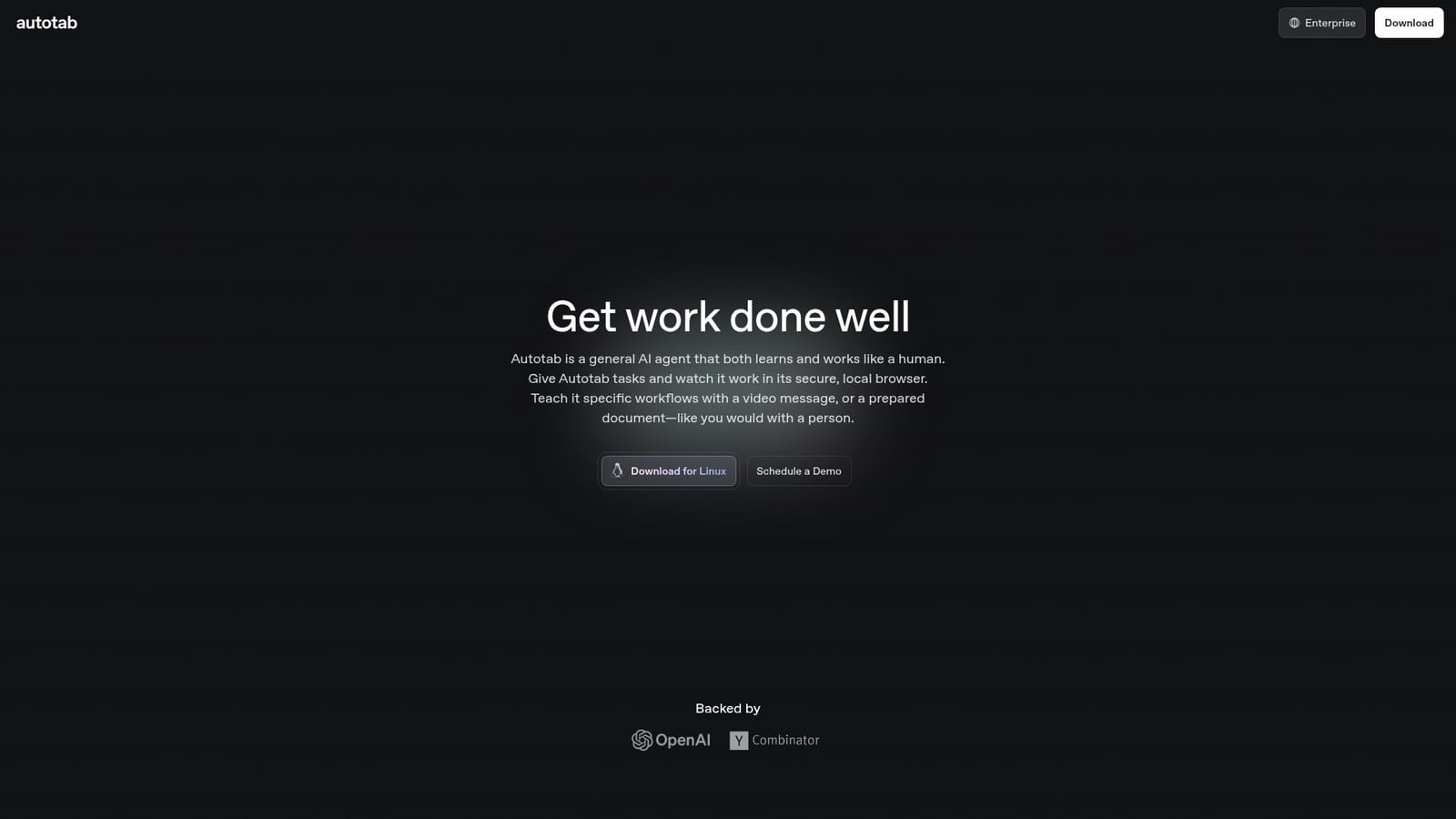
Autotab is a general AI agent that performs browser-based work such as data collection, form filling and refund handling. Users teach it workflows by video or document instead of writing rules. It runs in a secure local browser, is pitched at enterprises replacing outsourced back-office teams, and ships as a Linux download plus an enterprise track.
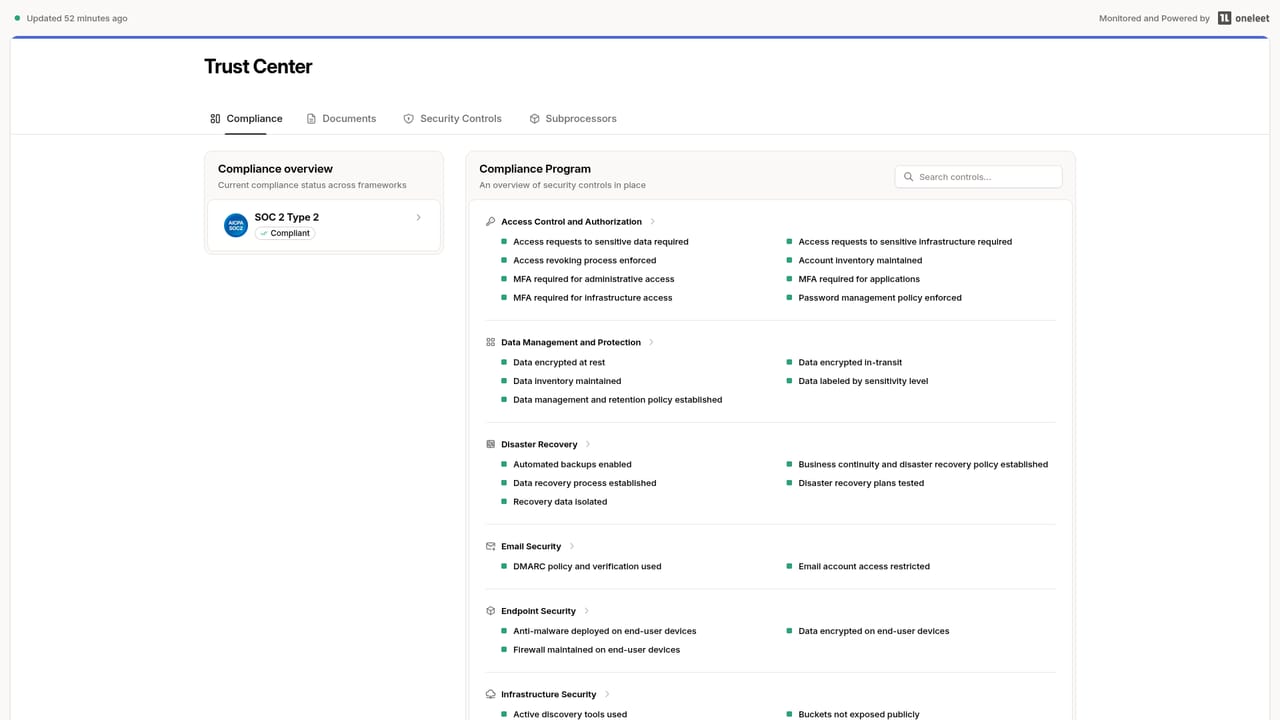
Autotab is a general-purpose AI agent built to carry out office work inside a browser, the way a person would. Rather than exposing a scripting API or a drag-and-drop workflow canvas, it runs tasks in its own secure local browser and interacts with web applications through the same interfaces staff already use. The company positions it against manual hiring and outsourcing: the pitch is that companies scaling quickly often hit limits in hiring, onboarding and managing staff, and Autotab is offered as a way to absorb that repetitive browser work instead of adding headcount. The task list is deliberately generic. Autotab collects data, which covers lead finding, gathering material for a report, or migrating a whole system out of one tool and into another. It fills in forms, entering data into government portals, internal admin apps, and vendor systems such as ERP, RMS or TMS platforms. It also takes actions, including sending messages on any platform and triggering refunds, with the claim that it reads enough context to make the right call each time. The learning model is the distinctive part. Instead of configuring rules, a user teaches the agent a workflow the way they would brief a new colleague: by recording a video message or supplying a prepared document that describes the process. Autotab then reproduces the task on its own. The company says it is deployed at Fortune 500 companies and is backed by OpenAI and Y Combinator, and it publishes SOC 2 and HIPAA compliance signals through a separate trust portal. A Linux download is offered beside an enterprise route, which suggests two audiences: teams that want to self-manage and companies that prefer a managed, vetted deployment. Buyers weighing browser agents against RPA suites should note that Autotab markets itself on flexibility rather than on a large library of prebuilt connectors.
No trial plan is described. The homepage offers a free fit check instead: send a recording of your task to record@autotab.com and the team responds within 24 hours on whether Autotab can do it.
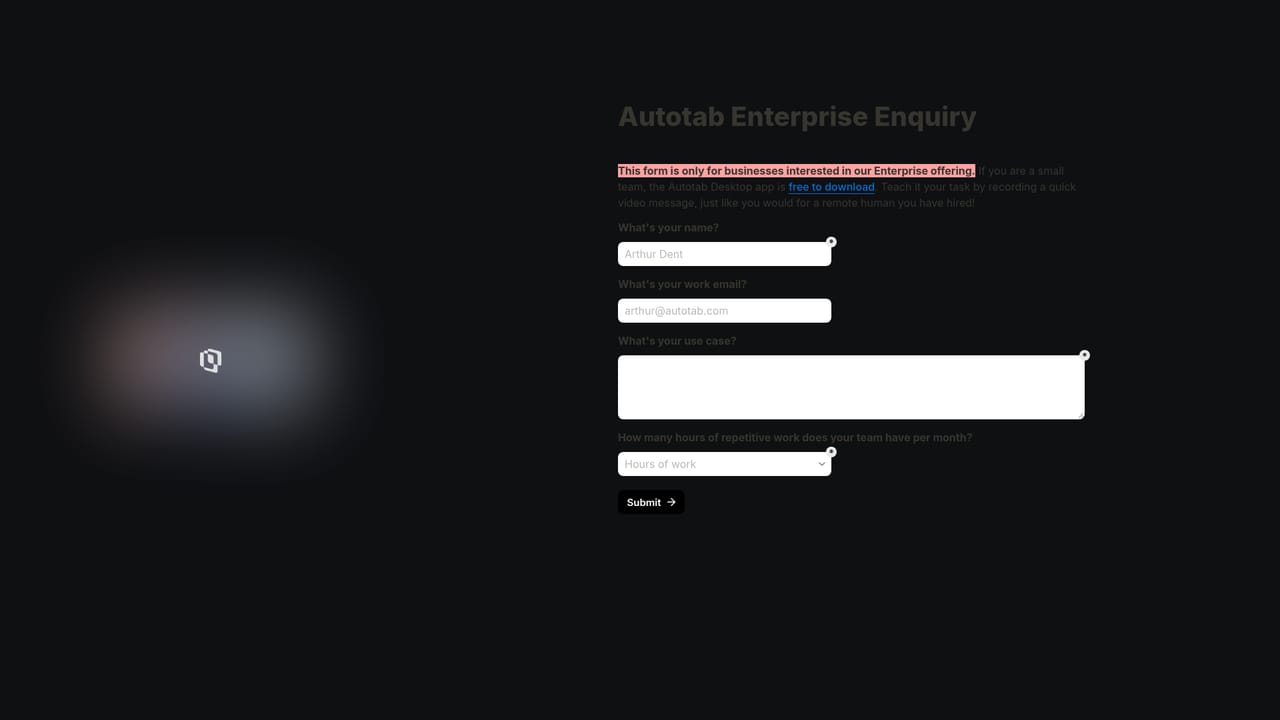
Learn moreSupport runs through email: contact@autotab.com for general enquiries and enterprise@autotab.com for teams replacing a BPO. A task fit check is offered at record@autotab.com with a 24-hour response. Security documentation sits on a separate trust portal.
Learn moreAutotab is a general AI agent that works in a secure local browser. It collects data (lead finding, report research, full system migrations), fills forms in government, internal admin, ERP, RMS and TMS systems, and takes actions such as sending messages or triggering refunds. Workflows are taught through a video message or a prepared document rather than coded rules.
 AI Angels400+ customizable AI girlfriends for NSFW chat, voice calls, and roleplay
 Candy AIExperience the future of companionship with AI friends who chat, role-play, and connect with you on a human level.
 ourdream.aiA vast AI roleplay platform with millions of characters for chat, images, video and voiceAI Angels400+ customizable AI girlfriends for NSFW chat, voice calls, and roleplayCandy AIExperience the future of companionship with AI friends who chat, role-play, and connect with you on a human level.ourdream.aiA vast AI roleplay platform with millions of characters for chat, images, video and voice


