Formshare

Build conversational forms by describing them in plain language

Beginner
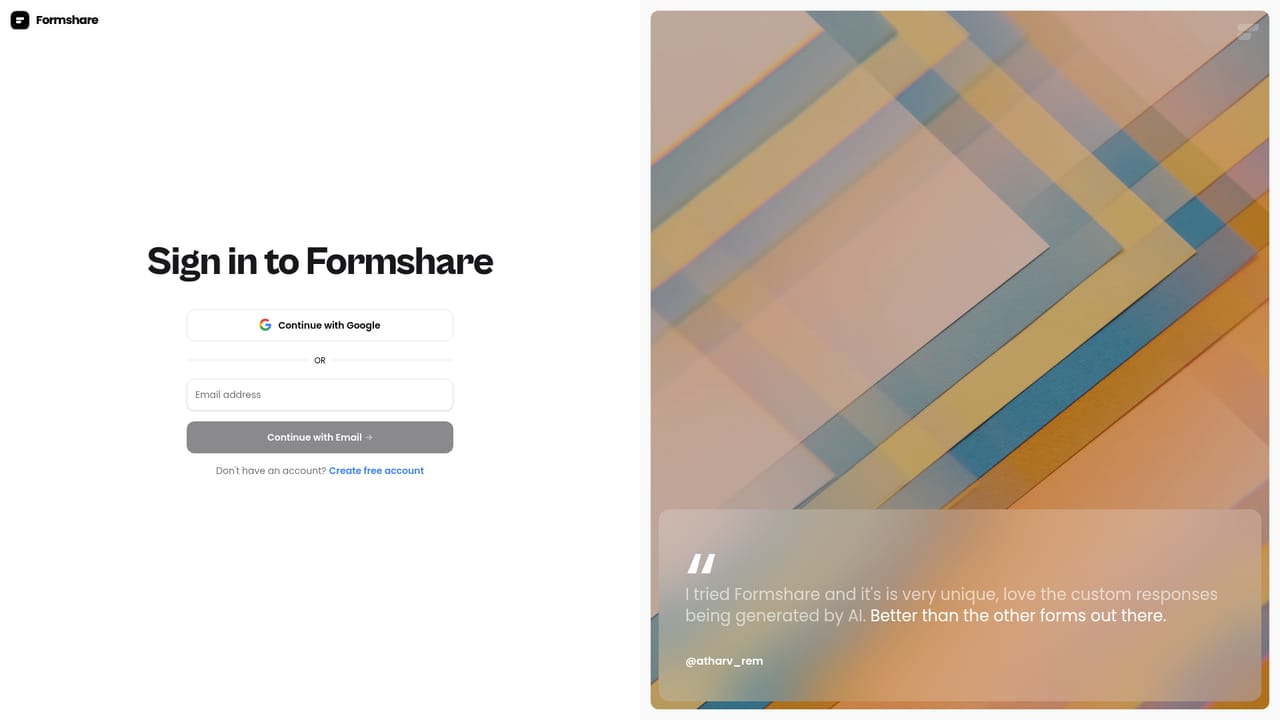
Screenshot of Formshare, Build conversational forms by describing them in plain language

What is Formshare?

Formshare is a google form filler tool that builds conversational forms by describing them in plain language. Formshare is a free AI form builder that creates conversational forms from a plain language description. Forms can be shared by link or embedded, translated across many languages, and connected to scheduling tools, with unlimited forms and responses on the single free plan.

Formshare is a free AI form builder that turns a written description of your questions into a conversational form. Instead of dragging fields onto a grid and wiring up conditional logic, you type what you want to ask, and the tool assembles the form for you. The result reads more like a chat than a questionnaire, which is the core idea the product is built around: respondents answer in a back and forth flow rather than facing a wall of labeled boxes. The tool suits small businesses, freelancers, product managers and founders who need to collect quotes, feedback, leads or quiz answers without learning a logic builder. A pet grooming quote form is the example shown on the site, which hints at the everyday service business use case. Because forms can be shared by link or embedded on a website, the output works equally well as a standalone page or as a section of an existing site. Responses are collected in the dashboard, and appointment scheduling tools can be connected so a completed form can feed a booking flow. In practice, work starts in the dashboard: describe the form, review what the AI produces, adjust colors and tone of voice to match the brand, then publish and share. Multilingual support is built in, and the site advertises coverage of well over a hundred languages, so the same form can reach audiences outside the builder's own language. Dynamic input elements keep the conversation interactive rather than static. Compared with established form builders, Formshare trades depth for speed. It is not positioned as a survey research suite or a complex workflow engine, and several connectors are still listed as coming soon. What it offers is a very short path from idea to a shareable, good looking form at no cost, which makes it a reasonable first stop before reaching for a heavier tool.

How do you use Formshare?

  1. 1Open the dashboard and start a form
    Sign in to the Formshare dashboard. The free plan covers unlimited forms, so there is no need to plan around a response quota.
    Formshare — Open the dashboard and start a form
  2. 2Describe the form you want
    Write out the questions in ordinary language and let the AI assemble the structure. There is no logic builder to configure.
  3. 3Adjust colors and tone of voice
    Match the form to your brand by setting its colors and choosing a tone of voice for the AI generated responses.
  4. 4Test the conversation yourself
    Walk through the form as a respondent would, checking that questions and dynamic inputs behave the way you intended.
  5. 5Share by link or embed
    Publish the form and distribute it with a simple link, or embed it directly on your website.
  6. 6Connect scheduling and review responses
    Link Calendly, Cal.com or Google Calendar so bookings flow from the form, and read submissions in the dashboard.

Pros and cons

Pros

  • No cost barrier: unlimited forms and responses are included on the free plan, with no credit card required to startAI
  • Natural language creation removes the need to learn a logic builder or field editorAI
  • Conversational layout feels less like a bureaucratic form and can improve completionAI
  • Multilingual support lets one form serve audiences in well over a hundred languagesAI
  • Sharing is simple: a link or an embed covers most publishing needsAI

Cons

  • Slack and Notion connectors are marked coming soon, so the integration list is thinner than advertised in practiceAI
  • No paid tier is documented, which raises questions about long term limits and support commitmentsAI
  • The site gives little detail on response analytics, exports or team collaborationAI
  • Conversational flows can frustrate respondents who want to scan all questions at onceAI
  • Pricing and feature claims come from the vendor's own marketing, with no independent benchmark on form completion ratesAI

How much does Formshare cost?

Pricing

Formshare is completely free. The Everything Plan lists a price of $0 per month and includes unlimited forms and responses, link sharing, website embeds, scheduling integrations, dynamic inputs, color customization, multilingual support and custom tone of voice. No credit card is required to get started.

Learn more

Support

Help is available by email at contact@formshare.ai, and the site also offers a contact form for reaching the team. No phone, live chat or documented response time is listed.

Integrations

Connectors listed for Google Sheets, Cal.com, Calendly, Google Calendar, YouTube embeds and webhooks. Slack and Notion are shown as coming soon. Embedding options were expanded in an October 2024 product update.

Features

Core features are natural language form creation, conversational question flows, dynamic interactive input elements, color customization, custom tone of voice, multilingual support, link sharing and website embeds. The same builder covers forms, surveys and quizzes. The site reports over 10,000 customers, 10,000 forms created, 60,000 conversations started and 500,000 questions answered.

Frequently asked questions about Formshare

  • How much does Formshare cost?
    Formshare is completely free. The Everything Plan lists a price of $0 per month and includes unlimited forms and responses, link sharing, website embeds, scheduling integrations, dynamic inputs, color customization, multilingual support and custom tone of voice. No credit card is required to get started.
  • How do you use Formshare?
    The walkthrough on this page covers 6 steps: 1. Open the dashboard and start a form 2. Describe the form you want 3. Adjust colors and tone of voice 4. Test the conversation yourself 5. Share by link or embed 6. Connect scheduling and review responses.
  • What platforms does Formshare support?
    Formshare is available on Web App.
  • What does Formshare integrate with?
    Connectors listed for Google Sheets, Cal.com, Calendly, Google Calendar, YouTube embeds and webhooks. Slack and Notion are shown as coming soon. Embedding options were expanded in an October 2024 product update.
  • What are the limitations of Formshare?
    Slack and Notion connectors are marked coming soon, so the integration list is thinner than advertised in practice. No paid tier is documented, which raises questions about long term limits and support commitments. The site gives little detail on response analytics, exports or team collaboration.

Status

StatusActive
Views0
Outbound clicks0
Added10/21/2026

Platforms

Web App

Pricing

Free