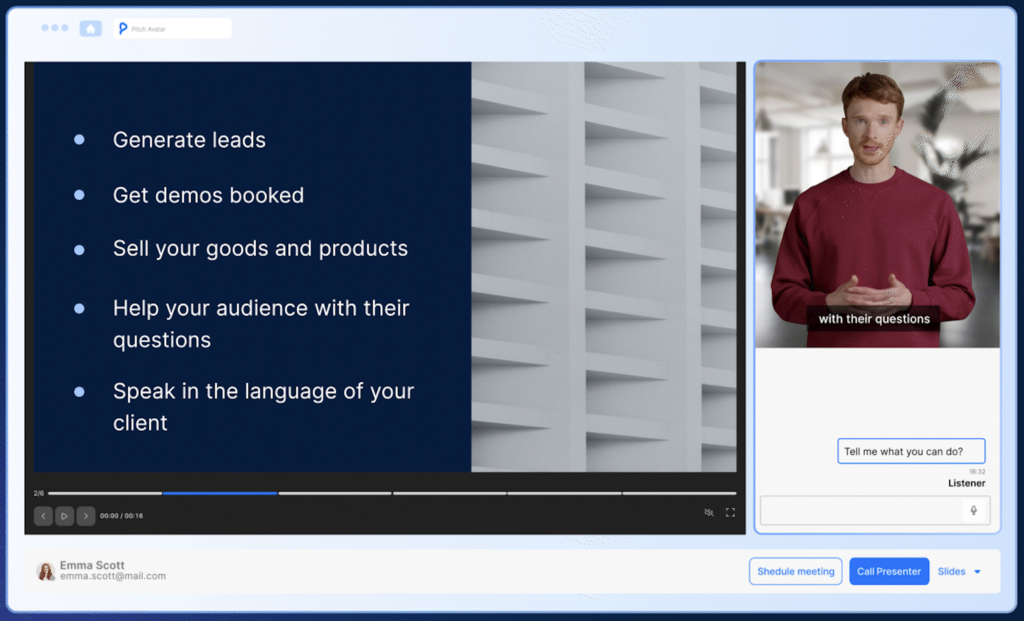
Free trial
No conventional free trial. The site offers live self-resetting demo tenants for four industries, plus a scoping conversation as the entry point for a paid engagement.
Learn moreEnterprise AI agents that run inside your own systems
Own Avataar's GenAI Creator? Verify ownership to get a dofollow link

Avataar's GenAI Creator is an avatar presentation tool. Avataar delivers AI-native enterprise transformation: a unified business ontology, connectors to systems of record, task-specialized on-premise models and agents that act inside existing workflows, backed by governance controls, audit trails and a twelve-week path to a first production workflow.
Avataar positions itself less as a standalone app than as an AI-native transformation programme backed by a platform. The homepage describes a five-layer system: a unified ontology defining entities, rules and decision rights; connectors that read from and write to existing systems of record; task-specialized models distilled on client data and run on premises; a chief of staff and workflow layer where teams work with agents; and a central intelligence tier handling orchestration, shared memory and a use-case registry. Governance and observability run through every layer rather than sitting on top. The target buyer is enterprise leadership rather than individual creators: CEO and COO roles seeking a different operating model, CFOs watching headcount outpace margin, CIOs and CISOs worried about data egress, business unit heads, and private equity operating partners who need cost takeout they can underwrite. Engagements follow four phases. Diagnosis in weeks one to four maps use cases, data estate and decision rights and produces a ranked registry. Architecture in weeks five to ten designs the target operating model and ontology. Deployment puts the first workflow into production in roughly twelve weeks against a signed baseline. The run phase hands the operating model to internal teams, with documented roll-off. The company claims a cost benchmark of $0.19 per task at 81 percent accuracy for its task-specialized model against $0.36 and 78 percent for a frontier API. Deployment options are on-premise or inside a client's AWS, Azure or GCP tenancy with no inference egress, and the site cites ISO/IEC 27001, ISO/IEC 42001 and SOC 2 Type II. Live demo tenants exist for financial services, healthcare, real estate, and retail and consumer goods, covering workflows such as claim validation, denial management, lease review and trade promotion. Compared with consultancies that deliver a design deck or platform vendors that sell software alone, Avataar sells both halves and is paid on the execution side. The separate Varya distilled video model sits alongside the enterprise offering as a consumer-facing showcase.
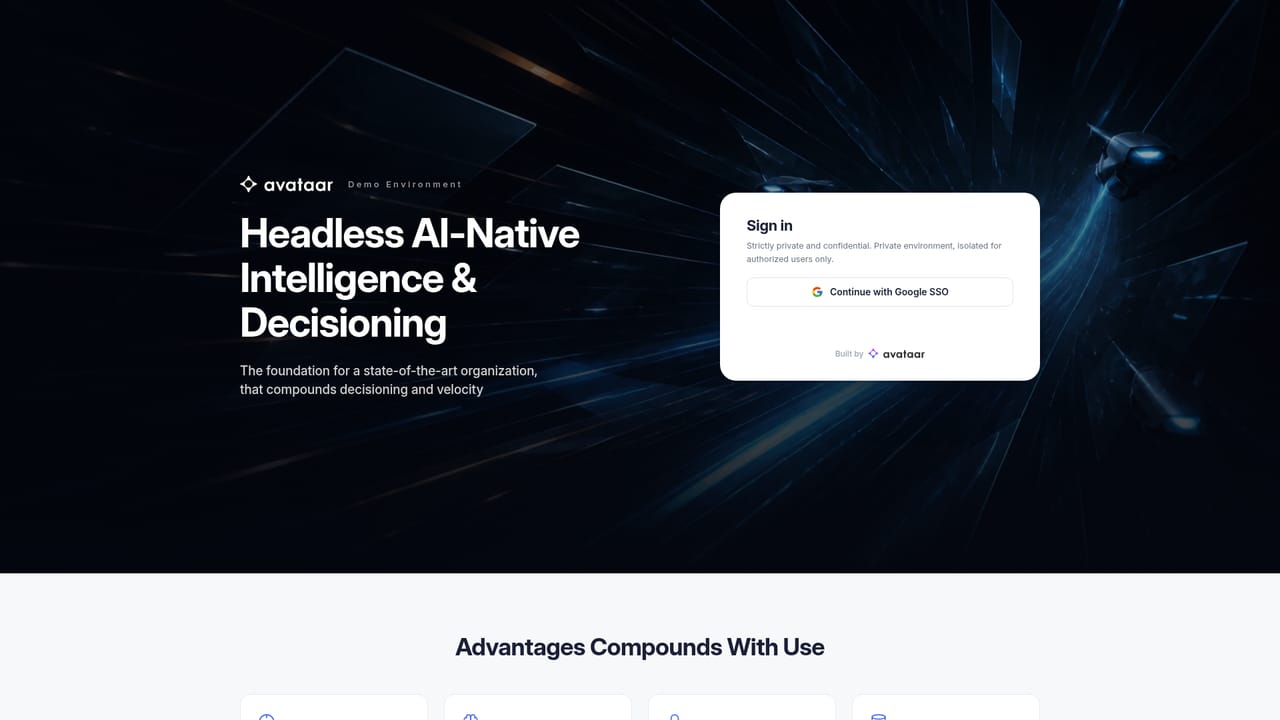
No conventional free trial. The site offers live self-resetting demo tenants for four industries, plus a scoping conversation as the entry point for a paid engagement.
Learn moreFive layers: unified ontology of entities, rules and decision rights; connectors that read and write to systems of record; task-specialized models distilled on client data; workflow and chief of staff layer; central intelligence with orchestration, memory and a use-case registry. Governance spans eight controls: access rights, pre-action policy checks, audit trail, model registry with evals, monitoring, human-in-the-loop routing, data residency and rule-change recheck.
Learn more AI Angels400+ customizable AI girlfriends for NSFW chat, voice calls, and roleplay
 Candy AIExperience the future of companionship with AI friends who chat, role-play, and connect with you on a human level.
 ourdream.aiA vast AI roleplay platform with millions of characters for chat, images, video and voiceAI Angels400+ customizable AI girlfriends for NSFW chat, voice calls, and roleplayCandy AIExperience the future of companionship with AI friends who chat, role-play, and connect with you on a human level.ourdream.aiA vast AI roleplay platform with millions of characters for chat, images, video and voice