Photoshot AI Avatar Generator

Train a personal avatar model from selfies, then prompt any scene

Beginner
Screenshot of Photoshot AI Avatar Generator, Train a personal avatar model from selfies, then prompt any scene

What is Photoshot AI Avatar Generator?

Photoshot AI Avatar Generator is an avatar presentation tool. Photoshot trains a custom Dreambooth and Stable Diffusion model on your uploaded selfies, then generates 4K avatars from text prompts that place you in any scene or style. Sold as a one-off studio purchase covering 100 generations, with prompt refinement included.

Photoshot is an AI avatar generator built around a simple premise: instead of prompting a generic image model and hoping it approximates a likeness, you train a model on your own face first, then generate scenes from text. The workflow has three stages. You upload a set of selfies taken from different angles, the service spends a short period building a custom studio from those photos, and once training finishes you write prompts that reference yourself directly, such as placing @me into a costume, a painting style or a historical setting. The site shows a viking portrait as its example, which hints at the kind of playful character work the tool is aimed at. The underlying engine combines Dreambooth and Stable Diffusion, the same custom-model approach used by several higher-profile avatar services. Photoshot's own positioning is mostly about price and control. Each studio is a separately trained model tied to one person or character, and a single purchase covers that model plus 100 4K avatar generations. Prompt refinement is included for users who would rather describe an idea loosely and let the system clean it up, while a manual prompt option is there for people who want to specify exactly what they get. The tool suits individuals who want a recognizable personal likeness across many images: profile pictures, character art, gifts, social posts, small creative projects. It is less suited to teams needing brand asset management, batch workflows or an API. Compared with subscription-based avatar apps, Photoshot's per-studio pricing model is closer to a one-off purchase, and its stated reason is honest: training a custom model consumes real compute, which is hard to give away. Anyone shopping among avatar generators should treat this as a focused, low-cost option rather than a full design suite, and should expect the quality of the output to depend heavily on the quality and variety of the selfies supplied at the start.

How do you use Photoshot AI Avatar Generator?

  1. 1Start a new studio from the dashboard
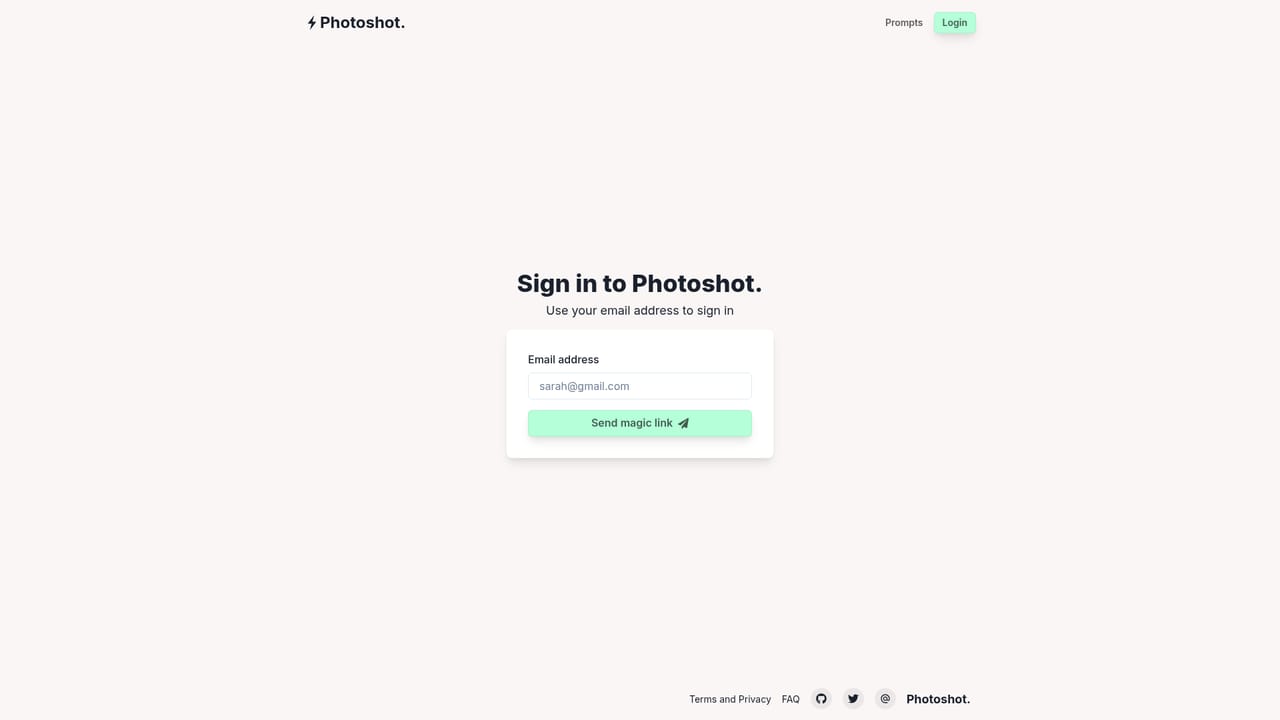
    Open the dashboard and begin a studio. Each studio is a single custom trained model tied to one person or character, so plan one per subject.
    Photoshot AI Avatar Generator — Start a new studio from the dashboard
  2. 2Upload selfies from several angles
    Provide photos of yourself or the person the avatar should resemble, shot from different angles. Variety here drives how well the trained model holds the likeness.
  3. 3Wait while the model trains
    Training runs on Photoshot's side. The site frames this as a coffee break: the studio is built from the uploaded photos and nothing else is required from you.
  4. 4Write a prompt featuring @me
    Once the studio is ready, describe the scene in text and reference the trained subject, following the site's own example of placing @me into a viking portrait.
  5. 5Refine prompts or generate directly
    Use the built-in prompt refinement if the description is rough, or write the prompt yourself for full control, then generate avatars against the remaining shot allowance.
  6. 6Check the FAQ for limits and data questions
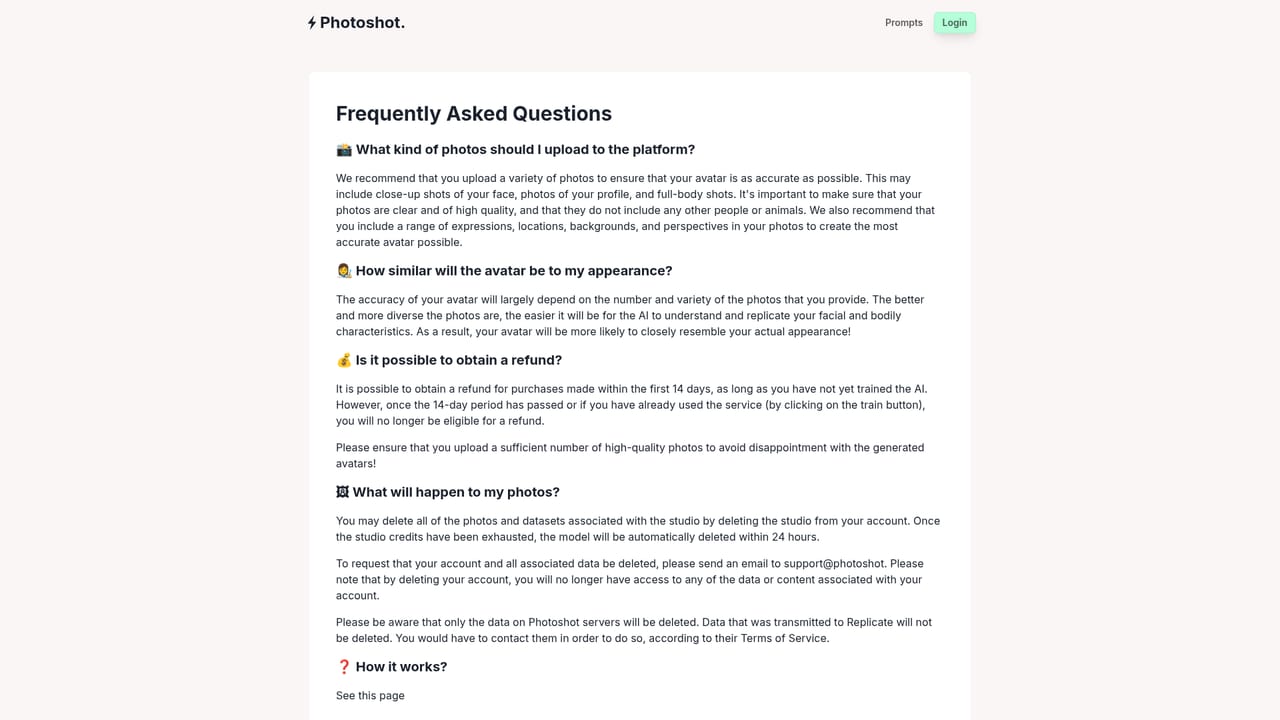
    The FAQ covers the practical details around training, pricing and privacy that the homepage only summarises.
    Photoshot AI Avatar Generator — Check the FAQ for limits and data questions

Pros and cons

Pros

  • Trains a dedicated model on your own photos instead of relying on generic promptingAI
  • One studio purchase covers 100 4K avatar generations, which is generous for the stated priceAI
  • Includes both AI prompt refinement and the option to write prompts manuallyAI
  • Straightforward three-step flow that a first-time user can follow without prior image-model experienceAI
  • Clear, low commitment entry price of $8 per studio as shown on the homepageAI

Cons

  • Output quality depends entirely on the selfies you upload, and the site gives no guidance on how many are neededAI
  • No free tier and no trial, so the first payment is also the first test of the modelAI
  • Avatar generation only: no editing tools, upscaling controls or background management beyond what the prompt describesAI
  • Every new person or character requires a separately trained studio and a separate purchaseAI
  • Support appears limited to an FAQ page, with no visible documentation, community or contact channelAI

How much does Photoshot AI Avatar Generator cost?

Pricing

One studio costs $8 and includes a custom trained model plus 100 avatar generations at 4K, AI prompt refinement, manual prompting and sponsorship of ongoing development. The homepage explains the lack of a free option by citing the compute cost of training a custom model.

Learn more

Support

An FAQ page is the only published help resource on the site, alongside the terms and privacy pages. No live chat, email contact or documentation portal is listed on the homepage.

Learn more

Features

Custom model training via Dreambooth and Stable Diffusion, a three-step upload, train and prompt flow, @me references inside prompts, 4K avatar output, 100 generations per studio, AI prompt refinement alongside manual prompting, and the ability to train a model on another person as well as yourself.

Frequently asked questions about Photoshot AI Avatar Generator

  • How much does Photoshot AI Avatar Generator cost?
    One studio costs $8 and includes a custom trained model plus 100 avatar generations at 4K, AI prompt refinement, manual prompting and sponsorship of ongoing development. The homepage explains the lack of a free option by citing the compute cost of training a custom model.
  • How do you use Photoshot AI Avatar Generator?
    The walkthrough on this page covers 6 steps: 1. Start a new studio from the dashboard 2. Upload selfies from several angles 3. Wait while the model trains 4. Write a prompt featuring @me 5. Refine prompts or generate directly 6. Check the FAQ for limits and data questions.
  • What platforms does Photoshot AI Avatar Generator support?
    Photoshot AI Avatar Generator is available on Web App.
  • What are the limitations of Photoshot AI Avatar Generator?
    Output quality depends entirely on the selfies you upload, and the site gives no guidance on how many are needed. No free tier and no trial, so the first payment is also the first test of the model. Avatar generation only: no editing tools, upscaling controls or background management beyond what the prompt describes.

Status

StatusActive
Views0
Outbound clicks0
Added10/21/2026

Platforms

Web App

Pricing

Paid