PhotoGuruAI

Professional headshots from your phone selfies, in under a minute

Beginner
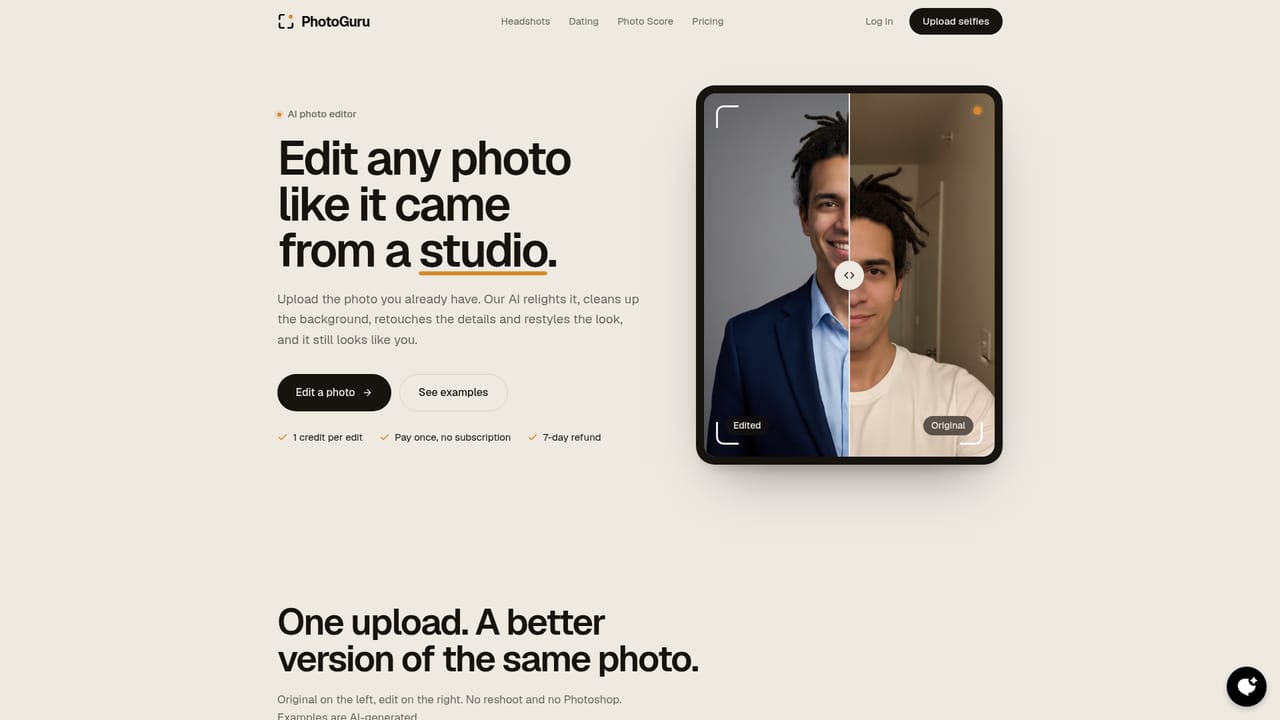
Screenshot of PhotoGuruAI, Professional headshots from your phone selfies, in under a minute

What is PhotoGuruAI?

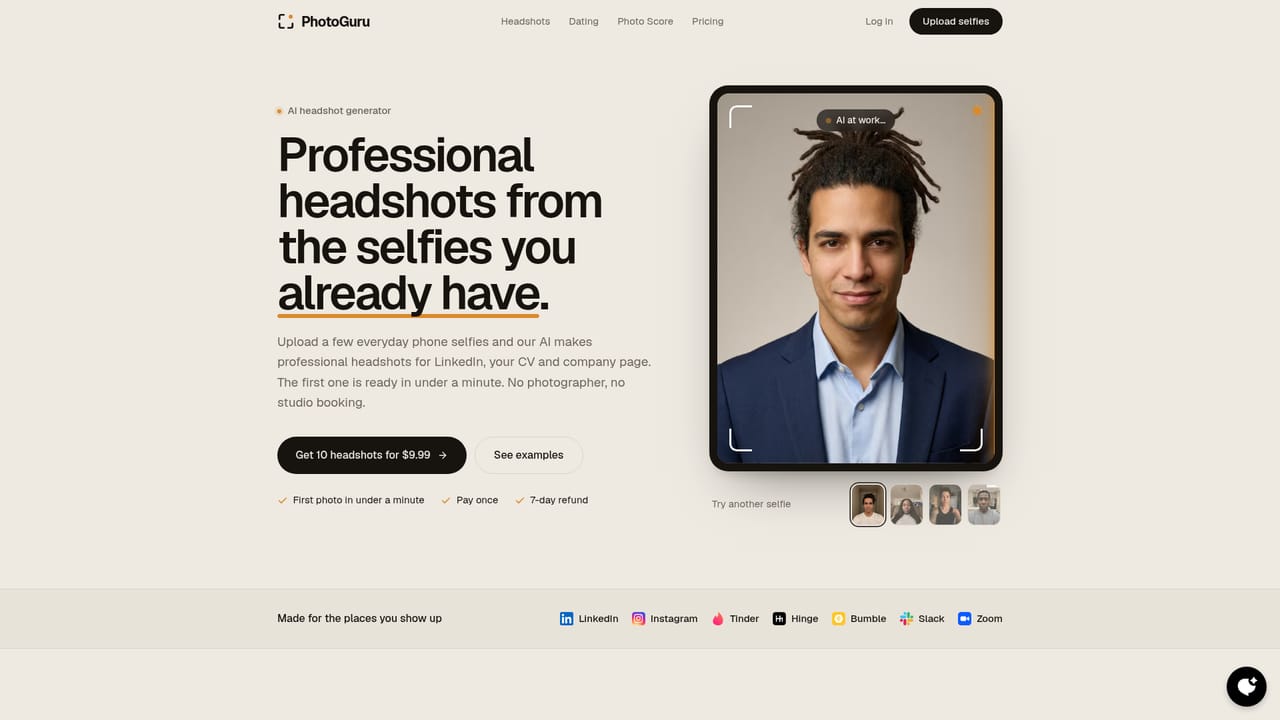
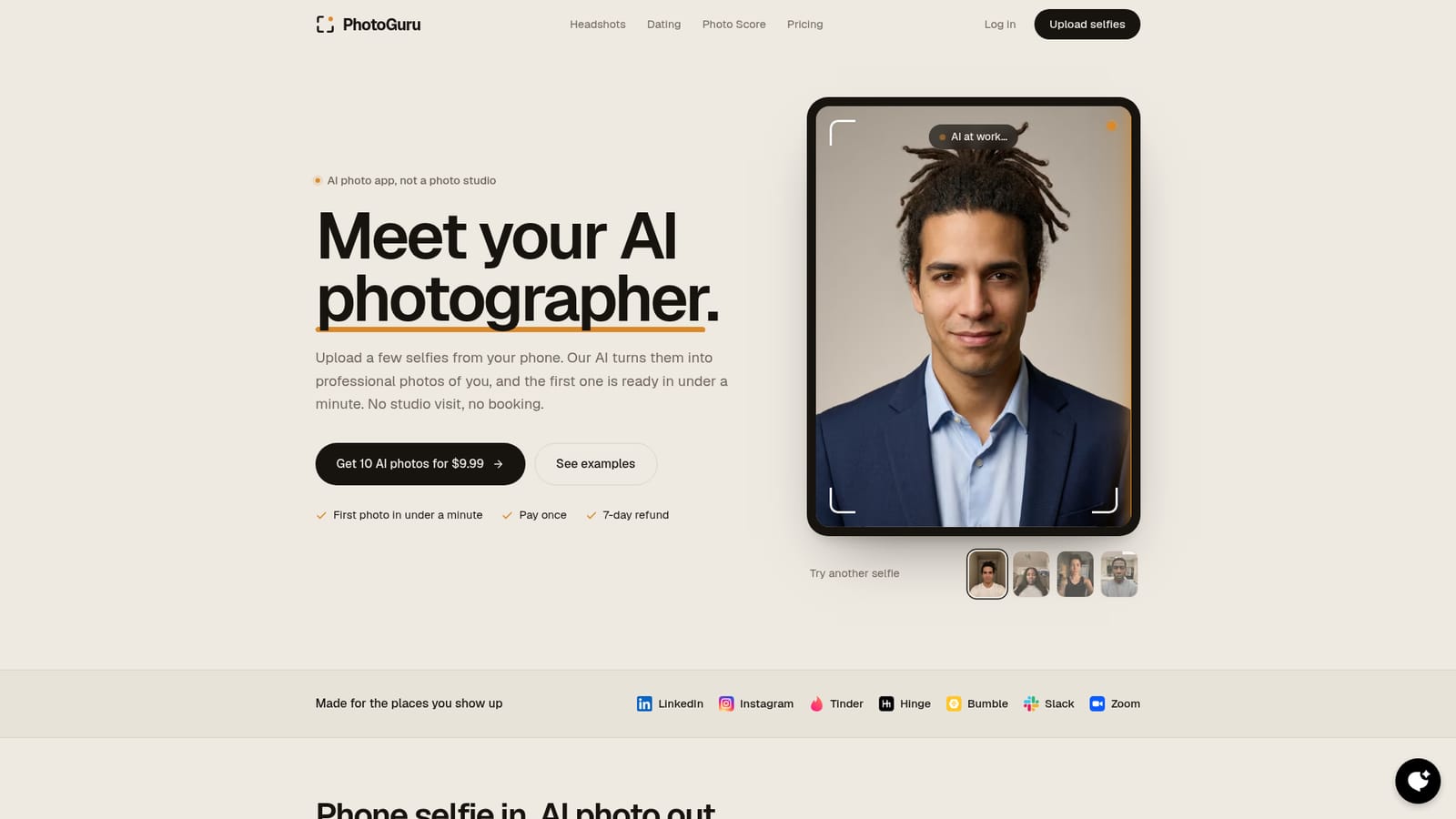
PhotoGuruAI is an avatar presentation tool. An AI photo app that converts a few phone selfies into professional-looking portraits for LinkedIn, dating profiles and work chat avatars. Packs are bought once, the first photo is promised in under a minute, and 10 photos cost $9.99.

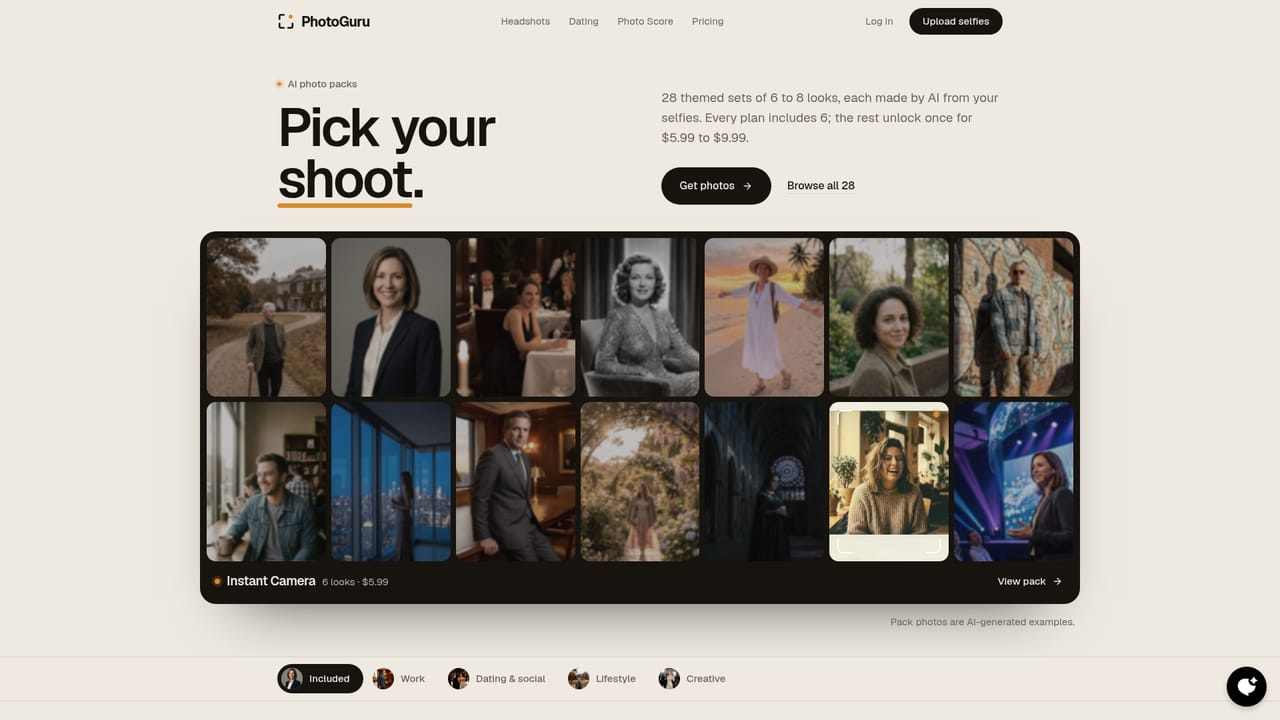
PhotoGuruAI is a self-service AI photo app that turns ordinary phone selfies into studio-style portraits. The pitch is deliberately narrow: no photographer, no booking, no travel. A user uploads a handful of selfies, the model generates a set of polished photos in the looks and settings it offers, and the first image typically lands in under a minute. The company positions the product as a replacement for a headshot session rather than as a general image editor. The tool is aimed at people who need a credible photo in a specific context: a LinkedIn or company-site headshot, dating app profiles on Tinder, Hinge and Bumble, or a more presentable avatar for Slack and Zoom. It also covers creative uses through portrait styles such as Cinematic, High Fashion, Neon Glow and Soft Ethereal. Because the same uploads feed every style, a single selfie set can produce work photos and personal ones at the same time. The workflow is short. Users pick a photo pack, upload selfies, and receive a batch of generated images. Six packs come with every plan, including LinkedIn Headshot, Dating Photos and Creative Portraits, while premium packs such as Executive Suite, Old Money and Travel & Adventure are sold as paid add-ons. The site advertises 38 looks in total and lets buyers choose between 10 and 100 photos. Purchases are one-time rather than recurring, and unused credits reportedly do not expire. Against dedicated AI headshot services, PhotoGuruAI competes mainly on price and speed: 10 photos for $9.99 against typical US studio sessions quoted at $150 to $500 with multi-day turnaround. The trade-off is that it is a single-purpose product for portraits of people. It is not a general image editor or a bulk corporate headshot platform, and anyone wanting heavy retouching control will find the pack-based model more rigid than a manual editor.

How do you use PhotoGuruAI?

  1. 1Pick a photo pack for the profile you are filling
    Browse the pack list and choose the context that matches your goal, such as LinkedIn Headshot for work or Dating Photos for personal profiles. Six packs are included with every plan.
    PhotoGuruAI — Pick a photo pack for the profile you are filling
  2. 2Upload a few phone selfies
    Supply several selfies taken on your phone. The same uploads are reused across every style, so one set covers all the looks you want to try.
    PhotoGuruAI — Upload a few phone selfies
  3. 3Generate your first photo
    Start the generation and wait for the first result, which the site says arrives in under a minute. Review it against your selfies before committing to a larger batch.
  4. 4Choose how many photos you want
    Select a batch size between 10 and 100. The entry offer is 10 AI photos for $9.99, paid once rather than as a subscription.
    PhotoGuruAI — Choose how many photos you want
  5. 5Add premium looks if the included ones are not enough
    Extend the set with paid add-on packs such as Executive Suite, Old Money or Travel & Adventure if your use case needs a different register.
  6. 6Refine or extend the results
    Use the photo editor for adjustments to the generated images, or move to the video generator if you want motion output from the same material.
    PhotoGuruAI — Refine or extend the results

Pros and cons

Pros

  • First generated photo is promised in under a minute, far quicker than a studio bookingAI
  • One-time payment model with credits that do not expire, so there is no subscription to cancelAI
  • 38 looks across six included packs plus optional premium packs, covering work, dating and creative usesAI
  • Clear price anchor next to studio sessions quoted at $150 to $500 for one to three edited shotsAI
  • Same selfie upload feeds every style, so one session covers several profile typesAI

Cons

  • Output is confined to preset packs and styles, with no sign of manual retouching or prompt-level controlAI
  • Portraits only: there is no general image editing or background workflow outside the pack systemAI
  • Quality depends heavily on the source selfies, and the site gives no guidance on rejection or retry policy beyond the refund windowAI
  • Premium packs cost extra on top of the base price, so a broad set of looks adds up quicklyAI
  • No native mobile apps are listed, leaving phone users to work through the browserAI

How much does PhotoGuruAI cost?

Pricing

10 AI photos cost $9.99 as a one-time payment. Buyers can choose between 10 and 100 photos. Six packs are included with every plan, while premium packs such as Executive Suite ($9.99), Old Money, Travel & Adventure and others cost $5.99 to $9.99 each. Credits do not expire and a 7-day refund is offered.

Learn more

Support

A 7-day refund window is stated on the homepage. No support channels, documentation or help centre are described in the source material.

Features

Selfie-to-portrait generation with the first photo promised in under a minute. Thirty-eight looks span work styles (Executive, Business Casual, Conference Speaker, Clean Background) and creative ones (Cinematic, High Fashion, Neon Glow, Soft Ethereal). Six packs ship with every plan, premium packs are sold separately, batch sizes run from 10 to 100 photos, and unused credits do not expire.

Learn more

Frequently asked questions about PhotoGuruAI

  • How much does PhotoGuruAI cost?
    10 AI photos cost $9.99 as a one-time payment. Buyers can choose between 10 and 100 photos. Six packs are included with every plan, while premium packs such as Executive Suite ($9.99), Old Money, Travel & Adventure and others cost $5.99 to $9.99 each. Credits do not expire and a 7-day refund is offered.
  • How do you use PhotoGuruAI?
    The walkthrough on this page covers 6 steps: 1. Pick a photo pack for the profile you are filling 2. Upload a few phone selfies 3. Generate your first photo 4. Choose how many photos you want 5. Add premium looks if the included ones are not enough 6. Refine or extend the results.
  • What platforms does PhotoGuruAI support?
    PhotoGuruAI is available on Web App.
  • What are the limitations of PhotoGuruAI?
    Output is confined to preset packs and styles, with no sign of manual retouching or prompt-level control. Portraits only: there is no general image editing or background workflow outside the pack system. Quality depends heavily on the source selfies, and the site gives no guidance on rejection or retry policy beyond the refund window.

Status

StatusActive
Views0
Outbound clicks0
Added10/21/2026

Platforms

Web App

Pricing

Paid