Free trial
A free trial is offered to businesses through a request form asking for name, company and business email. The first avatar in MetaPerson Creator is also free to create and export.
Learn moreSelfie to rigged 3D avatar for games, VR and the web

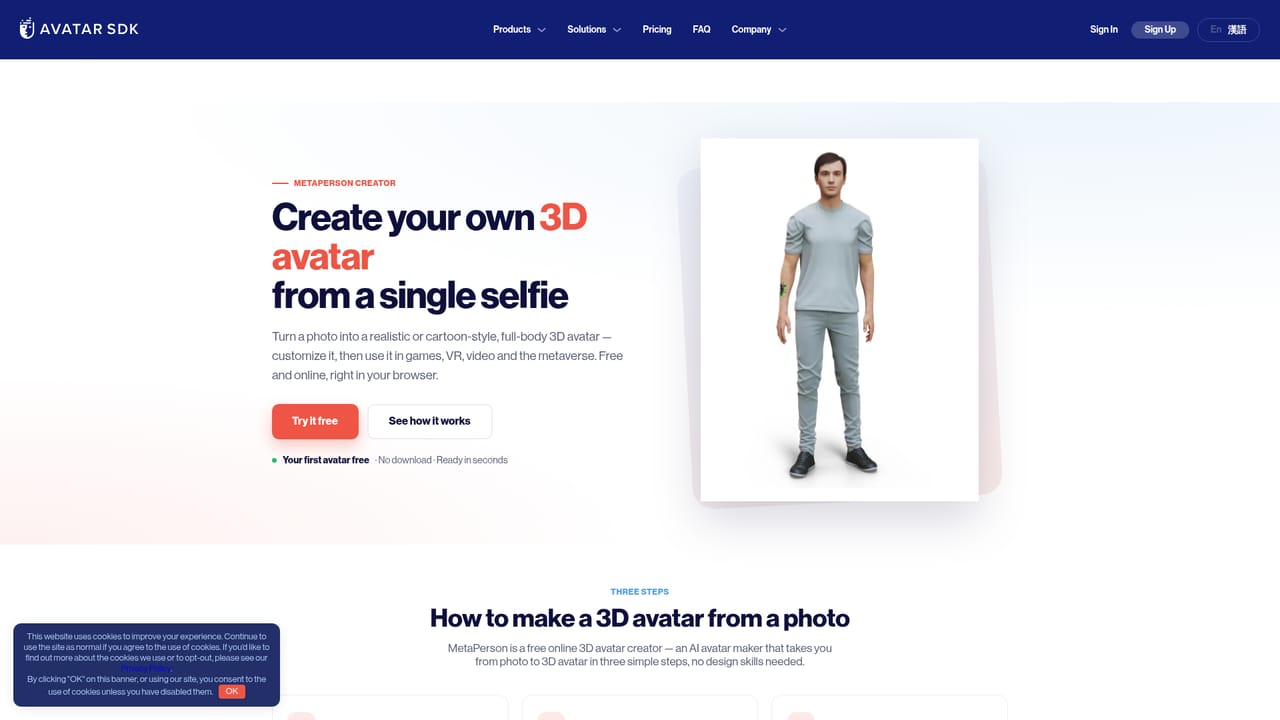
Avatar SDK turns one selfie into a rigged, full-body 3D avatar in realistic or cartoon style, editable in the browser and exportable as GLB, glTF or FBX for Unity, Unreal and the web. Engine plugins and a Cloud API cover teams that need avatars at volume.
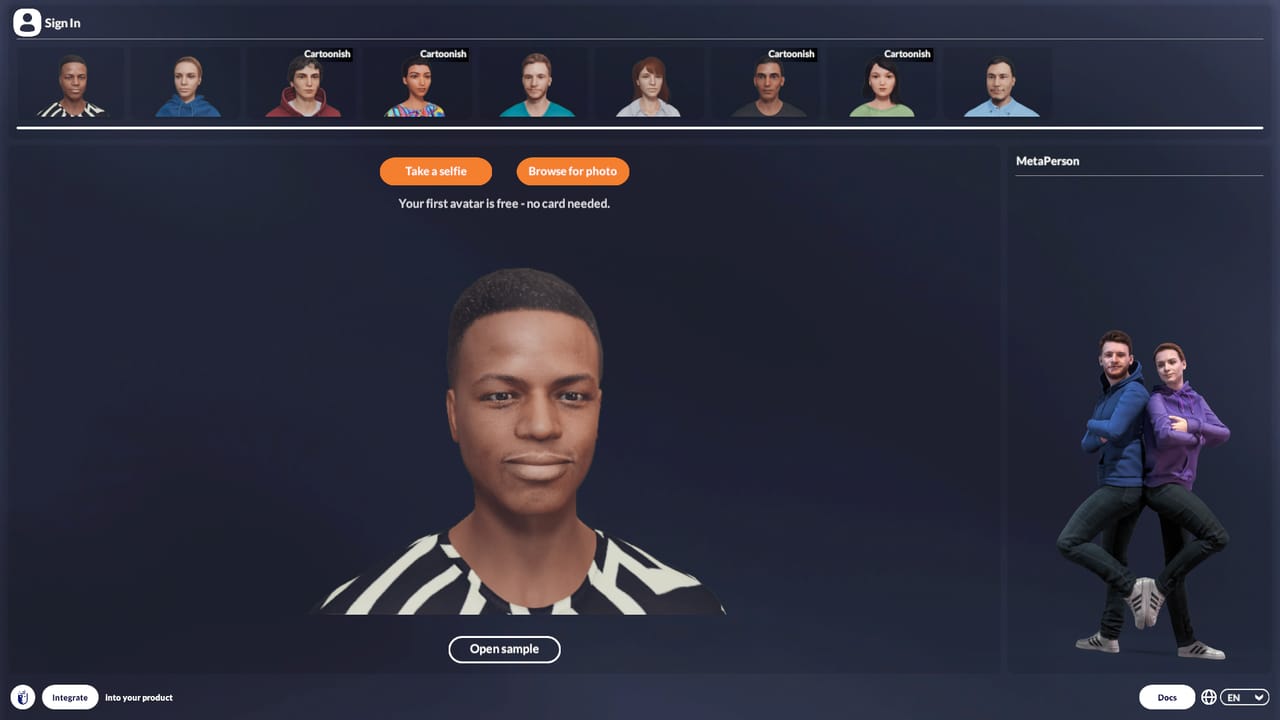
Avatar SDK is a 3D avatar platform built around a single idea: one front-facing photo should be enough to produce a recognizable, full-body digital human. The consumer-facing tool, MetaPerson Creator, runs entirely in a browser on desktop and mobile. A selfie is uploaded, the pipeline reconstructs facial geometry, generates skin and hair textures, and attaches the head to a rigged full-body model that carries outfits and blendshapes. Generation takes roughly a minute and needs no 3D software or modeling skill. Two styling paths are offered. Realistic mode aims for a true-to-life likeness that remains identifiable as the person in the photo. Cartoon mode produces a stylized, more expressive version from the same input. From there, an editor exposes facial features, body shape, hairstyles and outfits, so the avatar can be tuned rather than accepted as generated. Export is in GLB, glTF or FBX, and models arrive Humanoid-rigged and Mixamo-compatible, which means they animate immediately after import into Unity, Unreal or a web app. Beyond the creator, Avatar SDK sells an integration layer. Avatar SDK Leap is a plugin for Unity and Unreal Engine that brings avatar generation and animation into engine workflows. A Cloud API handles bulk conversion of user photos into avatars, and local compute is also available for teams that cannot send images off device. The vendor reports hundreds of customers, ranging from startups to large enterprises, with public references in video conferencing, metaverse, games and marketing. The tool sits in a specific niche. VRoid Studio targets hand-built anime characters, MetaHuman Creator targets cinematic Unreal pipelines, and Avaturn offers a comparable selfie flow. Avatar SDK competes on photo fidelity plus engine-ready rigged output, which makes it a fit for game studios, VR and VRChat creators, and product teams that need avatars at scale rather than a single hero character.
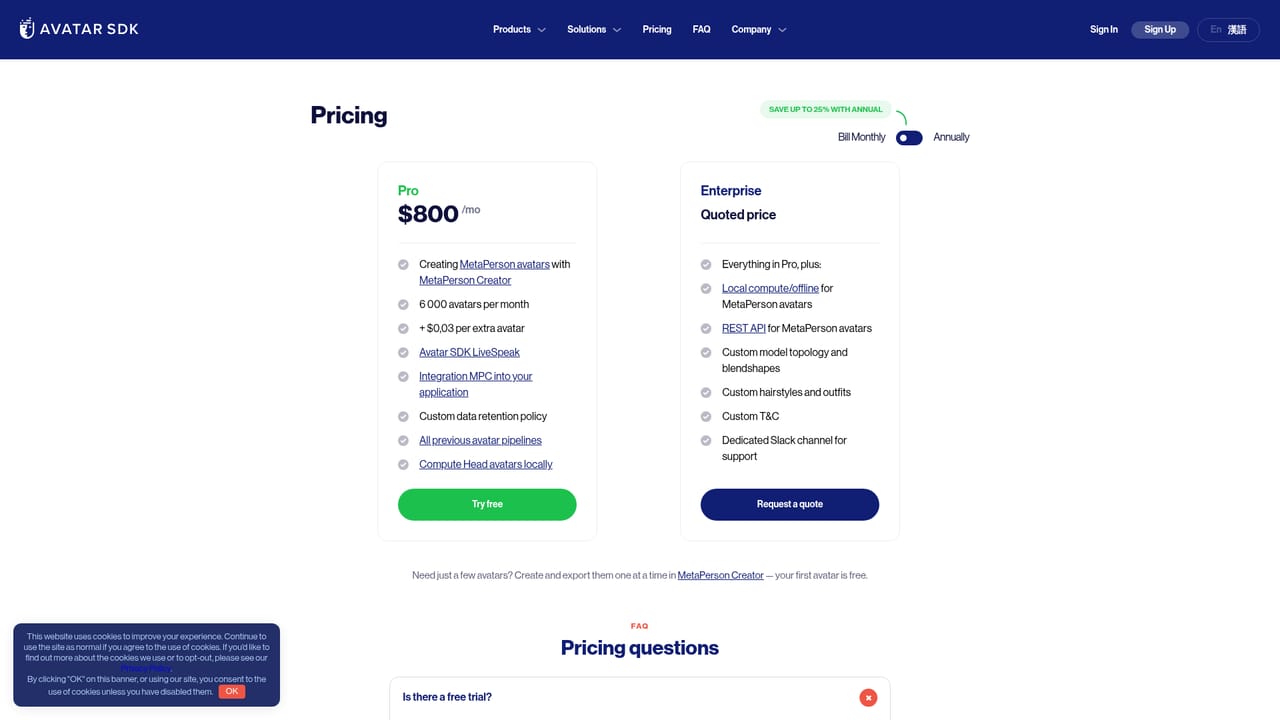
A free trial is offered to businesses through a request form asking for name, company and business email. The first avatar in MetaPerson Creator is also free to create and export.
Learn moreThe first avatar is free to create and export. Additional avatars are paid for with in-app credits rather than a subscription, per the site's FAQ. Business plans are listed on the cloud pricing page, and a trial can be requested through a form. Exact tiers and credit rates are not stated on the homepage.
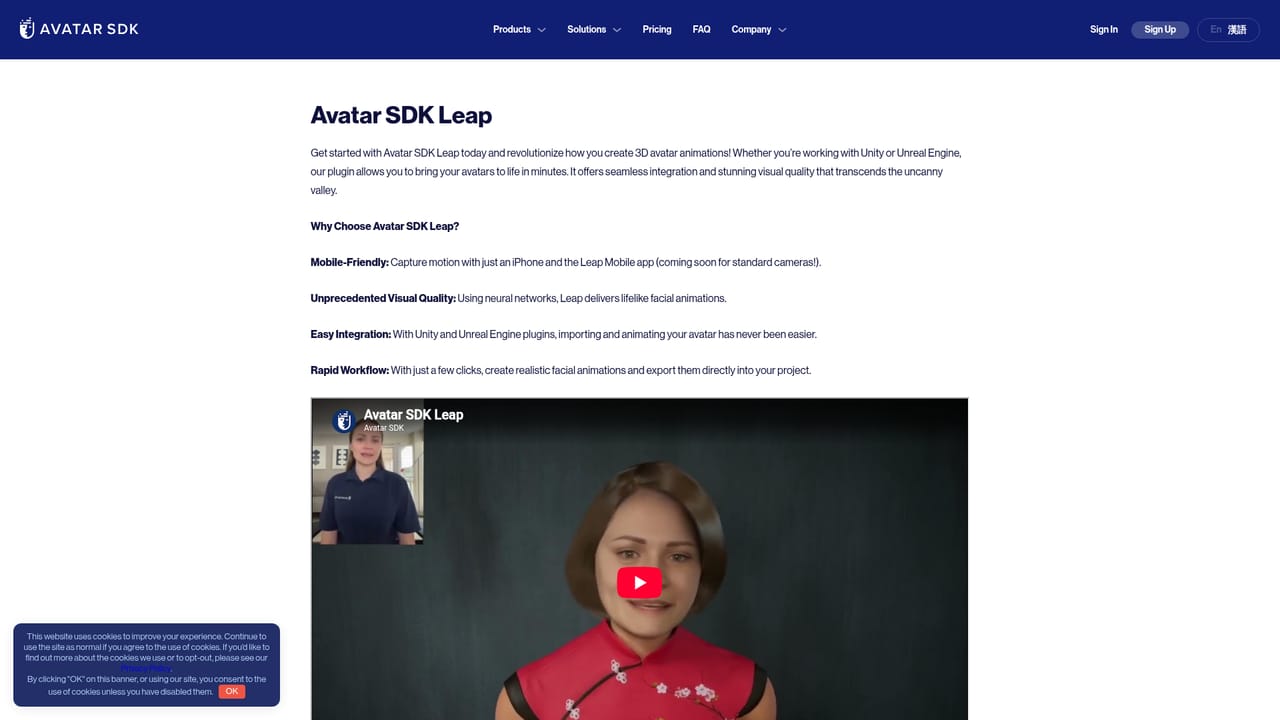
Learn moreAvatar SDK Leap is a plugin for Unity and Unreal Engine, and exported GLB, glTF and FBX models import into those engines and web apps. Avatars are Mixamo-compatible for animation. A Cloud API supports programmatic avatar creation.
Learn moreSingle-selfie generation of a full-body 3D avatar in about a minute, in realistic or cartoon style. In-browser editing of facial features, body shape, hairstyles and outfits. Export as GLB, glTF or FBX with Humanoid rigging and Mixamo compatibility. Leap plugin for Unity and Unreal Engine, a Cloud API for bulk avatar creation, and an option to run generation on local compute.
Learn more AI Angels400+ customizable AI girlfriends for NSFW chat, voice calls, and roleplay
 Candy AIExperience the future of companionship with AI friends who chat, role-play, and connect with you on a human level.
 ourdream.aiA vast AI roleplay platform with millions of characters for chat, images, video and voiceAI Angels400+ customizable AI girlfriends for NSFW chat, voice calls, and roleplayCandy AIExperience the future of companionship with AI friends who chat, role-play, and connect with you on a human level.ourdream.aiA vast AI roleplay platform with millions of characters for chat, images, video and voice
.png)