Integrations
Works with existing Gmail accounts. Outlook, Android and further integrations are announced as forthcoming rather than available.
Swipe through your inbox and clear it in a minute a day

Avec is an email summarization tool. An email app for Gmail users who want to clear their inbox fast. It serves messages as swipeable cards, saves the rest for later, drafts replies from voice, and unifies multiple addresses in one view.
Avec is an email client built around a single premise: most people do not want to read their inbox, they want to empty it. The app pulls your messages into a prioritized queue and presents them one card at a time, so each email gets a fast decision rather than a long scroll. Swipe right to mark a message done, swipe left to save it for later. The interface borrows the card stack interaction people already know from dating apps, which makes the sorting habit feel familiar from the first session. The app is designed for people who dread email but still depend on it for work and family logistics. It works with an existing Gmail account, and anyone juggling several addresses can route them into a single unified view. When you reach a computer, the tasks you saved on mobile are waiting so nothing gets dropped between devices. Voice input covers the reply problem: speak a few rough points, and Avec drafts an email in your own tone that you can review, adjust and send. A search box answers plain language questions about your mail instead of making you dig through threads. Avec positions itself between a traditional client and a task manager. Gmail, Outlook and Apple Mail treat every message as something to open; Avec treats it as something to triage, and then nudges you with smart notifications that summarize what happened and what needs a decision next. Folders and labels take a back seat to the swipe queue and the later pile. Availability is the main catch today. The build ships for Mac and iOS, with Outlook and Android support only promised through a notification list. Pricing is not published on the homepage, and the app is offered as a free download. Anyone outside the Apple ecosystem should treat it as a wait rather than a switch.
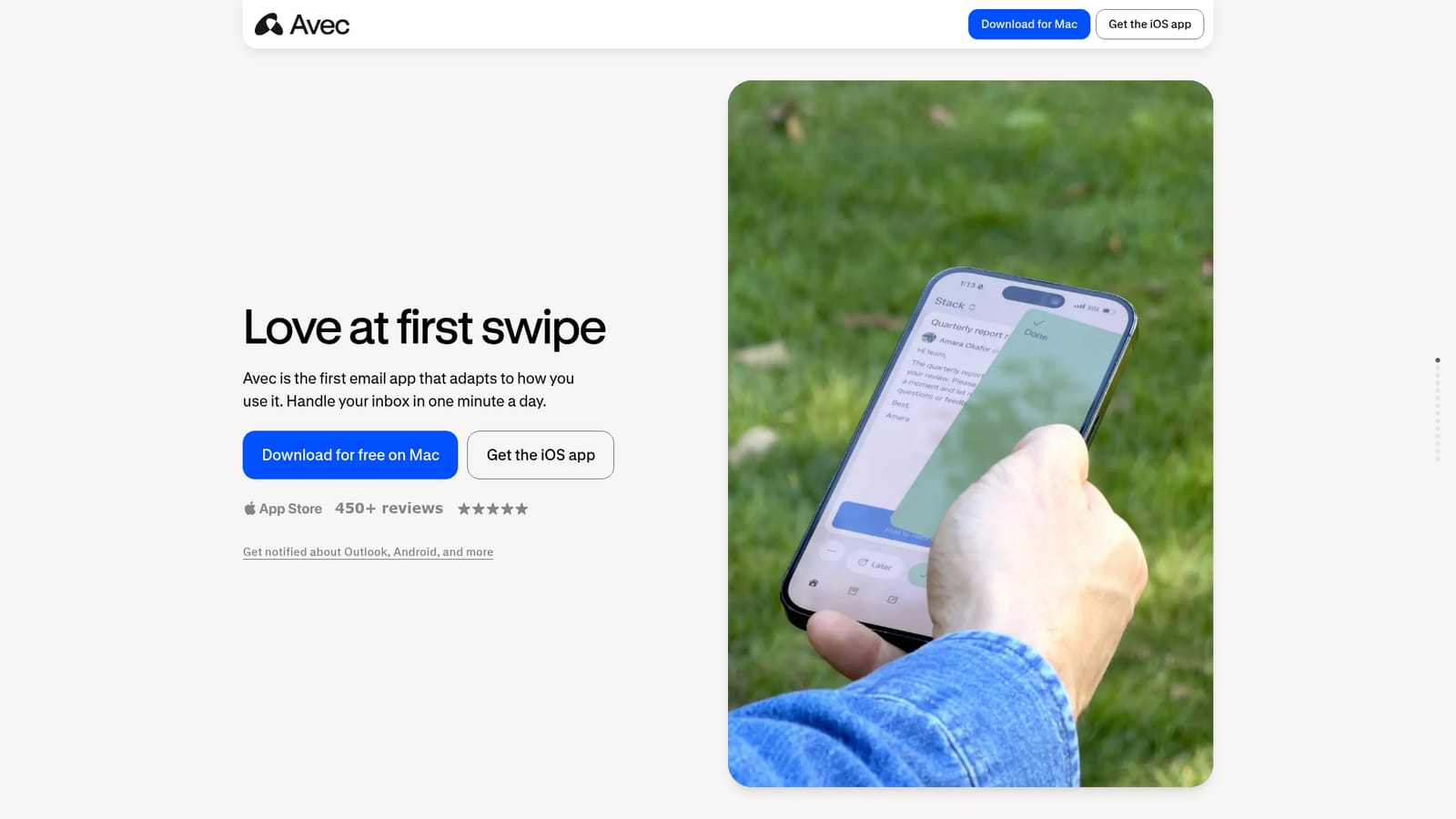
Works with existing Gmail accounts. Outlook, Android and further integrations are announced as forthcoming rather than available.
Core pieces include a prioritized card queue with swipe to done or swipe to later, a unified inbox for multiple addresses, voice to draft composition, plain language search over your mail, and smart notifications that summarize what arrived and what to do next.
 AI Angels400+ customizable AI girlfriends for NSFW chat, voice calls, and roleplay
 Candy AIExperience the future of companionship with AI friends who chat, role-play, and connect with you on a human level.
 ourdream.aiA vast AI roleplay platform with millions of characters for chat, images, video and voiceAI Angels400+ customizable AI girlfriends for NSFW chat, voice calls, and roleplayCandy AIExperience the future of companionship with AI friends who chat, role-play, and connect with you on a human level.ourdream.aiA vast AI roleplay platform with millions of characters for chat, images, video and voice


